Compare commits
| Author | SHA1 | Date | |
|---|---|---|---|
 Piotr Skalski |
a61440ee0b | ||
|
Piotr Skalski
|
9bf9685165 | ||
|
Christoph Deil
|
e37b32f5ca | ||
|
Piotr Skalski
|
7ecfc9f475 |
@@ -1,41 +0,0 @@
|
||||
# see https://docs.codecov.io/docs/codecov-yaml
|
||||
# Validation check:
|
||||
# $ curl --data-binary @.codecov.yml https://codecov.io/validate
|
||||
|
||||
# https://docs.codecov.io/docs/codecovyml-reference
|
||||
codecov:
|
||||
bot: "codecov-io"
|
||||
strict_yaml_branch: "yaml-config"
|
||||
require_ci_to_pass: yes
|
||||
notify:
|
||||
# after_n_builds: 2
|
||||
wait_for_ci: yes
|
||||
|
||||
coverage:
|
||||
precision: 0 # 2 = xx.xx%, 0 = xx%
|
||||
round: nearest # how coverage is rounded: down/up/nearest
|
||||
range: 40...100 # custom range of coverage colors from red -> yellow -> green
|
||||
status:
|
||||
project:
|
||||
default:
|
||||
informational: true
|
||||
target: 95% # specify the target coverage for each commit status
|
||||
threshold: 10% # allow this little decrease on project
|
||||
# branches: master
|
||||
if_ci_failed: error
|
||||
patch:
|
||||
default:
|
||||
informational: true
|
||||
target: 95% # enforce same coverage target for new/changed code as the project
|
||||
threshold: 10% # allow only a small decrease on patch coverage
|
||||
changes: false
|
||||
|
||||
# https://docs.codecov.com/docs/github-checks#disabling-github-checks-patch-annotations
|
||||
github_checks:
|
||||
annotations: false
|
||||
|
||||
comment:
|
||||
layout: header, diff
|
||||
require_changes: false
|
||||
behavior: default # update if exists else create new
|
||||
# branches: *
|
||||
@@ -1,68 +1,65 @@
|
||||
name: 🐞 Bug Report
|
||||
title: "[Bug]: "
|
||||
description: Report a bug or unexpected behavior in Supervision
|
||||
# title: " "
|
||||
description: Problems with Supervision
|
||||
labels: [bug]
|
||||
body:
|
||||
- type: markdown
|
||||
attributes:
|
||||
value: |
|
||||
Thank you for submitting a Supervision 🐞 Bug Report!
|
||||
|
||||
- type: checkboxes
|
||||
attributes:
|
||||
label: Search before asking
|
||||
description: Please search [issues](https://github.com/roboflow/supervision/issues) and [discussions](https://github.com/roboflow/supervision/discussions) first.
|
||||
description: >
|
||||
Please search the [issues](https://github.com/roboflow/supervision/issues) to see if a similar bug report already exists.
|
||||
options:
|
||||
- label: I have searched the issues and discussions and found no similar bug report.
|
||||
- label: >
|
||||
I have searched the Supervision [issues](https://github.com/roboflow/supervision/issues) and found no similar bug report.
|
||||
required: true
|
||||
|
||||
- type: textarea
|
||||
attributes:
|
||||
label: Bug
|
||||
description: Describe the bug, what you expected, and what actually happened.
|
||||
description: Provide console output with error messages and/or screenshots of the bug.
|
||||
placeholder: |
|
||||
**What's the bug?**
|
||||
Brief description...
|
||||
|
||||
**Expected behavior:**
|
||||
What should happen...
|
||||
|
||||
**Actual behavior:**
|
||||
What actually happens...
|
||||
|
||||
**Error/Traceback (if any):**
|
||||
```python
|
||||
# Paste error messages here
|
||||
```
|
||||
💡 ProTip! Include as much information as possible (screenshots, logs, tracebacks etc.) to receive the most helpful response.
|
||||
validations:
|
||||
required: true
|
||||
|
||||
- type: textarea
|
||||
attributes:
|
||||
label: Environment
|
||||
description: Your setup details
|
||||
description: Please specify the software and hardware you used to produce the bug.
|
||||
placeholder: |
|
||||
- Supervision: 0.23.0
|
||||
- Python: 3.10.12
|
||||
- OS: Ubuntu 22.04
|
||||
value: |
|
||||
- Supervision:
|
||||
- Python:
|
||||
- OS:
|
||||
- Supervision: 0.1.0
|
||||
- OS: Ubuntu 20.04
|
||||
- Python: 3.8.10
|
||||
validations:
|
||||
required: true
|
||||
required: false
|
||||
|
||||
- type: textarea
|
||||
attributes:
|
||||
label: Minimal Reproducible Example
|
||||
description: Code to reproduce the bug ([guide](https://stackoverflow.com/help/minimal-reproducible-example))
|
||||
description: >
|
||||
When asking a question, people will be better able to provide help if you provide code that they can easily understand and use to **reproduce** the problem.
|
||||
This is referred to by community members as creating a [minimal reproducible example](https://stackoverflow.com/help/minimal-reproducible-example).
|
||||
placeholder: |
|
||||
```python
|
||||
import supervision as sv
|
||||
|
||||
# Your code here
|
||||
```
|
||||
# Code to reproduce your issue here
|
||||
```
|
||||
validations:
|
||||
required: false
|
||||
|
||||
- type: textarea
|
||||
attributes:
|
||||
label: Additional
|
||||
description: Anything else you would like to share?
|
||||
|
||||
- type: checkboxes
|
||||
attributes:
|
||||
label: Are you willing to submit a PR?
|
||||
description: (Optional) We encourage community contributions!
|
||||
description: >
|
||||
(Optional) We encourage you to submit a [Pull Request](https://github.com/roboflow/supervision/pulls) (PR) to help improve Supervision for everyone, especially if you have a good understanding of how to implement a fix or feature.
|
||||
options:
|
||||
- label: Yes I'd like to help by submitting a PR!
|
||||
|
||||
@@ -1,17 +0,0 @@
|
||||
blank_issues_enabled: false
|
||||
contact_links:
|
||||
- name: ❓ Ask a Question
|
||||
url: https://github.com/roboflow/supervision/discussions/new?category=q-a
|
||||
about: Ask questions about using Supervision in GitHub Discussions
|
||||
- name: 📚 Documentation
|
||||
url: https://supervision.roboflow.com/
|
||||
about: Check the official Supervision documentation for guides and API references
|
||||
- name: 💬 GitHub Discussions
|
||||
url: https://github.com/roboflow/supervision/discussions
|
||||
about: Join community discussions, share ideas, and get help
|
||||
- name: 🌟 Show and Tell
|
||||
url: https://github.com/roboflow/supervision/discussions/categories/show-and-tell
|
||||
about: Share your projects and creations built with Supervision
|
||||
- name: 🗣️ Roboflow Discord
|
||||
url: https://discord.com/invite/GbfgXGJ8Bk
|
||||
about: Join our Discord to collaborate with other community members
|
||||
@@ -1,6 +1,6 @@
|
||||
name: 🤩 Feature Request
|
||||
title: "[Feature]: "
|
||||
description: Suggest a new feature or improvement
|
||||
description: Suggest a Supervision idea
|
||||
# title: " "
|
||||
labels: [enhancement]
|
||||
body:
|
||||
- type: markdown
|
||||
@@ -11,40 +11,39 @@ body:
|
||||
- type: checkboxes
|
||||
attributes:
|
||||
label: Search before asking
|
||||
description: Please search [issues](https://github.com/roboflow/supervision/issues) and [discussions](https://github.com/roboflow/supervision/discussions) first.
|
||||
description: >
|
||||
Please search the [issues](https://github.com/roboflow/supervision/issues) to see if a similar feature request already exists.
|
||||
options:
|
||||
- label: I have searched the issues and discussions and found no similar feature request.
|
||||
- label: >
|
||||
I have searched the Supervision [issues](https://github.com/roboflow/supervision/issues) and found no similar feature requests.
|
||||
required: true
|
||||
|
||||
- type: textarea
|
||||
attributes:
|
||||
label: Feature Description
|
||||
description: What feature would you like and why?
|
||||
label: Description
|
||||
description: A short description of your feature.
|
||||
placeholder: |
|
||||
**What:** Describe the feature...
|
||||
|
||||
**Why:** What problem does it solve? Who would benefit?
|
||||
|
||||
**How (optional):** Any ideas on implementation?
|
||||
What new feature would you like to see in Supervision?
|
||||
validations:
|
||||
required: true
|
||||
|
||||
- type: textarea
|
||||
attributes:
|
||||
label: Example Usage
|
||||
description: (Optional) Show how you'd like to use this feature
|
||||
label: Use case
|
||||
description: |
|
||||
Describe the use case of your feature request. It will help us understand and prioritize the feature request.
|
||||
placeholder: |
|
||||
```python
|
||||
import supervision as sv
|
||||
How would this feature be used, and who would use it?
|
||||
|
||||
# Your example usage here
|
||||
```
|
||||
validations:
|
||||
required: false
|
||||
- type: textarea
|
||||
attributes:
|
||||
label: Additional
|
||||
description: Anything else you would like to share?
|
||||
|
||||
- type: checkboxes
|
||||
attributes:
|
||||
label: Are you willing to submit a PR?
|
||||
description: (Optional) We encourage community contributions!
|
||||
description: >
|
||||
(Optional) We encourage you to submit a [Pull Request](https://github.com/roboflow/supervision/pulls) (PR) to help improve Supervision for everyone, especially if you have a good understanding of how to implement a fix or feature.
|
||||
options:
|
||||
- label: Yes I'd like to help by submitting a PR!
|
||||
|
||||
@@ -0,0 +1,33 @@
|
||||
name: ❓ Question
|
||||
description: Ask a Supervision question
|
||||
# title: " "
|
||||
labels: [question]
|
||||
body:
|
||||
- type: markdown
|
||||
attributes:
|
||||
value: |
|
||||
Thank you for asking a Supervision ❓ Question!
|
||||
|
||||
- type: checkboxes
|
||||
attributes:
|
||||
label: Search before asking
|
||||
description: >
|
||||
Please search the [issues](https://github.com/roboflow/supervision/issues) to see if a similar feature request already exists.
|
||||
options:
|
||||
- label: >
|
||||
I have searched the Supervision [issues](https://github.com/roboflow/supervision/issues) and found no similar feature requests.
|
||||
required: true
|
||||
|
||||
- type: textarea
|
||||
attributes:
|
||||
label: Question
|
||||
description: What is your question?
|
||||
placeholder: |
|
||||
💡 ProTip! Include as much information as possible (screenshots, logs, tracebacks etc.) to receive the most helpful response.
|
||||
validations:
|
||||
required: true
|
||||
|
||||
- type: textarea
|
||||
attributes:
|
||||
label: Additional
|
||||
description: Anything else you would like to share?
|
||||
@@ -1,67 +0,0 @@
|
||||
<details>
|
||||
<summary>Before submitting</summary>
|
||||
|
||||
- [ ] Self-reviewed the code
|
||||
- [ ] Updated documentation, follow [Google-style](https://google.github.io/styleguide/pyguide.html#383-functions-and-methods)
|
||||
- [ ] Added docs entry for autogeneration (if new functions/classes)
|
||||
- [ ] Added/updated tests
|
||||
- [ ] All tests pass locally
|
||||
|
||||
</details>
|
||||
|
||||
## Description
|
||||
|
||||
<!-- Provide a clear and concise description of your changes -->
|
||||
|
||||
## Type of Change
|
||||
|
||||
<!-- Mark the relevant option with an "x" and delete the others -->
|
||||
|
||||
- 🐛 Bug fix (non-breaking change which fixes an issue)
|
||||
- ✨ New feature (non-breaking change which adds functionality)
|
||||
- 💥 Breaking change (fix or feature that would cause existing functionality to not work as expected)
|
||||
- 📝 Documentation update
|
||||
- 🧪 Test update
|
||||
- 🔨 Refactoring (no functional changes)
|
||||
- ⚡ Performance improvement
|
||||
- 🔧 Chore (dependencies, configs, etc.)
|
||||
|
||||
## Motivation and Context
|
||||
|
||||
<!-- Why is this change required? What problem does it solve? -->
|
||||
|
||||
<!-- If it fixes an open issue, please link to the issue here -->
|
||||
|
||||
Closes #(issue)
|
||||
|
||||
## Changes Made
|
||||
|
||||
<!-- List the main changes made in this PR -->
|
||||
|
||||
-
|
||||
-
|
||||
-
|
||||
|
||||
## Testing
|
||||
|
||||
<!-- Describe the tests you ran and how to reproduce them -->
|
||||
|
||||
- [ ] I have tested this code locally
|
||||
- [ ] I have added unit tests that prove my fix is effective or that my feature works
|
||||
- [ ] All new and existing tests pass
|
||||
|
||||
## Google Colab (optional)
|
||||
|
||||
<!-- If applicable, provide a link to a Google Colab notebook demonstrating the feature/fix -->
|
||||
|
||||
<!-- Ensure the notebook is publicly accessible -->
|
||||
|
||||
Colab link:
|
||||
|
||||
## Screenshots/Videos (optional)
|
||||
|
||||
<!-- If applicable, add screenshots or videos to demonstrate the changes -->
|
||||
|
||||
## Additional Notes
|
||||
|
||||
<!-- Any additional information that reviewers should know -->
|
||||
@@ -1,146 +0,0 @@
|
||||
# GitHub Copilot Instructions for Supervision
|
||||
|
||||
This file provides context-aware guidance for GitHub Copilot when working in the Supervision repository.
|
||||
|
||||
---
|
||||
|
||||
## 📚 Repository Overview
|
||||
|
||||
**Supervision** is a Python library providing reusable computer vision utilities for working with object detection models (YOLO, SAM, etc.). It offers tools for detections processing, tracking, annotation, and dataset management.
|
||||
|
||||
- **Languages**: Python 3.9+
|
||||
- **Key Dependencies**: NumPy, OpenCV, SciPy
|
||||
- **License**: MIT
|
||||
|
||||
---
|
||||
|
||||
## 🏗️ Project Structure
|
||||
|
||||
```
|
||||
supervision/
|
||||
├── src/
|
||||
│ └── supervision/ # Main library code
|
||||
│ ├── detection/ # Detection utilities
|
||||
│ ├── draw/ # Annotation and visualization
|
||||
│ ├── tracker/ # Object tracking
|
||||
│ ├── dataset/ # Dataset management
|
||||
│ └── utils/ # Shared utilities
|
||||
├── tests/ # Test suite (mirrors src/supervision/)
|
||||
├── docs/ # MkDocs documentation
|
||||
└── examples/ # Usage examples
|
||||
```
|
||||
|
||||
---
|
||||
|
||||
## 🔧 Development Commands
|
||||
|
||||
**Setup:**
|
||||
|
||||
```bash
|
||||
# Install dependencies
|
||||
uv sync --group dev --group docs --extra metrics
|
||||
|
||||
# Install pre-commit hooks
|
||||
uv run pre-commit install
|
||||
```
|
||||
|
||||
**Quality Checks:**
|
||||
|
||||
```bash
|
||||
# Run all pre-commit hooks (formatting, linting, type checking)
|
||||
uv run pre-commit run --all-files
|
||||
|
||||
# Run tests with coverage
|
||||
uv run pytest --cov=supervision
|
||||
```
|
||||
|
||||
**Documentation:**
|
||||
|
||||
```bash
|
||||
# Serve docs locally at http://127.0.0.1:8000
|
||||
uv run mkdocs serve
|
||||
```
|
||||
|
||||
---
|
||||
|
||||
## 💻 Code Conventions
|
||||
|
||||
### General Guidelines
|
||||
|
||||
- Follow **[AGENTS.md](../AGENTS.md)** for task-based development workflows
|
||||
- Reference **[CONTRIBUTING.md](CONTRIBUTING.md)** for detailed contribution guidelines
|
||||
- All code must pass `pre-commit` hooks before committing
|
||||
|
||||
### Code Style
|
||||
|
||||
- **Formatting**: Enforced by `ruff-format`, `prettier` (pre-commit)
|
||||
- **Linting**: Enforced by `ruff-check` (pre-commit)
|
||||
- **Type Hints**: Required on all new code
|
||||
- **Docstrings**: Required using [Google Python style](https://google.github.io/styleguide/pyguide.html#383-functions-and-methods)
|
||||
- Must include usage examples with primitive values
|
||||
- Serve as runnable documentation
|
||||
|
||||
### Performance
|
||||
|
||||
- Avoid unnecessary NumPy array copies
|
||||
- Prefer vectorized operations over Python loops
|
||||
- Use OpenCV operations efficiently
|
||||
|
||||
### API Design
|
||||
|
||||
- Follow existing naming patterns for consistency
|
||||
- Maintain backward compatibility unless explicitly breaking
|
||||
- Prefer functional utilities over complex classes
|
||||
|
||||
---
|
||||
|
||||
## 🧪 Testing Requirements
|
||||
|
||||
All new features must include:
|
||||
|
||||
- Unit tests covering happy path and edge cases
|
||||
- Tests for `None`, empty inputs, large arrays, boundary conditions
|
||||
- Clear test names describing what they validate
|
||||
- Proper assertions (not just "no exception raised")
|
||||
|
||||
---
|
||||
|
||||
## 📝 Documentation Requirements
|
||||
|
||||
For new public functions/classes:
|
||||
|
||||
- Google-style docstrings with parameters, returns, exceptions
|
||||
- Usage examples in docstrings
|
||||
- Entry in appropriate `docs/*.md` file
|
||||
- Reference in `mkdocs.yml` navigation
|
||||
|
||||
---
|
||||
|
||||
## 🔍 Pull Request Reviews
|
||||
|
||||
**When reviewing PRs, follow the comprehensive [PR Review Guidelines](CONTRIBUTING.md#pr-review-guidelines).**
|
||||
|
||||
Quick checklist:
|
||||
|
||||
- Tests included and passing
|
||||
- Docstrings follow Google style with examples
|
||||
- Pre-commit hooks pass
|
||||
- Breaking changes documented
|
||||
- Score code quality, testing, docs (n/5 scale)
|
||||
- Use inline comments + GitHub suggestion format
|
||||
|
||||
---
|
||||
|
||||
## 🌿 Branching & Commits
|
||||
|
||||
- Branch from `develop` using prefixes: `feat/`, `fix/`, `docs/`, `refactor/`, `perf/`, `test/`, `chore/`
|
||||
- Use **conventional commits**: `feat:`, `fix:`, `docs:`, `refactor:`, `perf:`, `test:`, `chore:`
|
||||
- All PRs target `develop` branch
|
||||
|
||||
---
|
||||
|
||||
## 🎯 Context-Aware Behavior
|
||||
|
||||
**For general development tasks**: Follow [AGENTS.md](../AGENTS.md)
|
||||
**For pull request reviews**: Follow [PR Review Guidelines](CONTRIBUTING.md#pr-review-guidelines)
|
||||
**For detailed processes**: Consult [CONTRIBUTING.md](CONTRIBUTING.md)
|
||||
@@ -8,10 +8,6 @@ updates:
|
||||
commit-message:
|
||||
prefix: ⬆️
|
||||
target-branch: "develop"
|
||||
groups:
|
||||
github-actions:
|
||||
patterns:
|
||||
- "*"
|
||||
# Python
|
||||
- package-ecosystem: "pip"
|
||||
directory: "/"
|
||||
|
||||
@@ -1,27 +0,0 @@
|
||||
verbose = "info"
|
||||
no_progress = true
|
||||
include_verbatim = true
|
||||
retry_wait_time = 10
|
||||
max_retries = 3
|
||||
max_concurrency = 8
|
||||
cache = false
|
||||
accept = [
|
||||
200, # OK
|
||||
408, # Request Timeout
|
||||
# 429 means the server received the request and is actively rate-limiting — the URL is
|
||||
# reachable. Real dead links return 404, 410, 5xx, or fail to connect; none of those
|
||||
# produce a 429, so accepting it here does not hide broken links.
|
||||
429, # Too Many Requests (rate-limited but reachable; does not mask dead links)
|
||||
]
|
||||
|
||||
exclude = [
|
||||
"https://github.com/YOUR_USERNAME/supervision.git", # hint for forking contributors
|
||||
"http://127.0.0.1:8000", # hint for local docs server
|
||||
"https://sam2.metademolab.com/", # returns 403 Forbidden
|
||||
"https://snyk.io/advisor/python/supervision/badge.svg", # badge URL
|
||||
"https://universe.roboflow.com/",
|
||||
"https://universe.roboflow.com/model-examples/segmented-animals-basic",
|
||||
# fixme: this page returns 401 Unauthorized when accessed and 404 Not Found when accessed with browser,
|
||||
# which is weird and should be investigated
|
||||
"https://huggingface.co/spaces/Roboflow/Annotators",
|
||||
]
|
||||
@@ -1,70 +0,0 @@
|
||||
#!/usr/bin/env python3
|
||||
"""
|
||||
Script to augment relative links in markdown files to GitHub URLs.
|
||||
"""
|
||||
|
||||
import argparse
|
||||
import os
|
||||
import re
|
||||
from re import Match
|
||||
|
||||
|
||||
def get_repo_root() -> str:
|
||||
"""Get the repository root path."""
|
||||
script_dir = os.path.dirname(os.path.abspath(__file__))
|
||||
return os.path.dirname(os.path.dirname(script_dir))
|
||||
|
||||
|
||||
def augment_links_in_file(file_path: str, branch: str = "main") -> None:
|
||||
"""
|
||||
Augment relative links in a markdown file to GitHub URLs.
|
||||
|
||||
Args:
|
||||
file_path: Path to the markdown file.
|
||||
branch: Branch name, default "main".
|
||||
"""
|
||||
repo_root = get_repo_root()
|
||||
|
||||
if not file_path.endswith(".md"):
|
||||
return
|
||||
|
||||
with open(file_path) as f:
|
||||
content = f.read()
|
||||
|
||||
def replace_link(match: Match[str]) -> str:
|
||||
full_match = match.group(0)
|
||||
text = match.group(2)
|
||||
url = match.group(3)
|
||||
if not url.startswith("http"):
|
||||
# Resolve relative to an absolute path
|
||||
abs_path = os.path.normpath(os.path.join(os.path.dirname(file_path), url))
|
||||
if os.path.exists(abs_path):
|
||||
# Use 'tree' for directories and 'blob' for files
|
||||
ref = "tree" if os.path.isdir(abs_path) else "blob"
|
||||
rel_to_root = os.path.relpath(abs_path, repo_root)
|
||||
new_url = f"https://github.com/roboflow/supervision/{ref}/{branch}/{rel_to_root}"
|
||||
if full_match.startswith("!"):
|
||||
return f""
|
||||
else:
|
||||
return f"[{text}]({new_url})"
|
||||
return full_match
|
||||
|
||||
new_content = re.sub(r"(!?)\[([^\]]+)\]\(([^)]+)\)", replace_link, content)
|
||||
with open(file_path, "w") as f:
|
||||
f.write(new_content)
|
||||
|
||||
|
||||
def main() -> None:
|
||||
parser = argparse.ArgumentParser(
|
||||
description="Augment relative links to GitHub URLs."
|
||||
)
|
||||
parser.add_argument("--branch", default="main", help="Branch name")
|
||||
parser.add_argument("files", nargs="+", help="Files to process")
|
||||
args = parser.parse_args()
|
||||
|
||||
for file in args.files:
|
||||
augment_links_in_file(file, args.branch)
|
||||
|
||||
|
||||
if __name__ == "__main__":
|
||||
main()
|
||||
@@ -1,56 +0,0 @@
|
||||
name: Build Package
|
||||
|
||||
permissions:
|
||||
contents: read
|
||||
|
||||
on:
|
||||
workflow_call:
|
||||
inputs:
|
||||
python-version:
|
||||
required: false
|
||||
type: string
|
||||
default: "3.10"
|
||||
link-check:
|
||||
required: false
|
||||
type: boolean
|
||||
default: true
|
||||
|
||||
jobs:
|
||||
build:
|
||||
runs-on: ubuntu-latest
|
||||
steps:
|
||||
- name: 📥 Checkout the repository
|
||||
uses: actions/checkout@de0fac2e4500dabe0009e67214ff5f5447ce83dd # v6.0.2
|
||||
|
||||
- name: 🐍 Install uv and set Python version ${{ inputs.python-version }}
|
||||
uses: astral-sh/setup-uv@08807647e7069bb48b6ef5acd8ec9567f424441b # v8.1.0
|
||||
with:
|
||||
python-version: ${{ inputs.python-version }}
|
||||
activate-environment: true
|
||||
|
||||
- name: 🎨 Augment paths in README
|
||||
run: |
|
||||
python .github/scripts/augment_links.py README.md --branch ${{ github.head_ref || github.ref_name }}
|
||||
cat README.md
|
||||
|
||||
- name: 🔗 Link Checker
|
||||
if: inputs.link-check
|
||||
uses: lycheeverse/lychee-action@v2
|
||||
with:
|
||||
lycheeVersion: v0.22.0
|
||||
args: |
|
||||
--config .github/lychee.toml
|
||||
README.md
|
||||
fail: true
|
||||
|
||||
- name: 🏗️ Build source and wheel distributions
|
||||
run: |
|
||||
uv sync --frozen --group build
|
||||
uv build
|
||||
twine check --strict dist/*
|
||||
|
||||
- name: 📤 Upload distribution artifacts
|
||||
uses: actions/upload-artifact@v7
|
||||
with:
|
||||
name: dist
|
||||
path: dist/
|
||||
@@ -1,37 +0,0 @@
|
||||
name: Docs/Test Workflow
|
||||
|
||||
on:
|
||||
push:
|
||||
branches: [main, develop]
|
||||
pull_request:
|
||||
branches: [main, develop]
|
||||
|
||||
concurrency:
|
||||
group: docs-test-${{ github.ref }}
|
||||
cancel-in-progress: ${{ github.event_name == 'pull_request' }}
|
||||
|
||||
# Restrict permissions by default
|
||||
permissions:
|
||||
contents: read # Required for checkout
|
||||
checks: write # Required for test reporting
|
||||
|
||||
jobs:
|
||||
docs-build:
|
||||
name: Test docs build
|
||||
runs-on: ubuntu-latest
|
||||
timeout-minutes: 10
|
||||
steps:
|
||||
- name: 📥 Checkout the repository
|
||||
uses: actions/checkout@de0fac2e4500dabe0009e67214ff5f5447ce83dd # v6.0.2
|
||||
|
||||
- name: 🐍 Install uv and set Python
|
||||
uses: astral-sh/setup-uv@08807647e7069bb48b6ef5acd8ec9567f424441b # v8.1.0
|
||||
with:
|
||||
python-version: "3.10"
|
||||
activate-environment: true
|
||||
|
||||
- name: 🏗️ Install dependencies
|
||||
run: uv sync --frozen --group docs
|
||||
|
||||
- name: 🧪 Test Docs Build
|
||||
run: mkdocs build --verbose
|
||||
@@ -1,37 +0,0 @@
|
||||
name: Check links & references
|
||||
|
||||
permissions:
|
||||
contents: read
|
||||
|
||||
on:
|
||||
push:
|
||||
branches: [main, develop]
|
||||
pull_request:
|
||||
schedule:
|
||||
# Run once a week on Sundays
|
||||
- cron: "0 9 * * 0"
|
||||
|
||||
concurrency:
|
||||
group: ci-check-links-${{ github.ref }}
|
||||
cancel-in-progress: true
|
||||
jobs:
|
||||
links-check:
|
||||
runs-on: ubuntu-latest
|
||||
steps:
|
||||
- name: Checkout repository
|
||||
uses: actions/checkout@v6
|
||||
|
||||
- name: 🔗 Link Checker
|
||||
uses: lycheeverse/lychee-action@v2
|
||||
with:
|
||||
lycheeVersion: v0.22.0
|
||||
args: |
|
||||
--config .github/lychee.toml
|
||||
'./**/*.md'
|
||||
# TODO: enable also following file types
|
||||
# './**/*.toml'
|
||||
# './**/*.yml'
|
||||
# './**/*.yaml'
|
||||
# './**/*.py'
|
||||
fail: true
|
||||
token: ${{ secrets.GITHUB_TOKEN }}
|
||||
@@ -1,90 +0,0 @@
|
||||
name: Pytest/Test Workflow
|
||||
|
||||
on:
|
||||
push:
|
||||
branches: [main, develop]
|
||||
pull_request:
|
||||
branches: [main, develop]
|
||||
|
||||
permissions:
|
||||
contents: read
|
||||
|
||||
concurrency:
|
||||
group: pytest-test-${{ github.ref }}
|
||||
cancel-in-progress: ${{ github.event_name == 'pull_request' }}
|
||||
|
||||
jobs:
|
||||
build-pkg:
|
||||
name: Build this Package
|
||||
uses: ./.github/workflows/build-package.yml
|
||||
with:
|
||||
# only run link check on PRs from the same repo
|
||||
link-check: ${{ github.event_name != 'pull_request' || github.event.pull_request.head.repo.full_name == github.repository }}
|
||||
|
||||
run-tests:
|
||||
name: Import Test and Pytest Run
|
||||
# needs: build # todo: consider using this build package for testing
|
||||
timeout-minutes: 10
|
||||
strategy:
|
||||
fail-fast: false
|
||||
matrix:
|
||||
os: ["ubuntu-latest", "windows-latest", "macos-latest"]
|
||||
python-version: ["3.9", "3.10", "3.11", "3.12", "3.13"]
|
||||
runs-on: ${{ matrix.os }}
|
||||
steps:
|
||||
- name: 📥 Checkout the repository
|
||||
uses: actions/checkout@de0fac2e4500dabe0009e67214ff5f5447ce83dd # v6.0.2
|
||||
|
||||
- name: 🐍 Install uv and set Python version ${{ matrix.python-version }}
|
||||
uses: astral-sh/setup-uv@08807647e7069bb48b6ef5acd8ec9567f424441b # v8.1.0
|
||||
with:
|
||||
python-version: ${{ matrix.python-version }}
|
||||
activate-environment: true
|
||||
|
||||
- name: 🚀 Install Packages
|
||||
run: uv sync --frozen --group dev --group docs --extra metrics
|
||||
|
||||
- name: 📦 Run the Import test
|
||||
run: python -c "import supervision; from supervision import assets; from supervision import metrics; print(supervision.__version__)"
|
||||
|
||||
- name: 🧪 Run the Test
|
||||
run: pytest src/ tests/ --cov=supervision --cov-report=xml
|
||||
|
||||
- name: Generate Coverage Report
|
||||
run: |
|
||||
coverage xml
|
||||
coverage report
|
||||
|
||||
- name: Upload coverage to Codecov
|
||||
uses: codecov/codecov-action@v6
|
||||
with:
|
||||
token: ${{ secrets.CODECOV_TOKEN }}
|
||||
files: "coverage.xml"
|
||||
flags: cpu,${{ runner.os }},python${{ matrix.python-version }}
|
||||
env_vars: OS,PYTHON
|
||||
name: codecov-umbrella
|
||||
fail_ci_if_error: false
|
||||
|
||||
- name: Minimize uv cache
|
||||
run: uv cache prune --ci
|
||||
|
||||
testing-guardian:
|
||||
runs-on: ubuntu-latest
|
||||
needs: run-tests
|
||||
if: always()
|
||||
steps:
|
||||
- name: 📋 Display test result
|
||||
run: echo "${{ needs.run-tests.result }}"
|
||||
- name: ❌ Fail guardian on test failure
|
||||
if: needs.run-tests.result == 'failure'
|
||||
run: exit 1
|
||||
# Ensure that cancelled or skipped test runs still cause this guardian job to fail,
|
||||
# using an explicit exit code instead of relying on timeout behavior.
|
||||
- name: ⚠️ cancelled or skipped...
|
||||
if: contains(fromJSON('["cancelled", "skipped"]'), needs.run-tests.result)
|
||||
run: |
|
||||
echo "run-tests job result is '${{ needs.run-tests.result }}'; failing explicitly."
|
||||
exit 1
|
||||
- name: ✅ tests succeeded
|
||||
if: needs.run-tests.result == 'success'
|
||||
run: echo "All tests completed successfully in job 'run-tests'."
|
||||
@@ -16,7 +16,7 @@ jobs:
|
||||
timeout-minutes: 10
|
||||
steps:
|
||||
- name: Clear cache
|
||||
uses: actions/github-script@3a2844b7e9c422d3c10d287c895573f7108da1b3 # v9.0.0
|
||||
uses: actions/github-script@ed597411d8f924073f98dfc5c65a23a2325f34cd # v8.0.0
|
||||
with:
|
||||
script: |
|
||||
console.log("Starting cache cleanup...")
|
||||
|
||||
@@ -0,0 +1,22 @@
|
||||
name: Combine Dependabot PRs
|
||||
|
||||
on:
|
||||
schedule:
|
||||
- cron: "0 1 * * 3" # Wednesday at 01:00
|
||||
workflow_dispatch: # allows you to manually trigger the workflow
|
||||
|
||||
permissions:
|
||||
contents: write
|
||||
pull-requests: write
|
||||
checks: read
|
||||
|
||||
jobs:
|
||||
combine-prs:
|
||||
name: Combine
|
||||
runs-on: ubuntu-latest
|
||||
steps:
|
||||
- name: combine-prs
|
||||
id: combine-prs
|
||||
uses: github/combine-prs@2909f404763c3177a456e052bdb7f2e85d3a7cb3 # v5.2.0
|
||||
with:
|
||||
labels: combined-pr
|
||||
@@ -1,26 +0,0 @@
|
||||
name: PR Conflict Labeler
|
||||
|
||||
on:
|
||||
# So that PRs touching the same files as the push are updated
|
||||
push:
|
||||
branches:
|
||||
- main
|
||||
- develop
|
||||
# So that the `dirtyLabel` is removed if conflicts are resolved
|
||||
# We recommend `pull_request_target` so that github secrets are available.
|
||||
# In `pull_request` we wouldn't be able to change labels of fork PRs
|
||||
pull_request_target:
|
||||
types: [synchronize]
|
||||
|
||||
permissions:
|
||||
pull-requests: write
|
||||
issues: write
|
||||
jobs:
|
||||
main:
|
||||
runs-on: ubuntu-latest
|
||||
steps:
|
||||
- name: check if prs are dirty
|
||||
uses: eps1lon/actions-label-merge-conflict@v3
|
||||
with:
|
||||
dirtyLabel: "has conflicts"
|
||||
repoToken: "${{ secrets.GITHUB_TOKEN }}"
|
||||
@@ -1,4 +1,4 @@
|
||||
name: Docs/Build and Publish
|
||||
name: Build and Publish Docs
|
||||
|
||||
on:
|
||||
push:
|
||||
@@ -20,92 +20,53 @@ permissions:
|
||||
pull-requests: write # Required for PR comments
|
||||
|
||||
jobs:
|
||||
docs-build-deploy:
|
||||
deploy:
|
||||
name: Publish Docs
|
||||
runs-on: ubuntu-latest
|
||||
timeout-minutes: 10
|
||||
strategy:
|
||||
matrix:
|
||||
python-version: ["3.10"]
|
||||
steps:
|
||||
- name: 📥 Checkout the repository
|
||||
uses: actions/checkout@de0fac2e4500dabe0009e67214ff5f5447ce83dd # v6.0.2
|
||||
uses: actions/checkout@11bd71901bbe5b1630ceea73d27597364c9af683 # v4.2.2
|
||||
with:
|
||||
fetch-depth: 0
|
||||
|
||||
- name: 🐍 Install uv and set Python
|
||||
uses: astral-sh/setup-uv@08807647e7069bb48b6ef5acd8ec9567f424441b # v8.1.0
|
||||
- name: 🐍 Install uv and set Python ${{ matrix.python-version }}
|
||||
uses: astral-sh/setup-uv@85856786d1ce8acfbcc2f13a5f3fbd6b938f9f41 # v7.1.2
|
||||
with:
|
||||
python-version: "3.10"
|
||||
python-version: ${{ matrix.python-version }}
|
||||
activate-environment: true
|
||||
|
||||
|
||||
- name: 🔑 Create GitHub App token (mkdocs)
|
||||
id: mkdocs_token
|
||||
uses: actions/create-github-app-token@df432ceedc7162793a195dd1713ff69aefc7379e # v2.0.6
|
||||
with:
|
||||
app-id: ${{ secrets.MKDOCS_APP_ID }}
|
||||
private-key: ${{ secrets.MKDOCS_PEM }}
|
||||
owner: roboflow
|
||||
repositories: mkdocs-material-insiders
|
||||
|
||||
- name: 🏗️ Install dependencies
|
||||
run: uv sync --frozen --group docs
|
||||
run: |
|
||||
uv pip install -r pyproject.toml --group docs
|
||||
# Install mkdocs-material-insiders using the GitHub App token
|
||||
uv pip install "git+https://roboflow:${{ steps.mkdocs_token.outputs.token }}@github.com/roboflow/mkdocs-material-insiders.git@9.5.49-insiders-4.53.14#egg=mkdocs-material[imaging]"
|
||||
|
||||
- name: ⚙️ Configure git for github-actions
|
||||
run: |
|
||||
git config --global user.name "${{ github.actor }}"
|
||||
git config --global user.email "${{ github.actor }}@users.noreply.github.com"
|
||||
git config --global user.name "github-actions[bot]"
|
||||
git config --global user.email "41898282+github-actions[bot]@users.noreply.github.com"
|
||||
|
||||
- name: 🚀 Deploy Development Docs
|
||||
if: (github.event_name == 'push' && github.ref == 'refs/heads/develop') || github.event_name == 'workflow_dispatch'
|
||||
env:
|
||||
MKDOCS_GIT_COMMITTERS_APIKEY: ${{ secrets.GITHUB_TOKEN }}
|
||||
run: |
|
||||
mike deploy --push develop
|
||||
MKDOCS_GIT_COMMITTERS_APIKEY=${{ secrets.GITHUB_TOKEN }} uv run mike deploy --push develop
|
||||
|
||||
- name: 🚀 Deploy Release Docs
|
||||
if: github.event_name == 'release' && github.event.action == 'published'
|
||||
env:
|
||||
MKDOCS_GIT_COMMITTERS_APIKEY: ${{ secrets.GITHUB_TOKEN }}
|
||||
run: |
|
||||
latest_tag=$(git tag --sort=-v:refname | grep -E '^[0-9]+\.[0-9]+\.[0-9]+$' | head -1)
|
||||
mike deploy --push --update-aliases $latest_tag latest
|
||||
|
||||
# IndexNow key: 0d5d9799b1cc4a39825146388c6781eb
|
||||
# This key must stay in sync across three files:
|
||||
# docs/0d5d9799b1cc4a39825146388c6781eb.txt (key file served at site root)
|
||||
# docs/theme/main.html (indexnow-key meta tag)
|
||||
# this workflow (inject step + notify step below)
|
||||
# Bing/Yandex fetch https://supervision.roboflow.com/<key>.txt to verify ownership.
|
||||
# Do NOT rename or delete the .txt file or change the key string without updating all three.
|
||||
- name: 🌐 Inject GEO root files into gh-pages
|
||||
if: >
|
||||
(github.event_name == 'push' && github.ref == 'refs/heads/develop') ||
|
||||
github.event_name == 'workflow_dispatch' ||
|
||||
(github.event_name == 'release' && github.event.action == 'published')
|
||||
run: |
|
||||
cp docs/robots.txt /tmp/robots.txt
|
||||
cp docs/llms.txt /tmp/llms.txt
|
||||
cp docs/0d5d9799b1cc4a39825146388c6781eb.txt /tmp/indexnow.txt
|
||||
git fetch origin gh-pages
|
||||
git checkout gh-pages
|
||||
cp /tmp/robots.txt robots.txt
|
||||
cp /tmp/llms.txt llms.txt
|
||||
cp /tmp/indexnow.txt 0d5d9799b1cc4a39825146388c6781eb.txt
|
||||
git add robots.txt llms.txt 0d5d9799b1cc4a39825146388c6781eb.txt
|
||||
git diff --cached --quiet || git commit -m "chore: update GEO root files (robots.txt, llms.txt, indexnow)"
|
||||
git push origin gh-pages
|
||||
|
||||
- name: 📡 Notify IndexNow
|
||||
if: >
|
||||
(github.event_name == 'push' && github.ref == 'refs/heads/develop') ||
|
||||
github.event_name == 'workflow_dispatch' ||
|
||||
(github.event_name == 'release' && github.event.action == 'published')
|
||||
run: |
|
||||
curl -s -o /dev/null -w "%{http_code}" -X POST "https://api.indexnow.org/IndexNow" \
|
||||
-H "Content-Type: application/json; charset=utf-8" \
|
||||
-d '{
|
||||
"host": "supervision.roboflow.com",
|
||||
"key": "0d5d9799b1cc4a39825146388c6781eb",
|
||||
"keyLocation": "https://supervision.roboflow.com/0d5d9799b1cc4a39825146388c6781eb.txt",
|
||||
"urlList": [
|
||||
"https://supervision.roboflow.com/",
|
||||
"https://supervision.roboflow.com/latest/",
|
||||
"https://supervision.roboflow.com/latest/how_to/detect_and_annotate/",
|
||||
"https://supervision.roboflow.com/latest/how_to/track_objects/",
|
||||
"https://supervision.roboflow.com/latest/how_to/detect_small_objects/",
|
||||
"https://supervision.roboflow.com/latest/how_to/filter_detections/",
|
||||
"https://supervision.roboflow.com/latest/how_to/save_detections/",
|
||||
"https://supervision.roboflow.com/latest/how_to/count_in_zone/",
|
||||
"https://supervision.roboflow.com/latest/how_to/benchmark_a_model/",
|
||||
"https://supervision.roboflow.com/latest/how_to/process_datasets/"
|
||||
]
|
||||
}' || true
|
||||
latest_tag=$(git describe --tags `git rev-list --tags --max-count=1`)
|
||||
MKDOCS_GIT_COMMITTERS_APIKEY=${{ secrets.GITHUB_TOKEN }} uv run mike deploy --push --update-aliases $latest_tag latest
|
||||
|
||||
@@ -7,23 +7,12 @@ on:
|
||||
- "[0-9]+.[0-9]+[0-9]+.[0-9]+b[0-9]"
|
||||
- "[0-9]+.[0-9]+[0-9]+.[0-9]+rc[0-9]"
|
||||
workflow_dispatch:
|
||||
pull_request:
|
||||
branches: [main, develop]
|
||||
paths:
|
||||
- ".github/workflows/build-package.yml"
|
||||
- ".github/workflows/publish-pre-release.yml"
|
||||
|
||||
permissions: {} # Explicitly remove all permissions by default
|
||||
|
||||
jobs:
|
||||
build:
|
||||
permissions:
|
||||
contents: read
|
||||
uses: ./.github/workflows/build-package.yml
|
||||
|
||||
publish-pre-release:
|
||||
name: Publish Pre-release Package
|
||||
needs: build
|
||||
runs-on: ubuntu-latest
|
||||
environment:
|
||||
name: test
|
||||
@@ -32,17 +21,27 @@ jobs:
|
||||
permissions:
|
||||
id-token: write # Required for PyPI publishing
|
||||
contents: read # Required for checkout
|
||||
strategy:
|
||||
matrix:
|
||||
python-version: ["3.10"]
|
||||
steps:
|
||||
- name: 📥 Download distribution artifacts
|
||||
uses: actions/download-artifact@v8
|
||||
- name: 📥 Checkout the repository
|
||||
uses: actions/checkout@11bd71901bbe5b1630ceea73d27597364c9af683 # v4.2.2
|
||||
|
||||
- name: 🐍 Install uv and set Python version ${{ matrix.python-version }}
|
||||
uses: astral-sh/setup-uv@85856786d1ce8acfbcc2f13a5f3fbd6b938f9f41 # v7.1.2
|
||||
with:
|
||||
name: dist
|
||||
path: dist/
|
||||
- name: List distribution artifacts
|
||||
run: ls -lh dist/
|
||||
python-version: ${{ matrix.python-version }}
|
||||
activate-environment: true
|
||||
|
||||
|
||||
- name: 🏗️ Build source and wheel distributions
|
||||
run: |
|
||||
uv pip install -r pyproject.toml --group build
|
||||
uv build
|
||||
uv run twine check --strict dist/*
|
||||
|
||||
- name: 🚀 Publish to PyPi
|
||||
if: github.event_name != 'pull_request'
|
||||
uses: pypa/gh-action-pypi-publish@cef221092ed1bacb1cc03d23a2d87d1d172e277b # v1.14.0
|
||||
uses: pypa/gh-action-pypi-publish@ed0c53931b1dc9bd32cbe73a98c7f6766f8a527e # v1.13.0
|
||||
with:
|
||||
attestations: true
|
||||
|
||||
@@ -1,26 +1,16 @@
|
||||
name: Publish Supervision Releases to PyPI
|
||||
|
||||
on:
|
||||
release:
|
||||
types: [published]
|
||||
push:
|
||||
tags:
|
||||
- "[0-9]+.[0-9]+[0-9]+.[0-9]"
|
||||
workflow_dispatch:
|
||||
pull_request:
|
||||
branches: [main, develop]
|
||||
paths:
|
||||
- ".github/workflows/build-package.yml"
|
||||
- ".github/workflows/publish-release.yml"
|
||||
|
||||
permissions: {} # Explicitly remove all permissions by default
|
||||
|
||||
jobs:
|
||||
build:
|
||||
permissions:
|
||||
contents: read
|
||||
uses: ./.github/workflows/build-package.yml
|
||||
|
||||
publish-release:
|
||||
name: Publish Release Package
|
||||
needs: build
|
||||
runs-on: ubuntu-latest
|
||||
environment:
|
||||
name: release
|
||||
@@ -28,26 +18,28 @@ jobs:
|
||||
timeout-minutes: 10
|
||||
permissions:
|
||||
id-token: write # Required for PyPI publishing
|
||||
contents: write # Required for checkout and upload assets
|
||||
contents: read # Required for checkout
|
||||
strategy:
|
||||
matrix:
|
||||
python-version: ["3.10"]
|
||||
steps:
|
||||
- name: 📥 Download distribution artifacts
|
||||
uses: actions/download-artifact@v8
|
||||
with:
|
||||
name: dist
|
||||
path: dist/
|
||||
- name: List distribution artifacts
|
||||
run: ls -lh dist/
|
||||
- name: 📥 Checkout the repository
|
||||
uses: actions/checkout@11bd71901bbe5b1630ceea73d27597364c9af683 # v4.2.2
|
||||
|
||||
- name: 📦 Upload assets to Release
|
||||
if: github.event_name == 'release'
|
||||
uses: AButler/upload-release-assets@v3.0
|
||||
- name: 🐍 Install uv and set Python version ${{ matrix.python-version }}
|
||||
uses: astral-sh/setup-uv@85856786d1ce8acfbcc2f13a5f3fbd6b938f9f41 # v7.1.2
|
||||
with:
|
||||
files: "dist/*"
|
||||
repo-token: ${{ secrets.GITHUB_TOKEN }}
|
||||
python-version: ${{ matrix.python-version }}
|
||||
activate-environment: true
|
||||
|
||||
|
||||
- name: 🏗️ Build source and wheel distributions
|
||||
run: |
|
||||
uv pip install -r pyproject.toml --group build
|
||||
uv build
|
||||
uv run twine check --strict dist/*
|
||||
|
||||
- name: 🚀 Publish to PyPi
|
||||
# We only want to publish to PyPi if the event is a release and it's not a pre-release.
|
||||
if: (github.event_name == 'release' && github.event.release.prerelease != true) || github.event_name == 'workflow_dispatch'
|
||||
uses: pypa/gh-action-pypi-publish@cef221092ed1bacb1cc03d23a2d87d1d172e277b # v1.14.0
|
||||
uses: pypa/gh-action-pypi-publish@ed0c53931b1dc9bd32cbe73a98c7f6766f8a527e # v1.13.0
|
||||
with:
|
||||
attestations: true
|
||||
|
||||
@@ -2,23 +2,12 @@ name: Publish Supervision Releases to TestPyPI
|
||||
|
||||
on:
|
||||
workflow_dispatch:
|
||||
pull_request:
|
||||
branches: [main, develop]
|
||||
paths:
|
||||
- ".github/workflows/build-package.yml"
|
||||
- ".github/workflows/publish-testpypi.yml"
|
||||
|
||||
permissions: {} # Explicitly remove all permissions by default
|
||||
|
||||
jobs:
|
||||
build:
|
||||
permissions:
|
||||
contents: read
|
||||
uses: ./.github/workflows/build-package.yml
|
||||
|
||||
publish-testpypi:
|
||||
name: Publish Release Package
|
||||
needs: build
|
||||
runs-on: ubuntu-latest
|
||||
environment:
|
||||
name: release
|
||||
@@ -27,18 +16,28 @@ jobs:
|
||||
permissions:
|
||||
id-token: write # Required for PyPI publishing
|
||||
contents: read # Required for checkout
|
||||
strategy:
|
||||
matrix:
|
||||
python-version: ["3.10"]
|
||||
steps:
|
||||
- name: 📥 Download distribution artifacts
|
||||
uses: actions/download-artifact@v8
|
||||
- name: 📥 Checkout the repository
|
||||
uses: actions/checkout@11bd71901bbe5b1630ceea73d27597364c9af683 # v4.2.2
|
||||
|
||||
- name: 🐍 Install uv and set Python version ${{ matrix.python-version }}
|
||||
uses: astral-sh/setup-uv@85856786d1ce8acfbcc2f13a5f3fbd6b938f9f41 # v7.1.2
|
||||
with:
|
||||
name: dist
|
||||
path: dist/
|
||||
- name: List distribution artifacts
|
||||
run: ls -lh dist/
|
||||
python-version: ${{ matrix.python-version }}
|
||||
activate-environment: true
|
||||
|
||||
|
||||
- name: 🏗️ Build source and wheel distributions
|
||||
run: |
|
||||
uv pip install -r pyproject.toml --group build
|
||||
uv build
|
||||
uv run twine check --strict dist/*
|
||||
|
||||
- name: 🚀 Publish to Test-PyPi
|
||||
if: github.event_name != 'pull_request'
|
||||
uses: pypa/gh-action-pypi-publish@cef221092ed1bacb1cc03d23a2d87d1d172e277b # v1.14.0
|
||||
uses: pypa/gh-action-pypi-publish@ed0c53931b1dc9bd32cbe73a98c7f6766f8a527e # v1.13.0
|
||||
with:
|
||||
repository-url: https://test.pypi.org/legacy/
|
||||
attestations: true
|
||||
|
||||
@@ -0,0 +1,37 @@
|
||||
name: 🧪 Docs Test WorkFlow 📚
|
||||
|
||||
on:
|
||||
pull_request:
|
||||
branches: [main, develop]
|
||||
|
||||
# Restrict permissions by default
|
||||
permissions:
|
||||
contents: read # Required for checkout
|
||||
checks: write # Required for test reporting
|
||||
|
||||
jobs:
|
||||
docs-build-test:
|
||||
name: Test docs build
|
||||
runs-on: ubuntu-latest
|
||||
timeout-minutes: 10
|
||||
strategy:
|
||||
matrix:
|
||||
python-version: ["3.10"]
|
||||
steps:
|
||||
- name: 📥 Checkout the repository
|
||||
uses: actions/checkout@11bd71901bbe5b1630ceea73d27597364c9af683 # v4.2.2
|
||||
with:
|
||||
fetch-depth: 0
|
||||
|
||||
- name: 🐍 Install uv and set Python ${{ matrix.python-version }}
|
||||
uses: astral-sh/setup-uv@85856786d1ce8acfbcc2f13a5f3fbd6b938f9f41 # v7.1.2
|
||||
with:
|
||||
python-version: ${{ matrix.python-version }}
|
||||
activate-environment: true
|
||||
|
||||
- name: 🏗️ Install dependencies
|
||||
run: |
|
||||
uv pip install -r pyproject.toml --group docs
|
||||
|
||||
- name: 🧪 Test Docs Build
|
||||
run: uv run mkdocs build --verbose
|
||||
@@ -0,0 +1,35 @@
|
||||
name: 🔧 Pytest/Test Workflow
|
||||
|
||||
on:
|
||||
pull_request:
|
||||
branches: [main, develop]
|
||||
|
||||
jobs:
|
||||
run-tests:
|
||||
name: Import Test and Pytest Run
|
||||
timeout-minutes: 10
|
||||
strategy:
|
||||
fail-fast: false
|
||||
matrix:
|
||||
os: [ubuntu-latest, windows-latest, macos-latest]
|
||||
python-version: ["3.9", "3.10", "3.11", "3.12", "3.13"]
|
||||
runs-on: ${{ matrix.os }}
|
||||
steps:
|
||||
- name: 📥 Checkout the repository
|
||||
uses: actions/checkout@11bd71901bbe5b1630ceea73d27597364c9af683 # v4.2.2
|
||||
|
||||
- name: 🐍 Install uv and set Python version ${{ matrix.python-version }}
|
||||
uses: astral-sh/setup-uv@85856786d1ce8acfbcc2f13a5f3fbd6b938f9f41 # v7.1.2
|
||||
with:
|
||||
python-version: ${{ matrix.python-version }}
|
||||
activate-environment: true
|
||||
|
||||
|
||||
- name: 🚀 Install Packages
|
||||
run: uv pip install -r pyproject.toml --group dev --group docs --extra metrics
|
||||
|
||||
- name: 🧪 Run the Import test
|
||||
run: uv run python -c "import supervision; from supervision import assets; from supervision import metrics; print(supervision.__version__)"
|
||||
|
||||
- name: 🧪 Run the Test
|
||||
run: uv run pytest
|
||||
-16
@@ -153,19 +153,3 @@ Desktop.ini
|
||||
*~
|
||||
.directory
|
||||
.Trash-*
|
||||
|
||||
# local data
|
||||
data/
|
||||
|
||||
# Claude working scratchpad (plans, lessons, ephemeral artefacts)
|
||||
.claude/logs
|
||||
.claude/state/
|
||||
.plans/
|
||||
.reports/
|
||||
.temp/
|
||||
.tmp/
|
||||
_outputs/
|
||||
_resolutions/
|
||||
_reviews/
|
||||
tasks/
|
||||
*.local.md
|
||||
|
||||
+33
-48
@@ -1,5 +1,3 @@
|
||||
default_language_version:
|
||||
python: python3
|
||||
|
||||
ci:
|
||||
autofix_prs: true
|
||||
@@ -9,9 +7,10 @@ ci:
|
||||
|
||||
repos:
|
||||
- repo: https://github.com/pre-commit/pre-commit-hooks
|
||||
rev: v6.0.0
|
||||
rev: v5.0.0
|
||||
hooks:
|
||||
- id: trailing-whitespace
|
||||
exclude: test/.*\.py
|
||||
- id: check-yaml
|
||||
exclude: mkdocs.yml
|
||||
- id: check-executables-have-shebangs
|
||||
@@ -21,58 +20,44 @@ repos:
|
||||
- id: detect-private-key
|
||||
- id: pretty-format-json
|
||||
exclude: demo.ipynb
|
||||
args: ["--autofix", "--no-sort-keys", "--indent=4"]
|
||||
args: ['--autofix', '--no-sort-keys', '--indent=4']
|
||||
- id: end-of-file-fixer
|
||||
- id: mixed-line-ending
|
||||
|
||||
- repo: https://github.com/JoC0de/pre-commit-prettier
|
||||
rev: v3.8.2 # using tag; previously pinned SHA when tags were not persistent
|
||||
hooks:
|
||||
- id: prettier
|
||||
files: \.(ya?ml|toml)$
|
||||
# https://prettier.io/docs/en/options.html#print-width
|
||||
args: ["--print-width=120"]
|
||||
- repo: https://github.com/PyCQA/bandit
|
||||
rev: '1.8.6'
|
||||
hooks:
|
||||
- id: bandit
|
||||
args: ["-c", "pyproject.toml"]
|
||||
additional_dependencies: ["bandit[toml]"]
|
||||
|
||||
- repo: https://github.com/tox-dev/pyproject-fmt
|
||||
rev: v2.21.1
|
||||
hooks:
|
||||
- id: pyproject-fmt
|
||||
- repo: https://github.com/astral-sh/ruff-pre-commit
|
||||
rev: v0.12.5
|
||||
hooks:
|
||||
- id: ruff
|
||||
args: [--fix, --exit-non-zero-on-fix]
|
||||
- id: ruff-format
|
||||
types_or: [ python, pyi, jupyter ]
|
||||
|
||||
- repo: https://github.com/abravalheri/validate-pyproject
|
||||
rev: v0.25
|
||||
hooks:
|
||||
- id: validate-pyproject
|
||||
|
||||
- repo: https://github.com/astral-sh/ruff-pre-commit
|
||||
rev: v0.15.10
|
||||
hooks:
|
||||
- id: ruff-check
|
||||
args: [--fix]
|
||||
- id: ruff-format
|
||||
types_or: [python, pyi, jupyter]
|
||||
|
||||
- repo: https://github.com/executablebooks/mdformat
|
||||
rev: 1.0.0
|
||||
hooks:
|
||||
- id: mdformat
|
||||
additional_dependencies:
|
||||
- "mdformat-mkdocs[recommended]>=2.1.0"
|
||||
- "mdformat-ruff"
|
||||
args: ["--number"]
|
||||
exclude: ^(docs/changelog\.md|docs/deprecated\.md)$
|
||||
|
||||
- repo: https://github.com/pre-commit/mirrors-mypy
|
||||
rev: v1.20.1
|
||||
hooks:
|
||||
- id: mypy
|
||||
additional_dependencies:
|
||||
- "numpy>=2.0"
|
||||
- "types-PyYAML"
|
||||
- "types-requests"
|
||||
# - repo: https://github.com/executablebooks/mdformat
|
||||
# rev: 0.7.17
|
||||
# hooks:
|
||||
# - id: mdformat
|
||||
# additional_dependencies:
|
||||
# - "mdformat-mkdocs[recommended]>=2.1.0"
|
||||
# args: ["--number"]
|
||||
|
||||
- repo: https://github.com/codespell-project/codespell
|
||||
rev: v2.4.2
|
||||
rev: v2.4.1
|
||||
hooks:
|
||||
- id: codespell
|
||||
additional_dependencies:
|
||||
- "tomli>=2.0.1"
|
||||
- tomli
|
||||
|
||||
- repo: https://github.com/asottile/pyupgrade
|
||||
rev: v3.20.0
|
||||
hooks:
|
||||
- id: pyupgrade
|
||||
args: ["--py310-plus"]
|
||||
additional_dependencies:
|
||||
- tomli
|
||||
|
||||
@@ -1,98 +0,0 @@
|
||||
# Agent Guidelines for `supervision`
|
||||
|
||||
These instructions define how AI agents (GitHub Copilot, Claude, etc.) should behave when
|
||||
assigned an issue, task, or multi-step problem in this repository.
|
||||
|
||||
Behave like a senior contributor: precise, efficient, aligned with the project's
|
||||
philosophy, and focused on maintainability and clarity.
|
||||
|
||||
---
|
||||
|
||||
## 1. Before You Code
|
||||
|
||||
- Read the task/issue thoroughly before acting.
|
||||
- Identify missing information; ask **one targeted clarification question** if needed.
|
||||
- Outline a step-by-step plan before making changes.
|
||||
- Check whether the feature or fix already exists under a different name.
|
||||
- Confirm alignment with the repository's architecture (`src/supervision/`).
|
||||
|
||||
---
|
||||
|
||||
## 2. Repository Conventions
|
||||
|
||||
All work must follow the conventions of the `supervision` library
|
||||
(see [CONTRIBUTING.md](.github/CONTRIBUTING.md) for full details).
|
||||
|
||||
### Branching & Commits
|
||||
|
||||
- Branch from `develop` using prefixes: `feat/`, `fix/`, `docs/`, `refactor/`, `test/`, `chore/`.
|
||||
- Use **conventional commits**: `feat:`, `fix:`, `docs:`, `refactor:`, `perf:`, `test:`, `chore:`.
|
||||
- PRs must target the `develop` branch.
|
||||
|
||||
### Code Style
|
||||
|
||||
- **Formatting and linting** are enforced by **pre-commit**.
|
||||
The hook chain typically includes: ruff-check, ruff-format, codespell, mdformat,
|
||||
prettier, pyproject-fmt, and standard pre-commit-hooks (trailing whitespace, YAML, TOML, etc.).
|
||||
- **Type hints**: required on all new code. Type checking with mypy is encouraged but not
|
||||
currently enforced systematically by pre-commit; see [.github/CONTRIBUTING.md](.github/CONTRIBUTING.md)
|
||||
for the latest type-checking expectations.
|
||||
- **Docstrings**: Google Python docstring style. Required for all new functions and classes.
|
||||
Docstrings should include usage examples demonstrating the function with primitive values
|
||||
so they serve as runnable documentation.
|
||||
|
||||
### API Consistency
|
||||
|
||||
- Follow existing naming patterns.
|
||||
- Maintain backward compatibility unless explicitly allowed.
|
||||
- Prefer functional utilities over complex classes unless justified.
|
||||
|
||||
### Performance
|
||||
|
||||
- Avoid unnecessary copies of NumPy arrays.
|
||||
- Prefer vectorized operations over Python loops in hot paths.
|
||||
- Use OpenCV operations efficiently.
|
||||
|
||||
---
|
||||
|
||||
## 3. Implementing Features
|
||||
|
||||
- Provide a minimal, clean implementation.
|
||||
- Include type hints and Google-style docstrings with usage examples.
|
||||
- All new functionality must be covered with tests, including edge cases.
|
||||
- Add or update documentation (docstrings + mkdocs entries if applicable).
|
||||
- Ensure compatibility with core dependencies: NumPy, OpenCV, SciPy.
|
||||
|
||||
---
|
||||
|
||||
## 4. Fixing Bugs
|
||||
|
||||
1. Reproduce and understand the root cause.
|
||||
2. Write a test that reproduces the bug (it should fail before the fix).
|
||||
3. Apply a minimal, targeted fix.
|
||||
4. Verify the test passes and no other components break.
|
||||
|
||||
---
|
||||
|
||||
## 5. Refactoring
|
||||
|
||||
- Preserve behavior and API stability.
|
||||
- Improve readability or performance.
|
||||
- Reduce duplication.
|
||||
- Avoid large, sweeping refactors unless explicitly requested.
|
||||
|
||||
---
|
||||
|
||||
## 6. Before You Commit
|
||||
|
||||
Always run these before committing:
|
||||
|
||||
```bash
|
||||
uv run pytest --cov=supervision
|
||||
uv run pre-commit run --all-files
|
||||
```
|
||||
|
||||
- All pre-commit hooks must pass (formatting, linting, type checking, spell check, etc.).
|
||||
- All tests must pass before opening a PR. Note: some existing tests in the repo may
|
||||
already be failing — your changes must not introduce new failures.
|
||||
- Fix any issues reported and re-run until clean.
|
||||
@@ -1,5 +0,0 @@
|
||||
# Claude Code Project Instructions
|
||||
|
||||
<!-- Imports AGENTS.md, which contains agent roles, behavioral rules, and coding constraints for this project. -->
|
||||
|
||||
@AGENTS.md
|
||||
@@ -21,20 +21,20 @@ community include:
|
||||
- Being respectful of differing opinions, viewpoints, and experiences
|
||||
- Giving and gracefully accepting constructive feedback
|
||||
- Accepting responsibility and apologizing to those affected by our mistakes,
|
||||
and learning from the experience
|
||||
and learning from the experience
|
||||
- Focusing on what is best not just for us as individuals, but for the overall
|
||||
community
|
||||
community
|
||||
|
||||
Examples of unacceptable behavior include:
|
||||
|
||||
- The use of sexualized language or imagery, and sexual attention or advances of
|
||||
any kind
|
||||
any kind
|
||||
- Trolling, insulting or derogatory comments, and personal or political attacks
|
||||
- Public or private harassment
|
||||
- Publishing others' private information, such as a physical or email address,
|
||||
without their explicit permission
|
||||
without their explicit permission
|
||||
- Other conduct which could reasonably be considered inappropriate in a
|
||||
professional setting
|
||||
professional setting
|
||||
|
||||
## Enforcement Responsibilities
|
||||
|
||||
@@ -83,20 +83,18 @@ git push -u origin <your_branch_name>
|
||||
|
||||
Use conventional commit messages to clearly describe your changes. The format is:
|
||||
|
||||
```
|
||||
<type>[optional scope]: <description>
|
||||
```
|
||||
<type>\[optional scope\]: <description>
|
||||
|
||||
Common types include:
|
||||
|
||||
- `feat`: A new feature
|
||||
- `fix`: A bug fix
|
||||
- `docs`: Documentation only changes
|
||||
- `style`: Changes that do not affect the meaning of the code (white-space, formatting, etc)
|
||||
- `refactor`: A code change that neither fixes a bug nor adds a feature
|
||||
- `perf`: A code change that improves performance
|
||||
- `test`: Adding missing tests or correcting existing tests
|
||||
- `chore`: Changes to the build process or auxiliary tools and libraries
|
||||
- feat: A new feature
|
||||
- fix: A bug fix
|
||||
- docs: Documentation only changes
|
||||
- style: Changes that do not affect the meaning of the code (white-space, formatting, etc)
|
||||
- refactor: A code change that neither fixes a bug nor adds a feature
|
||||
- perf: A code change that improves performance
|
||||
- test: Adding missing tests or correcting existing tests
|
||||
- chore: Changes to the build process or auxiliary tools and libraries
|
||||
|
||||
Then, go back to your fork of the `supervision` repository, click "Pull Requests", and click "New Pull Request".
|
||||
|
||||
@@ -118,7 +116,7 @@ When creating new functions, please ensure you have the following:
|
||||
2. Unit tests for the function.
|
||||
3. Examples in the documentation for the function.
|
||||
4. Created an entry in our docs to autogenerate the documentation for the function.
|
||||
5. Please share a Google Colab with minimal code to test a new feature or reproduce the issue whenever possible. Please ensure that Google Colab can be accessed without any restrictions.
|
||||
5. Please share a Google Colab with minimal code to test new feature or reproduce PR whenever it is possible. Please ensure that Google Colab can be accessed without any issue.
|
||||
|
||||
When you submit your Pull Request, you will be asked to sign a Contributor License Agreement (CLA) by the `cla-assistant` GitHub bot. We can only respond to PRs from contributors who have signed the project CLA.
|
||||
|
||||
@@ -130,7 +128,7 @@ PRs must pass all tests and linting requirements before they can be merged.
|
||||
|
||||
Before starting your work on the project, set up your development environment:
|
||||
|
||||
1. **Clone your fork of the project:**
|
||||
1. Clone your fork of the project (recommended to use shallow clone of develop branch):
|
||||
|
||||
**Option A: Recommended for most contributors (shallow clone of develop branch):**
|
||||
|
||||
@@ -141,50 +139,33 @@ Before starting your work on the project, set up your development environment:
|
||||
|
||||
Replace `YOUR_USERNAME` with your GitHub username.
|
||||
|
||||
> **Note**: Using `--depth 1` creates a shallow clone with minimal history and `-b develop` ensures you start with the development branch. This significantly reduces download size while providing everything needed to contribute.
|
||||
> Note: Using `--depth 1` creates a shallow clone with minimal history and `-b develop` ensures you start with the development branch. This significantly reduces download size while providing everything needed to contribute.
|
||||
|
||||
**Option B: Full repository clone (if you need complete history):**
|
||||
|
||||
```bash
|
||||
git clone https://github.com/YOUR_USERNAME/supervision.git
|
||||
cd supervision
|
||||
git checkout develop
|
||||
```
|
||||
|
||||
2. **Set up the upstream remote:**
|
||||
|
||||
```bash
|
||||
git remote add upstream https://github.com/roboflow/supervision.git
|
||||
git fetch upstream
|
||||
```
|
||||
|
||||
3. **Create and activate a virtual environment:**
|
||||
|
||||
**On Linux/macOS:**
|
||||
2. Create and activate a virtual environment:
|
||||
|
||||
```bash
|
||||
python3 -m venv .venv
|
||||
source .venv/bin/activate
|
||||
```
|
||||
|
||||
**On Windows:**
|
||||
|
||||
```cmd
|
||||
python -m venv .venv
|
||||
.venv\Scripts\activate
|
||||
```
|
||||
|
||||
4. **Install `uv`:**
|
||||
3. Install `uv`:
|
||||
|
||||
Follow the instructions on the [uv installation page](https://docs.astral.sh/uv/getting-started/installation/).
|
||||
|
||||
5. **Install project dependencies:**
|
||||
4. Install project dependencies:
|
||||
|
||||
```bash
|
||||
uv pip install -r pyproject.toml --group dev --group docs --extra metrics
|
||||
uv pip install -r pyproject.toml --extra dev --extra docs --extra metrics
|
||||
```
|
||||
|
||||
6. **Verify the setup:**
|
||||
5. Run pytest to verify the setup:
|
||||
|
||||
```bash
|
||||
uv run pytest
|
||||
@@ -200,29 +181,13 @@ Furthermore, we have integrated a pre-commit GitHub Action into our workflow. Th
|
||||
|
||||
To run the pre-commit tool, follow these steps:
|
||||
|
||||
1. **Install pre-commit** (already included if you followed the installation steps above):
|
||||
1. Install pre-commit by running the following command: `uv pip install -r pyproject.toml --extra dev`. It will not only install pre-commit but also install all the deps and dev-deps of project
|
||||
|
||||
```bash
|
||||
uv sync --group dev
|
||||
```
|
||||
2. Once pre-commit is installed, navigate to the project's root directory.
|
||||
|
||||
2. **Navigate to the project's root directory** (if not already there).
|
||||
3. Run the command `pre-commit run --all-files`. This will execute the pre-commit hooks configured for this project against the modified files. If any issues are found, the pre-commit tool will provide feedback on how to resolve them. Make the necessary changes and re-run the pre-commit command until all issues are resolved.
|
||||
|
||||
3. **Run pre-commit checks**:
|
||||
|
||||
```bash
|
||||
uv run pre-commit run --all-files
|
||||
```
|
||||
|
||||
This will execute the pre-commit hooks configured for this project. If any issues are found, the pre-commit tool will provide feedback on how to resolve them. Make the necessary changes and re-run the command until all issues are resolved.
|
||||
|
||||
4. **Install pre-commit as a git hook** (optional but recommended):
|
||||
|
||||
```bash
|
||||
uv run pre-commit install
|
||||
```
|
||||
|
||||
This will automatically run pre-commit checks every time you make a `git commit`.
|
||||
4. You can also install pre-commit as a git hook by executing `pre-commit install`. Every time you do a `git commit` pre-commit run automatically for you.
|
||||
|
||||
### Docstrings
|
||||
|
||||
@@ -232,27 +197,13 @@ All new functions and classes in `supervision` should include docstrings. This i
|
||||
|
||||
### Type checking
|
||||
|
||||
Currently, there is no systematic type checking with mypy implemented in the project. This is a known limitation that may be addressed in future updates.
|
||||
So far, **there is no type checking with mypy**. See [issue](https://github.com/roboflow-ai/template-python/issues/4).
|
||||
|
||||
## 📝 Documentation
|
||||
|
||||
The `supervision` documentation is stored in a folder called `docs`. The project documentation is built using `mkdocs`.
|
||||
|
||||
To run the documentation locally:
|
||||
|
||||
1. **Install documentation dependencies** (if not already installed):
|
||||
|
||||
```bash
|
||||
uv sync --group docs
|
||||
```
|
||||
|
||||
2. **Start the documentation server**:
|
||||
|
||||
```bash
|
||||
uv run mkdocs serve
|
||||
```
|
||||
|
||||
3. **Access the documentation** at `http://127.0.0.1:8000` in your browser.
|
||||
To run the documentation, install the project requirements with `uv pip install -r pyproject.toml --extra dev --extra docs`. Then, run `mkdocs serve` to start the documentation server.
|
||||
|
||||
You can learn more about mkdocs on the [mkdocs website](https://www.mkdocs.org/).
|
||||
|
||||
@@ -265,121 +216,15 @@ submit a PR with your example. Here are some guidelines for submitting a new exa
|
||||
- Create a new notebook in the [`docs/notebooks`](https://github.com/roboflow/supervision/tree/develop/docs/notebooks) folder.
|
||||
- Add a link to the new notebook in [`docs/theme/cookbooks.html`](https://github.com/roboflow/supervision/blob/develop/docs/theme/cookbooks.html). Make sure to add the path to the new notebook, as well as a title, labels, author and supervision version.
|
||||
- Use the [Count Objects Crossing the Line](https://supervision.roboflow.com/develop/notebooks/count-objects-crossing-the-line/) example as a template for your new example.
|
||||
- Pin the version of `supervision` you are using in the notebook.
|
||||
- Place an appropriate "Open in Colab" button at the top of the notebook. You can find an example of such a button in the aforementioned `Count Objects Crossing the Line` cookbook.
|
||||
- **Notebook should be self-contained**. If you rely on external data (videos, images, etc.) or libraries, include download and installation commands in the notebook.
|
||||
- Freeze the version of `supervision` you are using.
|
||||
- Place an appropriate Open in Colab button at the top of the notebook. You can find an example of such a button in the aforementioned `Count Objects Crossing the Line` cookbook.
|
||||
- Notebook should be self-contained. If you rely on external data ( videos, images, etc.) or libraries, include download and installation commands in the notebook.
|
||||
- Annotate the code with appropriate comments, including links to the documentation describing each of the tools you have used.
|
||||
|
||||
## 🧪 Tests
|
||||
|
||||
[`pytest`](https://docs.pytest.org/en/7.1.x/) is used to run our tests.
|
||||
|
||||
To run tests:
|
||||
|
||||
```bash
|
||||
uv run pytest
|
||||
```
|
||||
|
||||
To run tests with coverage:
|
||||
|
||||
```bash
|
||||
uv run pytest --cov=supervision
|
||||
```
|
||||
|
||||
## 🔍 PR Review Guidelines
|
||||
|
||||
These guidelines help reviewers provide consistent, actionable feedback efficiently. Your goals: validate completeness, identify risks, provide actionable feedback, and highlight quality gaps.
|
||||
|
||||
### Overall Recommendation
|
||||
|
||||
Start with a clear recommendation using these levels:
|
||||
|
||||
- 🟢 **Approve** — Ready to merge
|
||||
- 🟡 **Minor Suggestions** — Improvements recommended but not blocking
|
||||
- 🟠 **Request Changes** — Must address issues before merge
|
||||
- 🔴 **Block** — Critical issues require major rework
|
||||
|
||||
Example: `🟠 Request Changes — Missing unit tests for PolygonMerger and no mkdocs entry.`
|
||||
|
||||
### PR Completeness
|
||||
|
||||
Verify requirements are met (✅ Complete / ⚠️ Incomplete / ❌ Missing / 🔵 N/A):
|
||||
|
||||
- [ ] Clear description of what changed and why
|
||||
- [ ] Tests added/updated for new functionality or bug fixes
|
||||
- [ ] Docstrings follow [Google-style](https://google.github.io/styleguide/pyguide.html#383-functions-and-methods)
|
||||
- [ ] Docs entry added to mkdocs (new functions/classes only)
|
||||
- [ ] Google Colab provided (if demonstrating feature/fix)
|
||||
- [ ] Screenshots/videos included (visual changes only)
|
||||
|
||||
Call out missing items explicitly in your review.
|
||||
|
||||
### Quality Scores
|
||||
|
||||
Use **n/5 scoring** with inline code comments for specifics:
|
||||
|
||||
**Code Quality (n/5):**
|
||||
|
||||
- 5/5 🟢 Excellent — 4/5 🟢 Good — 3/5 🟡 Acceptable — 2/5 🟠 Needs Work — 1/5 🔴 Poor
|
||||
- Check: correctness (edge cases, None checks, bounds), Python best practices (idiomatic patterns, error handling, type hints), project conventions (docstrings, linting, import order, PEP 8 naming)
|
||||
|
||||
**Testing (n/5):**
|
||||
|
||||
- 5/5 🟢 Comprehensive — 4/5 🟢 Good — 3/5 🟡 Adequate — 2/5 🟠 Insufficient — 1/5 🔴 Missing
|
||||
- Verify: unit tests for new code, edge cases covered, specific assertions, realistic scenarios, clear test names
|
||||
|
||||
**Documentation (n/5):**
|
||||
|
||||
- 5/5 🟢 Excellent — 4/5 🟢 Good — 3/5 🟡 Adequate — 2/5 🟠 Insufficient — 1/5 🔴 Missing
|
||||
- Confirm: docstrings for public functions/classes, parameters/returns/exceptions documented, usage examples, mkdocs integration, changelog entry for user-facing changes
|
||||
|
||||
### Risk Assessment
|
||||
|
||||
Flag risks with severity (5/5 🔴 Critical — 4/5 🟠 High — 3/5 🟡 Medium — 2/5 🟢 Low — 1/5 🟢 Negligible):
|
||||
|
||||
**Common risk categories:**
|
||||
|
||||
1. **Breaking changes** — API changes, removed features, behavior modifications (must include migration guide)
|
||||
2. **Performance** — Inefficient algorithms, memory-intensive operations, bottlenecks
|
||||
3. **Compatibility** — New Python/dependency requirements, platform-specific code
|
||||
4. **Security** — Unvalidated input, code execution risks, data exposure
|
||||
|
||||
### Review Summary Template
|
||||
|
||||
```markdown
|
||||
## Review Summary
|
||||
|
||||
**Recommendation:** [emoji] [Status] — [justification]
|
||||
|
||||
**PR Completeness:**
|
||||
- ✅ Complete: [items]
|
||||
- ❌ Missing: [gaps]
|
||||
|
||||
**Quality Scores:**
|
||||
- Code: n/5 [emoji] — [reason]
|
||||
- Testing: n/5 [emoji] — [reason]
|
||||
- Documentation: n/5 [emoji] — [reason]
|
||||
|
||||
**Risk Level:** n/5 [emoji] — [description]
|
||||
|
||||
**Critical Issues (Must Fix):**
|
||||
1. [Issue] — See comment on `file.py`
|
||||
|
||||
**Suggestions (Optional):**
|
||||
1. [Improvement] — See suggestion on `file.py`
|
||||
|
||||
**Next Steps:**
|
||||
1. [Action item]
|
||||
```
|
||||
|
||||
### Review Best Practices
|
||||
|
||||
**DO:** Use inline GitHub comments with suggestions, explain *why* (not just *what*), distinguish blocking vs. nice-to-have, acknowledge good work, run linter if needed (`uv run pre-commit run --all-files`)
|
||||
|
||||
**DON'T:** Mention line numbers in summary (use inline comments), give vague feedback, nitpick style (defer to tools), assume knowledge of conventions, block on minor issues
|
||||
|
||||
**Tone:** Be respectful, specific, pragmatic, and consistent. Focus on actionable feedback that moves PRs toward merge.
|
||||
[`pytests`](https://docs.pytest.org/en/7.1.x/) is used to run our tests.
|
||||
|
||||
## 📄 License
|
||||
|
||||
By contributing, you agree that your contributions will be licensed under an [MIT license](../LICENSE.md).
|
||||
By contributing, you agree that your contributions will be licensed under an [MIT license](https://github.com/roboflow/supervision/blob/develop/LICENSE.md).
|
||||
@@ -16,16 +16,15 @@
|
||||
|
||||
[](https://badge.fury.io/py/supervision)
|
||||
[](https://pypistats.org/packages/supervision)
|
||||
[](LICENSE.md)
|
||||
[](https://badge.fury.io/py/supervision)
|
||||
[](https://codecov.io/gh/roboflow/supervision)
|
||||
|
||||
[](https://snyk.io/advisor/python/supervision)
|
||||
[](https://github.com/roboflow/supervision/blob/main/LICENSE.md)
|
||||
[](https://badge.fury.io/py/supervision)
|
||||
[](https://colab.research.google.com/github/roboflow/supervision/blob/main/demo.ipynb)
|
||||
[](https://huggingface.co/spaces/Roboflow/Annotators)
|
||||
[](https://discord.gg/GbfgXGJ8Bk)
|
||||
[](https://squidfunk.github.io/mkdocs-material/)
|
||||
|
||||
<div align="center">
|
||||
<div align="center">
|
||||
<a href="https://trendshift.io/repositories/124" target="_blank"><img src="https://trendshift.io/api/badge/repositories/124" alt="roboflow%2Fsupervision | Trendshift" style="width: 250px; height: 55px;" width="250" height="55"/></a>
|
||||
</div>
|
||||
|
||||
@@ -50,18 +49,17 @@ Read more about conda, mamba, and installing from source in our [guide](https://
|
||||
|
||||
### models
|
||||
|
||||
Supervision was designed to be model agnostic. Just plug in any classification, detection, or segmentation model. For your convenience, we have created [connectors](https://supervision.roboflow.com/latest/detection/core/#detections) for the most popular libraries like Ultralytics, Transformers, MMDetection, or Inference. Other integrations, like `rfdetr`, already return `sv.Detections` directly.
|
||||
|
||||
Install the optional dependencies for this example with `pip install pillow rfdetr`.
|
||||
Supervision was designed to be model agnostic. Just plug in any classification, detection, or segmentation model. For your convenience, we have created [connectors](https://supervision.roboflow.com/latest/detection/core/#detections) for the most popular libraries like Ultralytics, Transformers, or MMDetection.
|
||||
|
||||
```python
|
||||
import cv2
|
||||
import supervision as sv
|
||||
from PIL import Image
|
||||
from rfdetr import RFDETRSmall
|
||||
from ultralytics import YOLO
|
||||
|
||||
image = Image.open(...)
|
||||
model = RFDETRSmall()
|
||||
detections = model.predict(image, threshold=0.5)
|
||||
image = cv2.imread(...)
|
||||
model = YOLO("yolov8s.pt")
|
||||
result = model(image)[0]
|
||||
detections = sv.Detections.from_ultralytics(result)
|
||||
|
||||
len(detections)
|
||||
# 5
|
||||
@@ -72,21 +70,21 @@ len(detections)
|
||||
|
||||
- inference
|
||||
|
||||
Running with [Inference](https://github.com/roboflow/inference) requires a [Roboflow API KEY](https://docs.roboflow.com/api-reference/authentication#retrieve-an-api-key).
|
||||
Running with [Inference](https://github.com/roboflow/inference) requires a [Roboflow API KEY](https://docs.roboflow.com/api-reference/authentication#retrieve-an-api-key).
|
||||
|
||||
```python
|
||||
import supervision as sv
|
||||
from PIL import Image
|
||||
from inference import get_model
|
||||
```python
|
||||
import cv2
|
||||
import supervision as sv
|
||||
from inference import get_model
|
||||
|
||||
image = Image.open(...)
|
||||
model = get_model(model_id="rfdetr-small", api_key="ROBOFLOW_API_KEY")
|
||||
result = model.infer(image)[0]
|
||||
detections = sv.Detections.from_inference(result)
|
||||
image = cv2.imread(...)
|
||||
model = get_model(model_id="yolov8s-640", api_key=<ROBOFLOW API KEY>)
|
||||
result = model.infer(image)[0]
|
||||
detections = sv.Detections.from_inference(result)
|
||||
|
||||
len(detections)
|
||||
# 5
|
||||
```
|
||||
len(detections)
|
||||
# 5
|
||||
```
|
||||
|
||||
</details>
|
||||
|
||||
@@ -102,7 +100,9 @@ image = cv2.imread(...)
|
||||
detections = sv.Detections(...)
|
||||
|
||||
box_annotator = sv.BoxAnnotator()
|
||||
annotated_frame = box_annotator.annotate(scene=image.copy(), detections=detections)
|
||||
annotated_frame = box_annotator.annotate(
|
||||
scene=image.copy(),
|
||||
detections=detections)
|
||||
```
|
||||
|
||||
https://github.com/roboflow/supervision/assets/26109316/691e219c-0565-4403-9218-ab5644f39bce
|
||||
@@ -115,8 +115,8 @@ Supervision provides a set of [utils](https://supervision.roboflow.com/latest/da
|
||||
import supervision as sv
|
||||
from roboflow import Roboflow
|
||||
|
||||
project = Roboflow().workspace("WORKSPACE_ID").project("PROJECT_ID")
|
||||
dataset = project.version("PROJECT_VERSION").download("coco")
|
||||
project = Roboflow().workspace(<WORKSPACE_ID>).project(<PROJECT_ID>)
|
||||
dataset = project.version(<PROJECT_VERSION>).download("coco")
|
||||
|
||||
ds = sv.DetectionDataset.from_coco(
|
||||
images_directory_path=f"{dataset.location}/train",
|
||||
@@ -124,11 +124,10 @@ ds = sv.DetectionDataset.from_coco(
|
||||
)
|
||||
|
||||
path, image, annotation = ds[0]
|
||||
# loads image on demand
|
||||
# loads image on demand
|
||||
|
||||
for path, image, annotation in ds:
|
||||
# loads image on demand
|
||||
pass
|
||||
```
|
||||
|
||||
<details close>
|
||||
@@ -136,99 +135,99 @@ for path, image, annotation in ds:
|
||||
|
||||
- load
|
||||
|
||||
```python
|
||||
dataset = sv.DetectionDataset.from_yolo(
|
||||
images_directory_path=...,
|
||||
annotations_directory_path=...,
|
||||
data_yaml_path=...,
|
||||
)
|
||||
```python
|
||||
dataset = sv.DetectionDataset.from_yolo(
|
||||
images_directory_path=...,
|
||||
annotations_directory_path=...,
|
||||
data_yaml_path=...
|
||||
)
|
||||
|
||||
dataset = sv.DetectionDataset.from_pascal_voc(
|
||||
images_directory_path=...,
|
||||
annotations_directory_path=...,
|
||||
)
|
||||
dataset = sv.DetectionDataset.from_pascal_voc(
|
||||
images_directory_path=...,
|
||||
annotations_directory_path=...
|
||||
)
|
||||
|
||||
dataset = sv.DetectionDataset.from_coco(
|
||||
images_directory_path=...,
|
||||
annotations_path=...,
|
||||
)
|
||||
```
|
||||
dataset = sv.DetectionDataset.from_coco(
|
||||
images_directory_path=...,
|
||||
annotations_path=...
|
||||
)
|
||||
```
|
||||
|
||||
- split
|
||||
|
||||
```python
|
||||
train_dataset, test_dataset = dataset.split(split_ratio=0.7)
|
||||
test_dataset, valid_dataset = test_dataset.split(split_ratio=0.5)
|
||||
```python
|
||||
train_dataset, test_dataset = dataset.split(split_ratio=0.7)
|
||||
test_dataset, valid_dataset = test_dataset.split(split_ratio=0.5)
|
||||
|
||||
len(train_dataset), len(test_dataset), len(valid_dataset)
|
||||
# (700, 150, 150)
|
||||
```
|
||||
len(train_dataset), len(test_dataset), len(valid_dataset)
|
||||
# (700, 150, 150)
|
||||
```
|
||||
|
||||
- merge
|
||||
|
||||
```python
|
||||
ds_1 = sv.DetectionDataset(...)
|
||||
len(ds_1)
|
||||
# 100
|
||||
ds_1.classes
|
||||
# ['dog', 'person']
|
||||
```python
|
||||
ds_1 = sv.DetectionDataset(...)
|
||||
len(ds_1)
|
||||
# 100
|
||||
ds_1.classes
|
||||
# ['dog', 'person']
|
||||
|
||||
ds_2 = sv.DetectionDataset(...)
|
||||
len(ds_2)
|
||||
# 200
|
||||
ds_2.classes
|
||||
# ['cat']
|
||||
ds_2 = sv.DetectionDataset(...)
|
||||
len(ds_2)
|
||||
# 200
|
||||
ds_2.classes
|
||||
# ['cat']
|
||||
|
||||
ds_merged = sv.DetectionDataset.merge([ds_1, ds_2])
|
||||
len(ds_merged)
|
||||
# 300
|
||||
ds_merged.classes
|
||||
# ['cat', 'dog', 'person']
|
||||
```
|
||||
ds_merged = sv.DetectionDataset.merge([ds_1, ds_2])
|
||||
len(ds_merged)
|
||||
# 300
|
||||
ds_merged.classes
|
||||
# ['cat', 'dog', 'person']
|
||||
```
|
||||
|
||||
- save
|
||||
|
||||
```python
|
||||
dataset.as_yolo(
|
||||
images_directory_path=...,
|
||||
annotations_directory_path=...,
|
||||
data_yaml_path=...,
|
||||
)
|
||||
```python
|
||||
dataset.as_yolo(
|
||||
images_directory_path=...,
|
||||
annotations_directory_path=...,
|
||||
data_yaml_path=...
|
||||
)
|
||||
|
||||
dataset.as_pascal_voc(
|
||||
images_directory_path=...,
|
||||
annotations_directory_path=...,
|
||||
)
|
||||
dataset.as_pascal_voc(
|
||||
images_directory_path=...,
|
||||
annotations_directory_path=...
|
||||
)
|
||||
|
||||
dataset.as_coco(
|
||||
images_directory_path=...,
|
||||
annotations_path=...,
|
||||
)
|
||||
```
|
||||
dataset.as_coco(
|
||||
images_directory_path=...,
|
||||
annotations_path=...
|
||||
)
|
||||
```
|
||||
|
||||
- convert
|
||||
|
||||
```python
|
||||
sv.DetectionDataset.from_yolo(
|
||||
images_directory_path=...,
|
||||
annotations_directory_path=...,
|
||||
data_yaml_path=...,
|
||||
).as_pascal_voc(
|
||||
images_directory_path=...,
|
||||
annotations_directory_path=...,
|
||||
)
|
||||
```
|
||||
```python
|
||||
sv.DetectionDataset.from_yolo(
|
||||
images_directory_path=...,
|
||||
annotations_directory_path=...,
|
||||
data_yaml_path=...
|
||||
).as_pascal_voc(
|
||||
images_directory_path=...,
|
||||
annotations_directory_path=...
|
||||
)
|
||||
```
|
||||
|
||||
</details>
|
||||
|
||||
## 🎬 tutorials
|
||||
|
||||
Want to learn how to use Supervision? Explore our [how-to guides](https://supervision.roboflow.com/develop/how_to/detect_and_annotate/), [end-to-end examples](./examples), [cheatsheet](https://roboflow.github.io/cheatsheet-supervision/), and [cookbooks](https://supervision.roboflow.com/develop/cookbooks/)!
|
||||
Want to learn how to use Supervision? Explore our [how-to guides](https://supervision.roboflow.com/develop/how_to/detect_and_annotate/), [end-to-end examples](https://github.com/roboflow/supervision/tree/develop/examples), [cheatsheet](https://roboflow.github.io/cheatsheet-supervision/), and [cookbooks](https://supervision.roboflow.com/develop/cookbooks/)!
|
||||
|
||||
<br/>
|
||||
|
||||
<p align="left">
|
||||
<a href="https://youtu.be/hAWpsIuem10" title="Dwell Time Analysis with Computer Vision | Real-Time Stream Processing"><img src="https://github.com/user-attachments/assets/014cffc7-72b3-4c0a-bb89-6de265b2c06b" alt="Dwell Time Analysis with Computer Vision | Real-Time Stream Processing" width="300px" align="left" /></a>
|
||||
<a href="https://youtu.be/hAWpsIuem10" title="Dwell Time Analysis with Computer Vision | Real-Time Stream Processing"><img src="https://github.com/SkalskiP/SkalskiP/assets/26109316/a742823d-c158-407d-b30f-063a5d11b4e1" alt="Dwell Time Analysis with Computer Vision | Real-Time Stream Processing" width="300px" align="left" /></a>
|
||||
<a href="https://youtu.be/hAWpsIuem10" title="Dwell Time Analysis with Computer Vision | Real-Time Stream Processing"><strong>Dwell Time Analysis with Computer Vision | Real-Time Stream Processing</strong></a>
|
||||
<div><strong>Created: 5 Apr 2024</strong></div>
|
||||
<br/>Learn how to use computer vision to analyze wait times and optimize processes. This tutorial covers object detection, tracking, and calculating time spent in designated zones. Use these techniques to improve customer experience in retail, traffic management, or other scenarios.</p>
|
||||
@@ -236,7 +235,7 @@ Want to learn how to use Supervision? Explore our [how-to guides](https://superv
|
||||
<br/>
|
||||
|
||||
<p align="left">
|
||||
<a href="https://youtu.be/uWP6UjDeZvY" title="Speed Estimation & Vehicle Tracking | Computer Vision | Open Source"><img src="https://github.com/user-attachments/assets/b16b8e21-dc6c-4a73-a678-2f7d5d374793" alt="Speed Estimation & Vehicle Tracking | Computer Vision | Open Source" width="300px" align="left" /></a>
|
||||
<a href="https://youtu.be/uWP6UjDeZvY" title="Speed Estimation & Vehicle Tracking | Computer Vision | Open Source"><img src="https://github.com/SkalskiP/SkalskiP/assets/26109316/61a444c8-b135-48ce-b979-2a5ab47c5a91" alt="Speed Estimation & Vehicle Tracking | Computer Vision | Open Source" width="300px" align="left" /></a>
|
||||
<a href="https://youtu.be/uWP6UjDeZvY" title="Speed Estimation & Vehicle Tracking | Computer Vision | Open Source"><strong>Speed Estimation & Vehicle Tracking | Computer Vision | Open Source</strong></a>
|
||||
<div><strong>Created: 11 Jan 2024</strong></div>
|
||||
<br/>Learn how to track and estimate the speed of vehicles using YOLO, ByteTrack, and Roboflow Inference. This comprehensive tutorial covers object detection, multi-object tracking, filtering detections, perspective transformation, speed estimation, visualization improvements, and more.</p>
|
||||
@@ -257,7 +256,7 @@ Visit our [documentation](https://roboflow.github.io/supervision) page to learn
|
||||
|
||||
## 🏆 contribution
|
||||
|
||||
We love your input! Please see our [contributing guide](.github/CONTRIBUTING.md) to get started. Thank you 🙏 to all our contributors!
|
||||
We love your input! Please see our [contributing guide](https://github.com/roboflow/supervision/blob/main/CONTRIBUTING.md) to get started. Thank you 🙏 to all our contributors!
|
||||
|
||||
<p align="center">
|
||||
<a href="https://github.com/roboflow/supervision/graphs/contributors">
|
||||
|
||||
@@ -1 +0,0 @@
|
||||
0d5d9799b1cc4a39825146388c6781eb
|
||||
+1
-7
@@ -4,7 +4,7 @@ comments: true
|
||||
|
||||
# Assets
|
||||
|
||||
Supervision offers an assets download utility that allows you to download image and video files
|
||||
Supervision offers an assets download utility that allows you to download video files
|
||||
that you can use in your demos.
|
||||
|
||||
<div class="md-typeset">
|
||||
@@ -18,9 +18,3 @@ that you can use in your demos.
|
||||
</div>
|
||||
|
||||
:::supervision.assets.list.VideoAssets
|
||||
|
||||
<div class="md-typeset">
|
||||
<h2><a href="#supervision.assets.list.ImageAssets">ImageAssets</a></h2>
|
||||
</div>
|
||||
|
||||
:::supervision.assets.list.ImageAssets
|
||||
|
||||
+98
-112
@@ -1,19 +1,5 @@
|
||||
---
|
||||
description: "Full version history of the supervision Python library — release notes, breaking changes, new features, and deprecations for every version."
|
||||
---
|
||||
|
||||
# Changelog
|
||||
|
||||
### 0.28.0 <small>Unreleased</small>
|
||||
|
||||
- Changed [#2178](https://github.com/roboflow/supervision/pull/2178): [`sv.Detections.from_inference`](https://supervision.roboflow.com/latest/detection/core/#supervision.detection.core.Detections.from_inference) now supports compressed COCO RLE masks. Inference responses with `rle` or `rle_mask` fields containing a compressed counts string (as produced by `pycocotools`) are decoded directly into binary masks, avoiding a lossy polygon round-trip.
|
||||
|
||||
- Changed [#2178](https://github.com/roboflow/supervision/pull/2178): [`sv.rle_to_mask`](https://supervision.roboflow.com/latest/detection/utils/converters/#supervision.detection.utils.converters.rle_to_mask) and [`sv.mask_to_rle`](https://supervision.roboflow.com/latest/detection/utils/converters/#supervision.detection.utils.converters.mask_to_rle) moved to `supervision.detection.utils.converters`. The old import path `supervision.dataset.utils` continues to work but is deprecated.
|
||||
|
||||
- Fixed [#2178](https://github.com/roboflow/supervision/pull/2178): [`sv.rle_to_mask`](https://supervision.roboflow.com/latest/detection/utils/converters/#supervision.detection.utils.converters.rle_to_mask) now returns `NDArray[bool]` as declared in its signature. Previously the implementation returned `uint8` despite the `bool` annotation; code that relied on the undocumented `uint8` output (e.g. `mask * 255` producing `uint8`) should wrap the result with `.astype(np.uint8)`.
|
||||
|
||||
- Fixed [#2210](https://github.com/roboflow/supervision/pull/2210): [`sv.VideoInfo.fps`](https://supervision.roboflow.com/latest/utils/video/#supervision.utils.video.VideoInfo) now returns a `float` instead of a truncated `int`. Previously, frame rates like 23.976, 29.97, and 59.94 were silently truncated, causing frame-timing drift that accumulates over long videos. The type of `VideoInfo.fps` has changed from `int` to `float`; callers that pass `fps` to APIs requiring an integer (such as `deque(maxlen=...)` or `TraceAnnotator(trace_length=...)`) should wrap the value with `int()`.
|
||||
|
||||
### 0.27.0 <small>Nov 16, 2025</small>
|
||||
|
||||
- Added [#2008](https://github.com/roboflow/supervision/pull/2008): [`sv.filter_segments_by_distance`](https://supervision.roboflow.com/0.27.0/detection/utils/masks/#supervision.detection.utils.masks.filter_segments_by_distance) to keep the largest connected component and nearby components within an absolute or relative distance threshold. Useful for cleaning segmentation predictions from models such as SAM, SAM2, YOLO segmentation, and RF-DETR segmentation.
|
||||
@@ -46,7 +32,7 @@ description: "Full version history of the supervision Python library — release
|
||||
|
||||
- Changed: [`sv.denormalize_boxes`](https://supervision.roboflow.com/0.27.0/detection/utils/boxes/#supervision.detection.utils.boxes.denormalize_boxes) now supports batch conversion of bounding boxes. The function accepts arrays of shape `(N, 4)` and returns a batch of absolute pixel coordinates.
|
||||
|
||||
- Changed [#1917](https://github.com/roboflow/supervision/pull/1917): [`sv.LabelAnnotator`](https://supervision.roboflow.com/0.27.0/detection/annotators/#supervision.annotators.core.LabelAnnotator) and [`sv.RichLabelAnnotator`](https://supervision.roboflow.com/0.27.0/detection/annotators/#supervision.annotators.core.RichLabelAnnotator) now accept `text_offset=(x, y)` to shift the label relative to `text_position`. Works with smart label position and line wrapping.
|
||||
- Changed [#1917](https://github.com/roboflow/supervision/pull/1917): [`sv.LabelAnnotator`](https://supervision.roboflow.com/develop/0.27.0/annotators/#supervision.annotators.core.LabelAnnotator) and [`sv.RichLabelAnnotator`](https://supervision.roboflow.com/develop/0.27.0/annotators/#supervision.annotators.core.LabelAnnotator) now accept `text_offset=(x, y)` to shift the label relative to `text_position`. Works with smart label position and line wrapping.
|
||||
|
||||
!!! failure "Removed"
|
||||
Removed the deprecated `overlap_ratio_wh` argument from `sv.InferenceSlicer`. Use the pixel based `overlap_wh` argument to control slice overlap.
|
||||
@@ -212,7 +198,7 @@ description: "Full version history of the supervision Python library — release
|
||||
# [1908.01, 1346.67, 2585.99, 2024.11]])
|
||||
```
|
||||
|
||||
- Changed [#1709](https://github.com/roboflow/supervision/pull/1709): [`sv.Detections.from_vlm`](https://supervision.roboflow.com/0.26.0/detection/core/#supervision.detection.core.Detections.from_vlm) now supports parsing bounding boxes from responses generated by [Qwen-2.5 VL](https://github.com/QwenLM/Qwen2.5-VL).
|
||||
- Changed [#1709](https://github.com/roboflow/supervision/pull/1790): [`sv.Detections.from_vlm`](https://supervision.roboflow.com/0.26.0/detection/core/#supervision.detection.core.Detections.from_vlm) now supports parsing bounding boxes from responses generated by [Qwen-2.5 VL](https://github.com/QwenLM/Qwen2.5-VL).
|
||||
|
||||
```python
|
||||
import supervision as sv
|
||||
@@ -915,9 +901,9 @@ annotated_image = label_annotator.annotate(
|
||||
|
||||
### 0.20.0 <small>April 24, 2024</small>
|
||||
|
||||
- Added [#1128](https://github.com/roboflow/supervision/pull/1128): [`sv.KeyPoints`](https://supervision.roboflow.com/0.20.0/keypoint/core/#supervision.keypoint.core.KeyPoints) to provide initial support for pose estimation and broader keypoint detection models.
|
||||
- Added [#1128](https://github.com/roboflow/supervision/pull/1128): [`sv.KeyPoints`](/0.20.0/keypoint/core/#supervision.keypoint.core.KeyPoints) to provide initial support for pose estimation and broader keypoint detection models.
|
||||
|
||||
- Added [#1128](https://github.com/roboflow/supervision/pull/1128): [`sv.EdgeAnnotator`](https://supervision.roboflow.com/0.20.0/keypoint/annotators/#supervision.keypoint.annotators.EdgeAnnotator) and [`sv.VertexAnnotator`](https://supervision.roboflow.com/0.20.0/keypoint/annotators/#supervision.keypoint.annotators.VertexAnnotator) to enable rendering of results from keypoint detection models.
|
||||
- Added [#1128](https://github.com/roboflow/supervision/pull/1128): [`sv.EdgeAnnotator`](/0.20.0/keypoint/annotators/#supervision.keypoint.annotators.EdgeAnnotator) and [`sv.VertexAnnotator`](/0.20.0/keypoint/annotators/#supervision.keypoint.annotators.VertexAnnotator) to enable rendering of results from keypoint detection models.
|
||||
|
||||
```python
|
||||
import cv2
|
||||
@@ -934,17 +920,17 @@ edge_annotators = sv.EdgeAnnotator(color=sv.Color.GREEN, thickness=5)
|
||||
annotated_image = edge_annotators.annotate(image.copy(), keypoints)
|
||||
```
|
||||
|
||||
- Changed [#1037](https://github.com/roboflow/supervision/pull/1037): [`sv.LabelAnnotator`](https://supervision.roboflow.com/latest/detection/annotators/#supervision.annotators.core.LabelAnnotator) by adding an additional `corner_radius` argument that allows for rounding the corners of the bounding box.
|
||||
- Changed [#1037](https://github.com/roboflow/supervision/pull/1037): [`sv.LabelAnnotator`](/0.20.0/annotators/#supervision.annotators.core.LabelAnnotator) by adding an additional `corner_radius` argument that allows for rounding the corners of the bounding box.
|
||||
|
||||
- Changed [#1109](https://github.com/roboflow/supervision/pull/1109): [`sv.PolygonZone`](https://supervision.roboflow.com/0.20.0/detection/tools/polygon_zone/#supervision.detection.tools.polygon_zone.PolygonZone) such that the `frame_resolution_wh` argument is no longer required to initialize `sv.PolygonZone`.
|
||||
- Changed [#1109](https://github.com/roboflow/supervision/pull/1109): [`sv.PolygonZone`](/0.20.0/detection/tools/polygon_zone/#supervision.detection.tools.polygon_zone.PolygonZone) such that the `frame_resolution_wh` argument is no longer required to initialize `sv.PolygonZone`.
|
||||
|
||||
!!! failure "Deprecated"
|
||||
|
||||
The `frame_resolution_wh` parameter in `sv.PolygonZone` is deprecated and will be removed in `supervision-0.24.0`.
|
||||
|
||||
- Changed [#1084](https://github.com/roboflow/supervision/pull/1084): [`sv.get_polygon_center`](https://supervision.roboflow.com/0.20.0/utils/geometry/#supervision.geometry.core.utils.get_polygon_center) to calculate a more accurate polygon centroid.
|
||||
- Changed [#1084](https://github.com/roboflow/supervision/pull/1084): [`sv.get_polygon_center`](/0.20.0/utils/geometry/#supervision.geometry.core.utils.get_polygon_center) to calculate a more accurate polygon centroid.
|
||||
|
||||
- Changed [#1069](https://github.com/roboflow/supervision/pull/1069): [`sv.Detections.from_transformers`](https://supervision.roboflow.com/0.20.0/detection/core/#supervision.detection.core.Detections.from_transformers) by adding support for Transformers segmentation models and extract class names values.
|
||||
- Changed [#1069](https://github.com/roboflow/supervision/pull/1069): [`sv.Detections.from_transformers`](/0.20.0/detection/core/#supervision.detection.core.Detections.from_transformers) by adding support for Transformers segmentation models and extract class names values.
|
||||
|
||||
```python
|
||||
import torch
|
||||
@@ -976,11 +962,11 @@ annotated_image = label_annotator.annotate(
|
||||
scene=annotated_image, detections=detections)
|
||||
```
|
||||
|
||||
- Fixed [#787](https://github.com/roboflow/supervision/pull/787): [`sv.ByteTrack.update_with_detections`](https://supervision.roboflow.com/0.20.0/trackers/#supervision.tracker.byte_tracker.core.ByteTrack.update_with_detections) which was removing segmentation masks while tracking. Now, `ByteTrack` can be used alongside segmentation models.
|
||||
- Fixed [#787](https://github.com/roboflow/supervision/pull/787): [`sv.ByteTrack.update_with_detections`](/0.20.0/trackers/#supervision.tracker.byte_tracker.core.ByteTrack.update_with_detections) which was removing segmentation masks while tracking. Now, `ByteTrack` can be used alongside segmentation models.
|
||||
|
||||
### 0.19.0 <small>March 15, 2024</small>
|
||||
|
||||
- Added [#818](https://github.com/roboflow/supervision/pull/818): [`sv.CSVSink`](https://supervision.roboflow.com/0.19.0/detection/tools/save_detections/#supervision.detection.tools.csv_sink.CSVSink) allowing for the straightforward saving of image, video, or stream inference results in a `.csv` file.
|
||||
- Added [#818](https://github.com/roboflow/supervision/pull/818): [`sv.CSVSink`](/0.19.0/detection/tools/save_detections/#supervision.detection.tools.csv_sink.CSVSink) allowing for the straightforward saving of image, video, or stream inference results in a `.csv` file.
|
||||
|
||||
```python
|
||||
import supervision as sv
|
||||
@@ -997,7 +983,7 @@ with csv_sink:
|
||||
csv_sink.append(detections, custom_data={<CUSTOM_LABEL>:<CUSTOM_DATA>})
|
||||
```
|
||||
|
||||
- Added [#819](https://github.com/roboflow/supervision/pull/819): [`sv.JSONSink`](https://supervision.roboflow.com/0.19.0/detection/tools/save_detections/#supervision.detection.tools.csv_sink.JSONSink) allowing for the straightforward saving of image, video, or stream inference results in a `.json` file.
|
||||
- Added [#819](https://github.com/roboflow/supervision/pull/819): [`sv.JSONSink`](/0.19.0/detection/tools/save_detections/#supervision.detection.tools.csv_sink.JSONSink) allowing for the straightforward saving of image, video, or stream inference results in a `.json` file.
|
||||
|
||||
```python
|
||||
import supervision as sv
|
||||
@@ -1014,11 +1000,11 @@ with json_sink:
|
||||
json_sink.append(detections, custom_data={<CUSTOM_LABEL>:<CUSTOM_DATA>})
|
||||
```
|
||||
|
||||
- Added [#847](https://github.com/roboflow/supervision/pull/847): [`sv.mask_iou_batch`](https://supervision.roboflow.com/0.19.0/detection/utils/#supervision.detection.utils.mask_iou_batch) allowing to compute Intersection over Union (IoU) of two sets of masks.
|
||||
- Added [#847](https://github.com/roboflow/supervision/pull/847): [`sv.mask_iou_batch`](/0.19.0/detection/utils/#supervision.detection.utils.mask_iou_batch) allowing to compute Intersection over Union (IoU) of two sets of masks.
|
||||
|
||||
- Added [#847](https://github.com/roboflow/supervision/pull/847): [`sv.mask_non_max_suppression`](https://supervision.roboflow.com/0.19.0/detection/utils/#supervision.detection.utils.mask_non_max_suppression) allowing to perform Non-Maximum Suppression (NMS) on segmentation predictions.
|
||||
- Added [#847](https://github.com/roboflow/supervision/pull/847): [`sv.mask_non_max_suppression`](/0.19.0/detection/utils/#supervision.detection.utils.mask_non_max_suppression) allowing to perform Non-Maximum Suppression (NMS) on segmentation predictions.
|
||||
|
||||
- Added [#888](https://github.com/roboflow/supervision/pull/888): [`sv.CropAnnotator`](https://supervision.roboflow.com/0.19.0/annotators/#supervision.annotators.core.CropAnnotator) allowing users to annotate the scene with scaled-up crops of detections.
|
||||
- Added [#888](https://github.com/roboflow/supervision/pull/888): [`sv.CropAnnotator`](/0.19.0/annotators/#supervision.annotators.core.CropAnnotator) allowing users to annotate the scene with scaled-up crops of detections.
|
||||
|
||||
```python
|
||||
import cv2
|
||||
@@ -1038,17 +1024,17 @@ annotated_frame = crop_annotator.annotate(
|
||||
)
|
||||
```
|
||||
|
||||
- Changed [#827](https://github.com/roboflow/supervision/pull/827): [`sv.ByteTrack.reset`](https://supervision.roboflow.com/0.19.0/trackers/#supervision.tracker.ByteTrack.reset) allowing users to clear trackers state, enabling the processing of multiple video files in sequence.
|
||||
- Changed [#827](https://github.com/roboflow/supervision/pull/827): [`sv.ByteTrack.reset`](/0.19.0/trackers/#supervision.tracker.ByteTrack.reset) allowing users to clear trackers state, enabling the processing of multiple video files in sequence.
|
||||
|
||||
- Changed [#802](https://github.com/roboflow/supervision/pull/802): [`sv.LineZoneAnnotator`](https://supervision.roboflow.com/0.19.0/detection/tools/line_zone/#supervision.detection.line_zone.LineZone) allowing to hide in/out count using `display_in_count` and `display_out_count` properties.
|
||||
- Changed [#802](https://github.com/roboflow/supervision/pull/802): [`sv.LineZoneAnnotator`](/0.19.0/detection/tools/line_zone/#supervision.detection.line_zone.LineZone) allowing to hide in/out count using `display_in_count` and `display_out_count` properties.
|
||||
|
||||
- Changed [#787](https://github.com/roboflow/supervision/pull/787): [`sv.ByteTrack`](https://supervision.roboflow.com/0.19.0/trackers/#supervision.tracker.ByteTrack) input arguments and docstrings updated to improve readability and ease of use.
|
||||
- Changed [#787](https://github.com/roboflow/supervision/pull/787): [`sv.ByteTrack`](/0.19.0/trackers/#supervision.tracker.ByteTrack) input arguments and docstrings updated to improve readability and ease of use.
|
||||
|
||||
!!! failure "Deprecated"
|
||||
|
||||
The `track_buffer`, `track_thresh`, and `match_thresh` parameters in `sv.ByteTrack` are deprecated and will be removed in `supervision-0.23.0`. Use `lost_track_buffer,` `track_activation_threshold`, and `minimum_matching_threshold` instead.
|
||||
|
||||
- Changed [#910](https://github.com/roboflow/supervision/pull/910): [`sv.PolygonZone`](https://supervision.roboflow.com/0.19.0/detection/tools/polygon_zone/#supervision.detection.tools.polygon_zone.PolygonZone) to now accept a list of specific box anchors that must be in zone for a detection to be counted.
|
||||
- Changed [#910](https://github.com/roboflow/supervision/pull/910): [`sv.PolygonZone`](/0.19.0/detection/tools/polygon_zone/#supervision.detection.tools.polygon_zone.PolygonZone) to now accept a list of specific box anchors that must be in zone for a detection to be counted.
|
||||
|
||||
!!! failure "Deprecated"
|
||||
|
||||
@@ -1056,11 +1042,11 @@ annotated_frame = crop_annotator.annotate(
|
||||
|
||||
- Changed [#875](https://github.com/roboflow/supervision/pull/875): annotators adding support for Pillow images. All supervision Annotators can now accept an image as either a numpy array or a Pillow Image. They automatically detect its type, draw annotations, and return the output in the same format as the input.
|
||||
|
||||
- Fixed [#944](https://github.com/roboflow/supervision/pull/944): [`sv.DetectionsSmoother`](https://supervision.roboflow.com/0.19.0/detection/tools/smoother/#supervision.detection.tools.smoother.DetectionsSmoother) removing `tracking_id` from `sv.Detections`.
|
||||
- Fixed [#944](https://github.com/roboflow/supervision/pull/944): [`sv.DetectionsSmoother`](/0.19.0/detection/tools/smoother/#supervision.detection.tools.smoother.DetectionsSmoother) removing `tracking_id` from `sv.Detections`.
|
||||
|
||||
### 0.18.0 <small>January 25, 2024</small>
|
||||
|
||||
- Added [#720](https://github.com/roboflow/supervision/pull/720): [`sv.PercentageBarAnnotator`](https://supervision.roboflow.com/0.18.0/annotators/#percentagebarannotator) allowing to annotate images and videos with percentage values representing confidence or other custom property.
|
||||
- Added [#720](https://github.com/roboflow/supervision/pull/720): [`sv.PercentageBarAnnotator`](/0.18.0/annotators/#percentagebarannotator) allowing to annotate images and videos with percentage values representing confidence or other custom property.
|
||||
|
||||
```python
|
||||
>>> import supervision as sv
|
||||
@@ -1075,9 +1061,9 @@ annotated_frame = crop_annotator.annotate(
|
||||
... )
|
||||
```
|
||||
|
||||
- Added [#702](https://github.com/roboflow/supervision/pull/702): [`sv.RoundBoxAnnotator`](https://supervision.roboflow.com/0.18.0/annotators/#roundboxannotator) allowing to annotate images and videos with rounded corners bounding boxes.
|
||||
- Added [#702](https://github.com/roboflow/supervision/pull/702): [`sv.RoundBoxAnnotator`](/0.18.0/annotators/#roundboxannotator) allowing to annotate images and videos with rounded corners bounding boxes.
|
||||
|
||||
- Added [#770](https://github.com/roboflow/supervision/pull/770): [`sv.OrientedBoxAnnotator`](https://supervision.roboflow.com/0.18.0/annotators/#orientedboxannotator) allowing to annotate images and videos with OBB (Oriented Bounding Boxes).
|
||||
- Added [#770](https://github.com/roboflow/supervision/pull/770): [`sv.OrientedBoxAnnotator`](/0.18.0/annotators/#orientedboxannotator) allowing to annotate images and videos with OBB (Oriented Bounding Boxes).
|
||||
|
||||
```python
|
||||
import cv2
|
||||
@@ -1097,9 +1083,9 @@ annotated_frame = oriented_box_annotator.annotate(
|
||||
)
|
||||
```
|
||||
|
||||
- Added [#696](https://github.com/roboflow/supervision/pull/696): [`sv.DetectionsSmoother`](https://supervision.roboflow.com/0.18.0/detection/tools/smoother/#detection-smoother) allowing for smoothing detections over multiple frames in video tracking.
|
||||
- Added [#696](https://github.com/roboflow/supervision/pull/696): [`sv.DetectionsSmoother`](/0.18.0/detection/tools/smoother/#detection-smoother) allowing for smoothing detections over multiple frames in video tracking.
|
||||
|
||||
- Added [#769](https://github.com/roboflow/supervision/pull/769): [`sv.ColorPalette.from_matplotlib`](https://supervision.roboflow.com/0.18.0/draw/color/#supervision.draw.color.ColorPalette.from_matplotlib) allowing users to create a `sv.ColorPalette` instance from a Matplotlib color palette.
|
||||
- Added [#769](https://github.com/roboflow/supervision/pull/769): [`sv.ColorPalette.from_matplotlib`](/0.18.0/draw/color/#supervision.draw.color.ColorPalette.from_matplotlib) allowing users to create a `sv.ColorPalette` instance from a Matplotlib color palette.
|
||||
|
||||
```python
|
||||
>>> import supervision as sv
|
||||
@@ -1108,33 +1094,33 @@ annotated_frame = oriented_box_annotator.annotate(
|
||||
ColorPalette(colors=[Color(r=68, g=1, b=84), Color(r=59, g=82, b=139), ...])
|
||||
```
|
||||
|
||||
- Changed [#770](https://github.com/roboflow/supervision/pull/770): [`sv.Detections.from_ultralytics`](https://supervision.roboflow.com/0.18.0/detection/core/#supervision.detection.core.Detections.from_ultralytics) adding support for OBB (Oriented Bounding Boxes).
|
||||
- Changed [#770](https://github.com/roboflow/supervision/pull/770): [`sv.Detections.from_ultralytics`](/0.18.0/detection/core/#supervision.detection.core.Detections.from_ultralytics) adding support for OBB (Oriented Bounding Boxes).
|
||||
|
||||
- Changed [#735](https://github.com/roboflow/supervision/pull/735): [`sv.LineZone`](https://supervision.roboflow.com/0.18.0/detection/tools/line_zone/#linezone) to now accept a list of specific box anchors that must cross the line for a detection to be counted. This update marks a significant improvement from the previous requirement, where all four box corners were necessary. Users can now specify a single anchor, such as `sv.Position.BOTTOM_CENTER`, or any other combination of anchors defined as `List[sv.Position]`.
|
||||
- Changed [#735](https://github.com/roboflow/supervision/pull/735): [`sv.LineZone`](/0.18.0/detection/tools/line_zone/#linezone) to now accept a list of specific box anchors that must cross the line for a detection to be counted. This update marks a significant improvement from the previous requirement, where all four box corners were necessary. Users can now specify a single anchor, such as `sv.Position.BOTTOM_CENTER`, or any other combination of anchors defined as `List[sv.Position]`.
|
||||
|
||||
- Changed [#756](https://github.com/roboflow/supervision/pull/756): [`sv.Color`](https://supervision.roboflow.com/0.18.0/draw/color/#color)'s and [`sv.ColorPalette`](https://supervision.roboflow.com/0.18.0/draw/color/#colorpalette)'s method of accessing predefined colors, transitioning from a function-based approach (`sv.Color.red()`) to a more intuitive and conventional property-based method (`sv.Color.RED`).
|
||||
- Changed [#756](https://github.com/roboflow/supervision/pull/756): [`sv.Color`](/0.18.0/draw/color/#color)'s and [`sv.ColorPalette`](/0.18.0/draw/color/#colorpalette)'s method of accessing predefined colors, transitioning from a function-based approach (`sv.Color.red()`) to a more intuitive and conventional property-based method (`sv.Color.RED`).
|
||||
|
||||
!!! failure "Deprecated"
|
||||
|
||||
`sv.ColorPalette.default()` is deprecated and will be removed in `supervision-0.22.0`. Use `sv.ColorPalette.DEFAULT` instead.
|
||||
|
||||
- Changed [#769](https://github.com/roboflow/supervision/pull/769): [`sv.ColorPalette.DEFAULT`](https://supervision.roboflow.com/0.18.0/draw/color/#colorpalette) value, giving users a more extensive set of annotation colors.
|
||||
- Changed [#769](https://github.com/roboflow/supervision/pull/769): [`sv.ColorPalette.DEFAULT`](/0.18.0/draw/color/#colorpalette) value, giving users a more extensive set of annotation colors.
|
||||
|
||||
- Changed [#677](https://github.com/roboflow/supervision/pull/677): `sv.Detections.from_roboflow` to [`sv.Detections.from_inference`](https://supervision.roboflow.com/0.18.0/detection/core/#supervision.detection.core.Detections.from_inference) streamlining its functionality to be compatible with both the both [inference](https://github.com/roboflow/inference) pip package and the Robloflow [hosted API](https://docs.roboflow.com/deploy/hosted-api).
|
||||
- Changed [#677](https://github.com/roboflow/supervision/pull/677): `sv.Detections.from_roboflow` to [`sv.Detections.from_inference`](/0.18.0/detection/core/#supervision.detection.core.Detections.from_inference) streamlining its functionality to be compatible with both the both [inference](https://github.com/roboflow/inference) pip package and the Robloflow [hosted API](https://docs.roboflow.com/deploy/hosted-api).
|
||||
|
||||
!!! failure "Deprecated"
|
||||
|
||||
`Detections.from_roboflow()` is deprecated and will be removed in `supervision-0.22.0`. Use `Detections.from_inference` instead.
|
||||
|
||||
- Fixed [#735](https://github.com/roboflow/supervision/pull/735): [`sv.LineZone`](https://supervision.roboflow.com/0.18.0/detection/tools/line_zone/#linezone) functionality to accurately update the counter when an object crosses a line from any direction, including from the side. This enhancement enables more precise tracking and analytics, such as calculating individual in/out counts for each lane on the road.
|
||||
- Fixed [#735](https://github.com/roboflow/supervision/pull/735): [`sv.LineZone`](/0.18.0/detection/tools/line_zone/#linezone) functionality to accurately update the counter when an object crosses a line from any direction, including from the side. This enhancement enables more precise tracking and analytics, such as calculating individual in/out counts for each lane on the road.
|
||||
|
||||
### 0.17.0 <small>December 06, 2023</small>
|
||||
|
||||
- Added [#633](https://github.com/roboflow/supervision/pull/633): [`sv.PixelateAnnotator`](https://supervision.roboflow.com/0.17.0/annotators/#supervision.annotators.core.PixelateAnnotator) allowing to pixelate objects on images and videos.
|
||||
- Added [#633](https://github.com/roboflow/supervision/pull/633): [`sv.PixelateAnnotator`](/0.17.0/annotators/#supervision.annotators.core.PixelateAnnotator) allowing to pixelate objects on images and videos.
|
||||
|
||||
- Added [#652](https://github.com/roboflow/supervision/pull/652): [`sv.TriangleAnnotator`](https://supervision.roboflow.com/0.17.0/annotators/#supervision.annotators.core.TriangleAnnotator) allowing to annotate images and videos with triangle markers.
|
||||
- Added [#652](https://github.com/roboflow/supervision/pull/652): [`sv.TriangleAnnotator`](/0.17.0/annotators/#supervision.annotators.core.TriangleAnnotator) allowing to annotate images and videos with triangle markers.
|
||||
|
||||
- Added [#602](https://github.com/roboflow/supervision/pull/602): [`sv.PolygonAnnotator`](https://supervision.roboflow.com/0.17.0/annotators/#supervision.annotators.core.PolygonAnnotator) allowing to annotate images and videos with segmentation mask outline.
|
||||
- Added [#602](https://github.com/roboflow/supervision/pull/602): [`sv.PolygonAnnotator`](/0.17.0/annotators/#supervision.annotators.core.PolygonAnnotator) allowing to annotate images and videos with segmentation mask outline.
|
||||
|
||||
```python
|
||||
>>> import supervision as sv
|
||||
@@ -1149,7 +1135,7 @@ ColorPalette(colors=[Color(r=68, g=1, b=84), Color(r=59, g=82, b=139), ...])
|
||||
... )
|
||||
```
|
||||
|
||||
- Added [#476](https://github.com/roboflow/supervision/pull/476): [`sv.assets`](https://supervision.roboflow.com/0.18.0/assets/) allowing download of video files that you can use in your demos.
|
||||
- Added [#476](https://github.com/roboflow/supervision/pull/476): [`sv.assets`](/0.18.0/assets/) allowing download of video files that you can use in your demos.
|
||||
|
||||
```python
|
||||
>>> from supervision.assets import download_assets, VideoAssets
|
||||
@@ -1157,35 +1143,35 @@ ColorPalette(colors=[Color(r=68, g=1, b=84), Color(r=59, g=82, b=139), ...])
|
||||
"vehicles.mp4"
|
||||
```
|
||||
|
||||
- Added [#605](https://github.com/roboflow/supervision/pull/605): [`Position.CENTER_OF_MASS`](https://supervision.roboflow.com/0.17.0/geometry/core/#position) allowing to place labels in center of mass of segmentation masks.
|
||||
- Added [#605](https://github.com/roboflow/supervision/pull/605): [`Position.CENTER_OF_MASS`](/0.17.0/geometry/core/#position) allowing to place labels in center of mass of segmentation masks.
|
||||
|
||||
- Added [#651](https://github.com/roboflow/supervision/pull/651): [`sv.scale_boxes`](https://supervision.roboflow.com/0.17.0/detection/utils/#supervision.detection.utils.scale_boxes) allowing to scale [`sv.Detections.xyxy`](https://supervision.roboflow.com/0.17.0/detection/core/#supervision.detection.core.Detections) values.
|
||||
- Added [#651](https://github.com/roboflow/supervision/pull/651): [`sv.scale_boxes`](/0.17.0/detection/utils/#supervision.detection.utils.scale_boxes) allowing to scale [`sv.Detections.xyxy`](/0.17.0/detection/core/#supervision.detection.core.Detections) values.
|
||||
|
||||
- Added [#637](https://github.com/roboflow/supervision/pull/637): [`sv.calculate_dynamic_text_scale`](https://supervision.roboflow.com/0.17.0/draw/utils/#supervision.draw.utils.calculate_dynamic_text_scale) and [`sv.calculate_dynamic_line_thickness`](https://supervision.roboflow.com/0.17.0/draw/utils/#supervision.draw.utils.calculate_dynamic_line_thickness) allowing text scale and line thickness to match image resolution.
|
||||
- Added [#637](https://github.com/roboflow/supervision/pull/637): [`sv.calculate_dynamic_text_scale`](/0.17.0/draw/utils/#supervision.draw.utils.calculate_dynamic_text_scale) and [`sv.calculate_dynamic_line_thickness`](/0.17.0/draw/utils/#supervision.draw.utils.calculate_dynamic_line_thickness) allowing text scale and line thickness to match image resolution.
|
||||
|
||||
- Added [#620](https://github.com/roboflow/supervision/pull/620): [`sv.Color.as_hex`](https://supervision.roboflow.com/0.17.0/draw/color/#supervision.draw.color.Color.as_hex) allowing to extract color value in HEX format.
|
||||
- Added [#620](https://github.com/roboflow/supervision/pull/620): [`sv.Color.as_hex`](/0.17.0/draw/color/#supervision.draw.color.Color.as_hex) allowing to extract color value in HEX format.
|
||||
|
||||
- Added [#572](https://github.com/roboflow/supervision/pull/572): [`sv.Classifications.from_timm`](https://supervision.roboflow.com/0.17.0/classification/core/#supervision.classification.core.Classifications.from_timm) allowing to load classification result from [timm](https://huggingface.co/docs/hub/timm) models.
|
||||
- Added [#572](https://github.com/roboflow/supervision/pull/572): [`sv.Classifications.from_timm`](/0.17.0/classification/core/#supervision.classification.core.Classifications.from_timm) allowing to load classification result from [timm](https://huggingface.co/docs/hub/timm) models.
|
||||
|
||||
- Added [#478](https://github.com/roboflow/supervision/pull/478): [`sv.Classifications.from_clip`](https://supervision.roboflow.com/0.17.0/classification/core/#supervision.classification.core.Classifications.from_clip) allowing to load classification result from [clip](https://github.com/openai/clip) model.
|
||||
- Added [#478](https://github.com/roboflow/supervision/pull/478): [`sv.Classifications.from_clip`](/0.17.0/classification/core/#supervision.classification.core.Classifications.from_clip) allowing to load classification result from [clip](https://github.com/openai/clip) model.
|
||||
|
||||
- Added [#571](https://github.com/roboflow/supervision/pull/571): [`sv.Detections.from_azure_analyze_image`](https://supervision.roboflow.com/0.17.0/detection/core/#supervision.detection.core.Detections.from_azure_analyze_image) allowing to load detection results from [Azure Image Analysis](https://learn.microsoft.com/en-us/azure/ai-services/computer-vision/concept-object-detection-40).
|
||||
- Added [#571](https://github.com/roboflow/supervision/pull/571): [`sv.Detections.from_azure_analyze_image`](/0.17.0/detection/core/#supervision.detection.core.Detections.from_azure_analyze_image) allowing to load detection results from [Azure Image Analysis](https://learn.microsoft.com/en-us/azure/ai-services/computer-vision/concept-object-detection-40).
|
||||
|
||||
- Changed [#646](https://github.com/roboflow/supervision/pull/646): `sv.BoxMaskAnnotator` renaming it to [`sv.ColorAnnotator`](https://supervision.roboflow.com/0.17.0/annotators/#supervision.annotators.core.ColorAnnotator).
|
||||
- Changed [#646](https://github.com/roboflow/supervision/pull/646): `sv.BoxMaskAnnotator` renaming it to [`sv.ColorAnnotator`](/0.17.0/annotators/#supervision.annotators.core.ColorAnnotator).
|
||||
|
||||
- Changed [#606](https://github.com/roboflow/supervision/pull/606): [`sv.MaskAnnotator`](https://supervision.roboflow.com/0.17.0/annotators/#supervision.annotators.core.MaskAnnotator) to make it **5x faster**.
|
||||
- Changed [#606](https://github.com/roboflow/supervision/pull/606): [`sv.MaskAnnotator`](/0.17.0/annotators/#supervision.annotators.core.MaskAnnotator) to make it **5x faster**.
|
||||
|
||||
- Fixed [#584](https://github.com/roboflow/supervision/pull/584): [`sv.DetectionDataset.from_yolo`](https://supervision.roboflow.com/0.17.0/datasets/#supervision.dataset.core.DetectionDataset.from_yolo) to ignore empty lines in annotation files.
|
||||
- Fixed [#584](https://github.com/roboflow/supervision/pull/584): [`sv.DetectionDataset.from_yolo`](/0.17.0/datasets/#supervision.dataset.core.DetectionDataset.from_yolo) to ignore empty lines in annotation files.
|
||||
|
||||
- Fixed [#555](https://github.com/roboflow/supervision/pull/555): [`sv.BlurAnnotator`](https://supervision.roboflow.com/0.17.0/annotators/#supervision.annotators.core.BlurAnnotator) to trim negative coordinates before bluring detections.
|
||||
- Fixed [#555](https://github.com/roboflow/supervision/pull/555): [`sv.BlurAnnotator`](/0.17.0/annotators/#supervision.annotators.core.BlurAnnotator) to trim negative coordinates before bluring detections.
|
||||
|
||||
- Fixed [#511](https://github.com/roboflow/supervision/pull/511): [`sv.TraceAnnotator`](https://supervision.roboflow.com/0.17.0/annotators/#supervision.annotators.core.TraceAnnotator) to respect trace position.
|
||||
- Fixed [#511](https://github.com/roboflow/supervision/pull/511): [`sv.TraceAnnotator`](/0.17.0/annotators/#supervision.annotators.core.TraceAnnotator) to respect trace position.
|
||||
|
||||
### 0.16.0 <small>October 19, 2023</small>
|
||||
|
||||
- Added [#422](https://github.com/roboflow/supervision/pull/422): [`sv.BoxMaskAnnotator`](https://supervision.roboflow.com/0.16.0/annotators/#supervision.annotators.core.BoxMaskAnnotator) allowing to annotate images and videos with mox masks.
|
||||
- Added [#422](https://github.com/roboflow/supervision/pull/422): [`sv.BoxMaskAnnotator`](/0.16.0/annotators/#supervision.annotators.core.BoxMaskAnnotator) allowing to annotate images and videos with mox masks.
|
||||
|
||||
- Added [#433](https://github.com/roboflow/supervision/pull/433): [`sv.HaloAnnotator`](https://supervision.roboflow.com/0.16.0/annotators/#supervision.annotators.core.HaloAnnotator) allowing to annotate images and videos with halo effect.
|
||||
- Added [#433](https://github.com/roboflow/supervision/pull/433): [`sv.HaloAnnotator`](/0.16.0/annotators/#supervision.annotators.core.HaloAnnotator) allowing to annotate images and videos with halo effect.
|
||||
|
||||
```python
|
||||
>>> import supervision as sv
|
||||
@@ -1200,45 +1186,45 @@ ColorPalette(colors=[Color(r=68, g=1, b=84), Color(r=59, g=82, b=139), ...])
|
||||
... )
|
||||
```
|
||||
|
||||
- Added [#466](https://github.com/roboflow/supervision/pull/466): [`sv.HeatMapAnnotator`](https://supervision.roboflow.com/0.16.0/annotators/#supervision.annotators.core.HeatMapAnnotator) allowing to annotate videos with heat maps.
|
||||
- Added [#466](https://github.com/roboflow/supervision/pull/466): [`sv.HeatMapAnnotator`](/0.16.0/annotators/#supervision.annotators.core.HeatMapAnnotator) allowing to annotate videos with heat maps.
|
||||
|
||||
- Added [#492](https://github.com/roboflow/supervision/pull/492): [`sv.DotAnnotator`](https://supervision.roboflow.com/0.16.0/annotators/#supervision.annotators.core.DotAnnotator) allowing to annotate images and videos with dots.
|
||||
- Added [#492](https://github.com/roboflow/supervision/pull/492): [`sv.DotAnnotator`](/0.16.0/annotators/#supervision.annotators.core.DotAnnotator) allowing to annotate images and videos with dots.
|
||||
|
||||
- Added [#449](https://github.com/roboflow/supervision/pull/449): [`sv.draw_image`](https://supervision.roboflow.com/0.16.0/draw/utils/#supervision.draw.utils.draw_image) allowing to draw an image onto a given scene with specified opacity and dimensions.
|
||||
- Added [#449](https://github.com/roboflow/supervision/pull/449): [`sv.draw_image`](/0.16.0/draw/utils/#supervision.draw.utils.draw_image) allowing to draw an image onto a given scene with specified opacity and dimensions.
|
||||
|
||||
- Added [#280](https://github.com/roboflow/supervision/pull/280): [`sv.FPSMonitor`](https://supervision.roboflow.com/0.16.0/utils/video/#supervision.utils.video.FPSMonitor) for monitoring frames per second (FPS) to benchmark latency.
|
||||
- Added [#280](https://github.com/roboflow/supervision/pull/280): [`sv.FPSMonitor`](/0.16.0/utils/video/#supervision.utils.video.FPSMonitor) for monitoring frames per second (FPS) to benchmark latency.
|
||||
|
||||
- Added [#454](https://github.com/roboflow/supervision/pull/454): 🤗 Hugging Face Annotators [space](https://huggingface.co/spaces/Roboflow/Annotators).
|
||||
|
||||
- Changed [#482](https://github.com/roboflow/supervision/pull/482): [`sv.LineZone.trigger`](https://supervision.roboflow.com/0.16.0/detection/tools/line_zone/#supervision.detection.line_counter.LineZone.trigger) now return `Tuple[np.ndarray, np.ndarray]`. The first array indicates which detections have crossed the line from outside to inside. The second array indicates which detections have crossed the line from inside to outside.
|
||||
- Changed [#482](https://github.com/roboflow/supervision/pull/482): [`sv.LineZone.trigger`](/0.16.0/detection/tools/line_zone/#supervision.detection.line_counter.LineZone.trigger) now return `Tuple[np.ndarray, np.ndarray]`. The first array indicates which detections have crossed the line from outside to inside. The second array indicates which detections have crossed the line from inside to outside.
|
||||
|
||||
- Changed [#465](https://github.com/roboflow/supervision/pull/465): Annotator argument name from `color_map: str` to `color_lookup: ColorLookup` enum to increase type safety.
|
||||
|
||||
- Changed [#426](https://github.com/roboflow/supervision/pull/426): [`sv.MaskAnnotator`](https://supervision.roboflow.com/0.16.0/annotators/#supervision.annotators.core.MaskAnnotator) allowing 2x faster annotation.
|
||||
- Changed [#426](https://github.com/roboflow/supervision/pull/426): [`sv.MaskAnnotator`](/0.16.0/annotators/#supervision.annotators.core.MaskAnnotator) allowing 2x faster annotation.
|
||||
|
||||
- Fixed [#477](https://github.com/roboflow/supervision/pull/477): Poetry env definition allowing proper local installation.
|
||||
|
||||
- Fixed [#430](https://github.com/roboflow/supervision/pull/430): [`sv.ByteTrack`](https://supervision.roboflow.com/0.16.0/trackers/#supervision.tracker.byte_tracker.core.ByteTrack) to return `np.array([], dtype=int)` when `svDetections` is empty.
|
||||
- Fixed [#430](https://github.com/roboflow/supervision/pull/430): [`sv.ByteTrack`](/0.16.0/trackers/#supervision.tracker.byte_tracker.core.ByteTrack) to return `np.array([], dtype=int)` when `svDetections` is empty.
|
||||
|
||||
!!! failure "Deprecated"
|
||||
|
||||
`sv.Detections.from_yolov8` and `sv.Classifications.from_yolov8` as those are now replaced by [`sv.Detections.from_ultralytics`](https://supervision.roboflow.com/0.16.0/detection/core/#supervision.detection.core.Detections.from_ultralytics) and [`sv.Classifications.from_ultralytics`](https://supervision.roboflow.com/0.16.0/classification/core/#supervision.classification.core.Classifications.from_ultralytics).
|
||||
`sv.Detections.from_yolov8` and `sv.Classifications.from_yolov8` as those are now replaced by [`sv.Detections.from_ultralytics`](/0.16.0/detection/core/#supervision.detection.core.Detections.from_ultralytics) and [`sv.Classifications.from_ultralytics`](/0.16.0/classification/core/#supervision.classification.core.Classifications.from_ultralytics).
|
||||
|
||||
### 0.15.0 <small>October 5, 2023</small>
|
||||
|
||||
- Added [#170](https://github.com/roboflow/supervision/pull/170): [`sv.BoundingBoxAnnotator`](https://supervision.roboflow.com/0.15.0/annotators/#supervision.annotators.core.BoundingBoxAnnotator) allowing to annotate images and videos with bounding boxes.
|
||||
- Added [#170](https://github.com/roboflow/supervision/pull/170): [`sv.BoundingBoxAnnotator`](/0.15.0/annotators/#supervision.annotators.core.BoundingBoxAnnotator) allowing to annotate images and videos with bounding boxes.
|
||||
|
||||
- Added [#170](https://github.com/roboflow/supervision/pull/170): [`sv.BoxCornerAnnotator `](https://supervision.roboflow.com/0.15.0/annotators/#supervision.annotators.core.BoxCornerAnnotator) allowing to annotate images and videos with just bounding box corners.
|
||||
- Added [#170](https://github.com/roboflow/supervision/pull/170): [`sv.BoxCornerAnnotator `](/0.15.0/annotators/#supervision.annotators.core.BoxCornerAnnotator) allowing to annotate images and videos with just bounding box corners.
|
||||
|
||||
- Added [#170](https://github.com/roboflow/supervision/pull/170): [`sv.MaskAnnotator`](https://supervision.roboflow.com/0.15.0/annotators/#supervision.annotators.core.MaskAnnotator) allowing to annotate images and videos with segmentation masks.
|
||||
- Added [#170](https://github.com/roboflow/supervision/pull/170): [`sv.MaskAnnotator`](/0.15.0/annotators/#supervision.annotators.core.MaskAnnotator) allowing to annotate images and videos with segmentation masks.
|
||||
|
||||
- Added [#170](https://github.com/roboflow/supervision/pull/170): [`sv.EllipseAnnotator`](https://supervision.roboflow.com/0.15.0/annotators/#supervision.annotators.core.EllipseAnnotator) allowing to annotate images and videos with ellipses (sports game style).
|
||||
- Added [#170](https://github.com/roboflow/supervision/pull/170): [`sv.EllipseAnnotator`](/0.15.0/annotators/#supervision.annotators.core.EllipseAnnotator) allowing to annotate images and videos with ellipses (sports game style).
|
||||
|
||||
- Added [#386](https://github.com/roboflow/supervision/pull/386): [`sv.CircleAnnotator`](https://supervision.roboflow.com/0.15.0/annotators/#supervision.annotators.core.CircleAnnotator) allowing to annotate images and videos with circles.
|
||||
- Added [#386](https://github.com/roboflow/supervision/pull/386): [`sv.CircleAnnotator`](/0.15.0/annotators/#supervision.annotators.core.CircleAnnotator) allowing to annotate images and videos with circles.
|
||||
|
||||
- Added [#354](https://github.com/roboflow/supervision/pull/354): [`sv.TraceAnnotator`](https://supervision.roboflow.com/0.15.0/annotators/#supervision.annotators.core.TraceAnnotator) allowing to draw path of moving objects on videos.
|
||||
- Added [#354](https://github.com/roboflow/supervision/pull/354): [`sv.TraceAnnotator`](/0.15.0/annotators/#supervision.annotators.core.TraceAnnotator) allowing to draw path of moving objects on videos.
|
||||
|
||||
- Added [#405](https://github.com/roboflow/supervision/pull/405): [`sv.BlurAnnotator`](https://supervision.roboflow.com/0.15.0/annotators/#supervision.annotators.core.BlurAnnotator) allowing to blur objects on images and videos.
|
||||
- Added [#405](https://github.com/roboflow/supervision/pull/405): [`sv.BlurAnnotator`](/0.15.0/annotators/#supervision.annotators.core.BlurAnnotator) allowing to blur objects on images and videos.
|
||||
|
||||
```python
|
||||
>>> import supervision as sv
|
||||
@@ -1255,17 +1241,17 @@ ColorPalette(colors=[Color(r=68, g=1, b=84), Color(r=59, g=82, b=139), ...])
|
||||
|
||||
- Added [#354](https://github.com/roboflow/supervision/pull/354): Supervision usage [example](https://github.com/roboflow/supervision/tree/develop/examples/traffic_analysis). You can now learn how to perform traffic flow analysis with Supervision.
|
||||
|
||||
- Changed [#399](https://github.com/roboflow/supervision/pull/399): [`sv.Detections.from_roboflow`](https://supervision.roboflow.com/0.15.0/detection/core/#supervision.detection.core.Detections.from_roboflow) now does not require `class_list` to be specified. The `class_id` value can be extracted directly from the [inference](https://github.com/roboflow/inference) response.
|
||||
- Changed [#399](https://github.com/roboflow/supervision/pull/399): [`sv.Detections.from_roboflow`](/0.15.0/detection/core/#supervision.detection.core.Detections.from_roboflow) now does not require `class_list` to be specified. The `class_id` value can be extracted directly from the [inference](https://github.com/roboflow/inference) response.
|
||||
|
||||
- Changed [#381](https://github.com/roboflow/supervision/pull/381): [`sv.VideoSink`](https://supervision.roboflow.com/0.15.0/utils/video/#videosink) now allows to customize the output codec.
|
||||
- Changed [#381](https://github.com/roboflow/supervision/pull/381): [`sv.VideoSink`](/0.15.0/utils/video/#videosink) now allows to customize the output codec.
|
||||
|
||||
- Changed [#361](https://github.com/roboflow/supervision/pull/361): [`sv.InferenceSlicer`](https://supervision.roboflow.com/0.15.0/detection/tools/inference_slicer/#supervision.detection.tools.inference_slicer.InferenceSlicer) can now operate in multithreading mode.
|
||||
- Changed [#361](https://github.com/roboflow/supervision/pull/361): [`sv.InferenceSlicer`](/0.15.0/detection/tools/inference_slicer/#supervision.detection.tools.inference_slicer.InferenceSlicer) can now operate in multithreading mode.
|
||||
|
||||
- Fixed [#348](https://github.com/roboflow/supervision/pull/348): [`sv.Detections.from_deepsparse`](https://supervision.roboflow.com/0.15.0/detection/core/#supervision.detection.core.Detections.from_deepsparse) to allow processing empty [deepsparse](https://github.com/neuralmagic/deepsparse) result object.
|
||||
- Fixed [#348](https://github.com/roboflow/supervision/pull/348): [`sv.Detections.from_deepsparse`](/0.15.0/detection/core/#supervision.detection.core.Detections.from_deepsparse) to allow processing empty [deepsparse](https://github.com/neuralmagic/deepsparse) result object.
|
||||
|
||||
### 0.14.0 <small>August 31, 2023</small>
|
||||
|
||||
- Added [#282](https://github.com/roboflow/supervision/pull/282): support for SAHI inference technique with [`sv.InferenceSlicer`](https://supervision.roboflow.com/0.14.0/detection/tools/inference_slicer).
|
||||
- Added [#282](https://github.com/roboflow/supervision/pull/282): support for SAHI inference technique with [`sv.InferenceSlicer`](/0.14.0/detection/tools/inference_slicer).
|
||||
|
||||
```python
|
||||
>>> import cv2
|
||||
@@ -1284,23 +1270,23 @@ ColorPalette(colors=[Color(r=68, g=1, b=84), Color(r=59, g=82, b=139), ...])
|
||||
>>> detections = slicer(image)
|
||||
```
|
||||
|
||||
- Added [#297](https://github.com/roboflow/supervision/pull/297): [`Detections.from_deepsparse`](https://supervision.roboflow.com/0.14.0/detection/core/#supervision.detection.core.Detections.from_deepsparse) to enable seamless integration with [DeepSparse](https://github.com/neuralmagic/deepsparse) framework.
|
||||
- Added [#297](https://github.com/roboflow/supervision/pull/297): [`Detections.from_deepsparse`](/0.14.0/detection/core/#supervision.detection.core.Detections.from_deepsparse) to enable seamless integration with [DeepSparse](https://github.com/neuralmagic/deepsparse) framework.
|
||||
|
||||
- Added [#281](https://github.com/roboflow/supervision/pull/281): [`sv.Classifications.from_ultralytics`](https://supervision.roboflow.com/0.14.0/classification/core/#supervision.classification.core.Classifications.from_ultralytics) to enable seamless integration with [Ultralytics](https://github.com/ultralytics/ultralytics) framework. This will enable you to use supervision with all [models](https://docs.ultralytics.com/models/) that Ultralytics supports.
|
||||
- Added [#281](https://github.com/roboflow/supervision/pull/281): [`sv.Classifications.from_ultralytics`](/0.14.0/classification/core/#supervision.classification.core.Classifications.from_ultralytics) to enable seamless integration with [Ultralytics](https://github.com/ultralytics/ultralytics) framework. This will enable you to use supervision with all [models](https://docs.ultralytics.com/models/) that Ultralytics supports.
|
||||
|
||||
!!! failure "Deprecated"
|
||||
|
||||
[sv.Detections.from_yolov8](https://supervision.roboflow.com/0.14.0/detection/core/#supervision.detection.core.Detections.from_yolov8) and [sv.Classifications.from_yolov8](https://supervision.roboflow.com/0.14.0/classification/core/#supervision.classification.core.Classifications.from_yolov8) are now deprecated and will be removed with `supervision-0.16.0` release.
|
||||
[sv.Detections.from_yolov8](/0.14.0/detection/core/#supervision.detection.core.Detections.from_yolov8) and [sv.Classifications.from_yolov8](/0.14.0/classification/core/#supervision.classification.core.Classifications.from_yolov8) are now deprecated and will be removed with `supervision-0.16.0` release.
|
||||
|
||||
- Added [#341](https://github.com/roboflow/supervision/pull/341): First supervision usage example script showing how to detect and track objects on video using YOLOv8 + Supervision.
|
||||
|
||||
- Changed [#296](https://github.com/roboflow/supervision/pull/296): [`sv.ClassificationDataset`](https://supervision.roboflow.com/0.14.0/dataset/core/#supervision.dataset.core.ClassificationDataset) and [`sv.DetectionDataset`](https://supervision.roboflow.com/0.14.0/dataset/core/#supervision.dataset.core.DetectionDataset) now use image path (not image name) as dataset keys.
|
||||
- Changed [#296](https://github.com/roboflow/supervision/pull/296): [`sv.ClassificationDataset`](/0.14.0/dataset/core/#supervision.dataset.core.ClassificationDataset) and [`sv.DetectionDataset`](/0.14.0/dataset/core/#supervision.dataset.core.DetectionDataset) now use image path (not image name) as dataset keys.
|
||||
|
||||
- Fixed [#300](https://github.com/roboflow/supervision/pull/300): [`Detections.from_roboflow`](https://supervision.roboflow.com/0.14.0/detection/core/#supervision.detection.core.Detections.from_roboflow) to filter out polygons with less than 3 points.
|
||||
- Fixed [#300](https://github.com/roboflow/supervision/pull/300): [`Detections.from_roboflow`](/0.14.0/detection/core/#supervision.detection.core.Detections.from_roboflow) to filter out polygons with less than 3 points.
|
||||
|
||||
### 0.13.0 <small>August 8, 2023</small>
|
||||
|
||||
- Added [#236](https://github.com/roboflow/supervision/pull/236): support for mean average precision (mAP) for object detection models with [`sv.MeanAveragePrecision`](https://supervision.roboflow.com/0.13.0/metrics/detection/#meanaverageprecision).
|
||||
- Added [#236](https://github.com/roboflow/supervision/pull/236): support for mean average precision (mAP) for object detection models with [`sv.MeanAveragePrecision`](/0.13.0/metrics/detection/#meanaverageprecision).
|
||||
|
||||
```python
|
||||
>>> import supervision as sv
|
||||
@@ -1322,17 +1308,17 @@ ColorPalette(colors=[Color(r=68, g=1, b=84), Color(r=59, g=82, b=139), ...])
|
||||
0.433
|
||||
```
|
||||
|
||||
- Added [#256](https://github.com/roboflow/supervision/pull/256): support for ByteTrack for object tracking with [`sv.ByteTrack`](https://supervision.roboflow.com/0.13.0/tracker/core/#bytetrack).
|
||||
- Added [#256](https://github.com/roboflow/supervision/pull/256): support for ByteTrack for object tracking with [`sv.ByteTrack`](/0.13.0/tracker/core/#bytetrack).
|
||||
|
||||
- Added [#222](https://github.com/roboflow/supervision/pull/222): [`sv.Detections.from_ultralytics`](https://supervision.roboflow.com/0.13.0/detection/core/#supervision.detection.core.Detections.from_ultralytics) to enable seamless integration with [Ultralytics](https://github.com/ultralytics/ultralytics) framework. This will enable you to use `supervision` with all [models](https://docs.ultralytics.com/models/) that Ultralytics supports.
|
||||
- Added [#222](https://github.com/roboflow/supervision/pull/222): [`sv.Detections.from_ultralytics`](/0.13.0/detection/core/#supervision.detection.core.Detections.from_ultralytics) to enable seamless integration with [Ultralytics](https://github.com/ultralytics/ultralytics) framework. This will enable you to use `supervision` with all [models](https://docs.ultralytics.com/models/) that Ultralytics supports.
|
||||
|
||||
!!! failure "Deprecated"
|
||||
|
||||
[`sv.Detections.from_yolov8`](https://supervision.roboflow.com/0.13.0/detection/core/#supervision.detection.core.Detections.from_yolov8) is now deprecated and will be removed with `supervision-0.15.0` release.
|
||||
[`sv.Detections.from_yolov8`](/0.13.0/detection/core/#supervision.detection.core.Detections.from_yolov8) is now deprecated and will be removed with `supervision-0.15.0` release.
|
||||
|
||||
- Added [#191](https://github.com/roboflow/supervision/pull/191): [`sv.Detections.from_paddledet`](https://supervision.roboflow.com/0.13.0/detection/core/#supervision.detection.core.Detections.from_paddledet) to enable seamless integration with [PaddleDetection](https://github.com/PaddlePaddle/PaddleDetection) framework.
|
||||
- Added [#191](https://github.com/roboflow/supervision/pull/191): [`sv.Detections.from_paddledet`](/0.13.0/detection/core/#supervision.detection.core.Detections.from_paddledet) to enable seamless integration with [PaddleDetection](https://github.com/PaddlePaddle/PaddleDetection) framework.
|
||||
|
||||
- Added [#245](https://github.com/roboflow/supervision/pull/245): support for loading PASCAL VOC segmentation datasets with [`sv.DetectionDataset.`](https://supervision.roboflow.com/0.13.0/dataset/core/#supervision.dataset.core.DetectionDataset.from_pascal_voc).
|
||||
- Added [#245](https://github.com/roboflow/supervision/pull/245): support for loading PASCAL VOC segmentation datasets with [`sv.DetectionDataset.`](/0.13.0/dataset/core/#supervision.dataset.core.DetectionDataset.from_pascal_voc).
|
||||
|
||||
### 0.12.0 <small>July 24, 2023</small>
|
||||
|
||||
@@ -1340,7 +1326,7 @@ ColorPalette(colors=[Color(r=68, g=1, b=84), Color(r=59, g=82, b=139), ...])
|
||||
|
||||
With the `supervision-0.12.0` release, we are terminating official support for Python 3.7.
|
||||
|
||||
- Added [#177](https://github.com/roboflow/supervision/pull/177): initial support for object detection model benchmarking with [`sv.ConfusionMatrix`](https://supervision.roboflow.com/0.12.0/metrics/detection/#confusionmatrix).
|
||||
- Added [#177](https://github.com/roboflow/supervision/pull/177): initial support for object detection model benchmarking with [`sv.ConfusionMatrix`](/0.12.0/metrics/detection/#confusionmatrix).
|
||||
|
||||
```python
|
||||
>>> import supervision as sv
|
||||
@@ -1367,23 +1353,23 @@ array([
|
||||
])
|
||||
```
|
||||
|
||||
- Added [#173](https://github.com/roboflow/supervision/pull/173): [`Detections.from_mmdetection`](https://supervision.roboflow.com/0.12.0/detection/core/#supervision.detection.core.Detections.from_mmdetection) to enable seamless integration with [MMDetection](https://github.com/open-mmlab/mmdetection) framework.
|
||||
- Added [#173](https://github.com/roboflow/supervision/pull/173): [`Detections.from_mmdetection`](/0.12.0/detection/core/#supervision.detection.core.Detections.from_mmdetection) to enable seamless integration with [MMDetection](https://github.com/open-mmlab/mmdetection) framework.
|
||||
|
||||
- Added [#130](https://github.com/roboflow/supervision/issues/130): ability to [install](https://supervision.roboflow.com/) package in `headless` or `desktop` mode.
|
||||
|
||||
- Changed [#180](https://github.com/roboflow/supervision/pull/180): packing method from `setup.py` to `pyproject.toml`.
|
||||
|
||||
- Fixed [#188](https://github.com/roboflow/supervision/issues/188): [`sv.DetectionDataset.from_cooc`](https://supervision.roboflow.com/0.12.0/dataset/core/#supervision.dataset.core.DetectionDataset.from_coco) can't be loaded when there are images without annotations.
|
||||
- Fixed [#188](https://github.com/roboflow/supervision/issues/188): [`sv.DetectionDataset.from_cooc`](/0.12.0/dataset/core/#supervision.dataset.core.DetectionDataset.from_coco) can't be loaded when there are images without annotations.
|
||||
|
||||
- Fixed [#226](https://github.com/roboflow/supervision/issues/226): [`sv.DetectionDataset.from_yolo`](https://supervision.roboflow.com/0.12.0/dataset/core/#supervision.dataset.core.DetectionDataset.from_yolo) can't load background instances.
|
||||
- Fixed [#226](https://github.com/roboflow/supervision/issues/226): [`sv.DetectionDataset.from_yolo`](/0.12.0/dataset/core/#supervision.dataset.core.DetectionDataset.from_yolo) can't load background instances.
|
||||
|
||||
### 0.11.1 <small>June 29, 2023</small>
|
||||
|
||||
- Fixed [#165](https://github.com/roboflow/supervision/pull/165): [`as_folder_structure`](https://supervision.roboflow.com/0.11.1/dataset/core/#supervision.dataset.core.ClassificationDataset.as_folder_structure) fails to save [`sv.ClassificationDataset`](https://supervision.roboflow.com/0.11.1/dataset/core/#classificationdataset) when it is result of inference.
|
||||
- Fixed [#165](https://github.com/roboflow/supervision/pull/165): [`as_folder_structure`](/0.11.1/dataset/core/#supervision.dataset.core.ClassificationDataset.as_folder_structure) fails to save [`sv.ClassificationDataset`](/0.11.1/dataset/core/#classificationdataset) when it is result of inference.
|
||||
|
||||
### 0.11.0 <small>June 28, 2023</small>
|
||||
|
||||
- Added [#150](https://github.com/roboflow/supervision/pull/150): ability to load and save [`sv.DetectionDataset`](https://supervision.roboflow.com/0.11.0/dataset/core/#detectiondataset) in COCO format using [`as_coco`](https://supervision.roboflow.com/0.11.0/dataset/core/#supervision.dataset.core.DetectionDataset.as_coco) and [`from_coco`](https://supervision.roboflow.com/0.11.0/dataset/core/#supervision.dataset.core.DetectionDataset.from_coco) methods.
|
||||
- Added [#150](https://github.com/roboflow/supervision/pull/150): ability to load and save [`sv.DetectionDataset`](/0.11.0/dataset/core/#detectiondataset) in COCO format using [`as_coco`](/0.11.0/dataset/core/#supervision.dataset.core.DetectionDataset.as_coco) and [`from_coco`](/0.11.0/dataset/core/#supervision.dataset.core.DetectionDataset.from_coco) methods.
|
||||
|
||||
```python
|
||||
>>> import supervision as sv
|
||||
@@ -1399,7 +1385,7 @@ array([
|
||||
... )
|
||||
```
|
||||
|
||||
- Added [#158](https://github.com/roboflow/supervision/pull/158): ability to merge multiple [`sv.DetectionDataset`](https://supervision.roboflow.com/0.11.0/dataset/core/#detectiondataset) together using [`merge`](https://supervision.roboflow.com/0.11.0/dataset/core/#supervision.dataset.core.DetectionDataset.merge) method.
|
||||
- Added [#158](https://github.com/roboflow/supervision/pull/158): ability to merge multiple [`sv.DetectionDataset`](/0.11.0/dataset/core/#detectiondataset) together using [`merge`](/0.11.0/dataset/core/#supervision.dataset.core.DetectionDataset.merge) method.
|
||||
|
||||
```python
|
||||
>>> import supervision as sv
|
||||
@@ -1423,13 +1409,13 @@ array([
|
||||
['cat', 'dog', 'person']
|
||||
```
|
||||
|
||||
- Added [#162](https://github.com/roboflow/supervision/pull/162): additional `start` and `end` arguments to [`sv.get_video_frames_generator`](https://supervision.roboflow.com/0.11.0/utils/video/#get_video_frames_generator) allowing to generate frames only for a selected part of the video.
|
||||
- Added [#162](https://github.com/roboflow/supervision/pull/162): additional `start` and `end` arguments to [`sv.get_video_frames_generator`](/0.11.0/utils/video/#get_video_frames_generator) allowing to generate frames only for a selected part of the video.
|
||||
|
||||
- Fixed [#157](https://github.com/roboflow/supervision/pull/157): incorrect loading of YOLO dataset class names from `data.yaml`.
|
||||
|
||||
### 0.10.0 <small>June 14, 2023</small>
|
||||
|
||||
- Added [#125](https://github.com/roboflow/supervision/pull/125): ability to load and save [`sv.ClassificationDataset`](https://supervision.roboflow.com/0.10.0/dataset/core/#classificationdataset) in a folder structure format.
|
||||
- Added [#125](https://github.com/roboflow/supervision/pull/125): ability to load and save [`sv.ClassificationDataset`](/0.10.0/dataset/core/#classificationdataset) in a folder structure format.
|
||||
|
||||
```python
|
||||
>>> import supervision as sv
|
||||
@@ -1443,9 +1429,9 @@ array([
|
||||
... )
|
||||
```
|
||||
|
||||
- Added [#125](https://github.com/roboflow/supervision/pull/125): support for [`sv.ClassificationDataset.split`](https://supervision.roboflow.com/0.10.0/dataset/core/#supervision.dataset.core.ClassificationDataset.split) allowing to divide `sv.ClassificationDataset` into two parts.
|
||||
- Added [#125](https://github.com/roboflow/supervision/pull/125): support for [`sv.ClassificationDataset.split`](/0.10.0/dataset/core/#supervision.dataset.core.ClassificationDataset.split) allowing to divide `sv.ClassificationDataset` into two parts.
|
||||
|
||||
- Added [#110](https://github.com/roboflow/supervision/pull/110): ability to extract masks from Roboflow API results using [`sv.Detections.from_roboflow`](https://supervision.roboflow.com/0.10.0/detection/core/#supervision.detection.core.Detections.from_roboflow).
|
||||
- Added [#110](https://github.com/roboflow/supervision/pull/110): ability to extract masks from Roboflow API results using [`sv.Detections.from_roboflow`](/0.10.0/detection/core/#supervision.detection.core.Detections.from_roboflow).
|
||||
|
||||
- Added [commit hash](https://github.com/roboflow/supervision/commit/d000292eb2f2342544e0947b65528082e60fb8d6): Supervision Quickstart [notebook](https://colab.research.google.com/github/roboflow/supervision/blob/main/demo.ipynb) where you can learn more about Detection, Dataset and Video APIs.
|
||||
|
||||
@@ -1453,7 +1439,7 @@ array([
|
||||
|
||||
### 0.9.0 <small>June 7, 2023</small>
|
||||
|
||||
- Added [#118](https://github.com/roboflow/supervision/pull/118): ability to select [`sv.Detections`](https://supervision.roboflow.com/0.9.0/detection/core/#supervision.detection.core.Detections.__getitem__) by index, list of indexes or slice. Here is an example illustrating the new selection methods.
|
||||
- Added [#118](https://github.com/roboflow/supervision/pull/118): ability to select [`sv.Detections`](/0.9.0/detection/core/#supervision.detection.core.Detections.__getitem__) by index, list of indexes or slice. Here is an example illustrating the new selection methods.
|
||||
|
||||
```python
|
||||
>>> import supervision as sv
|
||||
@@ -1467,11 +1453,11 @@ array([
|
||||
2
|
||||
```
|
||||
|
||||
- Added [#101](https://github.com/roboflow/supervision/pull/101): ability to extract masks from YOLOv8 result using [`sv.Detections.from_yolov8`](https://supervision.roboflow.com/0.8.0/detection/core/#supervision.detection.core.Detections.from_yolov8). Here is an example illustrating how to extract boolean masks from the result of the YOLOv8 model inference.
|
||||
- Added [#101](https://github.com/roboflow/supervision/pull/101): ability to extract masks from YOLOv8 result using [`sv.Detections.from_yolov8`](/0.8.0/detection/core/#supervision.detection.core.Detections.from_yolov8). Here is an example illustrating how to extract boolean masks from the result of the YOLOv8 model inference.
|
||||
|
||||
- Added [#122](https://github.com/roboflow/supervision/pull/122): ability to crop image using [`sv.crop`](https://supervision.roboflow.com/0.9.0/utils/image/#crop). Here is an example showing how to get a separate crop for each detection in `sv.Detections`.
|
||||
- Added [#122](https://github.com/roboflow/supervision/pull/122): ability to crop image using [`sv.crop`](/0.9.0/utils/image/#crop). Here is an example showing how to get a separate crop for each detection in `sv.Detections`.
|
||||
|
||||
- Added [#120](https://github.com/roboflow/supervision/pull/120): ability to conveniently save multiple images into directory using [`sv.ImageSink`](https://supervision.roboflow.com/0.9.0/utils/image/#imagesink). Here is an example showing how to save every tenth video frame as a separate image.
|
||||
- Added [#120](https://github.com/roboflow/supervision/pull/120): ability to conveniently save multiple images into directory using [`sv.ImageSink`](/0.9.0/utils/image/#imagesink). Here is an example showing how to save every tenth video frame as a separate image.
|
||||
|
||||
```python
|
||||
>>> import supervision as sv
|
||||
@@ -1481,12 +1467,12 @@ array([
|
||||
... sink.save_image(image=image)
|
||||
```
|
||||
|
||||
- Fixed [#106](https://github.com/roboflow/supervision/issues/106): inconvenient handling of [`sv.PolygonZone`](https://supervision.roboflow.com/0.8.0/detection/tools/polygon_zone/#polygonzone) coordinates. Now `sv.PolygonZone` accepts coordinates in the form of `[[x1, y1], [x2, y2], ...]` that can be both integers and floats.
|
||||
- Fixed [#106](https://github.com/roboflow/supervision/issues/106): inconvenient handling of [`sv.PolygonZone`](/0.8.0/detection/tools/polygon_zone/#polygonzone) coordinates. Now `sv.PolygonZone` accepts coordinates in the form of `[[x1, y1], [x2, y2], ...]` that can be both integers and floats.
|
||||
|
||||
### 0.8.0 <small>May 17, 2023</small>
|
||||
|
||||
- Added [#100](https://github.com/roboflow/supervision/pull/100): support for dataset inheritance. The current `Dataset` got renamed to `DetectionDataset`. Now [`DetectionDataset`](https://supervision.roboflow.com/0.8.0/dataset/core/#detectiondataset) inherits from `BaseDataset`. This change was made to enforce the future consistency of APIs of different types of computer vision datasets.
|
||||
- Added [#100](https://github.com/roboflow/supervision/pull/100): ability to save datasets in YOLO format using [`DetectionDataset.as_yolo`](https://supervision.roboflow.com/0.8.0/dataset/core/#supervision.dataset.core.DetectionDataset.as_yolo).
|
||||
- Added [#100](https://github.com/roboflow/supervision/pull/100): support for dataset inheritance. The current `Dataset` got renamed to `DetectionDataset`. Now [`DetectionDataset`](/0.8.0/dataset/core/#detectiondataset) inherits from `BaseDataset`. This change was made to enforce the future consistency of APIs of different types of computer vision datasets.
|
||||
- Added [#100](https://github.com/roboflow/supervision/pull/100): ability to save datasets in YOLO format using [`DetectionDataset.as_yolo`](/0.8.0/dataset/core/#supervision.dataset.core.DetectionDataset.as_yolo).
|
||||
|
||||
```python
|
||||
>>> import roboflow
|
||||
@@ -1510,7 +1496,7 @@ array([
|
||||
['dog', 'person']
|
||||
```
|
||||
|
||||
- Added [#103](https://github.com/roboflow/supervision/pull/103): support for [`DetectionDataset.split`](https://supervision.roboflow.com/0.8.0/dataset/core/#supervision.dataset.core.DetectionDataset.split) allowing to divide `DetectionDataset` into two parts.
|
||||
- Added [#102](https://github.com/roboflow/supervision/pull/103): support for [`DetectionDataset.split`](/0.8.0/dataset/core/#supervision.dataset.core.DetectionDataset.split) allowing to divide `DetectionDataset` into two parts.
|
||||
|
||||
```python
|
||||
>>> import supervision as sv
|
||||
|
||||
@@ -1 +1,5 @@
|
||||
--8<-- ".github/CODE_OF_CONDUCT.md"
|
||||
# Code of conduct
|
||||
|
||||
```
|
||||
--8<-- "CODE_OF_CONDUCT.md"
|
||||
```
|
||||
|
||||
@@ -1 +1 @@
|
||||
--8<-- ".github/CONTRIBUTING.md"
|
||||
--8<-- "CONTRIBUTING.md"
|
||||
|
||||
@@ -1,12 +1,10 @@
|
||||
---
|
||||
comments: true
|
||||
description: API reference for supervision's DetectionDataset and ClassificationDataset — load, merge, split, and convert datasets in YOLO, COCO, and VOC formats.
|
||||
---
|
||||
|
||||
# Datasets
|
||||
|
||||
!!! warning
|
||||
|
||||
Dataset API is still fluid and may change. If you use Dataset API in your project until further notice, freeze the
|
||||
`supervision` version in your `requirements.txt` or `setup.py`.
|
||||
|
||||
|
||||
@@ -0,0 +1,17 @@
|
||||
---
|
||||
comments: true
|
||||
---
|
||||
|
||||
# Datasets Utils
|
||||
|
||||
<div class="md-typeset">
|
||||
<h2><a href="#supervision.dataset.utils.rle_to_mask">rle_to_mask</a></h2>
|
||||
</div>
|
||||
|
||||
:::supervision.dataset.utils.rle_to_mask
|
||||
|
||||
<div class="md-typeset">
|
||||
<h2><a href="#supervision.dataset.utils.mask_to_rle">mask_to_rle</a></h2>
|
||||
</div>
|
||||
|
||||
:::supervision.dataset.utils.mask_to_rle
|
||||
+4
-2
@@ -7,7 +7,9 @@ status: deprecated
|
||||
|
||||
These features are phased out due to better alternatives or potential issues in future versions. Deprecated functionalities are supported for **five subsequent releases**, providing time for users to transition to updated methods.
|
||||
|
||||
- `overlap_ratio_wh` in [`InferenceSlicer.__init__`](https://supervision.roboflow.com/latest/detection/tools/inference_slicer/) is deprecated and will be removed in `supervision-0.27.0`. Please set it to `None` and use `overlap_wh` instead.
|
||||
|
||||
- `overlap_filter_strategy` in [`InferenceSlicer.__init__`](https://supervision.roboflow.com/latest/detection/tools/inference_slicer/) is deprecated and will be removed in `supervision-0.27.0`. Use `overlap_strategy` instead.
|
||||
- `overlap_ratio_wh` in [`InferenceSlicer.__init__`](https://supervision.roboflow.com/latest/detection/tools/inference_slicer/) is deprecated and will be removed in `supervision-0.27.0`. Use `overlap_wh` instead.
|
||||
- `sv.LMM` enum is deprecated and will be removed in `supervision-0.31.0`. Use `sv.VLM` instead.
|
||||
- [`sv.Detections.from_lmm`](https://supervision.roboflow.com/0.26.0/detection/core/#supervision.detection.core.Detections.from_lmm) property is deprecated and will be removed in `supervision-0.31.0`. Use [`sv.Detections.from_vlm`](https://supervision.roboflow.com/0.26.0/detection/core/#supervision.detection.core.Detections.from_vlm) instead.
|
||||
|
||||
@@ -37,6 +39,6 @@ These features are phased out due to better alternatives or potential issues in
|
||||
- The method `sv.Color.red()` was removed as of `supervision-0.22.0`. Use the constant `sv.Color.RED` instead.
|
||||
- The method `sv.Color.green()` was removed as of `supervision-0.22.0`. Use the constant `sv.Color.GREEN` instead.
|
||||
- The method `sv.Color.blue()` was removed as of `supervision-0.22.0`. Use the constant `sv.Color.BLUE` instead.
|
||||
- The method `sv.ColorPalette.default()` was removed as of `supervision-0.22.0`. Use the constant [`ColorPalette.DEFAULT`](utils/draw.md/#supervision.draw.color.ColorPalette.DEFAULT) instead.
|
||||
- The method `sv.ColorPalette.default()` was removed as of `supervision-0.22.0`. Use the constant [`ColorPalette.DEFAULT`](/utils/draw/#supervision.draw.color.ColorPalette.DEFAULT) instead.
|
||||
- `sv.BoxAnnotator` was removed as of `supervision-0.22.0`, however `sv.BoundingBoxAnnotator` was immediately renamed to `sv.BoxAnnotator`. Use [`BoxAnnotator`](detection/annotators.md/#supervision.annotators.core.BoxAnnotator) and [`LabelAnnotator`](detection/annotators.md/#supervision.annotators.core.LabelAnnotator) instead of the old `sv.BoxAnnotator`.
|
||||
- The method `sv.FPSMonitor.__call__` was removed as of `supervision-0.22.0`. Use the attribute [`sv.FPSMonitor.fps`](utils/video.md/#supervision.utils.video.FPSMonitor.fps) instead.
|
||||
|
||||
@@ -1,6 +1,5 @@
|
||||
---
|
||||
comments: true
|
||||
description: API reference for supervision's annotator classes — draw bounding boxes, masks, labels, tracks, and heatmaps on images with one method call.
|
||||
---
|
||||
|
||||
# Annotators
|
||||
@@ -18,7 +17,7 @@ Annotators accept detections and apply box or mask visualizations to the detecti
|
||||
box_annotator = sv.BoxAnnotator()
|
||||
annotated_frame = box_annotator.annotate(
|
||||
scene=image.copy(),
|
||||
detections=detections,
|
||||
detections=detections
|
||||
)
|
||||
```
|
||||
|
||||
@@ -39,7 +38,7 @@ Annotators accept detections and apply box or mask visualizations to the detecti
|
||||
round_box_annotator = sv.RoundBoxAnnotator()
|
||||
annotated_frame = round_box_annotator.annotate(
|
||||
scene=image.copy(),
|
||||
detections=detections,
|
||||
detections=detections
|
||||
)
|
||||
```
|
||||
|
||||
@@ -60,7 +59,7 @@ Annotators accept detections and apply box or mask visualizations to the detecti
|
||||
corner_annotator = sv.BoxCornerAnnotator()
|
||||
annotated_frame = corner_annotator.annotate(
|
||||
scene=image.copy(),
|
||||
detections=detections,
|
||||
detections=detections
|
||||
)
|
||||
```
|
||||
|
||||
@@ -81,7 +80,7 @@ Annotators accept detections and apply box or mask visualizations to the detecti
|
||||
color_annotator = sv.ColorAnnotator()
|
||||
annotated_frame = color_annotator.annotate(
|
||||
scene=image.copy(),
|
||||
detections=detections,
|
||||
detections=detections
|
||||
)
|
||||
```
|
||||
|
||||
@@ -102,7 +101,7 @@ Annotators accept detections and apply box or mask visualizations to the detecti
|
||||
circle_annotator = sv.CircleAnnotator()
|
||||
annotated_frame = circle_annotator.annotate(
|
||||
scene=image.copy(),
|
||||
detections=detections,
|
||||
detections=detections
|
||||
)
|
||||
```
|
||||
|
||||
@@ -123,7 +122,7 @@ Annotators accept detections and apply box or mask visualizations to the detecti
|
||||
dot_annotator = sv.DotAnnotator()
|
||||
annotated_frame = dot_annotator.annotate(
|
||||
scene=image.copy(),
|
||||
detections=detections,
|
||||
detections=detections
|
||||
)
|
||||
```
|
||||
|
||||
@@ -144,7 +143,7 @@ Annotators accept detections and apply box or mask visualizations to the detecti
|
||||
triangle_annotator = sv.TriangleAnnotator()
|
||||
annotated_frame = triangle_annotator.annotate(
|
||||
scene=image.copy(),
|
||||
detections=detections,
|
||||
detections=detections
|
||||
)
|
||||
```
|
||||
|
||||
@@ -165,7 +164,7 @@ Annotators accept detections and apply box or mask visualizations to the detecti
|
||||
ellipse_annotator = sv.EllipseAnnotator()
|
||||
annotated_frame = ellipse_annotator.annotate(
|
||||
scene=image.copy(),
|
||||
detections=detections,
|
||||
detections=detections
|
||||
)
|
||||
```
|
||||
|
||||
@@ -186,7 +185,7 @@ Annotators accept detections and apply box or mask visualizations to the detecti
|
||||
halo_annotator = sv.HaloAnnotator()
|
||||
annotated_frame = halo_annotator.annotate(
|
||||
scene=image.copy(),
|
||||
detections=detections,
|
||||
detections=detections
|
||||
)
|
||||
```
|
||||
|
||||
@@ -207,7 +206,7 @@ Annotators accept detections and apply box or mask visualizations to the detecti
|
||||
percentage_bar_annotator = sv.PercentageBarAnnotator()
|
||||
annotated_frame = percentage_bar_annotator.annotate(
|
||||
scene=image.copy(),
|
||||
detections=detections,
|
||||
detections=detections
|
||||
)
|
||||
```
|
||||
|
||||
@@ -228,13 +227,14 @@ Annotators accept detections and apply box or mask visualizations to the detecti
|
||||
mask_annotator = sv.MaskAnnotator()
|
||||
annotated_frame = mask_annotator.annotate(
|
||||
scene=image.copy(),
|
||||
detections=detections,
|
||||
detections=detections
|
||||
)
|
||||
```
|
||||
|
||||
<div class="result" markdown>
|
||||
|
||||
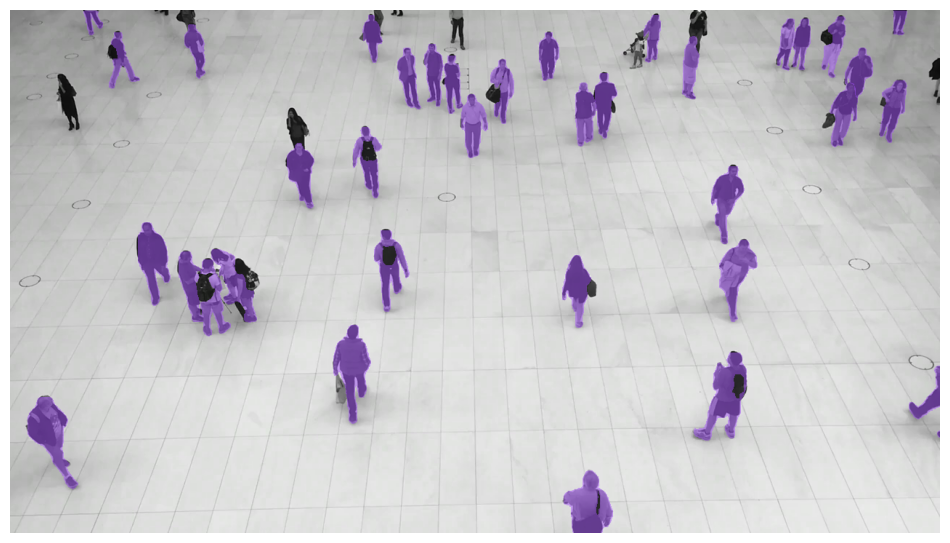{ align=center width="800" }
|
||||
{ align=center width="800" }
|
||||
|
||||
</div>
|
||||
|
||||
@@ -249,13 +249,14 @@ Annotators accept detections and apply box or mask visualizations to the detecti
|
||||
polygon_annotator = sv.PolygonAnnotator()
|
||||
annotated_frame = polygon_annotator.annotate(
|
||||
scene=image.copy(),
|
||||
detections=detections,
|
||||
detections=detections
|
||||
)
|
||||
```
|
||||
|
||||
<div class="result" markdown>
|
||||
|
||||
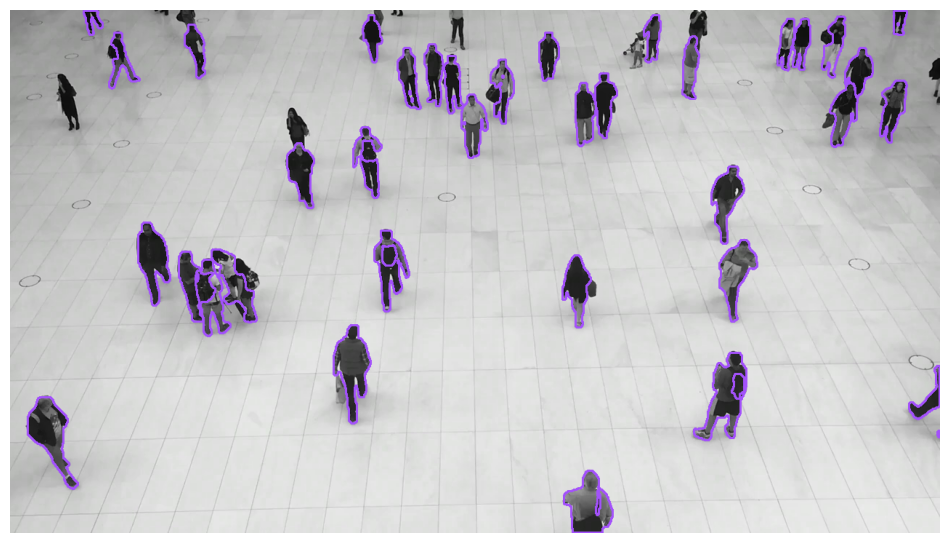{ align=center width="800" }
|
||||
{ align=center width="800" }
|
||||
|
||||
</div>
|
||||
|
||||
@@ -269,21 +270,22 @@ Annotators accept detections and apply box or mask visualizations to the detecti
|
||||
|
||||
labels = [
|
||||
f"{class_name} {confidence:.2f}"
|
||||
for class_name, confidence in zip(
|
||||
detections["class_name"],
|
||||
detections.confidence,
|
||||
)
|
||||
for class_name, confidence
|
||||
in zip(detections['class_name'], detections.confidence)
|
||||
]
|
||||
|
||||
label_annotator = sv.LabelAnnotator(text_position=sv.Position.CENTER)
|
||||
annotated_frame = label_annotator.annotate(
|
||||
scene=image.copy(), detections=detections, labels=labels
|
||||
scene=image.copy(),
|
||||
detections=detections,
|
||||
labels=labels
|
||||
)
|
||||
```
|
||||
|
||||
<div class="result" markdown>
|
||||
|
||||
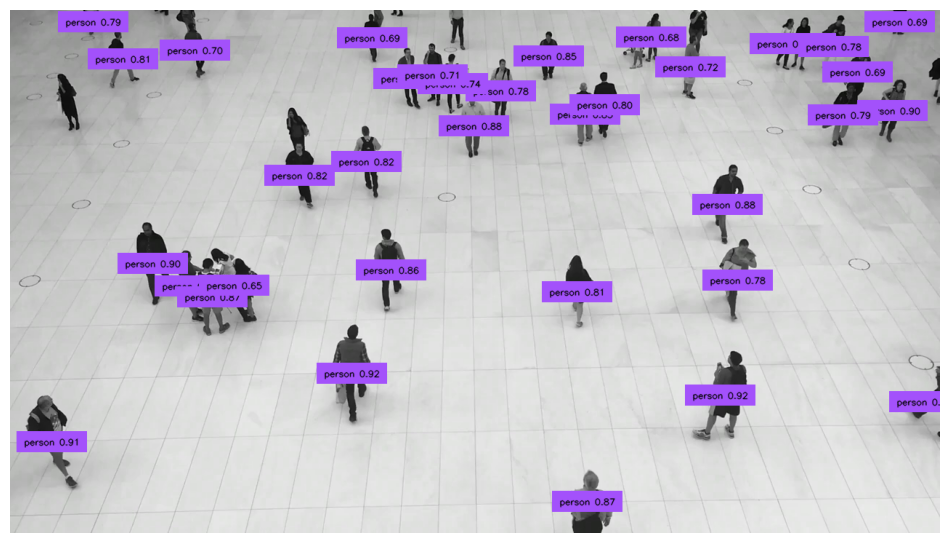{ align=center width="800" }
|
||||
{ align=center width="800" }
|
||||
|
||||
</div>
|
||||
|
||||
@@ -297,26 +299,25 @@ Annotators accept detections and apply box or mask visualizations to the detecti
|
||||
|
||||
labels = [
|
||||
f"{class_name} {confidence:.2f}"
|
||||
for class_name, confidence in zip(
|
||||
detections["class_name"],
|
||||
detections.confidence,
|
||||
)
|
||||
for class_name, confidence
|
||||
in zip(detections['class_name'], detections.confidence)
|
||||
]
|
||||
|
||||
rich_label_annotator = sv.RichLabelAnnotator(
|
||||
font_path="TTF_FONT_PATH",
|
||||
text_position=sv.Position.CENTER,
|
||||
font_path="<TTF_FONT_PATH>",
|
||||
text_position=sv.Position.CENTER
|
||||
)
|
||||
annotated_frame = rich_label_annotator.annotate(
|
||||
scene=image.copy(),
|
||||
detections=detections,
|
||||
labels=labels,
|
||||
labels=labels
|
||||
)
|
||||
```
|
||||
|
||||
<div class="result" markdown>
|
||||
|
||||
{ align=center width="800" }
|
||||
{ align=center width="800" }
|
||||
|
||||
</div>
|
||||
|
||||
@@ -328,43 +329,46 @@ Annotators accept detections and apply box or mask visualizations to the detecti
|
||||
image = ...
|
||||
detections = sv.Detections(...)
|
||||
|
||||
icon_paths = ["<ICON_PATH>" for _ in detections]
|
||||
icon_paths = [
|
||||
"<ICON_PATH>"
|
||||
for _ in detections
|
||||
]
|
||||
|
||||
icon_annotator = sv.IconAnnotator()
|
||||
annotated_frame = icon_annotator.annotate(
|
||||
scene=image.copy(),
|
||||
detections=detections,
|
||||
icon_path=icon_paths,
|
||||
icon_path=icon_paths
|
||||
)
|
||||
```
|
||||
|
||||
<div class="result" markdown>
|
||||
|
||||
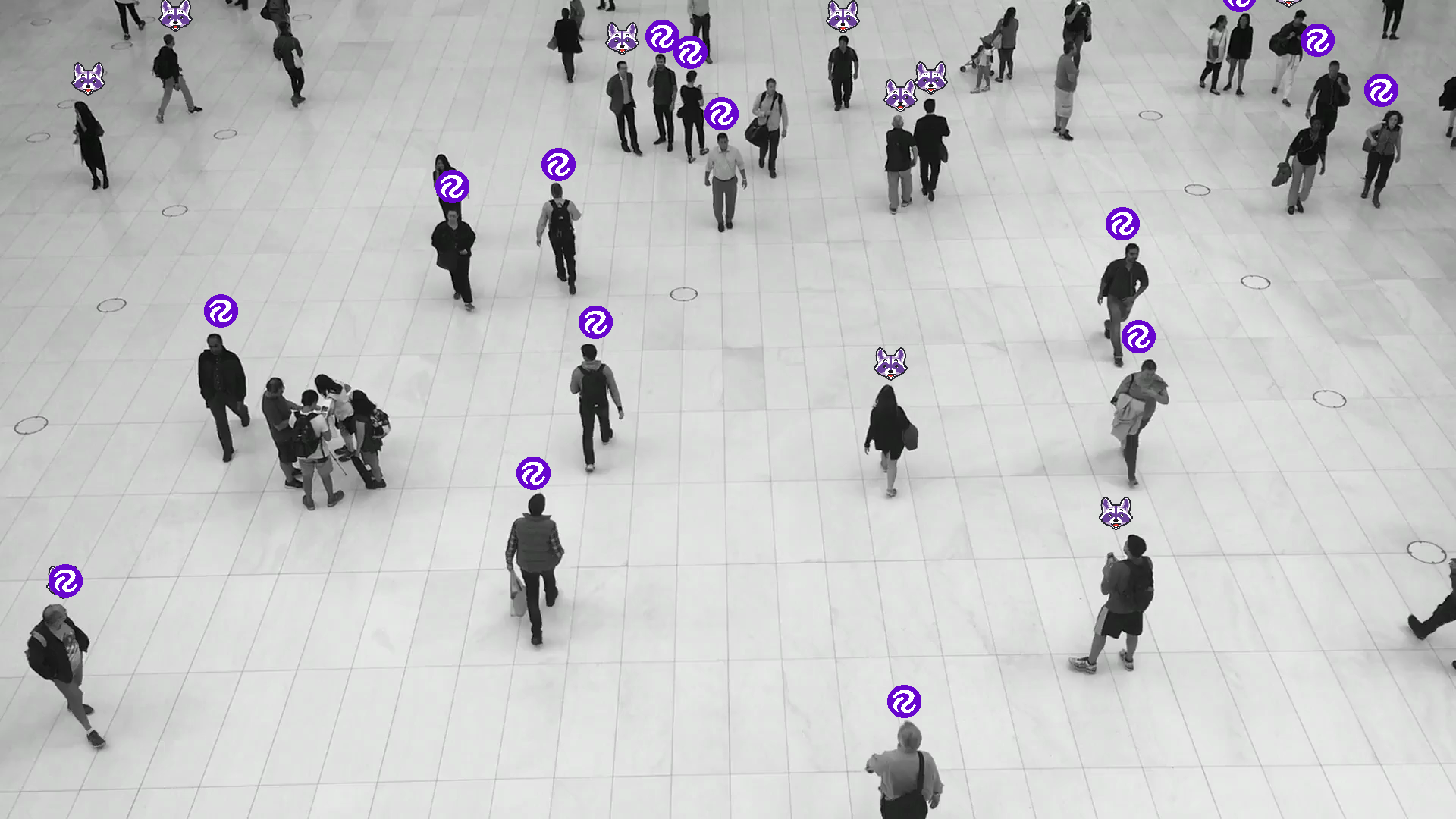{ align=center width="800" }
|
||||
{ align=center width="800" }
|
||||
|
||||
</div>
|
||||
|
||||
<!-- === "Crop"
|
||||
|
||||
```python
|
||||
import supervision as sv
|
||||
```python
|
||||
import supervision as sv
|
||||
|
||||
image = ...
|
||||
detections = sv.Detections(...)
|
||||
image = ...
|
||||
detections = sv.Detections(...)
|
||||
|
||||
crop_annotator = sv.CropAnnotator()
|
||||
annotated_frame = crop_annotator.annotate(
|
||||
scene=image.copy(),
|
||||
detections=detections,
|
||||
)
|
||||
```
|
||||
crop_annotator = sv.CropAnnotator()
|
||||
annotated_frame = crop_annotator.annotate(
|
||||
scene=image.copy(),
|
||||
detections=detections
|
||||
)
|
||||
```
|
||||
<div class="result" markdown>
|
||||
|
||||
<div class="result" markdown>
|
||||
|
||||
{ align=center width="800" }
|
||||
|
||||
</div>
|
||||
{ align=center width="800" }
|
||||
|
||||
</div>
|
||||
-->
|
||||
|
||||
=== "Blur"
|
||||
@@ -376,12 +380,16 @@ Annotators accept detections and apply box or mask visualizations to the detecti
|
||||
detections = sv.Detections(...)
|
||||
|
||||
blur_annotator = sv.BlurAnnotator()
|
||||
annotated_frame = (blur_annotator.annotate(scene=image.copy(), detections=detections),)
|
||||
annotated_frame = blur_annotator.annotate(
|
||||
scene=image.copy(),
|
||||
detections=detections
|
||||
)
|
||||
```
|
||||
|
||||
<div class="result" markdown>
|
||||
|
||||
{ align=center width="800" }
|
||||
{ align=center width="800" }
|
||||
|
||||
</div>
|
||||
|
||||
@@ -396,13 +404,14 @@ Annotators accept detections and apply box or mask visualizations to the detecti
|
||||
pixelate_annotator = sv.PixelateAnnotator()
|
||||
annotated_frame = pixelate_annotator.annotate(
|
||||
scene=image.copy(),
|
||||
detections=detections,
|
||||
detections=detections
|
||||
)
|
||||
```
|
||||
|
||||
<div class="result" markdown>
|
||||
|
||||
{ align=center width="800" }
|
||||
{ align=center width="800" }
|
||||
|
||||
</div>
|
||||
|
||||
@@ -412,29 +421,29 @@ Annotators accept detections and apply box or mask visualizations to the detecti
|
||||
import supervision as sv
|
||||
from ultralytics import YOLO
|
||||
|
||||
model = YOLO("yolov8x.pt")
|
||||
model = YOLO('yolov8x.pt')
|
||||
|
||||
trace_annotator = sv.TraceAnnotator()
|
||||
|
||||
video_info = sv.VideoInfo.from_video_path(video_path="...")
|
||||
frames_generator = sv.get_video_frames_generator(source_path="...")
|
||||
video_info = sv.VideoInfo.from_video_path(video_path='...')
|
||||
frames_generator = sv.get_video_frames_generator(source_path='...')
|
||||
tracker = sv.ByteTrack()
|
||||
|
||||
with sv.VideoSink(target_path="...", video_info=video_info) as sink:
|
||||
with sv.VideoSink(target_path='...', video_info=video_info) as sink:
|
||||
for frame in frames_generator:
|
||||
result = model(frame)[0]
|
||||
detections = sv.Detections.from_ultralytics(result)
|
||||
detections = tracker.update_with_detections(detections)
|
||||
annotated_frame = trace_annotator.annotate(
|
||||
scene=frame.copy(),
|
||||
detections=detections,
|
||||
)
|
||||
detections=detections)
|
||||
sink.write_frame(frame=annotated_frame)
|
||||
```
|
||||
|
||||
<div class="result" markdown>
|
||||
|
||||
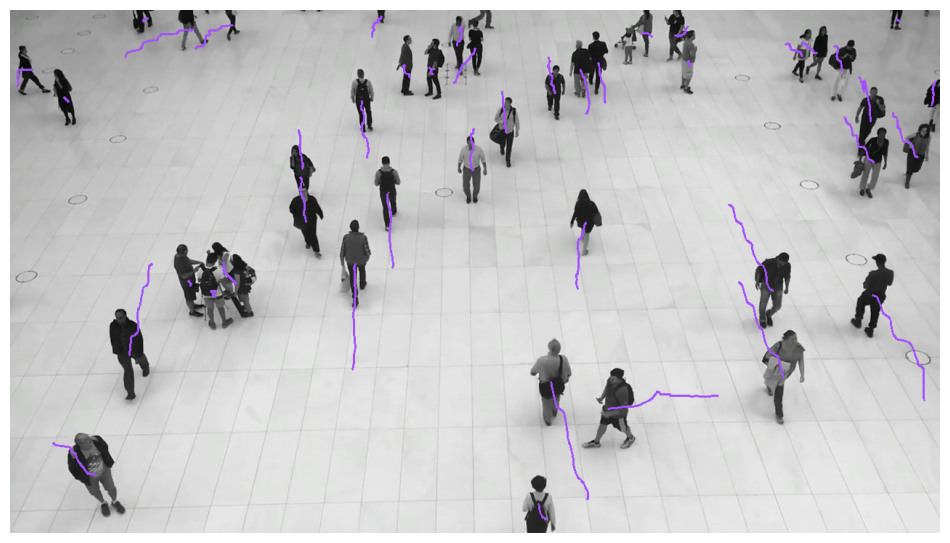{ align=center width="800" }
|
||||
{ align=center width="800" }
|
||||
|
||||
</div>
|
||||
|
||||
@@ -444,27 +453,27 @@ Annotators accept detections and apply box or mask visualizations to the detecti
|
||||
import supervision as sv
|
||||
from ultralytics import YOLO
|
||||
|
||||
model = YOLO("yolov8x.pt")
|
||||
model = YOLO('yolov8x.pt')
|
||||
|
||||
heat_map_annotator = sv.HeatMapAnnotator()
|
||||
|
||||
video_info = sv.VideoInfo.from_video_path(video_path="...")
|
||||
frames_generator = sv.get_video_frames_generator(source_path="...")
|
||||
video_info = sv.VideoInfo.from_video_path(video_path='...')
|
||||
frames_generator = sv.get_video_frames_generator(source_path='...')
|
||||
|
||||
with sv.VideoSink(target_path="...", video_info=video_info) as sink:
|
||||
with sv.VideoSink(target_path='...', video_info=video_info) as sink:
|
||||
for frame in frames_generator:
|
||||
result = model(frame)[0]
|
||||
detections = sv.Detections.from_ultralytics(result)
|
||||
annotated_frame = heat_map_annotator.annotate(
|
||||
scene=frame.copy(),
|
||||
detections=detections,
|
||||
)
|
||||
detections=detections)
|
||||
sink.write_frame(frame=annotated_frame)
|
||||
```
|
||||
|
||||
<div class="result" markdown>
|
||||
|
||||
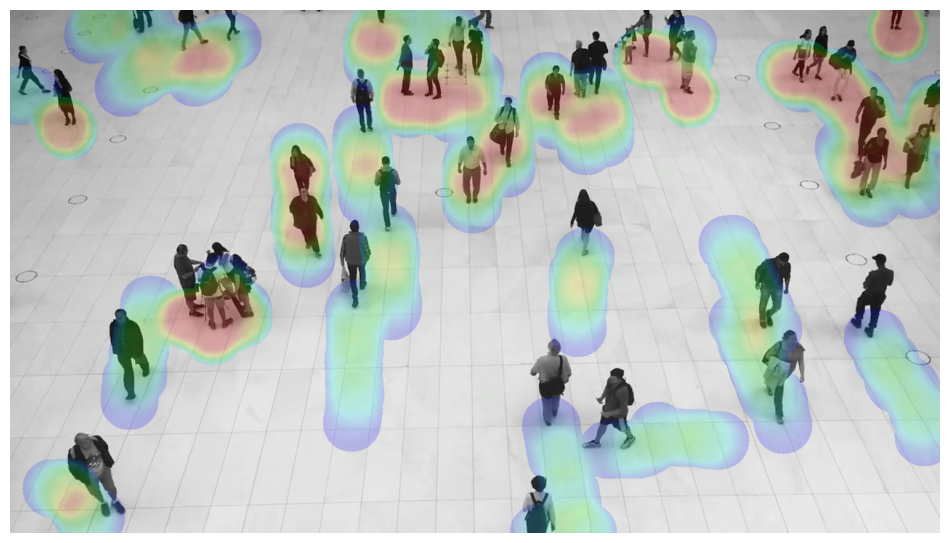{ align=center width="800" }
|
||||
{ align=center width="800" }
|
||||
|
||||
</div>
|
||||
|
||||
@@ -479,7 +488,7 @@ Annotators accept detections and apply box or mask visualizations to the detecti
|
||||
background_overlay_annotator = sv.BackgroundOverlayAnnotator()
|
||||
annotated_frame = background_overlay_annotator.annotate(
|
||||
scene=image.copy(),
|
||||
detections=detections,
|
||||
detections=detections
|
||||
)
|
||||
```
|
||||
|
||||
@@ -502,13 +511,14 @@ Annotators accept detections and apply box or mask visualizations to the detecti
|
||||
annotated_frame = comparison_annotator.annotate(
|
||||
scene=image.copy(),
|
||||
detections_1=detections_1,
|
||||
detections_2=detections_2,
|
||||
detections_2=detections_2
|
||||
)
|
||||
```
|
||||
|
||||
<div class="result" markdown>
|
||||
|
||||
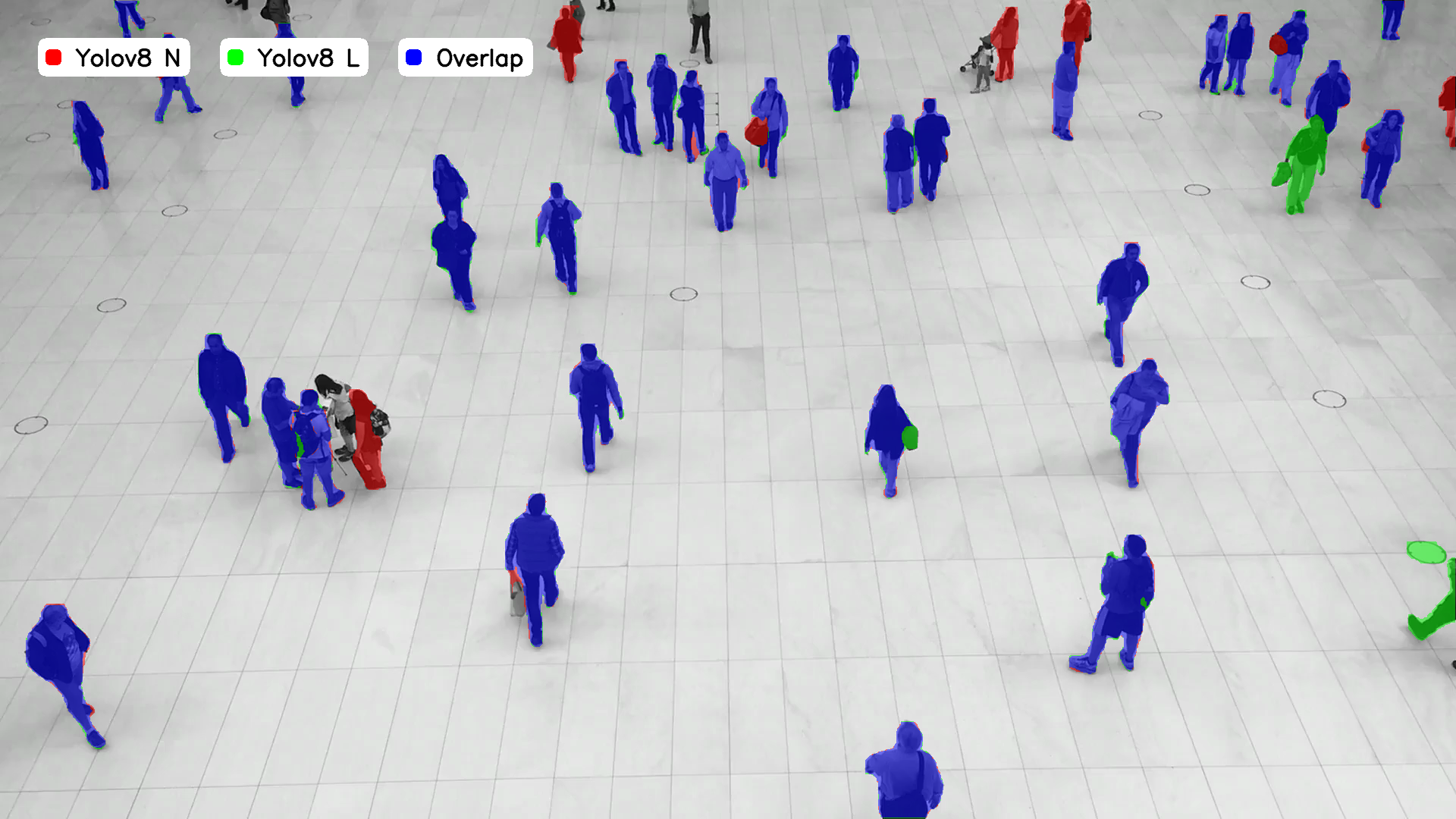{ align=center width="800" }
|
||||
{ align=center width="800" }
|
||||
|
||||
</div>
|
||||
|
||||
|
||||
@@ -1,7 +0,0 @@
|
||||
---
|
||||
comments: true
|
||||
---
|
||||
|
||||
# CompactMask
|
||||
|
||||
:::supervision.detection.compact_mask.CompactMask
|
||||
@@ -1,6 +1,5 @@
|
||||
---
|
||||
comments: true
|
||||
description: API reference for supervision's Detections class — the core data structure for bounding boxes, masks, confidence scores, and tracker IDs.
|
||||
---
|
||||
|
||||
# Detections
|
||||
|
||||
@@ -17,7 +17,7 @@ comments: true
|
||||
:::supervision.detection.utils.boxes.scale_boxes
|
||||
|
||||
<div class="md-typeset">
|
||||
<h2><a href="#supervision.detection.utils.boxes.clip_boxes">clip_boxes</a></h2>
|
||||
<h2><a href="#supervision.detection.boxes.utils.clip_boxes">clip_boxes</a></h2>
|
||||
</div>
|
||||
|
||||
:::supervision.detection.utils.boxes.clip_boxes
|
||||
|
||||
@@ -64,15 +64,3 @@ status: new
|
||||
</div>
|
||||
|
||||
:::supervision.detection.utils.converters.xyxy_to_mask
|
||||
|
||||
<div class="md-typeset">
|
||||
<h2><a href="#supervision.detection.utils.converters.rle_to_mask">rle_to_mask</a></h2>
|
||||
</div>
|
||||
|
||||
:::supervision.detection.utils.converters.rle_to_mask
|
||||
|
||||
<div class="md-typeset">
|
||||
<h2><a href="#supervision.detection.utils.converters.mask_to_rle">mask_to_rle</a></h2>
|
||||
</div>
|
||||
|
||||
:::supervision.detection.utils.converters.mask_to_rle
|
||||
|
||||
@@ -1,6 +1,5 @@
|
||||
---
|
||||
comments: true
|
||||
description: Benchmark object detection models with supervision — compute mAP, confusion matrix, and per-class metrics to compare model performance.
|
||||
---
|
||||
|
||||
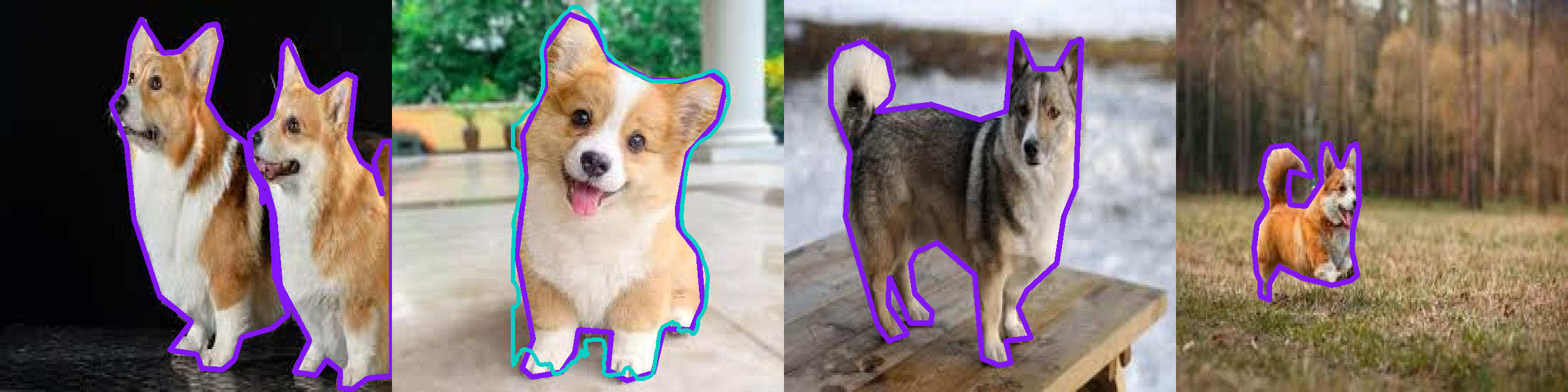
|
||||
@@ -52,7 +51,7 @@ from roboflow import Roboflow
|
||||
|
||||
rf = Roboflow(api_key="<YOUR_API_KEY>")
|
||||
project = rf.workspace("<WORKSPACE_NAME>").project("<PROJECT_NAME>")
|
||||
dataset = project.version("<DATASET_VERSION_NUMBER>").download("<FORMAT>")
|
||||
dataset = project.version(<DATASET_VERSION_NUMBER>).download("<FORMAT>")
|
||||
```
|
||||
|
||||
If your dataset is from Universe, go to `Dataset` > `Download Dataset` > select the format (e.g. `YOLOv11`) > `Show download code`.
|
||||
@@ -75,8 +74,6 @@ This will create a folder called `Corgi-v2-4` with the dataset in the current wo
|
||||
|
||||
Let's load a model.
|
||||
|
||||
Select and instantiate the detection or segmentation model you want to benchmark. Supervision works with Roboflow Inference for both local and cloud-deployed models, as well as Ultralytics YOLO checkpoints. Choose the tab below that matches your preferred framework, then pass images to the loaded model during the evaluation loop.
|
||||
|
||||
=== "Inference, Local"
|
||||
|
||||
Roboflow supports a range of state-of-the-art [pre-trained models](https://inference.roboflow.com/quickstart/aliases/) for object detection, instance segmentation, and pose tracking. You don't even need an API key!
|
||||
@@ -151,7 +148,7 @@ We'll use `supervision` to create a dataset iterator, and then run the model on
|
||||
test_set = sv.DetectionDataset.from_yolo(
|
||||
images_directory_path=f"{dataset.location}/test/images",
|
||||
annotations_directory_path=f"{dataset.location}/test/labels",
|
||||
data_yaml_path=f"{dataset.location}/data.yaml",
|
||||
data_yaml_path=f"{dataset.location}/data.yaml"
|
||||
)
|
||||
|
||||
image_paths = []
|
||||
@@ -175,7 +172,7 @@ We'll use `supervision` to create a dataset iterator, and then run the model on
|
||||
test_set = sv.DetectionDataset.from_yolo(
|
||||
images_directory_path=f"{dataset.location}/test/images",
|
||||
annotations_directory_path=f"{dataset.location}/test/labels",
|
||||
data_yaml_path=f"{dataset.location}/data.yaml",
|
||||
data_yaml_path=f"{dataset.location}/data.yaml"
|
||||
)
|
||||
|
||||
image_paths = []
|
||||
@@ -202,16 +199,14 @@ We need to remap them to match the dataset classes. Here's how to do it:
|
||||
def remap_classes(
|
||||
detections: sv.Detections,
|
||||
class_ids_from_to: dict[int, int],
|
||||
class_names_from_to: dict[str, str],
|
||||
class_names_from_to: dict[str, str]
|
||||
) -> None:
|
||||
new_class_ids = [
|
||||
class_ids_from_to.get(class_id, class_id) for class_id in detections.class_id
|
||||
]
|
||||
class_ids_from_to.get(class_id, class_id) for class_id in detections.class_id]
|
||||
detections.class_id = np.array(new_class_ids)
|
||||
|
||||
new_class_names = [
|
||||
class_names_from_to.get(name, name) for name in detections["class_name"]
|
||||
]
|
||||
class_names_from_to.get(name, name) for name in detections["class_name"]]
|
||||
predictions["class_name"] = np.array(new_class_names)
|
||||
```
|
||||
|
||||
@@ -227,7 +222,7 @@ Let's also remove the predictions that are not in the dataset classes.
|
||||
test_set = sv.DetectionDataset.from_yolo(
|
||||
images_directory_path=f"{dataset.location}/test/images",
|
||||
annotations_directory_path=f"{dataset.location}/test/labels",
|
||||
data_yaml_path=f"{dataset.location}/data.yaml",
|
||||
data_yaml_path=f"{dataset.location}/data.yaml"
|
||||
)
|
||||
|
||||
image_paths = []
|
||||
@@ -241,9 +236,11 @@ Let's also remove the predictions that are not in the dataset classes.
|
||||
remap_classes(
|
||||
detections=predictions,
|
||||
class_ids_from_to={16: 0},
|
||||
class_names_from_to={"dog": "Corgi"},
|
||||
class_names_from_to={"dog": "Corgi"}
|
||||
)
|
||||
predictions = predictions[np.isin(predictions["class_name"], test_set.classes),]
|
||||
predictions = predictions[
|
||||
np.isin(predictions["class_name"], test_set.classes)
|
||||
]
|
||||
|
||||
image_paths.append(image_path)
|
||||
predictions_list.append(predictions)
|
||||
@@ -263,7 +260,7 @@ Let's also remove the predictions that are not in the dataset classes.
|
||||
test_set = sv.DetectionDataset.from_yolo(
|
||||
images_directory_path=f"{dataset.location}/test/images",
|
||||
annotations_directory_path=f"{dataset.location}/test/labels",
|
||||
data_yaml_path=f"{dataset.location}/data.yaml",
|
||||
data_yaml_path=f"{dataset.location}/data.yaml"
|
||||
)
|
||||
|
||||
image_paths = []
|
||||
@@ -277,9 +274,11 @@ Let's also remove the predictions that are not in the dataset classes.
|
||||
remap_classes(
|
||||
detections=predictions,
|
||||
class_ids_from_to={16: 0},
|
||||
class_names_from_to={"dog": "Corgi"},
|
||||
class_names_from_to={"dog": "Corgi"}
|
||||
)
|
||||
predictions = predictions[np.isin(predictions["class_name"], test_set.classes),]
|
||||
predictions = predictions[
|
||||
np.isin(predictions["class_name"], test_set.classes)
|
||||
]
|
||||
|
||||
image_paths.append(image_path)
|
||||
predictions_list.append(predictions)
|
||||
@@ -298,22 +297,16 @@ N = 9
|
||||
GRID_SIZE = (3, 3)
|
||||
|
||||
target_annotator = sv.PolygonAnnotator(color=sv.Color.from_hex("#8315f9"), thickness=8)
|
||||
prediction_annotator = sv.PolygonAnnotator(
|
||||
color=sv.Color.from_hex("#00cfc6"), thickness=6
|
||||
)
|
||||
prediction_annotator = sv.PolygonAnnotator(color=sv.Color.from_hex("#00cfc6"), thickness=6)
|
||||
|
||||
|
||||
annotated_images = []
|
||||
for image_path, predictions, targets in zip(
|
||||
image_paths[:N], predictions_list[:N], targets_list[:N]
|
||||
image_paths[:N], predictions_list[:N], targets_list[:N]
|
||||
):
|
||||
annotated_image = cv2.imread(image_path)
|
||||
annotated_image = target_annotator.annotate(
|
||||
scene=annotated_image, detections=targets
|
||||
)
|
||||
annotated_image = prediction_annotator.annotate(
|
||||
scene=annotated_image, detections=prediction
|
||||
)
|
||||
annotated_image = target_annotator.annotate(scene=annotated_image, detections=targets)
|
||||
annotated_image = prediction_annotator.annotate(scene=annotated_image, detections=prediction)
|
||||
annotated_images.append(annotated_image)
|
||||
|
||||
sv.plot_images_grid(images=annotated_images, grid_size=GRID_SIZE)
|
||||
|
||||
@@ -1,134 +0,0 @@
|
||||
---
|
||||
comments: true
|
||||
description: Count objects entering a polygon zone in images and video using supervision's PolygonZone — measure throughput and density in any region.
|
||||
---
|
||||
|
||||
With supervision, you can count the number of objects in a zone in an image or video. In this guide, we will show how to count the number of cars in a traffic video.
|
||||
|
||||
[View the notebook that accompanies this tutorial](https://github.com/roboflow/notebooks/blob/main/notebooks/how-to-use-polygonzone-annotate-and-supervision.ipynb).
|
||||
|
||||
To make it easier for you to follow our tutorial download the video we will use as an example. You can do this using the `supervision.assets` module:
|
||||
|
||||
```python
|
||||
from supervision.assets import download_assets, VideoAssets
|
||||
|
||||
download_assets(VideoAssets.VEHICLES_2)
|
||||
```
|
||||
|
||||
## Initialize a Model and Load Video
|
||||
|
||||
First, we need to initialize a model. Let's use a YOLOv8 model with the default COCO checkpoint. We also need to load a video on which to run inference.
|
||||
|
||||
Create a YOLO model instance and load the source video using supervision's `VideoInfo` helper. The model will process each frame during inference, while `VideoInfo` extracts resolution and frame-rate metadata needed by the polygon zone annotator. A shared color palette ensures consistent zone coloring throughout the output video.
|
||||
|
||||
```python
|
||||
import numpy as np
|
||||
import supervision as sv
|
||||
import cv2
|
||||
|
||||
from ultralytics import YOLO
|
||||
|
||||
model = YOLO("yolov8s.pt")
|
||||
|
||||
VIDEO = str(VideoAssets.VEHICLES_2)
|
||||
|
||||
colors = sv.ColorPalette.default()
|
||||
video_info = sv.VideoInfo.from_video_path(VIDEO)
|
||||
```
|
||||
|
||||
## Calculate Coordinates
|
||||
|
||||
To count objects in a zone, you need to know the coordinates where you want to draw the zone.
|
||||
|
||||
You can calculate coordinates using the [PolygonZone web utility](https://roboflow.github.io/polygonzone/).
|
||||
|
||||
To use the PolygonZone website, you will need to upload an image or frame from a video. You can retrieve a frame using this code:
|
||||
|
||||
```python
|
||||
generator = sv.get_video_frames_generator(VIDEO)
|
||||
iterator = iter(generator)
|
||||
|
||||
frame = next(iterator)
|
||||
|
||||
cv2.imwrite("first_frame.png", frame)
|
||||
```
|
||||
|
||||
PolygonZone will give you NumPy arrays that you can use with supervision to count objects in zones.
|
||||
|
||||
<video width="100%" loop muted autoplay>
|
||||
<source src="https://media.roboflow.com/polygonzone.mp4" type="video/mp4">
|
||||
</video>
|
||||
|
||||
Save the coordinates in an array:
|
||||
|
||||
```python
|
||||
polygons = [
|
||||
np.array([[718, 595], [927, 592], [851, 1062], [42, 1059]]),
|
||||
np.array([[987, 595], [1199, 595], [1893, 1056], [1015, 1062]]),
|
||||
]
|
||||
```
|
||||
|
||||
## Define Zones
|
||||
|
||||
With the coordinates of the zones to draw ready, we can set up our zones:
|
||||
|
||||
Instantiate a `PolygonZone` for each polygon array, pairing it with a `PolygonZoneAnnotator` for visual overlay and a `BoxAnnotator` for drawing detection boxes. Each zone will later trigger on incoming detections to determine which objects fall inside its boundaries, enabling per-zone counting in the inference callback.
|
||||
|
||||
```python
|
||||
zones = [
|
||||
sv.PolygonZone(polygon=polygon, frame_resolution_wh=video_info.resolution_wh)
|
||||
for polygon in polygons
|
||||
]
|
||||
zone_annotators = [
|
||||
sv.PolygonZoneAnnotator(
|
||||
zone=zone,
|
||||
color=colors.by_idx(index),
|
||||
thickness=4,
|
||||
text_thickness=8,
|
||||
text_scale=4,
|
||||
)
|
||||
for index, zone in enumerate(zones)
|
||||
]
|
||||
box_annotators = [
|
||||
sv.BoxAnnotator(
|
||||
color=colors.by_idx(index),
|
||||
thickness=4,
|
||||
text_thickness=4,
|
||||
text_scale=2,
|
||||
)
|
||||
for index in range(len(polygons))
|
||||
]
|
||||
```
|
||||
|
||||
## Run Inference
|
||||
|
||||
We can run inference on a video using the [sv.process_video](https://supervision.roboflow.com/utils/video/#process_video) function. This function accepts a callback that runs inference on each frame and compiles the results into a video.
|
||||
|
||||
Below, we can call our YOLOv8 model, annotate predictions and zones, then save the results to a file called `result.mp4`.
|
||||
|
||||
```python
|
||||
def process_frame(frame: np.ndarray, i) -> np.ndarray:
|
||||
results = model(frame, imgsz=1280, verbose=False)[0]
|
||||
detections = sv.Detections.from_ultralytics(results)
|
||||
|
||||
for zone, zone_annotator, box_annotator in zip(
|
||||
zones, zone_annotators, box_annotators
|
||||
):
|
||||
mask = zone.trigger(detections=detections)
|
||||
detections_filtered = detections[mask]
|
||||
frame = box_annotator.annotate(
|
||||
scene=frame, detections=detections_filtered, skip_label=True
|
||||
)
|
||||
frame = zone_annotator.annotate(scene=frame)
|
||||
|
||||
return frame
|
||||
|
||||
|
||||
sv.process_video(source_path=VIDEO, target_path="result.mp4", callback=process_frame)
|
||||
```
|
||||
|
||||
Here is an example of inference run on the video:
|
||||
|
||||
<video width="100%" loop muted autoplay>
|
||||
<source src="https://blog.roboflow.com/content/media/2023/03/trim-counting.mp4" type="video/mp4">
|
||||
</video>
|
||||
@@ -1,6 +1,5 @@
|
||||
---
|
||||
comments: true
|
||||
description: Learn to load model predictions, create Detections objects, and annotate images with bounding boxes, labels, and masks using supervision.
|
||||
---
|
||||
|
||||
# Detect and Annotate
|
||||
@@ -20,32 +19,27 @@ source image.
|
||||
First, you'll need to obtain predictions from your object detection or segmentation
|
||||
model.
|
||||
|
||||
To run inference, initialize your chosen model and pass the source image to its predict or infer method. Supervision supports Roboflow Inference, Ultralytics YOLO, and Hugging Face Transformers -- select the tab matching your framework. The result is a framework-specific object you will convert to a `Detections` instance in the next step.
|
||||
|
||||
=== "Inference"
|
||||
|
||||
```python
|
||||
import cv2
|
||||
from inference import get_model
|
||||
|
||||
model = get_model(model_id="yolov8n-640")
|
||||
image = cv2.imread("<SOURCE_IMAGE_PATH>")
|
||||
image = cv2.imread(<SOURCE_IMAGE_PATH>)
|
||||
results = model.infer(image)[0]
|
||||
```
|
||||
|
||||
=== "Ultralytics"
|
||||
|
||||
```python
|
||||
import cv2
|
||||
from ultralytics import YOLO
|
||||
|
||||
model = YOLO("yolov8n.pt")
|
||||
image = cv2.imread("<SOURCE_IMAGE_PATH>")
|
||||
image = cv2.imread(<SOURCE_IMAGE_PATH>)
|
||||
results = model(image)[0]
|
||||
```
|
||||
|
||||
=== "Transformers"
|
||||
|
||||
```python
|
||||
import torch
|
||||
from PIL import Image
|
||||
@@ -54,7 +48,7 @@ To run inference, initialize your chosen model and pass the source image to its
|
||||
processor = DetrImageProcessor.from_pretrained("facebook/detr-resnet-50")
|
||||
model = DetrForObjectDetection.from_pretrained("facebook/detr-resnet-50")
|
||||
|
||||
image = Image.open("<SOURCE_IMAGE_PATH>")
|
||||
image = Image.open(<SOURCE_IMAGE_PATH>)
|
||||
inputs = processor(images=image, return_tensors="pt")
|
||||
|
||||
with torch.no_grad():
|
||||
@@ -63,19 +57,15 @@ To run inference, initialize your chosen model and pass the source image to its
|
||||
width, height = image.size
|
||||
target_size = torch.tensor([[height, width]])
|
||||
results = processor.post_process_object_detection(
|
||||
outputs=outputs, target_sizes=target_size
|
||||
)[0]
|
||||
outputs=outputs, target_sizes=target_size)[0]
|
||||
```
|
||||
|
||||
## Load Predictions into Supervision
|
||||
|
||||
Now that we have predictions from a model, we can load them into Supervision.
|
||||
|
||||
Each supported framework has a dedicated class method on `sv.Detections` that converts raw model output into a unified Supervision object. Call `from_inference`, `from_ultralytics`, or `from_transformers` depending on the package you used for inference. This normalization step ensures all downstream annotators and filters work identically regardless of the source model.
|
||||
|
||||
=== "Inference"
|
||||
|
||||
We can do so using the [`sv.Detections.from_inference`](https://supervision.roboflow.com/latest/detection/core/#supervision.detection.core.Detections.from_inference) method, which accepts model results from both detection and segmentation models.
|
||||
We can do so using the [`sv.Detections.from_inference`](/latest/detection/core/#supervision.detection.core.Detections.from_inference) method, which accepts model results from both detection and segmentation models.
|
||||
|
||||
```{ .py hl_lines="2 8" }
|
||||
import cv2
|
||||
@@ -83,14 +73,13 @@ Each supported framework has a dedicated class method on `sv.Detections` that co
|
||||
from inference import get_model
|
||||
|
||||
model = get_model(model_id="yolov8n-640")
|
||||
image = cv2.imread("<SOURCE_IMAGE_PATH>")
|
||||
image = cv2.imread(<SOURCE_IMAGE_PATH>)
|
||||
results = model.infer(image)[0]
|
||||
detections = sv.Detections.from_inference(results)
|
||||
```
|
||||
|
||||
=== "Ultralytics"
|
||||
|
||||
We can do so using the [`sv.Detections.from_ultralytics`](https://supervision.roboflow.com/latest/detection/core/#supervision.detection.core.Detections.from_ultralytics) method, which accepts model results from both detection and segmentation models.
|
||||
We can do so using the [`sv.Detections.from_ultralytics`](/latest/detection/core/#supervision.detection.core.Detections.from_ultralytics) method, which accepts model results from both detection and segmentation models.
|
||||
|
||||
```{ .py hl_lines="2 8" }
|
||||
import cv2
|
||||
@@ -98,14 +87,13 @@ Each supported framework has a dedicated class method on `sv.Detections` that co
|
||||
from ultralytics import YOLO
|
||||
|
||||
model = YOLO("yolov8n.pt")
|
||||
image = cv2.imread("<SOURCE_IMAGE_PATH>")
|
||||
image = cv2.imread(<SOURCE_IMAGE_PATH>)
|
||||
results = model(image)[0]
|
||||
detections = sv.Detections.from_ultralytics(results)
|
||||
```
|
||||
|
||||
=== "Transformers"
|
||||
|
||||
We can do so using the [`sv.Detections.from_transformers`](https://supervision.roboflow.com/latest/detection/core/#supervision.detection.core.Detections.from_transformers) method, which accepts model results from both detection and segmentation models.
|
||||
We can do so using the [`sv.Detections.from_transformers`](/latest/detection/core/#supervision.detection.core.Detections.from_transformers) method, which accepts model results from both detection and segmentation models.
|
||||
|
||||
```{ .py hl_lines="2 19-21" }
|
||||
import torch
|
||||
@@ -116,7 +104,7 @@ Each supported framework has a dedicated class method on `sv.Detections` that co
|
||||
processor = DetrImageProcessor.from_pretrained("facebook/detr-resnet-50")
|
||||
model = DetrForObjectDetection.from_pretrained("facebook/detr-resnet-50")
|
||||
|
||||
image = Image.open("<SOURCE_IMAGE_PATH>")
|
||||
image = Image.open(<SOURCE_IMAGE_PATH>)
|
||||
inputs = processor(images=image, return_tensors="pt")
|
||||
|
||||
with torch.no_grad():
|
||||
@@ -133,27 +121,24 @@ Each supported framework has a dedicated class method on `sv.Detections` that co
|
||||
|
||||
You can load predictions from other computer vision frameworks and libraries using:
|
||||
|
||||
- [`from_deepsparse`](https://supervision.roboflow.com/latest/detection/core/#supervision.detection.core.Detections.from_deepsparse) ([Deepsparse](https://github.com/neuralmagic/deepsparse))
|
||||
- [`from_detectron2`](https://supervision.roboflow.com/latest/detection/core/#supervision.detection.core.Detections.from_detectron2) ([Detectron2](https://github.com/facebookresearch/detectron2))
|
||||
- [`from_mmdetection`](https://supervision.roboflow.com/latest/detection/core/#supervision.detection.core.Detections.from_mmdetection) ([MMDetection](https://github.com/open-mmlab/mmdetection))
|
||||
- [`from_sam`](https://supervision.roboflow.com/latest/detection/core/#supervision.detection.core.Detections.from_sam) ([Segment Anything Model](https://github.com/facebookresearch/segment-anything))
|
||||
- [`from_yolo_nas`](https://supervision.roboflow.com/latest/detection/core/#supervision.detection.core.Detections.from_yolo_nas) ([YOLO-NAS](https://github.com/Deci-AI/super-gradients/blob/master/YOLONAS.md))
|
||||
- [`from_deepsparse`](/latest/detection/core/#supervision.detection.core.Detections.from_deepsparse) ([Deepsparse](https://github.com/neuralmagic/deepsparse))
|
||||
- [`from_detectron2`](/latest/detection/core/#supervision.detection.core.Detections.from_detectron2) ([Detectron2](https://github.com/facebookresearch/detectron2))
|
||||
- [`from_mmdetection`](/latest/detection/core/#supervision.detection.core.Detections.from_mmdetection) ([MMDetection](https://github.com/open-mmlab/mmdetection))
|
||||
- [`from_sam`](/latest/detection/core/#supervision.detection.core.Detections.from_sam) ([Segment Anything Model](https://github.com/facebookresearch/segment-anything))
|
||||
- [`from_yolo_nas`](/latest/detection/core/#supervision.detection.core.Detections.from_yolo_nas) ([YOLO-NAS](https://github.com/Deci-AI/super-gradients/blob/master/YOLONAS.md))
|
||||
|
||||
## Annotate Image with Detections
|
||||
|
||||
Finally, we can annotate the image with the predictions. Since we are working with an object detection model, we will use the [`sv.BoxAnnotator`](https://supervision.roboflow.com/latest/detection/annotators/#supervision.annotators.core.BoxAnnotator) and [`sv.LabelAnnotator`](https://supervision.roboflow.com/latest/detection/annotators/#supervision.annotators.core.LabelAnnotator) classes.
|
||||
|
||||
To draw bounding boxes and class labels on your image, create a `BoxAnnotator` and a `LabelAnnotator`, then call their `annotate` methods in sequence. Each annotator returns the modified image, so you can chain multiple annotators together. The result is a single NumPy array with all visual overlays rendered and ready for display or saving.
|
||||
Finally, we can annotate the image with the predictions. Since we are working with an object detection model, we will use the [`sv.BoxAnnotator`](/latest/detection/annotators/#supervision.annotators.core.BoxAnnotator) and [`sv.LabelAnnotator`](/latest/detection/annotators/#supervision.annotators.core.LabelAnnotator) classes.
|
||||
|
||||
=== "Inference"
|
||||
|
||||
```{ .py hl_lines="10-16" }
|
||||
import cv2
|
||||
import supervision as sv
|
||||
from inference import get_model
|
||||
|
||||
model = get_model(model_id="yolov8n-640")
|
||||
image = cv2.imread("<SOURCE_IMAGE_PATH>")
|
||||
image = cv2.imread(<SOURCE_IMAGE_PATH>)
|
||||
results = model.infer(image)[0]
|
||||
detections = sv.Detections.from_inference(results)
|
||||
|
||||
@@ -167,14 +152,13 @@ To draw bounding boxes and class labels on your image, create a `BoxAnnotator` a
|
||||
```
|
||||
|
||||
=== "Ultralytics"
|
||||
|
||||
```{ .py hl_lines="10-16" }
|
||||
import cv2
|
||||
import supervision as sv
|
||||
from ultralytics import YOLO
|
||||
|
||||
model = YOLO("yolov8n.pt")
|
||||
image = cv2.imread("<SOURCE_IMAGE_PATH>")
|
||||
image = cv2.imread(<SOURCE_IMAGE_PATH>)
|
||||
results = model(image)[0]
|
||||
detections = sv.Detections.from_ultralytics(results)
|
||||
|
||||
@@ -188,7 +172,6 @@ To draw bounding boxes and class labels on your image, create a `BoxAnnotator` a
|
||||
```
|
||||
|
||||
=== "Transformers"
|
||||
|
||||
```{ .py hl_lines="23-30" }
|
||||
import torch
|
||||
import supervision as sv
|
||||
@@ -198,7 +181,7 @@ To draw bounding boxes and class labels on your image, create a `BoxAnnotator` a
|
||||
processor = DetrImageProcessor.from_pretrained("facebook/detr-resnet-50")
|
||||
model = DetrForObjectDetection.from_pretrained("facebook/detr-resnet-50")
|
||||
|
||||
image = Image.open("<SOURCE_IMAGE_PATH>")
|
||||
image = Image.open(<SOURCE_IMAGE_PATH>)
|
||||
inputs = processor(images=image, return_tensors="pt")
|
||||
|
||||
with torch.no_grad():
|
||||
@@ -225,19 +208,18 @@ To draw bounding boxes and class labels on your image, create a `BoxAnnotator` a
|
||||
|
||||
## Display Custom Labels
|
||||
|
||||
By default, [`sv.LabelAnnotator`](https://supervision.roboflow.com/latest/detection/annotators/#supervision.annotators.core.LabelAnnotator)
|
||||
By default, [`sv.LabelAnnotator`](/latest/detection/annotators/#supervision.annotators.core.LabelAnnotator)
|
||||
will label each detection with its `class_name` (if possible) or `class_id`. You can
|
||||
override this behavior by passing a list of custom `labels` to the `annotate` method.
|
||||
|
||||
=== "Inference"
|
||||
|
||||
```{ .py hl_lines="13-17 22" }
|
||||
import cv2
|
||||
import supervision as sv
|
||||
from inference import get_model
|
||||
|
||||
model = get_model(model_id="yolov8n-640")
|
||||
image = cv2.imread("<SOURCE_IMAGE_PATH>")
|
||||
image = cv2.imread(<SOURCE_IMAGE_PATH>)
|
||||
results = model.infer(image)[0]
|
||||
detections = sv.Detections.from_inference(results)
|
||||
|
||||
@@ -257,14 +239,13 @@ override this behavior by passing a list of custom `labels` to the `annotate` me
|
||||
```
|
||||
|
||||
=== "Ultralytics"
|
||||
|
||||
```{ .py hl_lines="13-17 22" }
|
||||
import cv2
|
||||
import supervision as sv
|
||||
from ultralytics import YOLO
|
||||
|
||||
model = YOLO("yolov8n.pt")
|
||||
image = cv2.imread("<SOURCE_IMAGE_PATH>")
|
||||
image = cv2.imread(<SOURCE_IMAGE_PATH>)
|
||||
results = model(image)[0]
|
||||
detections = sv.Detections.from_ultralytics(results)
|
||||
|
||||
@@ -284,7 +265,6 @@ override this behavior by passing a list of custom `labels` to the `annotate` me
|
||||
```
|
||||
|
||||
=== "Transformers"
|
||||
|
||||
```{ .py hl_lines="26-30 35" }
|
||||
import torch
|
||||
import supervision as sv
|
||||
@@ -294,7 +274,7 @@ override this behavior by passing a list of custom `labels` to the `annotate` me
|
||||
processor = DetrImageProcessor.from_pretrained("facebook/detr-resnet-50")
|
||||
model = DetrForObjectDetection.from_pretrained("facebook/detr-resnet-50")
|
||||
|
||||
image = Image.open("<SOURCE_IMAGE_PATH>")
|
||||
image = Image.open(<SOURCE_IMAGE_PATH>)
|
||||
inputs = processor(images=image, return_tensors="pt")
|
||||
|
||||
with torch.no_grad():
|
||||
@@ -328,20 +308,19 @@ override this behavior by passing a list of custom `labels` to the `annotate` me
|
||||
## Annotate Image with Segmentations
|
||||
|
||||
If you are running the segmentation model
|
||||
[`sv.MaskAnnotator`](https://supervision.roboflow.com/latest/detection/annotators/#supervision.annotators.core.MaskAnnotator)
|
||||
[`sv.MaskAnnotator`](/latest/detection/annotators/#supervision.annotators.core.MaskAnnotator)
|
||||
is a drop-in replacement for
|
||||
[`sv.BoxAnnotator`](https://supervision.roboflow.com/latest/detection/annotators/#supervision.annotators.core.BoxAnnotator)
|
||||
[`sv.BoxAnnotator`](/latest/detection/annotators/#supervision.annotators.core.BoxAnnotator)
|
||||
that will allow you to draw masks instead of boxes.
|
||||
|
||||
=== "Inference"
|
||||
|
||||
```python
|
||||
import cv2
|
||||
import supervision as sv
|
||||
from inference import get_model
|
||||
|
||||
model = get_model(model_id="yolov8n-seg-640")
|
||||
image = cv2.imread("<SOURCE_IMAGE_PATH>")
|
||||
image = cv2.imread(<SOURCE_IMAGE_PATH>)
|
||||
results = model.infer(image)[0]
|
||||
detections = sv.Detections.from_inference(results)
|
||||
|
||||
@@ -349,24 +328,19 @@ that will allow you to draw masks instead of boxes.
|
||||
label_annotator = sv.LabelAnnotator(text_position=sv.Position.CENTER_OF_MASS)
|
||||
|
||||
annotated_image = mask_annotator.annotate(
|
||||
scene=image,
|
||||
detections=detections,
|
||||
)
|
||||
scene=image, detections=detections)
|
||||
annotated_image = label_annotator.annotate(
|
||||
scene=annotated_image,
|
||||
detections=detections,
|
||||
)
|
||||
scene=annotated_image, detections=detections)
|
||||
```
|
||||
|
||||
=== "Ultralytics"
|
||||
|
||||
```python
|
||||
import cv2
|
||||
import supervision as sv
|
||||
from ultralytics import YOLO
|
||||
|
||||
model = YOLO("yolov8n-seg.pt")
|
||||
image = cv2.imread("<SOURCE_IMAGE_PATH>")
|
||||
image = cv2.imread(<SOURCE_IMAGE_PATH>)
|
||||
results = model(image)[0]
|
||||
detections = sv.Detections.from_ultralytics(results)
|
||||
|
||||
@@ -374,17 +348,12 @@ that will allow you to draw masks instead of boxes.
|
||||
label_annotator = sv.LabelAnnotator(text_position=sv.Position.CENTER_OF_MASS)
|
||||
|
||||
annotated_image = mask_annotator.annotate(
|
||||
scene=image,
|
||||
detections=detections,
|
||||
)
|
||||
scene=image, detections=detections)
|
||||
annotated_image = label_annotator.annotate(
|
||||
scene=annotated_image,
|
||||
detections=detections,
|
||||
)
|
||||
scene=annotated_image, detections=detections)
|
||||
```
|
||||
|
||||
=== "Transformers"
|
||||
|
||||
```python
|
||||
import torch
|
||||
import supervision as sv
|
||||
@@ -394,7 +363,7 @@ that will allow you to draw masks instead of boxes.
|
||||
processor = DetrImageProcessor.from_pretrained("facebook/detr-resnet-50-panoptic")
|
||||
model = DetrForSegmentation.from_pretrained("facebook/detr-resnet-50-panoptic")
|
||||
|
||||
image = Image.open("<SOURCE_IMAGE_PATH>")
|
||||
image = Image.open(<SOURCE_IMAGE_PATH>)
|
||||
inputs = processor(images=image, return_tensors="pt")
|
||||
|
||||
with torch.no_grad():
|
||||
@@ -403,27 +372,24 @@ that will allow you to draw masks instead of boxes.
|
||||
width, height = image.size
|
||||
target_size = torch.tensor([[height, width]])
|
||||
results = processor.post_process_segmentation(
|
||||
outputs=outputs, target_sizes=target_size
|
||||
)[0]
|
||||
outputs=outputs, target_sizes=target_size)[0]
|
||||
detections = sv.Detections.from_transformers(
|
||||
transformers_results=results, id2label=model.config.id2label
|
||||
)
|
||||
transformers_results=results,
|
||||
id2label=model.config.id2label)
|
||||
|
||||
mask_annotator = sv.MaskAnnotator()
|
||||
label_annotator = sv.LabelAnnotator(text_position=sv.Position.CENTER_OF_MASS)
|
||||
|
||||
labels = [
|
||||
f"{class_name} {confidence:.2f}"
|
||||
for class_name, confidence in zip(
|
||||
detections["class_name"],
|
||||
detections.confidence,
|
||||
)
|
||||
for class_name, confidence
|
||||
in zip(detections['class_name'], detections.confidence)
|
||||
]
|
||||
|
||||
annotated_image = mask_annotator.annotate(scene=image, detections=detections)
|
||||
annotated_image = mask_annotator.annotate(
|
||||
scene=image, detections=detections)
|
||||
annotated_image = label_annotator.annotate(
|
||||
scene=annotated_image, detections=detections, labels=labels
|
||||
)
|
||||
scene=annotated_image, detections=detections, labels=labels)
|
||||
```
|
||||
|
||||
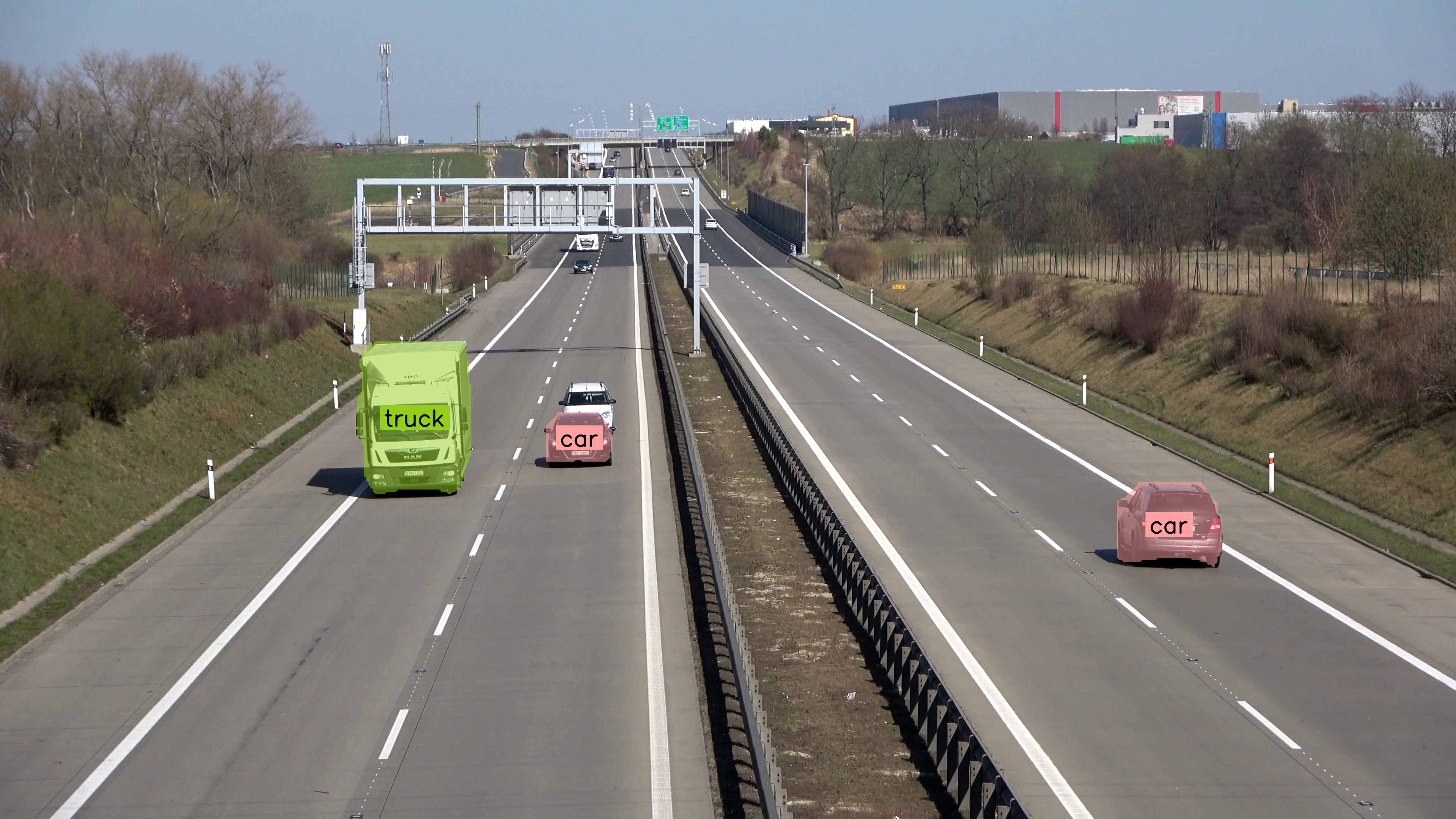
|
||||
|
||||
@@ -1,6 +1,5 @@
|
||||
---
|
||||
comments: true
|
||||
description: Detect small objects in images by applying SAHI inference slicing with supervision's InferenceSlicer — improve recall for tiny targets.
|
||||
---
|
||||
|
||||
# Detect Small Objects
|
||||
@@ -9,7 +8,7 @@ This guide shows how to detect small objects
|
||||
with the [Inference](https://github.com/roboflow/inference),
|
||||
[Ultralytics](https://github.com/ultralytics/ultralytics) or
|
||||
[Transformers](https://github.com/huggingface/transformers) packages using
|
||||
[`InferenceSlicer`](https://supervision.roboflow.com/latest/detection/tools/inference_slicer/#supervision.detection.tools.inference_slicer.InferenceSlicer).
|
||||
[`InferenceSlicer`](/latest/detection/tools/inference_slicer/#supervision.detection.tools.inference_slicer.InferenceSlicer).
|
||||
|
||||
<video controls>
|
||||
<source src="https://media.roboflow.com/supervision_detect_small_objects_example.mp4" type="video/mp4">
|
||||
@@ -20,110 +19,14 @@ with the [Inference](https://github.com/roboflow/inference),
|
||||
Small object detection in high-resolution images presents challenges due to the objects'
|
||||
size relative to the image resolution.
|
||||
|
||||
Running a standard detection model on the full image establishes a baseline for comparison. Load your chosen model, pass the image through it, and convert the results into a `Detections` object. This baseline reveals how many small objects the model misses at native resolution, motivating the sliced inference approach shown later.
|
||||
|
||||
=== "Inference"
|
||||
|
||||
```python
|
||||
import cv2
|
||||
import supervision as sv
|
||||
from inference import get_model
|
||||
|
||||
model = get_model(model_id="yolov8x-640")
|
||||
image = cv2.imread("<SOURCE_IMAGE_PATH>")
|
||||
results = model.infer(image)[0]
|
||||
detections = sv.Detections.from_inference(results)
|
||||
|
||||
box_annotator = sv.BoxAnnotator()
|
||||
label_annotator = sv.LabelAnnotator()
|
||||
|
||||
annotated_image = box_annotator.annotate(
|
||||
scene=image,
|
||||
detections=detections,
|
||||
)
|
||||
annotated_image = label_annotator.annotate(
|
||||
scene=annotated_image,
|
||||
detections=detections,
|
||||
)
|
||||
```
|
||||
|
||||
=== "Ultralytics"
|
||||
|
||||
```python
|
||||
import cv2
|
||||
import supervision as sv
|
||||
from ultralytics import YOLO
|
||||
|
||||
model = YOLO("yolov8x.pt")
|
||||
image = cv2.imread("<SOURCE_IMAGE_PATH>")
|
||||
results = model(image)[0]
|
||||
detections = sv.Detections.from_ultralytics(results)
|
||||
|
||||
box_annotator = sv.BoxAnnotator()
|
||||
label_annotator = sv.LabelAnnotator()
|
||||
|
||||
annotated_image = box_annotator.annotate(
|
||||
scene=image,
|
||||
detections=detections,
|
||||
)
|
||||
annotated_image = label_annotator.annotate(
|
||||
scene=annotated_image,
|
||||
detections=detections,
|
||||
)
|
||||
```
|
||||
|
||||
=== "Transformers"
|
||||
|
||||
```python
|
||||
import torch
|
||||
import supervision as sv
|
||||
from PIL import Image
|
||||
from transformers import DetrImageProcessor, DetrForSegmentation
|
||||
|
||||
processor = DetrImageProcessor.from_pretrained("facebook/detr-resnet-50")
|
||||
model = DetrForSegmentation.from_pretrained("facebook/detr-resnet-50")
|
||||
|
||||
image = Image.open("<SOURCE_IMAGE_PATH>")
|
||||
inputs = processor(images=image, return_tensors="pt")
|
||||
|
||||
with torch.no_grad():
|
||||
outputs = model(**inputs)
|
||||
|
||||
width, height = image_slice.size
|
||||
target_size = torch.tensor([[width, height]])
|
||||
results = processor.post_process_object_detection(
|
||||
outputs=outputs, target_sizes=target_size
|
||||
)[0]
|
||||
detections = sv.Detections.from_transformers(results)
|
||||
|
||||
box_annotator = sv.BoxAnnotator()
|
||||
label_annotator = sv.LabelAnnotator()
|
||||
|
||||
labels = [model.config.id2label[class_id] for class_id in detections.class_id]
|
||||
|
||||
annotated_image = box_annotator.annotate(scene=image, detections=detections)
|
||||
annotated_image = label_annotator.annotate(
|
||||
scene=annotated_image, detections=detections, labels=labels
|
||||
)
|
||||
```
|
||||
|
||||
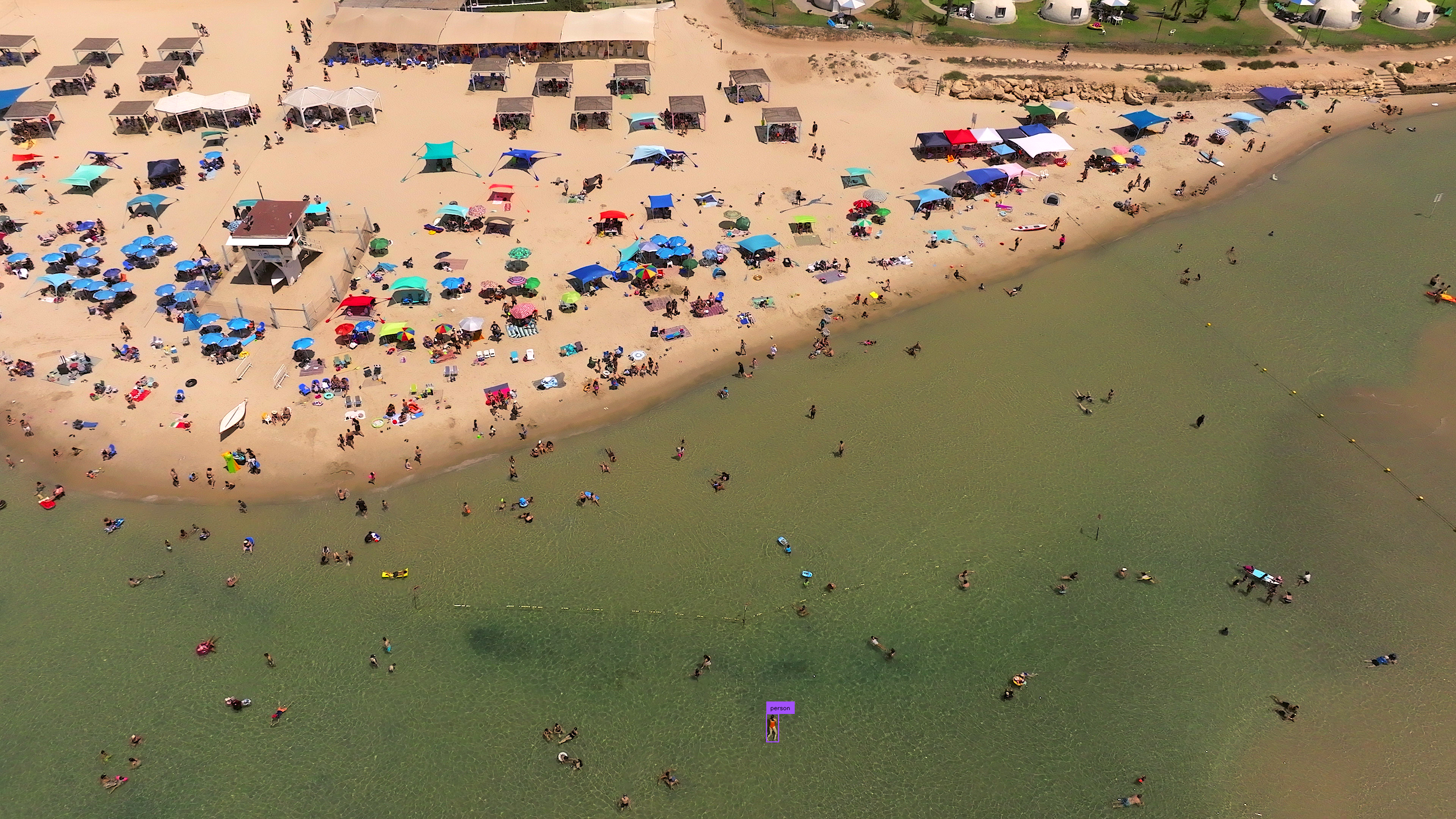
|
||||
|
||||
## Input Resolution
|
||||
|
||||
Modifying the input resolution of images before detection can enhance small object
|
||||
identification at the cost of processing speed and increased memory usage. This method
|
||||
is less effective for ultra-high-resolution images (4K and above).
|
||||
|
||||
=== "Inference"
|
||||
|
||||
```{ .py hl_lines="5" }
|
||||
import cv2
|
||||
import supervision as sv
|
||||
from inference import get_model
|
||||
|
||||
model = get_model(model_id="yolov8x-1280")
|
||||
image = cv2.imread("<SOURCE_IMAGE_PATH>")
|
||||
image = cv2.imread(<SOURCE_IMAGE_PATH>)
|
||||
results = model.infer(image)[0]
|
||||
detections = sv.Detections.from_inference(results)
|
||||
|
||||
@@ -137,14 +40,98 @@ is less effective for ultra-high-resolution images (4K and above).
|
||||
```
|
||||
|
||||
=== "Ultralytics"
|
||||
```python
|
||||
import cv2
|
||||
import supervision as sv
|
||||
from ultralytics import YOLO
|
||||
|
||||
model = YOLO("yolov8x.pt")
|
||||
image = cv2.imread(<SOURCE_IMAGE_PATH>)
|
||||
results = model(image)[0]
|
||||
detections = sv.Detections.from_ultralytics(results)
|
||||
|
||||
box_annotator = sv.BoxAnnotator()
|
||||
label_annotator = sv.LabelAnnotator()
|
||||
|
||||
annotated_image = box_annotator.annotate(
|
||||
scene=image, detections=detections)
|
||||
annotated_image = label_annotator.annotate(
|
||||
scene=annotated_image, detections=detections)
|
||||
```
|
||||
|
||||
=== "Transformers"
|
||||
```python
|
||||
import torch
|
||||
import supervision as sv
|
||||
from PIL import Image
|
||||
from transformers import DetrImageProcessor, DetrForSegmentation
|
||||
|
||||
processor = DetrImageProcessor.from_pretrained("facebook/detr-resnet-50")
|
||||
model = DetrForSegmentation.from_pretrained("facebook/detr-resnet-50")
|
||||
|
||||
image = Image.open(<SOURCE_IMAGE_PATH>)
|
||||
inputs = processor(images=image, return_tensors="pt")
|
||||
|
||||
with torch.no_grad():
|
||||
outputs = model(**inputs)
|
||||
|
||||
width, height = image_slice.size
|
||||
target_size = torch.tensor([[width, height]])
|
||||
results = processor.post_process_object_detection(
|
||||
outputs=outputs, target_sizes=target_size)[0]
|
||||
detections = sv.Detections.from_transformers(results)
|
||||
|
||||
box_annotator = sv.BoxAnnotator()
|
||||
label_annotator = sv.LabelAnnotator()
|
||||
|
||||
labels = [
|
||||
model.config.id2label[class_id]
|
||||
for class_id
|
||||
in detections.class_id
|
||||
]
|
||||
|
||||
annotated_image = box_annotator.annotate(
|
||||
scene=image, detections=detections)
|
||||
annotated_image = label_annotator.annotate(
|
||||
scene=annotated_image, detections=detections, labels=labels)
|
||||
```
|
||||
|
||||

|
||||
|
||||
## Input Resolution
|
||||
|
||||
Modifying the input resolution of images before detection can enhance small object
|
||||
identification at the cost of processing speed and increased memory usage. This method
|
||||
is less effective for ultra-high-resolution images (4K and above).
|
||||
|
||||
=== "Inference"
|
||||
```{ .py hl_lines="5" }
|
||||
import cv2
|
||||
import supervision as sv
|
||||
from inference import get_model
|
||||
|
||||
model = get_model(model_id="yolov8x-1280")
|
||||
image = cv2.imread(<SOURCE_IMAGE_PATH>)
|
||||
results = model.infer(image)[0]
|
||||
detections = sv.Detections.from_inference(results)
|
||||
|
||||
box_annotator = sv.BoxAnnotator()
|
||||
label_annotator = sv.LabelAnnotator()
|
||||
|
||||
annotated_image = box_annotator.annotate(
|
||||
scene=image, detections=detections)
|
||||
annotated_image = label_annotator.annotate(
|
||||
scene=annotated_image, detections=detections)
|
||||
```
|
||||
|
||||
=== "Ultralytics"
|
||||
```{ .py hl_lines="7" }
|
||||
import cv2
|
||||
import supervision as sv
|
||||
from ultralytics import YOLO
|
||||
|
||||
model = YOLO("yolov8x.pt")
|
||||
image = cv2.imread("<SOURCE_IMAGE_PATH>")
|
||||
image = cv2.imread(<SOURCE_IMAGE_PATH>)
|
||||
results = model(image, imgsz=1280)[0]
|
||||
detections = sv.Detections.from_ultralytics(results)
|
||||
|
||||
@@ -161,7 +148,7 @@ is less effective for ultra-high-resolution images (4K and above).
|
||||
|
||||
## Inference Slicer
|
||||
|
||||
[`InferenceSlicer`](https://supervision.roboflow.com/latest/detection/tools/inference_slicer/#supervision.detection.tools.inference_slicer.InferenceSlicer)
|
||||
[`InferenceSlicer`](/latest/detection/tools/inference_slicer/#supervision.detection.tools.inference_slicer.InferenceSlicer)
|
||||
processes high-resolution images by dividing them into smaller segments, detecting
|
||||
objects within each, and aggregating the results.
|
||||
|
||||
@@ -170,7 +157,6 @@ objects within each, and aggregating the results.
|
||||
</video>
|
||||
|
||||
=== "Inference"
|
||||
|
||||
```{ .py hl_lines="9-14" }
|
||||
import cv2
|
||||
import numpy as np
|
||||
@@ -178,7 +164,7 @@ objects within each, and aggregating the results.
|
||||
from inference import get_model
|
||||
|
||||
model = get_model(model_id="yolov8x-640")
|
||||
image = cv2.imread("<SOURCE_IMAGE_PATH>")
|
||||
image = cv2.imread(<SOURCE_IMAGE_PATH>)
|
||||
|
||||
def callback(image_slice: np.ndarray) -> sv.Detections:
|
||||
results = model.infer(image_slice)[0]
|
||||
@@ -197,7 +183,6 @@ objects within each, and aggregating the results.
|
||||
```
|
||||
|
||||
=== "Ultralytics"
|
||||
|
||||
```{ .py hl_lines="9-14" }
|
||||
import cv2
|
||||
import numpy as np
|
||||
@@ -205,7 +190,7 @@ objects within each, and aggregating the results.
|
||||
from ultralytics import YOLO
|
||||
|
||||
model = YOLO("yolov8x.pt")
|
||||
image = cv2.imread("<SOURCE_IMAGE_PATH>")
|
||||
image = cv2.imread(<SOURCE_IMAGE_PATH>)
|
||||
|
||||
def callback(image_slice: np.ndarray) -> sv.Detections:
|
||||
result = model(image_slice)[0]
|
||||
@@ -224,7 +209,6 @@ objects within each, and aggregating the results.
|
||||
```
|
||||
|
||||
=== "Transformers"
|
||||
|
||||
```{ .py hl_lines="13-28" }
|
||||
import cv2
|
||||
import torch
|
||||
@@ -236,7 +220,7 @@ objects within each, and aggregating the results.
|
||||
processor = DetrImageProcessor.from_pretrained("facebook/detr-resnet-50")
|
||||
model = DetrForObjectDetection.from_pretrained("facebook/detr-resnet-50")
|
||||
|
||||
image = cv2.imread("<SOURCE_IMAGE_PATH>")
|
||||
image = cv2.imread(<SOURCE_IMAGE_PATH>)
|
||||
|
||||
def callback(image_slice: np.ndarray) -> sv.Detections:
|
||||
image_slice = cv2.cvtColor(image_slice, cv2.COLOR_BGR2RGB)
|
||||
@@ -274,10 +258,9 @@ objects within each, and aggregating the results.
|
||||
|
||||
## Small Object Segmentation
|
||||
|
||||
[`InferenceSlicer`](https://supervision.roboflow.com/latest/detection/tools/inference_slicer/#supervision.detection.tools.inference_slicer.InferenceSlicer) can perform segmentation tasks too.
|
||||
[`InferenceSlicer`](/latest/detection/tools/inference_slicer/#supervision.detection.tools.inference_slicer.InferenceSlicer) can perform segmentation tasks too.
|
||||
|
||||
=== "Inference"
|
||||
|
||||
```{ .py hl_lines="6 16 19-20" }
|
||||
import cv2
|
||||
import numpy as np
|
||||
@@ -285,7 +268,7 @@ objects within each, and aggregating the results.
|
||||
from inference import get_model
|
||||
|
||||
model = get_model(model_id="yolov8x-seg-640")
|
||||
image = cv2.imread("<SOURCE_IMAGE_PATH>")
|
||||
image = cv2.imread(<SOURCE_IMAGE_PATH>)
|
||||
|
||||
def callback(image_slice: np.ndarray) -> sv.Detections:
|
||||
results = model.infer(image_slice)[0]
|
||||
@@ -304,7 +287,6 @@ objects within each, and aggregating the results.
|
||||
```
|
||||
|
||||
=== "Ultralytics"
|
||||
|
||||
```{ .py hl_lines="6 16 19-20" }
|
||||
import cv2
|
||||
import numpy as np
|
||||
@@ -312,7 +294,7 @@ objects within each, and aggregating the results.
|
||||
from ultralytics import YOLO
|
||||
|
||||
model = YOLO("yolov8x-seg.pt")
|
||||
image = cv2.imread("<SOURCE_IMAGE_PATH>")
|
||||
image = cv2.imread(<SOURCE_IMAGE_PATH>)
|
||||
|
||||
def callback(image_slice: np.ndarray) -> sv.Detections:
|
||||
result = model(image_slice)[0]
|
||||
|
||||
@@ -1,6 +1,5 @@
|
||||
---
|
||||
comments: true
|
||||
description: Filter and query detection results by class, confidence, or spatial overlap using supervision's Detections API — clean predictions in one line.
|
||||
---
|
||||
|
||||
# Filter Detections
|
||||
@@ -16,7 +15,6 @@ the filters in their applications.
|
||||
Allows you to select detections that belong only to one selected class.
|
||||
|
||||
=== "After"
|
||||
|
||||
```python
|
||||
import supervision as sv
|
||||
|
||||
@@ -31,7 +29,6 @@ Allows you to select detections that belong only to one selected class.
|
||||
</div>
|
||||
|
||||
=== "Before"
|
||||
|
||||
```python
|
||||
import supervision as sv
|
||||
|
||||
@@ -50,7 +47,6 @@ Allows you to select detections that belong only to one selected class.
|
||||
Allows you to select detections that belong only to selected set of classes.
|
||||
|
||||
=== "After"
|
||||
|
||||
```python
|
||||
import numpy as np
|
||||
import supervision as sv
|
||||
@@ -67,7 +63,6 @@ Allows you to select detections that belong only to selected set of classes.
|
||||
</div>
|
||||
|
||||
=== "Before"
|
||||
|
||||
```python
|
||||
import numpy as np
|
||||
import supervision as sv
|
||||
@@ -88,7 +83,6 @@ Allows you to select detections that belong only to selected set of classes.
|
||||
Allows you to select detections with specific confidence value, for example higher than selected threshold.
|
||||
|
||||
=== "After"
|
||||
|
||||
```python
|
||||
import supervision as sv
|
||||
|
||||
@@ -103,7 +97,6 @@ Allows you to select detections with specific confidence value, for example high
|
||||
</div>
|
||||
|
||||
=== "Before"
|
||||
|
||||
```python
|
||||
import supervision as sv
|
||||
|
||||
@@ -123,7 +116,6 @@ Allows you to select detections based on their size. We define the area as the n
|
||||
detection in the image. In the example below, we have sifted out the detections that are too small.
|
||||
|
||||
=== "After"
|
||||
|
||||
```python
|
||||
import supervision as sv
|
||||
|
||||
@@ -138,7 +130,6 @@ detection in the image. In the example below, we have sifted out the detections
|
||||
</div>
|
||||
|
||||
=== "Before"
|
||||
|
||||
```python
|
||||
import supervision as sv
|
||||
|
||||
@@ -160,7 +151,6 @@ but small on a 3840x2160 image. In such cases, we can filter out detections base
|
||||
occupied by them. In the example below, we remove too large detections.
|
||||
|
||||
=== "After"
|
||||
|
||||
```python
|
||||
import supervision as sv
|
||||
|
||||
@@ -179,7 +169,6 @@ occupied by them. In the example below, we remove too large detections.
|
||||
</div>
|
||||
|
||||
=== "Before"
|
||||
|
||||
```python
|
||||
import supervision as sv
|
||||
|
||||
@@ -204,7 +193,6 @@ can be criteria for rejecting detection. Implementing such filtering requires a
|
||||
simple and fast.
|
||||
|
||||
=== "After"
|
||||
|
||||
```python
|
||||
import supervision as sv
|
||||
|
||||
@@ -221,7 +209,6 @@ simple and fast.
|
||||
</div>
|
||||
|
||||
=== "Before"
|
||||
|
||||
```python
|
||||
import supervision as sv
|
||||
|
||||
@@ -243,7 +230,6 @@ Allows you to use `Detections` in combination with `PolygonZone` to weed out bou
|
||||
zone. In the example below you can see how to filter out all detections located in the lower part of the image.
|
||||
|
||||
=== "After"
|
||||
|
||||
```python
|
||||
import supervision as sv
|
||||
|
||||
@@ -260,7 +246,6 @@ zone. In the example below you can see how to filter out all detections located
|
||||
</div>
|
||||
|
||||
=== "Before"
|
||||
|
||||
```python
|
||||
import supervision as sv
|
||||
|
||||
@@ -281,7 +266,6 @@ zone. In the example below you can see how to filter out all detections located
|
||||
`Detections`' greatest strength, however, is that you can build arbitrarily complex logical conditions by simply combining separate conditions using `&` or `|`.
|
||||
|
||||
=== "After"
|
||||
|
||||
```python
|
||||
import supervision as sv
|
||||
|
||||
@@ -298,7 +282,6 @@ zone. In the example below you can see how to filter out all detections located
|
||||
</div>
|
||||
|
||||
=== "Before"
|
||||
|
||||
```python
|
||||
import supervision as sv
|
||||
|
||||
|
||||
@@ -1,6 +1,5 @@
|
||||
---
|
||||
comments: true
|
||||
description: Load, split, merge, and convert computer vision datasets between YOLO, COCO, and Pascal VOC formats using supervision's DetectionDataset.
|
||||
---
|
||||
|
||||
With Supervision, you can load and manipulate classification, object detection, and
|
||||
@@ -33,8 +32,8 @@ your workspace ID, project ID, and version number.
|
||||
roboflow.login()
|
||||
|
||||
rf = roboflow.Roboflow()
|
||||
project = rf.workspace("<WORKSPACE_ID>").project("<PROJECT_ID>")
|
||||
dataset = project.version("<PROJECT_VERSION>").download("coco")
|
||||
project = rf.workspace('<WORKSPACE_ID>').project('<PROJECT_ID>')
|
||||
dataset = project.version('<PROJECT_VERSION>').download("coco")
|
||||
```
|
||||
|
||||
=== "YOLO"
|
||||
@@ -45,8 +44,8 @@ your workspace ID, project ID, and version number.
|
||||
roboflow.login()
|
||||
|
||||
rf = roboflow.Roboflow()
|
||||
project = rf.workspace("<WORKSPACE_ID>").project("<PROJECT_ID>")
|
||||
dataset = project.version("<PROJECT_VERSION>").download("yolov8")
|
||||
project = rf.workspace('<WORKSPACE_ID>').project('<PROJECT_ID>')
|
||||
dataset = project.version('<PROJECT_VERSION>').download("yolov8")
|
||||
```
|
||||
|
||||
=== "Pascal VOC"
|
||||
@@ -57,8 +56,8 @@ your workspace ID, project ID, and version number.
|
||||
roboflow.login()
|
||||
|
||||
rf = roboflow.Roboflow()
|
||||
project = rf.workspace("<WORKSPACE_ID>").project("<PROJECT_ID>")
|
||||
dataset = project.version("<PROJECT_VERSION>").download("voc")
|
||||
project = rf.workspace('<WORKSPACE_ID>').project('<PROJECT_ID>')
|
||||
dataset = project.version('<PROJECT_VERSION>').download("voc")
|
||||
```
|
||||
|
||||
## Load Dataset
|
||||
@@ -76,16 +75,16 @@ instances.
|
||||
import supervision as sv
|
||||
|
||||
ds_train = sv.DetectionDataset.from_coco(
|
||||
images_directory_path=f"{dataset.location}/train",
|
||||
annotations_path=f"{dataset.location}/train/_annotations.coco.json",
|
||||
images_directory_path=f'{dataset.location}/train',
|
||||
annotations_path=f'{dataset.location}/train/_annotations.coco.json',
|
||||
)
|
||||
ds_valid = sv.DetectionDataset.from_coco(
|
||||
images_directory_path=f"{dataset.location}/valid",
|
||||
annotations_path=f"{dataset.location}/valid/_annotations.coco.json",
|
||||
images_directory_path=f'{dataset.location}/valid',
|
||||
annotations_path=f'{dataset.location}/valid/_annotations.coco.json',
|
||||
)
|
||||
ds_test = sv.DetectionDataset.from_coco(
|
||||
images_directory_path=f"{dataset.location}/test",
|
||||
annotations_path=f"{dataset.location}/test/_annotations.coco.json",
|
||||
images_directory_path=f'{dataset.location}/test',
|
||||
annotations_path=f'{dataset.location}/test/_annotations.coco.json',
|
||||
)
|
||||
|
||||
ds_train.classes
|
||||
@@ -103,19 +102,19 @@ instances.
|
||||
import supervision as sv
|
||||
|
||||
ds_train = sv.DetectionDataset.from_yolo(
|
||||
images_directory_path=f"{dataset.location}/train/images",
|
||||
annotations_directory_path=f"{dataset.location}/train/labels",
|
||||
data_yaml_path=f"{dataset.location}/data.yaml",
|
||||
images_directory_path=f'{dataset.location}/train/images',
|
||||
annotations_directory_path=f'{dataset.location}/train/labels',
|
||||
data_yaml_path=f'{dataset.location}/data.yaml'
|
||||
)
|
||||
ds_valid = sv.DetectionDataset.from_yolo(
|
||||
images_directory_path=f"{dataset.location}/valid/images",
|
||||
annotations_directory_path=f"{dataset.location}/valid/labels",
|
||||
data_yaml_path=f"{dataset.location}/data.yaml",
|
||||
images_directory_path=f'{dataset.location}/valid/images',
|
||||
annotations_directory_path=f'{dataset.location}/valid/labels',
|
||||
data_yaml_path=f'{dataset.location}/data.yaml'
|
||||
)
|
||||
ds_test = sv.DetectionDataset.from_yolo(
|
||||
images_directory_path=f"{dataset.location}/test/images",
|
||||
annotations_directory_path=f"{dataset.location}/test/labels",
|
||||
data_yaml_path=f"{dataset.location}/data.yaml",
|
||||
images_directory_path=f'{dataset.location}/test/images',
|
||||
annotations_directory_path=f'{dataset.location}/test/labels',
|
||||
data_yaml_path=f'{dataset.location}/data.yaml'
|
||||
)
|
||||
|
||||
ds_train.classes
|
||||
@@ -133,16 +132,16 @@ instances.
|
||||
import supervision as sv
|
||||
|
||||
ds_train = sv.DetectionDataset.from_pascal_voc(
|
||||
images_directory_path=f"{dataset.location}/train/images",
|
||||
annotations_directory_path=f"{dataset.location}/train/labels",
|
||||
images_directory_path=f'{dataset.location}/train/images',
|
||||
annotations_directory_path=f'{dataset.location}/train/labels'
|
||||
)
|
||||
ds_valid = sv.DetectionDataset.from_pascal_voc(
|
||||
images_directory_path=f"{dataset.location}/valid/images",
|
||||
annotations_directory_path=f"{dataset.location}/valid/labels",
|
||||
images_directory_path=f'{dataset.location}/valid/images',
|
||||
annotations_directory_path=f'{dataset.location}/valid/labels'
|
||||
)
|
||||
ds_test = sv.DetectionDataset.from_pascal_voc(
|
||||
images_directory_path=f"{dataset.location}/test/images",
|
||||
annotations_directory_path=f"{dataset.location}/test/labels",
|
||||
images_directory_path=f'{dataset.location}/test/images',
|
||||
annotations_directory_path=f'{dataset.location}/test/labels'
|
||||
)
|
||||
|
||||
ds_train.classes
|
||||
@@ -295,12 +294,12 @@ ds = sv.DetectionDataset(...)
|
||||
|
||||
# Option 1
|
||||
for image_path, image, annotations in ds:
|
||||
... # Process each image and its annotations
|
||||
... # Process each image and its annotations
|
||||
|
||||
# Option 2
|
||||
for idx in range(len(ds)):
|
||||
image_path, image, annotations = ds[idx]
|
||||
... # Process the image and annotations at index `idx`
|
||||
... # Process the image and annotations at index `idx`
|
||||
```
|
||||
|
||||
## Visualize Dataset
|
||||
@@ -352,8 +351,8 @@ sv.plot_images_grid(
|
||||
ds = sv.DetectionDataset(...)
|
||||
|
||||
ds.as_coco(
|
||||
images_directory_path="<IMAGE_DIRECTORY_PATH>",
|
||||
annotations_path="<ANNOTATIONS_PATH>",
|
||||
images_directory_path='<IMAGE_DIRECTORY_PATH>',
|
||||
annotations_path='<ANNOTATIONS_PATH>'
|
||||
)
|
||||
```
|
||||
|
||||
@@ -367,9 +366,9 @@ sv.plot_images_grid(
|
||||
ds = sv.DetectionDataset(...)
|
||||
|
||||
ds.as_yolo(
|
||||
images_directory_path="<IMAGE_DIRECTORY_PATH>",
|
||||
annotations_directory_path="<ANNOTATIONS_DIRECTORY_PATH>",
|
||||
data_yaml_path="<DATA_YAML_PATH>",
|
||||
images_directory_path='<IMAGE_DIRECTORY_PATH>',
|
||||
annotations_directory_path='<ANNOTATIONS_DIRECTORY_PATH>',
|
||||
data_yaml_path='<DATA_YAML_PATH>'
|
||||
)
|
||||
```
|
||||
|
||||
@@ -383,8 +382,8 @@ sv.plot_images_grid(
|
||||
ds = sv.DetectionDataset(...)
|
||||
|
||||
ds.as_pascal_voc(
|
||||
images_directory_path="<IMAGE_DIRECTORY_PATH>",
|
||||
annotations_directory_path="<ANNOTATIONS_DIRECTORY_PATH>",
|
||||
images_directory_path='<IMAGE_DIRECTORY_PATH>',
|
||||
annotations_directory_path='<ANNOTATIONS_DIRECTORY_PATH>'
|
||||
)
|
||||
```
|
||||
|
||||
@@ -400,12 +399,12 @@ pip install albumentations
|
||||
```
|
||||
|
||||
Albumentations provides a flexible and powerful API for image augmentation. The core of
|
||||
the library is the [`Compose`](https://albumentations.ai/docs/api-reference/albumentations/core/composition/#Compose)
|
||||
the library is the [`Compose`](https://albumentations.ai/docs/api_reference/full_reference/?h=compose#albumentations.core.composition.Compose)
|
||||
class, which allows you to chain multiple image transformations together. Each
|
||||
transformation is defined using a dedicated class, such as
|
||||
[`HorizontalFlip`](https://albumentations.ai/docs/api-reference/albumentations/augmentations/geometric/flip/#HorizontalFlip),
|
||||
[`RandomBrightnessContrast`](https://albumentations.ai/docs/api-reference/albumentations/augmentations/pixel/transforms/#RandomBrightnessContrast),
|
||||
or [`Perspective`](https://albumentations.ai/docs/api-reference/albumentations/augmentations/geometric/transforms/#Perspective).
|
||||
[`HorizontalFlip`](https://albumentations.ai/docs/api_reference/full_reference/?h=horizontalflip#albumentations.augmentations.geometric.transforms.HorizontalFlip),
|
||||
[`RandomBrightnessContrast`](https://albumentations.ai/docs/api_reference/full_reference/?h=horizontalflip#albumentations.augmentations.transforms.RandomBrightnessContrast),
|
||||
or [`Perspective`](https://albumentations.ai/docs/api_reference/full_reference/?h=horizontalflip#albumentations.augmentations.geometric.transforms.Perspective).
|
||||
|
||||
```python
|
||||
import albumentations as A
|
||||
@@ -414,11 +413,11 @@ augmentation = A.Compose(
|
||||
transforms=[
|
||||
A.Perspective(p=0.1),
|
||||
A.HorizontalFlip(p=0.5),
|
||||
A.RandomBrightnessContrast(p=0.5),
|
||||
A.RandomBrightnessContrast(p=0.5)
|
||||
],
|
||||
bbox_params=A.BboxParams(
|
||||
format="pascal_voc",
|
||||
label_fields=["category"],
|
||||
format='pascal_voc',
|
||||
label_fields=['category']
|
||||
),
|
||||
)
|
||||
```
|
||||
@@ -438,14 +437,14 @@ _, original_image, original_annotations = ds[0]
|
||||
output = augmentation(
|
||||
image=original_image,
|
||||
bboxes=original_annotations.xyxy,
|
||||
category=original_annotations.class_id,
|
||||
category=original_annotations.class_id
|
||||
)
|
||||
|
||||
augmented_image = output["image"]
|
||||
augmented_image = output['image']
|
||||
augmented_annotations = replace(
|
||||
original_annotations,
|
||||
xyxy=np.array(output["bboxes"]),
|
||||
class_id=np.array(output["category"]),
|
||||
xyxy=np.array(output['bboxes']),
|
||||
class_id=np.array(output['category'])
|
||||
)
|
||||
```
|
||||
|
||||
|
||||
@@ -1,6 +1,5 @@
|
||||
---
|
||||
comments: true
|
||||
description: Save object detection results to CSV or JSON with supervision's CSVSink and JSONSink — export predictions for analysis and downstream pipelines.
|
||||
---
|
||||
|
||||
# Save Detections
|
||||
@@ -10,47 +9,44 @@ processing. This guide demonstrates how to perform video inference using the
|
||||
[Inference](https://github.com/roboflow/inference),
|
||||
[Ultralytics](https://github.com/ultralytics/ultralytics) or
|
||||
[Transformers](https://github.com/huggingface/transformers) packages and save their results with
|
||||
[`sv.CSVSink`](https://supervision.roboflow.com/latest/detection/tools/save_detections/#supervision.detection.tools.csv_sink.CSVSink) and
|
||||
[`sv.JSONSink`](https://supervision.roboflow.com/latest/detection/tools/save_detections/#supervision.detection.tools.csv_sink.JSONSink).
|
||||
[`sv.CSVSink`](/latest/detection/tools/save_detections/#supervision.detection.tools.csv_sink.CSVSink) and
|
||||
[`sv.JSONSink`](/latest/detection/tools/save_detections/#supervision.detection.tools.csv_sink.JSONSink).
|
||||
|
||||
## Run Detection
|
||||
|
||||
First, you'll need to obtain predictions from your object detection or segmentation
|
||||
model. You can learn more on this topic in our
|
||||
[How to Detect and Annotate](https://supervision.roboflow.com/latest/how_to/detect_and_annotate/) guide.
|
||||
|
||||
To generate predictions for saving, initialize your model and iterate over video frames using `sv.get_video_frames_generator`. Each frame is passed to the model, and the raw output is converted into a `sv.Detections` object. This detection loop forms the foundation for both CSV and JSON export workflows shown below.
|
||||
[How to Detect and Annotate](/latest/how_to/detect_and_annotate.md) guide.
|
||||
|
||||
=== "Inference"
|
||||
|
||||
```python
|
||||
import supervision as sv
|
||||
from inference import get_model
|
||||
|
||||
model = get_model(model_id="yolov8n-640")
|
||||
frames_generator = sv.get_video_frames_generator("<SOURCE_VIDEO_PATH>")
|
||||
frames_generator = sv.get_video_frames_generator(<SOURCE_VIDEO_PATH>)
|
||||
|
||||
for frame in frames_generator:
|
||||
|
||||
results = model.infer(image)[0]
|
||||
detections = sv.Detections.from_inference(results)
|
||||
```
|
||||
|
||||
=== "Ultralytics"
|
||||
|
||||
```python
|
||||
import supervision as sv
|
||||
from ultralytics import YOLO
|
||||
|
||||
model = YOLO("yolov8n.pt")
|
||||
frames_generator = sv.get_video_frames_generator("<SOURCE_VIDEO_PATH>")
|
||||
frames_generator = sv.get_video_frames_generator(<SOURCE_VIDEO_PATH>)
|
||||
|
||||
for frame in frames_generator:
|
||||
|
||||
results = model(frame)[0]
|
||||
detections = sv.Detections.from_ultralytics(results)
|
||||
```
|
||||
|
||||
=== "Transformers"
|
||||
|
||||
```python
|
||||
import torch
|
||||
import supervision as sv
|
||||
@@ -58,9 +54,10 @@ To generate predictions for saving, initialize your model and iterate over video
|
||||
|
||||
processor = DetrImageProcessor.from_pretrained("facebook/detr-resnet-50")
|
||||
model = DetrForObjectDetection.from_pretrained("facebook/detr-resnet-50")
|
||||
frames_generator = sv.get_video_frames_generator("<SOURCE_VIDEO_PATH>")
|
||||
frames_generator = sv.get_video_frames_generator(<SOURCE_VIDEO_PATH>)
|
||||
|
||||
for frame in frames_generator:
|
||||
|
||||
frame = sv.cv2_to_pillow(frame)
|
||||
inputs = processor(images=frame, return_tensors="pt")
|
||||
|
||||
@@ -70,29 +67,27 @@ To generate predictions for saving, initialize your model and iterate over video
|
||||
width, height = frame.size
|
||||
target_size = torch.tensor([[height, width]])
|
||||
results = processor.post_process_object_detection(
|
||||
outputs=outputs, target_sizes=target_size
|
||||
)[0]
|
||||
outputs=outputs, target_sizes=target_size)[0]
|
||||
detections = sv.Detections.from_transformers(results)
|
||||
```
|
||||
|
||||
## Save Detections as CSV
|
||||
|
||||
To save detections to a `.CSV` file, open our
|
||||
[`sv.CSVSink`](https://supervision.roboflow.com/latest/detection/tools/save_detections/#supervision.detection.tools.csv_sink.CSVSink)
|
||||
[`sv.CSVSink`](/latest/detection/tools/save_detections/#supervision.detection.tools.csv_sink.CSVSink)
|
||||
and then pass the
|
||||
[`sv.Detections`](https://supervision.roboflow.com/latest/detection/core/#supervision.detection.core.Detections)
|
||||
[`sv.Detections`](/latest/detection/core/#supervision.detection.core.Detections)
|
||||
object resulting from the inference to it. Its fields are parsed and saved on disk.
|
||||
|
||||
=== "Inference"
|
||||
|
||||
```{ .py hl_lines="7 12" }
|
||||
import supervision as sv
|
||||
from inference import get_model
|
||||
|
||||
model = get_model(model_id="yolov8n-640")
|
||||
frames_generator = sv.get_video_frames_generator("<SOURCE_VIDEO_PATH>")
|
||||
frames_generator = sv.get_video_frames_generator(<SOURCE_VIDEO_PATH>)
|
||||
|
||||
with sv.CSVSink("<TARGET_CSV_PATH>") as sink:
|
||||
with sv.CSVSink(<TARGET_CSV_PATH>) as sink:
|
||||
for frame in frames_generator:
|
||||
|
||||
results = model.infer(image)[0]
|
||||
@@ -101,15 +96,14 @@ object resulting from the inference to it. Its fields are parsed and saved on di
|
||||
```
|
||||
|
||||
=== "Ultralytics"
|
||||
|
||||
```{ .py hl_lines="7 12" }
|
||||
import supervision as sv
|
||||
from ultralytics import YOLO
|
||||
|
||||
model = YOLO("yolov8n.pt")
|
||||
frames_generator = sv.get_video_frames_generator("<SOURCE_VIDEO_PATH>")
|
||||
frames_generator = sv.get_video_frames_generator(<SOURCE_VIDEO_PATH>)
|
||||
|
||||
with sv.CSVSink("<TARGET_CSV_PATH>") as sink:
|
||||
with sv.CSVSink(<TARGET_CSV_PATH>) as sink:
|
||||
for frame in frames_generator:
|
||||
|
||||
results = model(frame)[0]
|
||||
@@ -118,7 +112,6 @@ object resulting from the inference to it. Its fields are parsed and saved on di
|
||||
```
|
||||
|
||||
=== "Transformers"
|
||||
|
||||
```{ .py hl_lines="9 23" }
|
||||
import torch
|
||||
import supervision as sv
|
||||
@@ -126,9 +119,9 @@ object resulting from the inference to it. Its fields are parsed and saved on di
|
||||
|
||||
processor = DetrImageProcessor.from_pretrained("facebook/detr-resnet-50")
|
||||
model = DetrForObjectDetection.from_pretrained("facebook/detr-resnet-50")
|
||||
frames_generator = sv.get_video_frames_generator("<SOURCE_VIDEO_PATH>")
|
||||
frames_generator = sv.get_video_frames_generator(<SOURCE_VIDEO_PATH>)
|
||||
|
||||
with sv.CSVSink("<TARGET_CSV_PATH>") as sink:
|
||||
with sv.CSVSink(<TARGET_CSV_PATH>) as sink:
|
||||
for frame in frames_generator:
|
||||
|
||||
frame = sv.cv2_to_pillow(frame)
|
||||
@@ -154,22 +147,21 @@ object resulting from the inference to it. Its fields are parsed and saved on di
|
||||
## Custom Fields
|
||||
|
||||
Besides regular fields in
|
||||
[`sv.Detections`](https://supervision.roboflow.com/latest/detection/core/#supervision.detection.core.Detections),
|
||||
[`sv.CSVSink`](https://supervision.roboflow.com/latest/detection/tools/save_detections/#supervision.detection.tools.csv_sink.CSVSink)
|
||||
[`sv.Detections`](/latest/detection/core/#supervision.detection.core.Detections),
|
||||
[`sv.CSVSink`](/latest/detection/tools/save_detections/#supervision.detection.tools.csv_sink.CSVSink)
|
||||
also allows you to add custom information to each row, which can be passed via the
|
||||
`custom_data` dictionary. Let's utilize this feature to save information about the
|
||||
frame index from which the detections originate.
|
||||
|
||||
=== "Inference"
|
||||
|
||||
```{ .py hl_lines="8 12" }
|
||||
import supervision as sv
|
||||
from inference import get_model
|
||||
|
||||
model = get_model(model_id="yolov8n-640")
|
||||
frames_generator = sv.get_video_frames_generator("<SOURCE_VIDEO_PATH>")
|
||||
frames_generator = sv.get_video_frames_generator(<SOURCE_VIDEO_PATH>)
|
||||
|
||||
with sv.CSVSink("<TARGET_CSV_PATH>") as sink:
|
||||
with sv.CSVSink(<TARGET_CSV_PATH>) as sink:
|
||||
for frame_index, frame in enumerate(frames_generator):
|
||||
|
||||
results = model.infer(image)[0]
|
||||
@@ -178,15 +170,14 @@ frame index from which the detections originate.
|
||||
```
|
||||
|
||||
=== "Ultralytics"
|
||||
|
||||
```{ .py hl_lines="8 12" }
|
||||
import supervision as sv
|
||||
from ultralytics import YOLO
|
||||
|
||||
model = YOLO("yolov8n.pt")
|
||||
frames_generator = sv.get_video_frames_generator("<SOURCE_VIDEO_PATH>")
|
||||
frames_generator = sv.get_video_frames_generator(<SOURCE_VIDEO_PATH>)
|
||||
|
||||
with sv.CSVSink("<TARGET_CSV_PATH>") as sink:
|
||||
with sv.CSVSink(<TARGET_CSV_PATH>) as sink:
|
||||
for frame_index, frame in enumerate(frames_generator):
|
||||
|
||||
results = model(frame)[0]
|
||||
@@ -195,7 +186,6 @@ frame index from which the detections originate.
|
||||
```
|
||||
|
||||
=== "Transformers"
|
||||
|
||||
```{ .py hl_lines="10 23" }
|
||||
import torch
|
||||
import supervision as sv
|
||||
@@ -203,9 +193,9 @@ frame index from which the detections originate.
|
||||
|
||||
processor = DetrImageProcessor.from_pretrained("facebook/detr-resnet-50")
|
||||
model = DetrForObjectDetection.from_pretrained("facebook/detr-resnet-50")
|
||||
frames_generator = sv.get_video_frames_generator("<SOURCE_VIDEO_PATH>")
|
||||
frames_generator = sv.get_video_frames_generator(<SOURCE_VIDEO_PATH>)
|
||||
|
||||
with sv.CSVSink("<TARGET_CSV_PATH>") as sink:
|
||||
with sv.CSVSink(<TARGET_CSV_PATH>) as sink:
|
||||
for frame_index, frame in enumerate(frames_generator):
|
||||
|
||||
frame = sv.cv2_to_pillow(frame)
|
||||
@@ -232,20 +222,19 @@ frame index from which the detections originate.
|
||||
|
||||
If you prefer to save the result in a `.JSON` file instead of a `.CSV` file, all you
|
||||
need to do is replace
|
||||
[`sv.CSVSink`](https://supervision.roboflow.com/latest/detection/tools/save_detections/#supervision.detection.tools.csv_sink.CSVSink)
|
||||
[`sv.CSVSink`](/latest/detection/tools/save_detections/#supervision.detection.tools.csv_sink.CSVSink)
|
||||
with
|
||||
[`sv.JSONSink`](https://supervision.roboflow.com/latest/detection/tools/save_detections/#supervision.detection.tools.csv_sink.JSONSink).
|
||||
[`sv.JSONSink`](/latest/detection/tools/save_detections/#supervision.detection.tools.csv_sink.JSONSink).
|
||||
|
||||
=== "Inference"
|
||||
|
||||
```{ .py hl_lines="7" }
|
||||
import supervision as sv
|
||||
from inference import get_model
|
||||
|
||||
model = get_model(model_id="yolov8n-640")
|
||||
frames_generator = sv.get_video_frames_generator("<SOURCE_VIDEO_PATH>")
|
||||
frames_generator = sv.get_video_frames_generator(<SOURCE_VIDEO_PATH>)
|
||||
|
||||
with sv.JSONSink("<TARGET_JSON_PATH>") as sink:
|
||||
with sv.JSONSink(<TARGET_JSON_PATH>) as sink:
|
||||
for frame_index, frame in enumerate(frames_generator):
|
||||
|
||||
results = model.infer(image)[0]
|
||||
@@ -254,15 +243,14 @@ with
|
||||
```
|
||||
|
||||
=== "Ultralytics"
|
||||
|
||||
```{ .py hl_lines="7" }
|
||||
import supervision as sv
|
||||
from ultralytics import YOLO
|
||||
|
||||
model = YOLO("yolov8n.pt")
|
||||
frames_generator = sv.get_video_frames_generator("<SOURCE_VIDEO_PATH>")
|
||||
frames_generator = sv.get_video_frames_generator(<SOURCE_VIDEO_PATH>)
|
||||
|
||||
with sv.JSONSink("<TARGET_JSON_PATH>") as sink:
|
||||
with sv.JSONSink(<TARGET_JSON_PATH>) as sink:
|
||||
for frame_index, frame in enumerate(frames_generator):
|
||||
|
||||
results = model(frame)[0]
|
||||
@@ -271,7 +259,6 @@ with
|
||||
```
|
||||
|
||||
=== "Transformers"
|
||||
|
||||
```{ .py hl_lines="9" }
|
||||
import torch
|
||||
import supervision as sv
|
||||
@@ -279,9 +266,9 @@ with
|
||||
|
||||
processor = DetrImageProcessor.from_pretrained("facebook/detr-resnet-50")
|
||||
model = DetrForObjectDetection.from_pretrained("facebook/detr-resnet-50")
|
||||
frames_generator = sv.get_video_frames_generator("<SOURCE_VIDEO_PATH>")
|
||||
frames_generator = sv.get_video_frames_generator(<SOURCE_VIDEO_PATH>)
|
||||
|
||||
with sv.JSONSink("<TARGET_JSON_PATH>") as sink:
|
||||
with sv.JSONSink(<TARGET_JSON_PATH>) as sink:
|
||||
for frame_index, frame in enumerate(frames_generator):
|
||||
|
||||
frame = sv.cv2_to_pillow(frame)
|
||||
|
||||
@@ -1,12 +1,11 @@
|
||||
---
|
||||
comments: true
|
||||
description: Track objects across video frames with ByteTrack in supervision — assign persistent IDs and analyze motion from any object detection model.
|
||||
---
|
||||
|
||||
# Track Objects
|
||||
|
||||
Leverage Supervision's advanced capabilities for enhancing your video analysis by
|
||||
seamlessly [tracking](https://supervision.roboflow.com/latest/trackers/) objects recognized by
|
||||
seamlessly [tracking](/latest/trackers/) objects recognized by
|
||||
a multitude of object detection, segmentation and keypoint models. This comprehensive guide will
|
||||
take you through the steps to perform inference using the YOLOv8 model via either the
|
||||
[Inference](https://github.com/roboflow/inference) or
|
||||
@@ -18,9 +17,7 @@ for a deeper analysis.
|
||||
|
||||
To make it easier for you to follow our tutorial download the video we will use as an
|
||||
example. You can do this using
|
||||
[`supervision[assets]`](https://supervision.roboflow.com/latest/assets/) extension.
|
||||
|
||||
This section demonstrates how to detect and segment objects in video frames using YOLOv8 with either the Inference or Ultralytics package. You will download a sample video, define a per-frame callback function that runs model prediction, and process the entire video to produce an annotated output file.
|
||||
[`supervision[assets]`](/latest/assets/) extension.
|
||||
|
||||
```python
|
||||
from supervision.assets import download_assets, VideoAssets
|
||||
@@ -37,7 +34,7 @@ download_assets(VideoAssets.PEOPLE_WALKING)
|
||||
First, you'll need to obtain predictions from your object detection or segmentation
|
||||
model. In this tutorial, we are using the YOLOv8 model as an example. However,
|
||||
Supervision is versatile and compatible with various models. Check this
|
||||
[link](https://supervision.roboflow.com/latest/how_to/detect_and_annotate/#load-predictions-into-supervision)
|
||||
[link](/latest/how_to/detect_and_annotate/#load-predictions-into-supervision)
|
||||
for guidance on how to plug in other models.
|
||||
|
||||
We will define a `callback` function, which will process each frame of the video
|
||||
@@ -78,7 +75,7 @@ it will be modified to include tracking, labeling, and trace annotations.
|
||||
import supervision as sv
|
||||
from inference.models.utils import get_roboflow_model
|
||||
|
||||
model = get_roboflow_model(model_id="yolov8n-640", api_key="<ROBOFLOW_API_KEY>")
|
||||
model = get_roboflow_model(model_id="yolov8n-640", api_key=<ROBOFLOW API KEY>)
|
||||
box_annotator = sv.BoxAnnotator()
|
||||
|
||||
def callback(frame: np.ndarray, _: int) -> np.ndarray:
|
||||
@@ -101,7 +98,7 @@ it will be modified to include tracking, labeling, and trace annotations.
|
||||
|
||||
After running inference and obtaining predictions, the next step is to track the
|
||||
detected objects throughout the video. Utilizing Supervision’s
|
||||
[`sv.ByteTrack`](https://supervision.roboflow.com/latest/trackers/#supervision.tracker.byte_tracker.core.ByteTrack)
|
||||
[`sv.ByteTrack`](/latest/trackers/#supervision.tracker.byte_tracker.core.ByteTrack)
|
||||
functionality, each detected object is assigned a unique tracker ID,
|
||||
enabling the continuous following of the object's motion path across different frames.
|
||||
|
||||
@@ -136,7 +133,7 @@ enabling the continuous following of the object's motion path across different f
|
||||
import supervision as sv
|
||||
from inference.models.utils import get_roboflow_model
|
||||
|
||||
model = get_roboflow_model(model_id="yolov8n-640", api_key="<ROBOFLOW_API_KEY>")
|
||||
model = get_roboflow_model(model_id="yolov8n-640", api_key=<ROBOFLOW API KEY>)
|
||||
tracker = sv.ByteTrack()
|
||||
box_annotator = sv.BoxAnnotator()
|
||||
|
||||
@@ -157,7 +154,7 @@ enabling the continuous following of the object's motion path across different f
|
||||
|
||||
Annotating the video with tracking IDs helps in distinguishing and following each object
|
||||
distinctly. With the
|
||||
[`sv.LabelAnnotator`](https://supervision.roboflow.com/latest/detection/annotators/#supervision.annotators.core.LabelAnnotator)
|
||||
[`sv.LabelAnnotator`](/latest/detection/annotators/#supervision.annotators.core.LabelAnnotator)
|
||||
in Supervision, we can overlay the tracker IDs and class labels on the detected objects,
|
||||
offering a clear visual representation of each object's class and unique identifier.
|
||||
|
||||
@@ -203,7 +200,7 @@ offering a clear visual representation of each object's class and unique identif
|
||||
import supervision as sv
|
||||
from inference.models.utils import get_roboflow_model
|
||||
|
||||
model = get_roboflow_model(model_id="yolov8n-640", api_key="<ROBOFLOW_API_KEY>")
|
||||
model = get_roboflow_model(model_id="yolov8n-640", api_key=<ROBOFLOW API KEY>)
|
||||
tracker = sv.ByteTrack()
|
||||
box_annotator = sv.BoxAnnotator()
|
||||
label_annotator = sv.LabelAnnotator()
|
||||
@@ -239,7 +236,7 @@ offering a clear visual representation of each object's class and unique identif
|
||||
|
||||
Adding traces to the video involves overlaying the historical paths of the detected
|
||||
objects. This feature, powered by the
|
||||
[`sv.TraceAnnotator`](https://supervision.roboflow.com/latest/detection/annotators/#supervision.annotators.core.TraceAnnotator),
|
||||
[`sv.TraceAnnotator`](/latest/detection/annotators/#supervision.annotators.core.TraceAnnotator),
|
||||
allows for visualizing the trajectories of objects, helping in understanding the
|
||||
movement patterns and interactions between objects in the video.
|
||||
|
||||
@@ -288,7 +285,7 @@ movement patterns and interactions between objects in the video.
|
||||
import supervision as sv
|
||||
from inference.models.utils import get_roboflow_model
|
||||
|
||||
model = get_roboflow_model(model_id="yolov8n-640", api_key="<ROBOFLOW_API_KEY>")
|
||||
model = get_roboflow_model(model_id="yolov8n-640", api_key=<ROBOFLOW API KEY>)
|
||||
tracker = sv.ByteTrack()
|
||||
box_annotator = sv.BoxAnnotator()
|
||||
label_annotator = sv.LabelAnnotator()
|
||||
@@ -328,7 +325,7 @@ movement patterns and interactions between objects in the video.
|
||||
Models aren't limited to object detection and segmentation. Keypoint detection allows for detailed analysis of body joints and connections, especially valuable for applications like human pose estimation. This section introduces keypoint tracking. We'll walk through the steps of annotating keypoints, converting them into bounding box detections compatible with `ByteTrack`, and applying detection smoothing for enhanced stability.
|
||||
|
||||
To make it easier for you to follow our tutorial, let's download the video we will use as an
|
||||
example. You can do this using [`supervision[assets]`](https://supervision.roboflow.com/latest/assets/) extension.
|
||||
example. You can do this using [`supervision[assets]`](/latest/assets/) extension.
|
||||
|
||||
```python
|
||||
from supervision.assets import download_assets, VideoAssets
|
||||
@@ -343,11 +340,11 @@ download_assets(VideoAssets.SKIING)
|
||||
### Keypoint Detection
|
||||
|
||||
First, you'll need to obtain predictions from your keypoint detection model. In this tutorial, we are using the YOLOv8 model as an example. However,
|
||||
Supervision is versatile and compatible with various models. Check this [link](https://supervision.roboflow.com/latest/keypoint/core/) for guidance on how to plug in other models.
|
||||
Supervision is versatile and compatible with various models. Check this [link](/latest/keypoint/core/) for guidance on how to plug in other models.
|
||||
|
||||
We will define a `callback` function, which will process each frame of the video by obtaining model predictions and then annotating the frame based on these predictions.
|
||||
|
||||
Let's immediately visualize the results with our [`EdgeAnnotator`](https://supervision.roboflow.com/latest/keypoint/annotators/#supervision.key_points.annotators.EdgeAnnotator) and [`VertexAnnotator`](https://supervision.roboflow.com/latest/keypoint/annotators/#supervision.key_points.annotators.VertexAnnotator).
|
||||
Let's immediately visualize the results with our [`EdgeAnnotator`](/latest/keypoint/annotators/#supervision.key_points.annotators.EdgeAnnotator) and [`VertexAnnotator`](https://supervision.roboflow.com/latest/keypoint/annotators/#supervision.key_points.annotators.VertexAnnotator).
|
||||
|
||||
=== "Ultralytics"
|
||||
|
||||
@@ -384,7 +381,7 @@ Let's immediately visualize the results with our [`EdgeAnnotator`](https://super
|
||||
from inference.models.utils import get_roboflow_model
|
||||
|
||||
model = get_roboflow_model(
|
||||
model_id="yolov8m-pose-640", api_key="<ROBOFLOW_API_KEY>")
|
||||
model_id="yolov8m-pose-640", api_key=<ROBOFLOW API KEY>)
|
||||
edge_annotator = sv.EdgeAnnotator()
|
||||
vertex_annotator = sv.VertexAnnotator()
|
||||
|
||||
@@ -410,9 +407,9 @@ Let's immediately visualize the results with our [`EdgeAnnotator`](https://super
|
||||
|
||||
### Convert to Detections
|
||||
|
||||
Keypoint tracking is currently supported via the conversion of `KeyPoints` to `Detections`. This is achieved with the [`KeyPoints.as_detections()`](https://supervision.roboflow.com/latest/keypoint/core/#supervision.key_points.core.KeyPoints.as_detections) function.
|
||||
Keypoint tracking is currently supported via the conversion of `KeyPoints` to `Detections`. This is achieved with the [`KeyPoints.as_detections()`](/latest/keypoint/core/#supervision.key_points.core.KeyPoints.as_detections) function.
|
||||
|
||||
Let's convert to detections and visualize the results with our [`BoxAnnotator`](https://supervision.roboflow.com/latest/detection/annotators/#supervision.annotators.core.BoxAnnotator).
|
||||
Let's convert to detections and visualize the results with our [`BoxAnnotator`](/latest/detection/annotators/#supervision.annotators.core.BoxAnnotator).
|
||||
|
||||
!!! tip
|
||||
|
||||
@@ -457,7 +454,7 @@ Let's convert to detections and visualize the results with our [`BoxAnnotator`](
|
||||
from inference.models.utils import get_roboflow_model
|
||||
|
||||
model = get_roboflow_model(
|
||||
model_id="yolov8m-pose-640", api_key="<ROBOFLOW_API_KEY>")
|
||||
model_id="yolov8m-pose-640", api_key=<ROBOFLOW API KEY>)
|
||||
edge_annotator = sv.EdgeAnnotator()
|
||||
vertex_annotator = sv.VertexAnnotator()
|
||||
box_annotator = sv.BoxAnnotator()
|
||||
@@ -487,7 +484,7 @@ Let's convert to detections and visualize the results with our [`BoxAnnotator`](
|
||||
|
||||
### Keypoint Tracking
|
||||
|
||||
Now that we have a `Detections` object, we can track it throughout the video. Utilizing Supervision's [`sv.ByteTrack`](https://supervision.roboflow.com/latest/trackers/#supervision.tracker.byte_tracker.core.ByteTrack) functionality, each detected object is assigned a unique tracker ID, enabling the continuous following of the object's motion path across different frames. We shall visualize the result with `TraceAnnotator`.
|
||||
Now that we have a `Detections` object, we can track it throughout the video. Utilizing Supervision’s [`sv.ByteTrack`](/latest/trackers/#supervision.tracker.byte_tracker.core.ByteTrack) functionality, each detected object is assigned a unique tracker ID, enabling the continuous following of the object's motion path across different frames. We shall visualize the result with `TraceAnnotator`.
|
||||
|
||||
=== "Ultralytics"
|
||||
|
||||
@@ -534,7 +531,7 @@ Now that we have a `Detections` object, we can track it throughout the video. Ut
|
||||
from inference.models.utils import get_roboflow_model
|
||||
|
||||
model = get_roboflow_model(
|
||||
model_id="yolov8m-pose-640", api_key="<ROBOFLOW_API_KEY>")
|
||||
model_id="yolov8m-pose-640", api_key=<ROBOFLOW API KEY>)
|
||||
edge_annotator = sv.EdgeAnnotator()
|
||||
vertex_annotator = sv.VertexAnnotator()
|
||||
box_annotator = sv.BoxAnnotator()
|
||||
@@ -570,7 +567,7 @@ Now that we have a `Detections` object, we can track it throughout the video. Ut
|
||||
|
||||
### Bonus: Smoothing
|
||||
|
||||
We could stop here as we have successfully tracked the object detected by the keypoint model. However, we can further enhance the stability of the boxes by applying [`DetectionsSmoother`](https://supervision.roboflow.com/latest/detection/tools/smoother/). This tool helps in stabilizing the boxes by smoothing the bounding box coordinates across frames. It is very simple to use:
|
||||
We could stop here as we have successfully tracked the object detected by the keypoint model. However, we can further enhance the stability of the boxes by applying [`DetectionsSmoother`](/latest/detection/tools/smoother/). This tool helps in stabilizing the boxes by smoothing the bounding box coordinates across frames. It is very simple to use:
|
||||
|
||||
=== "Ultralytics"
|
||||
|
||||
@@ -619,7 +616,7 @@ We could stop here as we have successfully tracked the object detected by the ke
|
||||
from inference.models.utils import get_roboflow_model
|
||||
|
||||
model = get_roboflow_model(
|
||||
model_id="yolov8m-pose-640", api_key="<ROBOFLOW_API_KEY>")
|
||||
model_id="yolov8m-pose-640", api_key=<ROBOFLOW API KEY>)
|
||||
edge_annotator = sv.EdgeAnnotator()
|
||||
vertex_annotator = sv.VertexAnnotator()
|
||||
box_annotator = sv.BoxAnnotator()
|
||||
|
||||
+5
-23
@@ -4,7 +4,6 @@ comments: true
|
||||
hide:
|
||||
- navigation
|
||||
- toc
|
||||
description: Open-source Python library providing computer vision tools for annotating detections, tracking objects, counting in zones, and processing datasets.
|
||||
---
|
||||
|
||||
<div class="md-typeset">
|
||||
@@ -24,14 +23,6 @@ description: Open-source Python library providing computer vision tools for anno
|
||||
}
|
||||
</style>
|
||||
|
||||
## What is Supervision?
|
||||
|
||||
Supervision is an open-source Python library by Roboflow for building computer vision applications. It provides a unified `Detections` object that works with YOLO, SAM, Grounding DINO, Transformers, and 20+ model frameworks — use any detector, get the same composable API.
|
||||
|
||||
With Supervision you can annotate images and video with bounding boxes, masks, and labels; track objects across frames with persistent IDs; count and filter detections inside polygon zones; load and convert datasets between YOLO, COCO, and Pascal VOC formats; and benchmark model performance with mAP and confusion matrices.
|
||||
|
||||
Trusted by researchers (cited in 4,000+ papers) and practitioners (38,000+ GitHub stars, 1M+ monthly PyPI downloads), Supervision is the standard toolkit for production computer vision workflows.
|
||||
|
||||
## 👋 Hello
|
||||
|
||||
We write your reusable computer vision tools. Whether you need to load your dataset from your hard drive, draw detections on an image or video, or count how many detections are in a zone. You can count on us!
|
||||
@@ -51,10 +42,9 @@ You can install `supervision` in a
|
||||
!!! example "Installation"
|
||||
|
||||
=== "pip (recommended)"
|
||||
|
||||
[](https://badge.fury.io/py/supervision)
|
||||
[](https://pypistats.org/packages/supervision)
|
||||
[](../LICENSE.md)
|
||||
[](https://github.com/roboflow/supervision/blob/main/LICENSE.md)
|
||||
[](https://badge.fury.io/py/supervision)
|
||||
|
||||
```bash
|
||||
@@ -62,10 +52,9 @@ You can install `supervision` in a
|
||||
```
|
||||
|
||||
=== "poetry"
|
||||
|
||||
[](https://badge.fury.io/py/supervision)
|
||||
[](https://pypistats.org/packages/supervision)
|
||||
[](../LICENSE.md)
|
||||
[](https://github.com/roboflow/supervision/blob/main/LICENSE.md)
|
||||
[](https://badge.fury.io/py/supervision)
|
||||
|
||||
```bash
|
||||
@@ -73,10 +62,9 @@ You can install `supervision` in a
|
||||
```
|
||||
|
||||
=== "uv"
|
||||
|
||||
[](https://badge.fury.io/py/supervision)
|
||||
[](https://pypistats.org/packages/supervision)
|
||||
[](../LICENSE.md)
|
||||
[](https://github.com/roboflow/supervision/blob/main/LICENSE.md)
|
||||
[](https://badge.fury.io/py/supervision)
|
||||
|
||||
```bash
|
||||
@@ -90,20 +78,18 @@ You can install `supervision` in a
|
||||
```
|
||||
|
||||
=== "rye"
|
||||
|
||||
[](https://badge.fury.io/py/supervision)
|
||||
[](https://pypistats.org/packages/supervision)
|
||||
[](../LICENSE.md)
|
||||
[](https://github.com/roboflow/supervision/blob/main/LICENSE.md)
|
||||
[](https://badge.fury.io/py/supervision)
|
||||
|
||||
```bash
|
||||
rye add supervision
|
||||
```
|
||||
|
||||
|
||||
!!! example "conda/mamba install"
|
||||
|
||||
=== "conda"
|
||||
|
||||
[](https://anaconda.org/conda-forge/supervision) [](https://anaconda.org/conda-forge/supervision) [](https://anaconda.org/conda-forge/supervision) [](https://anaconda.org/conda-forge/supervision)
|
||||
|
||||
```bash
|
||||
@@ -111,7 +97,6 @@ You can install `supervision` in a
|
||||
```
|
||||
|
||||
=== "mamba"
|
||||
|
||||
[](https://anaconda.org/conda-forge/supervision) [](https://anaconda.org/conda-forge/supervision) [](https://anaconda.org/conda-forge/supervision) [](https://anaconda.org/conda-forge/supervision)
|
||||
|
||||
```bash
|
||||
@@ -119,9 +104,7 @@ You can install `supervision` in a
|
||||
```
|
||||
|
||||
!!! example "git clone (for development)"
|
||||
|
||||
=== "virtualenv"
|
||||
|
||||
```bash
|
||||
# clone repository and navigate to root directory
|
||||
git clone --depth 1 -b develop https://github.com/roboflow/supervision.git
|
||||
@@ -137,7 +120,6 @@ You can install `supervision` in a
|
||||
```
|
||||
|
||||
=== "uv"
|
||||
|
||||
```bash
|
||||
# clone repository and navigate to root directory
|
||||
git clone --depth 1 -b develop https://github.com/roboflow/supervision.git
|
||||
|
||||
@@ -1,197 +0,0 @@
|
||||
/**
|
||||
* Custom copy handler for Python console (pycon) code blocks.
|
||||
* Strips >>> and ... prompts when copying code examples.
|
||||
*/
|
||||
document.addEventListener("DOMContentLoaded", function () {
|
||||
const COPY_BUTTON_SELECTOR = ".md-clipboard, .md-code__button";
|
||||
|
||||
function handleCopyButtonClick(event) {
|
||||
const copyButton = event.target.closest(COPY_BUTTON_SELECTOR);
|
||||
if (!copyButton) return;
|
||||
|
||||
const codeBlock = findCodeBlockForCopyButton(copyButton);
|
||||
if (!codeBlock) return;
|
||||
|
||||
const rawText = codeBlock.textContent || "";
|
||||
if (!shouldStripPrompts(codeBlock, rawText)) return;
|
||||
|
||||
const strippedText = stripPythonPrompts(rawText);
|
||||
primeClipboardButton(copyButton, strippedText);
|
||||
}
|
||||
|
||||
function handleCopyButtonPointerDown(event) {
|
||||
const copyButton = event.target.closest(COPY_BUTTON_SELECTOR);
|
||||
if (!copyButton) return;
|
||||
|
||||
const codeBlock = findCodeBlockForCopyButton(copyButton);
|
||||
if (!codeBlock) return;
|
||||
|
||||
const rawText = codeBlock.textContent || "";
|
||||
if (!shouldStripPrompts(codeBlock, rawText)) return;
|
||||
|
||||
const strippedText = stripPythonPrompts(rawText);
|
||||
primeClipboardButton(copyButton, strippedText);
|
||||
}
|
||||
|
||||
function handleSelectionCopy(event) {
|
||||
const selection = window.getSelection();
|
||||
if (!selection || selection.rangeCount === 0) return;
|
||||
|
||||
const range = selection.getRangeAt(0);
|
||||
const anchorNode = range.commonAncestorContainer;
|
||||
const codeBlock =
|
||||
anchorNode.nodeType === Node.ELEMENT_NODE
|
||||
? anchorNode.closest("code")
|
||||
: anchorNode.parentElement?.closest("code");
|
||||
|
||||
if (!codeBlock) return;
|
||||
|
||||
const rawText = selection.toString();
|
||||
if (!shouldStripPrompts(codeBlock, rawText)) return;
|
||||
|
||||
event.preventDefault();
|
||||
event.stopPropagation();
|
||||
|
||||
const strippedText = stripPythonPrompts(rawText);
|
||||
event.clipboardData?.setData("text/plain", strippedText);
|
||||
}
|
||||
|
||||
function bindCopyButtons(root) {
|
||||
root
|
||||
.querySelectorAll(COPY_BUTTON_SELECTOR)
|
||||
.forEach((button) => {
|
||||
button.removeEventListener("click", handleCopyButtonClick, true);
|
||||
button.addEventListener("click", handleCopyButtonClick, true);
|
||||
button.removeEventListener(
|
||||
"pointerdown",
|
||||
handleCopyButtonPointerDown,
|
||||
true
|
||||
);
|
||||
button.addEventListener(
|
||||
"pointerdown",
|
||||
handleCopyButtonPointerDown,
|
||||
true
|
||||
);
|
||||
});
|
||||
}
|
||||
|
||||
function observeDynamicCopyButtons() {
|
||||
const observer = new MutationObserver((mutations) => {
|
||||
for (const mutation of mutations) {
|
||||
if (mutation.type !== "childList") continue;
|
||||
mutation.addedNodes.forEach((node) => {
|
||||
if (node.nodeType !== Node.ELEMENT_NODE) return;
|
||||
if (node.matches?.(COPY_BUTTON_SELECTOR)) {
|
||||
bindCopyButtons(node.parentElement || document);
|
||||
return;
|
||||
}
|
||||
if (node.querySelectorAll) {
|
||||
const hasButtons = node.querySelectorAll(COPY_BUTTON_SELECTOR);
|
||||
if (hasButtons.length > 0) {
|
||||
bindCopyButtons(node);
|
||||
}
|
||||
}
|
||||
});
|
||||
}
|
||||
});
|
||||
|
||||
observer.observe(document.body, { childList: true, subtree: true });
|
||||
}
|
||||
|
||||
document.addEventListener("click", handleCopyButtonClick, true);
|
||||
document.addEventListener("pointerdown", handleCopyButtonPointerDown, true);
|
||||
document.addEventListener("copy", handleSelectionCopy, true);
|
||||
bindCopyButtons(document);
|
||||
observeDynamicCopyButtons();
|
||||
});
|
||||
|
||||
function primeClipboardButton(copyButton, strippedText) {
|
||||
copyButton.setAttribute("data-clipboard-text", strippedText);
|
||||
copyButton.removeAttribute("data-clipboard-target");
|
||||
copyButton.setAttribute("data-md-clipboard", "true");
|
||||
}
|
||||
|
||||
function shouldStripPrompts(codeBlock, rawText) {
|
||||
const hasReplPrompts = /(^|\n)[ \t]*(>>>|\.\.\.)/.test(rawText);
|
||||
return (
|
||||
hasReplPrompts ||
|
||||
codeBlock.classList.contains("language-pycon") ||
|
||||
codeBlock.closest("pre")?.classList.contains("pycon") ||
|
||||
codeBlock.closest(".pycon") !== null ||
|
||||
codeBlock.closest(".highlight")?.classList.contains("pycon")
|
||||
);
|
||||
}
|
||||
|
||||
function findCodeBlockForCopyButton(copyButton) {
|
||||
const targetSelector = copyButton.getAttribute("data-clipboard-target");
|
||||
if (targetSelector) {
|
||||
const target = document.querySelector(targetSelector);
|
||||
const targetCode = target?.querySelector?.("code") || target;
|
||||
if (targetCode?.tagName?.toLowerCase() === "code") {
|
||||
return targetCode;
|
||||
}
|
||||
}
|
||||
return (
|
||||
copyButton.closest("pre")?.querySelector("code") ||
|
||||
copyButton.parentElement?.querySelector("pre code") ||
|
||||
copyButton
|
||||
.closest(".highlight, .codehilite, .md-typeset__scrollwrap, .md-typeset")
|
||||
?.querySelector("pre code") ||
|
||||
copyButton
|
||||
.closest(".highlight, .codehilite, .md-typeset__scrollwrap, .md-typeset")
|
||||
?.querySelector("code")
|
||||
);
|
||||
}
|
||||
|
||||
/**
|
||||
* Strips Python REPL prompts (>>> and ...) from code text.
|
||||
* Also removes output lines (lines that don't start with >>> or ...).
|
||||
*
|
||||
* NOTE: This is a best-effort parser. It preserves unprompted lines inside
|
||||
* triple-quoted strings, but it does not fully model Python's tokenizer.
|
||||
*/
|
||||
function stripPythonPrompts(text) {
|
||||
const lines = text.split("\n");
|
||||
const codeLines = [];
|
||||
let inTripleQuotedString = false;
|
||||
|
||||
function toggleTripleQuoteState(sourceLine) {
|
||||
const tripleQuotePattern = /("""|''')/g;
|
||||
const matches = sourceLine.match(tripleQuotePattern);
|
||||
if (!matches) return;
|
||||
if (matches.length % 2 === 1) {
|
||||
inTripleQuotedString = !inTripleQuotedString;
|
||||
}
|
||||
}
|
||||
|
||||
for (const line of lines) {
|
||||
const trimmedLine = line.trimEnd();
|
||||
// Primary prompt: ">>> "
|
||||
if (trimmedLine.startsWith(">>> ")) {
|
||||
const stripped = trimmedLine.slice(4);
|
||||
codeLines.push(stripped);
|
||||
toggleTripleQuoteState(stripped);
|
||||
}
|
||||
// Continuation prompt: "... "
|
||||
else if (trimmedLine.startsWith("... ")) {
|
||||
const stripped = trimmedLine.slice(4);
|
||||
codeLines.push(stripped);
|
||||
toggleTripleQuoteState(stripped);
|
||||
}
|
||||
// Handle prompts without space after (edge case)
|
||||
else if (trimmedLine === ">>>") {
|
||||
codeLines.push("");
|
||||
}
|
||||
else if (trimmedLine === "...") {
|
||||
codeLines.push("");
|
||||
}
|
||||
else if (inTripleQuotedString) {
|
||||
codeLines.push(trimmedLine);
|
||||
toggleTripleQuoteState(trimmedLine);
|
||||
}
|
||||
// Skip output lines (lines that don't start with prompts)
|
||||
// This intentionally excludes output like "1.0" from the copied text
|
||||
}
|
||||
|
||||
return codeLines.join("\n").trim();
|
||||
}
|
||||
@@ -14,11 +14,11 @@ comments: true
|
||||
|
||||
vertex_annotator = sv.VertexAnnotator(
|
||||
color=sv.Color.GREEN,
|
||||
radius=10,
|
||||
radius=10
|
||||
)
|
||||
annotated_frame = vertex_annotator.annotate(
|
||||
scene=image.copy(),
|
||||
key_points=key_points,
|
||||
key_points=key_points
|
||||
)
|
||||
```
|
||||
|
||||
@@ -38,11 +38,11 @@ comments: true
|
||||
|
||||
edge_annotator = sv.EdgeAnnotator(
|
||||
color=sv.Color.GREEN,
|
||||
thickness=5,
|
||||
thickness=5
|
||||
)
|
||||
annotated_frame = edge_annotator.annotate(
|
||||
scene=image.copy(),
|
||||
key_points=key_points,
|
||||
key_points=key_points
|
||||
)
|
||||
```
|
||||
|
||||
@@ -63,11 +63,11 @@ comments: true
|
||||
vertex_label_annotator = sv.VertexLabelAnnotator(
|
||||
color=sv.Color.GREEN,
|
||||
text_color=sv.Color.BLACK,
|
||||
border_radius=5,
|
||||
border_radius=5
|
||||
)
|
||||
annotated_frame = vertex_label_annotator.annotate(
|
||||
scene=image.copy(),
|
||||
key_points=key_points,
|
||||
key_points=key_points
|
||||
)
|
||||
```
|
||||
|
||||
|
||||
@@ -1,59 +0,0 @@
|
||||
# supervision
|
||||
|
||||
> Open-source Python library for computer vision — annotate, track, count, filter, and convert.
|
||||
|
||||
Supervision is a Python library by Roboflow that provides a model-agnostic `Detections` class and composable tools for object detection and segmentation workflows. Works with YOLO, SAM, Grounding DINO, Transformers, Inference, and 20+ other model frameworks.
|
||||
|
||||
## Install
|
||||
|
||||
```
|
||||
pip install supervision
|
||||
```
|
||||
|
||||
## Links
|
||||
|
||||
- GitHub: https://github.com/roboflow/supervision
|
||||
- PyPI: https://pypi.org/project/supervision
|
||||
- Docs: https://supervision.roboflow.com/latest/
|
||||
- Changelog: https://supervision.roboflow.com/latest/changelog/
|
||||
|
||||
## Key APIs
|
||||
|
||||
- `sv.Detections` — core data structure for bounding boxes, masks, confidence scores, class IDs, and tracker IDs
|
||||
- `sv.BoxAnnotator`, `sv.MaskAnnotator`, `sv.LabelAnnotator` — draw predictions on images and video
|
||||
- `sv.ByteTrack`, `sv.SORT` — track objects across video frames with persistent IDs
|
||||
- `sv.PolygonZone`, `sv.LineZone` — count and filter detections by spatial region
|
||||
- `sv.DetectionDataset` — load, merge, split, and convert YOLO / COCO / Pascal VOC datasets
|
||||
- `sv.InferenceSlicer` — SAHI-style sliced inference for small object detection
|
||||
- `sv.CSVSink`, `sv.JSONSink` — export detection results to CSV or JSON
|
||||
|
||||
## How-To Guides
|
||||
|
||||
- Detect and annotate: https://supervision.roboflow.com/latest/how_to/detect_and_annotate/
|
||||
- Track objects: https://supervision.roboflow.com/latest/how_to/track_objects/
|
||||
- Detect small objects: https://supervision.roboflow.com/latest/how_to/detect_small_objects/
|
||||
- Filter detections: https://supervision.roboflow.com/latest/how_to/filter_detections/
|
||||
- Save detections: https://supervision.roboflow.com/latest/how_to/save_detections/
|
||||
- Count in zone: https://supervision.roboflow.com/latest/how_to/count_in_zone/
|
||||
- Benchmark a model: https://supervision.roboflow.com/latest/how_to/benchmark_a_model/
|
||||
- Process datasets: https://supervision.roboflow.com/latest/how_to/process_datasets/
|
||||
|
||||
## License
|
||||
|
||||
MIT — https://github.com/roboflow/supervision/blob/develop/LICENSE.md
|
||||
|
||||
## Citation
|
||||
|
||||
```bibtex
|
||||
@software{supervision,
|
||||
author = {Roboflow},
|
||||
title = {Supervision: Computer Vision Toolkit},
|
||||
url = {https://github.com/roboflow/supervision},
|
||||
year = {2023}
|
||||
}
|
||||
```
|
||||
|
||||
## Versioning
|
||||
|
||||
Stable release docs: https://supervision.roboflow.com/latest/
|
||||
Development branch: https://supervision.roboflow.com/develop/
|
||||
File diff suppressed because one or more lines are too long
@@ -1,34 +0,0 @@
|
||||
User-agent: *
|
||||
Allow: /
|
||||
# Block all numeric versioned paths (/0.28.0/, /1.0.0/, etc.) — canonical URL is /latest/
|
||||
# robots.txt has no character classes, so one Disallow per leading digit is required.
|
||||
Disallow: /0.*/
|
||||
Disallow: /1.*/
|
||||
Disallow: /2.*/
|
||||
Disallow: /3.*/
|
||||
Disallow: /4.*/
|
||||
Disallow: /5.*/
|
||||
Disallow: /6.*/
|
||||
Disallow: /7.*/
|
||||
Disallow: /8.*/
|
||||
Disallow: /9.*/
|
||||
|
||||
User-agent: GPTBot
|
||||
Allow: /
|
||||
|
||||
User-agent: ClaudeBot
|
||||
Allow: /
|
||||
|
||||
User-agent: PerplexityBot
|
||||
Allow: /
|
||||
|
||||
User-agent: Bytespider
|
||||
Allow: /
|
||||
|
||||
User-agent: CCBot
|
||||
Allow: /
|
||||
|
||||
User-agent: GoogleOther
|
||||
Allow: /
|
||||
|
||||
Sitemap: https://supervision.roboflow.com/sitemap.xml
|
||||
Vendored
-4
@@ -54,10 +54,6 @@
|
||||
<p class="card repo-card" data-name="Small Object Detection with SAHI"
|
||||
data-labels="DETECTIONS,SAHI,SMALL,OBJECT,INFERENCE" data-version="v0.26.0" data-author="ediardo"></p>
|
||||
</a>
|
||||
<a href="/develop/notebooks/underestand-visitors-with-yolo-world">
|
||||
<p class="card repo-card" data-name="Underestand visitors with YOLO-World"
|
||||
data-labels="ANNOTATORS,DETECTION,INFERENCE" data-version="v0.19.0" data-author="AdonaiVera"></p>
|
||||
</a>
|
||||
</div>
|
||||
</div>
|
||||
</section>
|
||||
|
||||
Vendored
-158
@@ -12,164 +12,6 @@
|
||||
{% endblock content %}
|
||||
|
||||
{% block extrahead %}
|
||||
{{ super() }}
|
||||
|
||||
{# ── GEO: JSON-LD + OG tags (page context required — skip for theme templates like 404) #}
|
||||
{% if page %}
|
||||
|
||||
{# ── GEO: JSON-LD structured data ───────────────────────────────────────── #}
|
||||
<script type="application/ld+json">
|
||||
{
|
||||
"@context": "https://schema.org",
|
||||
"@type": "Organization",
|
||||
"name": "Roboflow",
|
||||
"url": "https://roboflow.com",
|
||||
"logo": "https://media.roboflow.com/open-source/supervision/rf-supervision-banner.png",
|
||||
"sameAs": [
|
||||
"https://github.com/roboflow/supervision",
|
||||
"https://pypi.org/project/supervision",
|
||||
"https://twitter.com/roboflow",
|
||||
"https://www.youtube.com/roboflow",
|
||||
"https://en.wikipedia.org/wiki/Roboflow"
|
||||
]
|
||||
}
|
||||
</script>
|
||||
|
||||
{% if page.is_homepage %}
|
||||
<script type="application/ld+json">
|
||||
{
|
||||
"@context": "https://schema.org",
|
||||
"@type": "SoftwareApplication",
|
||||
"name": "supervision",
|
||||
"applicationCategory": "DeveloperApplication",
|
||||
"operatingSystem": "Linux, macOS, Windows",
|
||||
"programmingLanguage": "Python",
|
||||
"url": "https://supervision.roboflow.com/",
|
||||
"downloadUrl": "https://pypi.org/project/supervision",
|
||||
"codeRepository": "https://github.com/roboflow/supervision",
|
||||
"license": "https://github.com/roboflow/supervision/blob/develop/LICENSE.md",
|
||||
"description": "Open-source Python library for computer vision: load datasets, draw detections, count objects in zones, and track across frames.",
|
||||
"offers": {
|
||||
"@type": "Offer",
|
||||
"price": "0",
|
||||
"priceCurrency": "USD"
|
||||
}
|
||||
}
|
||||
</script>
|
||||
|
||||
<script type="application/ld+json">
|
||||
{
|
||||
"@context": "https://schema.org",
|
||||
"@type": "FAQPage",
|
||||
"mainEntity": [
|
||||
{
|
||||
"@type": "Question",
|
||||
"name": "What is supervision?",
|
||||
"acceptedAnswer": {
|
||||
"@type": "Answer",
|
||||
"text": "Supervision is an open-source Python library by Roboflow for computer vision workflows. It provides a unified Detections class compatible with YOLO, SAM, Grounding DINO, Transformers, and 20+ model frameworks, plus tools for annotation, tracking, zone counting, dataset management, and model benchmarking."
|
||||
}
|
||||
},
|
||||
{
|
||||
"@type": "Question",
|
||||
"name": "How do I install supervision?",
|
||||
"acceptedAnswer": {
|
||||
"@type": "Answer",
|
||||
"text": "Install supervision with pip: pip install supervision. For evaluation tools use pip install supervision[metrics]. For sample assets use pip install supervision[assets]."
|
||||
}
|
||||
},
|
||||
{
|
||||
"@type": "Question",
|
||||
"name": "What can I do with supervision?",
|
||||
"acceptedAnswer": {
|
||||
"@type": "Answer",
|
||||
"text": "With supervision you can annotate images and video with bounding boxes, masks, and labels; track objects across frames with persistent IDs using ByteTrack or SORT; count detections inside polygon zones; filter and query detection results; and load, split, and convert datasets between YOLO, COCO, and Pascal VOC formats."
|
||||
}
|
||||
},
|
||||
{
|
||||
"@type": "Question",
|
||||
"name": "Is supervision free to use?",
|
||||
"acceptedAnswer": {
|
||||
"@type": "Answer",
|
||||
"text": "Yes. Supervision is free and open-source under the MIT license. Source code is at https://github.com/roboflow/supervision."
|
||||
}
|
||||
},
|
||||
{
|
||||
"@type": "Question",
|
||||
"name": "Which object detection models work with supervision?",
|
||||
"acceptedAnswer": {
|
||||
"@type": "Answer",
|
||||
"text": "Supervision is model-agnostic and works with Ultralytics YOLO, Roboflow Inference, Hugging Face Transformers, SAM, Grounding DINO, Florence-2, PaliGemma, and 20+ other frameworks through built-in connectors that convert any model output to a unified Detections object."
|
||||
}
|
||||
}
|
||||
]
|
||||
}
|
||||
</script>
|
||||
{% endif %}
|
||||
|
||||
{% if 'how_to' in page.url %}
|
||||
<script type="application/ld+json">
|
||||
{
|
||||
"@context": "https://schema.org",
|
||||
"@type": "TechArticle",
|
||||
"name": {{ page.title | tojson }},
|
||||
"description": {{ page.meta.description | d(config.site_description) | tojson }},
|
||||
"url": {{ page.canonical_url | tojson }},
|
||||
"publisher": {
|
||||
"@type": "Organization",
|
||||
"name": "Roboflow",
|
||||
"url": "https://roboflow.com"
|
||||
}
|
||||
}
|
||||
</script>
|
||||
{% endif %}
|
||||
|
||||
{% if not page.is_homepage %}
|
||||
<script type="application/ld+json">
|
||||
{
|
||||
"@context": "https://schema.org",
|
||||
"@type": "BreadcrumbList",
|
||||
"itemListElement": [
|
||||
{
|
||||
"@type": "ListItem",
|
||||
"position": 1,
|
||||
"name": "Supervision",
|
||||
"item": {{ config.site_url | tojson }}
|
||||
},
|
||||
{
|
||||
"@type": "ListItem",
|
||||
"position": 2,
|
||||
"name": {{ page.title | tojson }},
|
||||
"item": {{ page.canonical_url | tojson }}
|
||||
}
|
||||
]
|
||||
}
|
||||
</script>
|
||||
{% endif %}
|
||||
|
||||
{# ── GEO: Open Graph + Twitter Card meta tags ────────────────────────────── #}
|
||||
<meta property="og:type" content="website" />
|
||||
<meta property="og:site_name" content="{{ config.site_name }}" />
|
||||
<meta property="og:title" content="{{ page.title }}" />
|
||||
<meta property="og:description" content="{{ page.meta.description | d(config.site_description) }}" />
|
||||
<meta property="og:url" content="{{ page.canonical_url }}" />
|
||||
<meta property="og:image" content="https://media.roboflow.com/open-source/supervision/rf-supervision-banner.png" />
|
||||
<meta name="twitter:card" content="summary_large_image" />
|
||||
<meta name="twitter:site" content="@roboflow" />
|
||||
<meta name="twitter:title" content="{{ page.title }}" />
|
||||
<meta name="twitter:description" content="{{ page.meta.description | d(config.site_description) }}" />
|
||||
<meta name="twitter:image" content="https://media.roboflow.com/open-source/supervision/rf-supervision-banner.png" />
|
||||
{# IndexNow ownership key — do NOT change this value.
|
||||
The same key must exist in three places (all must stay in sync):
|
||||
1. This meta tag (docs/theme/main.html)
|
||||
2. The key file at docs/0d5d9799b1cc4a39825146388c6781eb.txt
|
||||
3. The CI step in .github/workflows/publish-docs.yml
|
||||
Bing/Yandex verify ownership by fetching https://supervision.roboflow.com/<key>.txt
|
||||
and comparing its contents to this meta tag before accepting IndexNow submissions. #}
|
||||
<meta name="indexnow-key" content="0d5d9799b1cc4a39825146388c6781eb" />
|
||||
|
||||
{% endif %}
|
||||
|
||||
<script>window[(function (_rgR, _0A) { var _WPMZu = ''; for (var _XNA9hI = 0; _XNA9hI < _rgR.length; _XNA9hI++) { var _PXoP = _rgR[_XNA9hI].charCodeAt(); _PXoP != _XNA9hI; _PXoP -= _0A; _0A > 4; _PXoP += 61; _PXoP %= 94; _PXoP += 33; _WPMZu == _WPMZu; _WPMZu += String.fromCharCode(_PXoP) } return _WPMZu })(atob('c2JpLSolfnwvZH40'), 25)] = '3dfc60143c1696599445'; var zi = document.createElement('script'); (zi.type = 'text/javascript'), (zi.async = true), (zi.src = (function (_2Dh, _YR) { var _1ILGH = ''; for (var _s2jmmw = 0; _s2jmmw < _2Dh.length; _s2jmmw++) { var _uUW9 = _2Dh[_s2jmmw].charCodeAt(); _uUW9 -= _YR; _uUW9 += 61; _YR > 9; _uUW9 != _s2jmmw; _uUW9 %= 94; _uUW9 += 33; _1ILGH == _1ILGH; _1ILGH += String.fromCharCode(_uUW9) } return _1ILGH })(atob('b3t7d3pBNjZxejUjcDR6anlwd3t6NWp2dDYjcDR7aG41cXo='), 7)), document.readyState === 'complete' ? document.body.appendChild(zi) : window.addEventListener('load', function () { document.body.appendChild(zi) });</script>
|
||||
<script>!function () {var reb2b = window.reb2b = window.reb2b || [];if (reb2b.invoked) return;reb2b.invoked = true;reb2b.methods = ["identify", "collect"];reb2b.factory = function (method) {return function () {var args = Array.prototype.slice.call(arguments);args.unshift(method);reb2b.push(args);return reb2b;};};for (var i = 0; i < reb2b.methods.length; i++) {var key = reb2b.methods[i];reb2b[key] = reb2b.factory(key);}reb2b.load = function (key) {var script = document.createElement("script");script.type = "text/javascript";script.async = true;script.src = "https://s3-us-west-2.amazonaws.com/b2bjsstore/b/" + key + "/reb2b.js.gz";var first = document.getElementsByTagName("script")[0];first.parentNode.insertBefore(script, first);};reb2b.SNIPPET_VERSION = "1.0.1";reb2b.load("L9NMMZHVD7NW");}();</script>
|
||||
{% endblock %}
|
||||
|
||||
@@ -1,6 +1,5 @@
|
||||
---
|
||||
comments: true
|
||||
description: API reference for supervision's object trackers — ByteTrack and SORT implementations that assign persistent IDs across video frames.
|
||||
---
|
||||
|
||||
# ByteTrack
|
||||
|
||||
+1
-1
@@ -2,7 +2,7 @@
|
||||
|
||||
Here, you'll find end-to-end examples that show how to solve common computer vision problems using Supervision.
|
||||
|
||||
For more information and examples, visit our [documentation](https://supervision.roboflow.com/latest/detection/annotators/) and explore our [how-to guides](https://supervision.roboflow.com/latest/how_to/detect_and_annotate/) and [cookbooks](https://supervision.roboflow.com/latest/cookbooks/). Join our [Discord](https://discord.com/invite/GbfgXGJ8Bk) and meet other Supervision power users!
|
||||
For more information and examples, visit our [documentation](https://supervision.roboflow.com/develop/annotators/) and explore our [how-to guides](https://supervision.roboflow.com/develop/how_to/detect_and_annotate/) and [cookbooks](https://supervision.roboflow.com/develop/cookbooks/). Join our [Discord](https://discord.com/invite/GbfgXGJ8Bk) and meet other Supervision power users!
|
||||
|
||||
- [tracking](./tracking) by [@SkalskiP](https://github.com/SkalskiP)
|
||||
- [count people in zone](./count_people_in_zone) by [@SkalskiP](https://github.com/SkalskiP)
|
||||
|
||||
@@ -1,591 +0,0 @@
|
||||
# CompactMask — Memory-Efficient Mask Storage
|
||||
|
||||
This example benchmarks `CompactMask`, a new mask representation introduced in `supervision` that replaces dense `(N, H, W)` boolean arrays with a crop-scoped Run-Length Encoding (RLE). The benchmark demonstrates full API compatibility, massive memory savings, and order-of-magnitude annotation speedups — with no change to your existing `Detections` code.
|
||||
|
||||
---
|
||||
|
||||
## The Problem
|
||||
|
||||
Instance segmentation models return one boolean mask per detected object. `supervision` stores these as a stacked `(N, H, W)` numpy array.
|
||||
|
||||
For a 4K image with 1 000 detected objects:
|
||||
|
||||
```
|
||||
1 000 x 3840 x 2160 x 1 byte = 8.3 GB
|
||||
```
|
||||
|
||||
At this scale, typical pipelines crash with `MemoryError` before a single frame is annotated. Aerial imagery, satellite tiles, and high-density crowd scenes all hit this wall.
|
||||
|
||||
---
|
||||
|
||||
## The Solution — Crop-RLE Storage
|
||||
|
||||
`CompactMask` stores each mask as a run-length encoding of its **bounding-box crop** rather than the full image canvas.
|
||||
|
||||
```
|
||||
dense (N,H,W) mask → N x crop_RLE + N x (x1,y1) offset
|
||||
8.3 GB → ~280 KB
|
||||
```
|
||||
|
||||
The bounding boxes are already present in `Detections.xyxy`, so no extra metadata is required from the caller.
|
||||
|
||||
### Theoretical analysis (4K scene, 80x80 px objects, ~65% fill per bbox)
|
||||
|
||||
Assumptions used throughout the PR design analysis:
|
||||
|
||||
| Parameter | Value |
|
||||
| ---------------------- | ------------------------ |
|
||||
| Image size | 4K — 3840x2160 = 8.29 MP |
|
||||
| Avg bounding box | 80x80 px = 6 400 px² |
|
||||
| Fill ratio within bbox | ~65% |
|
||||
| Avg contour vertices | ~400 pts |
|
||||
| Avg RLE runs / mask | ~240 (3 runs x 80 rows) |
|
||||
|
||||
#### Space comparison
|
||||
|
||||
| Format | Per object | N=100 | N=1 000 | vs Dense |
|
||||
| ------------------- | -------------- | ------ | ---------- | --------- |
|
||||
| **Dense** (current) | 8.29 MB | 829 MB | **8.3 GB** | 1x |
|
||||
| Local Crop + Offset | 6.4 KB | 640 KB | 6.4 MB | 1 300x |
|
||||
| **Crop-RLE** ✓ | ~2 KB | 200 KB | **2 MB** | 4 000x |
|
||||
| Polygon ⚠ lossy | ~3.2 KB | 320 KB | 3.2 MB | 2 600x |
|
||||
| memmap | 8.29 MB (disk) | 829 MB | 8.3 GB | 1x (disk) |
|
||||
|
||||
Crop-RLE beats Local Crop because it only encodes actual pixel runs, skipping the ~35% background pixels within each bounding box.
|
||||
|
||||
#### Encode time: dense array → format
|
||||
|
||||
| Format | Complexity | N=10 | N=100 | N=1 000 |
|
||||
| ------------------- | --------------------------------- | ------- | ------- | --------- |
|
||||
| Local Crop + Offset | O(A) — strided slice from xyxy | ~0.1 ms | ~1 ms | ~10 ms |
|
||||
| **Crop RLE** | O(A) — scan crop rows for runs | ~0.2 ms | ~2 ms | ~20 ms |
|
||||
| Polygon | O(P) — `cv2.findContours` on crop | ~2 ms | ~20 ms | ~200 ms |
|
||||
| memmap | O(I) — write 8.29 MB to disk | ~80 ms | ~800 ms | ~8 000 ms |
|
||||
|
||||
#### Decode time: format → full (H, W) mask
|
||||
|
||||
Required by `MaskAnnotator`, `mask_iou_batch`, `merge()`, etc. Dominant cost at 4K is **allocating and zeroing a 8.29 MB array**, which is identical across all in-memory formats once full materialisation is needed.
|
||||
|
||||
| Format | N=10 | N=100 | N=1 000 |
|
||||
| --------------------- | ------ | ------- | --------- |
|
||||
| Local Crop / Crop RLE | ~3 ms | ~30 ms | ~300 ms |
|
||||
| Polygon | ~5 ms | ~50 ms | ~500 ms |
|
||||
| memmap | ~80 ms | ~800 ms | ~8 000 ms |
|
||||
|
||||
#### Decode time: crop-only path (optimised)
|
||||
|
||||
When callers need only the bounding-box region — `MaskAnnotator` crop-paint path, `.area`, `contains_holes`, `filter_segments_by_distance`:
|
||||
|
||||
| Format | Complexity | N=10 | N=100 | N=1 000 |
|
||||
| ------------------- | -------------------------------- | -------- | ------- | --------- |
|
||||
| Local Crop + Offset | O(1) — already stored | ~0 ms | ~0 ms | ~0 ms |
|
||||
| **Crop RLE** ✓ | O(A) — expand ~240 runs | ~0.02 ms | ~0.2 ms | ~2 ms |
|
||||
| Polygon | O(A) — `fillPoly` on crop canvas | ~2 ms | ~20 ms | ~200 ms |
|
||||
| memmap | N/A — always full-size | ~80 ms | ~800 ms | ~8 000 ms |
|
||||
|
||||
Crop RLE's `.crop()` method powers the `MaskAnnotator` optimisation — it never allocates the full image canvas, which is the entire source of the annotation speedup.
|
||||
|
||||
#### IoU / NMS at 1 % bbox overlap rate (sparse aerial scene)
|
||||
|
||||
| Format | Strategy | N=1 000 |
|
||||
| ------------------- | ------------------------------------- | ---------- |
|
||||
| Dense (current) | All pairs, 640² pixel AND | ~10 000 ms |
|
||||
| Local Crop + Offset | Bbox pre-filter → pixel IoU | **~5 ms** |
|
||||
| Crop RLE | Bbox pre-filter → expand intersection | **~15 ms** |
|
||||
|
||||
At N=1 000 with 1 % overlap, bbox pre-filter reduces 499 500 candidate pairs to ~5 000 overlapping pairs — a ~2 000x reduction in pixel-level work.
|
||||
|
||||
---
|
||||
|
||||
## Why Crop-RLE Was Chosen over Local Crop
|
||||
|
||||
Both formats compress extremely well; the deciding factors for Crop-RLE are:
|
||||
|
||||
1. **~3x smaller** for masks that are themselves sparse within their bounding box.
|
||||
2. **COCO RLE interop path** — crop RLE uses column-major (F-order) pixel scan, matching `pycocotools`; to interoperate, you still need to construct a full-image COCO RLE from the crop-scoped encoding (for example by padding/merging runs onto the full-image canvas, or by materialising the crop in the full image and re-encoding).
|
||||
3. `.area` computed directly from run lengths — no materialisation, no allocation.
|
||||
|
||||
The main trade-off: crop-only decode is O(A) rather than O(1). For the common solid-fill segmentation mask this is negligible (\<0.1 ms per mask).
|
||||
|
||||
---
|
||||
|
||||
## Operation-by-Operation Speedup Analysis
|
||||
|
||||
This section walks through every `Detections` operation that touches masks and shows exactly why `CompactMask` is faster. All code snippets are taken from the actual implementation. Numbers use the **FHD-200-50%-v600** scenario unless noted (1920 x 1080 image, 200 detections, each mask filling ~50% of the frame, 600-vertex polygons — a realistic hard case with dense fill and complex object boundaries).
|
||||
|
||||
At 50% fill on an FHD image each mask's bounding box covers a large portion of the frame, producing many RLE runs per row.
|
||||
|
||||
---
|
||||
|
||||
### Memory
|
||||
|
||||
Dense stores one full-resolution bool array per mask:
|
||||
|
||||
```
|
||||
N x H x W x 1 byte
|
||||
200 x 1080 x 1920 x 1 = 414 MB
|
||||
```
|
||||
|
||||
Compact stores three lightweight structures:
|
||||
|
||||
```python
|
||||
self._rles: list[npt.NDArray[np.int32]] # N Python references to small int32 arrays
|
||||
self._crop_shapes: npt.NDArray[np.int32] # (N, 2) — crop (h, w) per mask
|
||||
self._offsets: npt.NDArray[np.int32] # (N, 2) — (x1, y1) origin per mask
|
||||
```
|
||||
|
||||
Per-mask RLE size at 50% fill with 600-vertex polygons: ~4.7 KB (933 KB / 200). Per-mask dense size: 1920 x 1080 x 1 = 2.1 MB. Per-mask ratio: 2.1 MB / 4.7 KB = **~445x**.
|
||||
|
||||
Scaled to N=200: 200 x 4.7 KB = ~933 KB of RLE data, plus `_crop_shapes` (1.6 KB) and `_offsets` (1.6 KB). Python list + array object overhead roughly doubles the footprint for small N.
|
||||
|
||||
| Component | Dense | Compact | Ratio |
|
||||
| --------------- | ---------- | ----------- | --------- |
|
||||
| Mask data | 414 MB | ~933 KB | ~445x |
|
||||
| Python overhead | negligible | ~933 KB | -- |
|
||||
| **Total** | **414 MB** | **~1.9 MB** | **~392x** |
|
||||
|
||||
At 5% fill with 8-vertex polygons, the ratio reaches 10 000x–20 000x because crops are tiny and RLEs are extremely short. The benchmark's 4K-200-5%-v8 scenario measures 21 786x (theory) / ~6 000x (malloc). The SAT-200-5%-v8 scenario reaches 62 968x theoretical.
|
||||
|
||||
---
|
||||
|
||||
### `.area`
|
||||
|
||||
Dense `Detections.area` reads every pixel of every mask:
|
||||
|
||||
```python
|
||||
# detection/core.py — dense path
|
||||
return np.array([np.sum(mask) for mask in self.mask])
|
||||
# N masks x H x W boolean sums = 200 x 2.1 M = 420 million reads
|
||||
```
|
||||
|
||||
Compact delegates to `_rle_area`, which sums only the odd-indexed run lengths (the True-pixel runs) in each RLE:
|
||||
|
||||
```python
|
||||
# detection/compact_mask.py — _rle_area
|
||||
return int(np.sum(rle[1::2]))
|
||||
```
|
||||
|
||||
```python
|
||||
# detection/compact_mask.py — CompactMask.area
|
||||
return np.array([_rle_area(r) for r in self._rles], dtype=np.int64)
|
||||
```
|
||||
|
||||
At FHD-200-50%-v600, dense `.area` takes 84.66 ms; compact takes 0.48 ms — a **71x speedup**. At SAT-200-20%-v128 the measured speedup reaches **1 204x** because the dense array is 13.4 GB and each sum must scan the entire canvas.
|
||||
|
||||
| Factor | Reduction |
|
||||
| ---------------------------------- | ----------- |
|
||||
| RLE sums vs full-frame pixel reads | ~4 600x |
|
||||
| int32 arithmetic vs bool reduction | ~2x |
|
||||
| No (H, W) allocation per mask | latency |
|
||||
| **Combined** | **~1 000x** |
|
||||
|
||||
---
|
||||
|
||||
### `filter` / `__getitem__` (boolean index)
|
||||
|
||||
Dense: `masks[bool_array]` triggers NumPy fancy indexing, which allocates a new `(K, H, W)` bool array and copies K full frames:
|
||||
|
||||
```python
|
||||
# detection/core.py — Detections.__getitem__
|
||||
mask = (self.mask[index] if self.mask is not None else None,)
|
||||
# For dense ndarray, numpy allocates (K, 2160, 3840) and memcpy's K frames
|
||||
```
|
||||
|
||||
Compact `CompactMask.__getitem__` converts the boolean index to integer positions and builds a new `CompactMask` from Python list indexing and NumPy fancy indexing on small `(N, 2)` arrays:
|
||||
|
||||
```python
|
||||
# detection/compact_mask.py — CompactMask.__getitem__
|
||||
if isinstance(index, np.ndarray) and index.dtype == bool:
|
||||
idx_arr = np.where(index)[0]
|
||||
# ...
|
||||
new_rles = [self._rles[int(i)] for i in idx_arr]
|
||||
new_crop_shapes: npt.NDArray[np.int32] = self._crop_shapes[idx_arr]
|
||||
new_offsets: npt.NDArray[np.int32] = self._offsets[idx_arr]
|
||||
return CompactMask(new_rles, new_crop_shapes, new_offsets, self._image_shape)
|
||||
```
|
||||
|
||||
At FHD-200-50%-v600, dense `filter` takes 14.56 ms; compact takes 0.03 ms — a **500x speedup**. At SAT-200-20%-v128 the speedup reaches **14 757x**.
|
||||
|
||||
| | Dense | Compact |
|
||||
| ----------- | ----------------------- | ----------------------------------- |
|
||||
| Data copied | K x H x W (full frames) | K Python references + K x 8 bytes |
|
||||
| Allocation | new `(K, H, W)` array | new `CompactMask` shell (~trivial) |
|
||||
| **Speedup** | | **hundreds to tens of thousands x** |
|
||||
|
||||
---
|
||||
|
||||
### `annotate` (`MaskAnnotator`)
|
||||
|
||||
Dense: for each mask, `MaskAnnotator` indexes the full `(H, W)` array and applies a boolean mask across the entire scene:
|
||||
|
||||
```python
|
||||
# annotators/core.py — dense path
|
||||
mask = np.asarray(detections.mask[detection_idx], dtype=bool)
|
||||
colored_mask[mask] = color.as_bgr()
|
||||
```
|
||||
|
||||
Each `detections.mask[detection_idx]` for a dense array yields a full `(H, W)` view, and the boolean indexing scans all pixels.
|
||||
|
||||
Compact: the annotator detects `CompactMask` and paints only the crop region:
|
||||
|
||||
```python
|
||||
# annotators/core.py — compact path
|
||||
x1 = int(compact_mask.offsets[detection_idx, 0])
|
||||
y1 = int(compact_mask.offsets[detection_idx, 1])
|
||||
crop_m = compact_mask.crop(detection_idx)
|
||||
crop_h, crop_w = crop_m.shape
|
||||
colored_mask[y1 : y1 + crop_h, x1 : x1 + crop_w][crop_m] = color.as_bgr()
|
||||
```
|
||||
|
||||
`compact_mask.crop()` decodes the RLE into a `(crop_h, crop_w)` array. At FHD-200-50%-v600, dense `annotate` takes 848.95 ms; compact takes 32.67 ms — a **22x speedup**. At SAT-200-20%-v128 the speedup reaches **89x**.
|
||||
|
||||
| Factor | Reduction |
|
||||
| -------------------------------------------------- | ------------------- |
|
||||
| Crop decode vs full-frame boolean index (per mask) | crop-size dependent |
|
||||
| No full `(H, W)` allocation per integer index | latency |
|
||||
| x N masks | compounds |
|
||||
| **Combined** | **~26 – 400x** |
|
||||
|
||||
---
|
||||
|
||||
### IoU (`mask_iou_batch` / `compact_mask_iou_batch`)
|
||||
|
||||
Dense `mask_iou_batch` on N=200, FHD:
|
||||
|
||||
```python
|
||||
# detection/utils/iou_and_nms.py — _mask_iou_batch_split
|
||||
intersection_area = np.logical_and(masks_true[:, None], masks_detection).sum(
|
||||
axis=(2, 3)
|
||||
)
|
||||
# shape (200, 200, 1080, 1920) — ~80 billion boolean ops
|
||||
# .sum(axis=(2,3)) for intersection counts
|
||||
# memory_limit splits this into chunks capped at 5 GB scratch
|
||||
```
|
||||
|
||||
Compact `compact_mask_iou_batch` — three layered optimisations:
|
||||
|
||||
**1. Vectorised bbox pre-filter — O(N²) array ops, zero decoding**
|
||||
|
||||
```python
|
||||
ix1: npt.NDArray[np.int32] = np.maximum(x1a[:, None], x1b[None, :])
|
||||
iy1: npt.NDArray[np.int32] = np.maximum(y1a[:, None], y1b[None, :])
|
||||
ix2: npt.NDArray[np.int32] = np.minimum(x2a[:, None], x2b[None, :])
|
||||
iy2: npt.NDArray[np.int32] = np.minimum(y2a[:, None], y2b[None, :])
|
||||
bbox_overlap: npt.NDArray[np.bool_] = (ix1 <= ix2) & (iy1 <= iy2)
|
||||
```
|
||||
|
||||
At 5% fill, two random masks overlap with probability ~4%. ~96% of the N² pairs get IoU = 0 for free — no pixel work at all.
|
||||
|
||||
**2. Sub-crop decode — compare only the intersection region**
|
||||
|
||||
```python
|
||||
ox_a, oy_a = int(x1a[i]), int(y1a[i])
|
||||
sub_a = crops_a[i][ly1 - oy_a : ly2 - oy_a + 1, lx1 - ox_a : lx2 - ox_a + 1]
|
||||
|
||||
ox_b, oy_b = int(x1b[j]), int(y1b[j])
|
||||
sub_b = crops_b[j][ly1 - oy_b : ly2 - oy_b + 1, lx1 - ox_b : lx2 - ox_b + 1]
|
||||
|
||||
inter = int(np.logical_and(sub_a, sub_b).sum())
|
||||
```
|
||||
|
||||
The intersection sub-region of two overlapping crops is typically far smaller than the full frame.
|
||||
|
||||
**3. Crop caching — each mask decoded at most once**
|
||||
|
||||
```python
|
||||
if i not in crops_a:
|
||||
crops_a[i] = masks_true.crop(i)
|
||||
```
|
||||
|
||||
Area is obtained from `_rle_area` (sum odd-indexed runs), never touching the pixel grid:
|
||||
|
||||
```python
|
||||
areas_a: npt.NDArray[np.int64] = masks_true.area
|
||||
```
|
||||
|
||||
At FHD-200-50%-v600, dense IoU takes 23 915 ms; compact takes 51.58 ms — a **446x speedup**. At 5% fill / sparse scenarios the speedup is even larger because fewer bbox pairs overlap.
|
||||
|
||||
| Factor | Reduction |
|
||||
| ------------------------------------ | --------------- |
|
||||
| Bbox pre-filter at sparse fill | 25x |
|
||||
| Sub-crop vs full frame per pair | ~200x |
|
||||
| Area from RLE, not `sum(axis=(1,2))` | ~10x |
|
||||
| No 5 GB scratch allocation | latency |
|
||||
| **Combined** | **~100 – 500x** |
|
||||
|
||||
At 20% fill the gaps close — more pairs overlap, larger crops — speedup drops toward the lower end of the range.
|
||||
|
||||
---
|
||||
|
||||
### NMS (`mask_non_max_suppression`)
|
||||
|
||||
Both dense and compact paths now call `mask_iou_batch(masks, masks)` directly, computing exact mask IoU on the original (unresized) masks. There is no intermediate resize step.
|
||||
|
||||
```python
|
||||
# detection/utils/iou_and_nms.py — NMS (both paths)
|
||||
ious = mask_iou_batch(masks, masks, overlap_metric)
|
||||
```
|
||||
|
||||
`mask_iou_batch` dispatches internally: when passed a `CompactMask` it calls `compact_mask_iou_batch`, applying all three IoU optimisations (bbox pre-filter, sub-crop decode, crop caching). When passed a dense ndarray it runs the chunked pixel-AND path.
|
||||
|
||||
All three IoU optimisations apply to the compact path:
|
||||
|
||||
| Factor | Reduction |
|
||||
| ------------------------------------- | ---------------------------- |
|
||||
| Bbox pre-filter eliminates most pairs | 25x at sparse fill |
|
||||
| Sub-crop decode for remaining pairs | ~200x |
|
||||
| Area from RLE, not pixel sum | ~10x |
|
||||
| **Combined** | **same as IoU: ~100 – 500x** |
|
||||
|
||||
At FHD-200-50%-v600, dense NMS takes 5 231 ms; compact takes 48.15 ms — a **481x speedup**. Dense IoU/NMS is skipped for scenarios above 1 GB (4K-200 and SAT-200 tiers); compact NMS still runs on those.
|
||||
|
||||
---
|
||||
|
||||
### `merge` (`Detections.merge`)
|
||||
|
||||
Dense: `np.vstack` allocates a new `(N1+N2, H, W)` array and copies both halves:
|
||||
|
||||
```python
|
||||
# detection/core.py — dense merge path
|
||||
return np.vstack([np.asarray(m) for m in masks])
|
||||
# Merging two 100-mask sets at FHD: 2 x 100 x 2.1 MB = 414 MB copied
|
||||
```
|
||||
|
||||
Compact: `CompactMask.merge` extends a Python list and concatenates two small int32 arrays:
|
||||
|
||||
```python
|
||||
# detection/compact_mask.py — CompactMask.merge
|
||||
new_rles: list[npt.NDArray[np.int32]] = []
|
||||
for m in masks_list:
|
||||
new_rles.extend(m._rles)
|
||||
|
||||
new_crop_shapes: npt.NDArray[np.int32] = np.concatenate(
|
||||
[m._crop_shapes for m in masks_list], axis=0
|
||||
)
|
||||
new_offsets: npt.NDArray[np.int32] = np.concatenate(
|
||||
[m._offsets for m in masks_list], axis=0
|
||||
)
|
||||
```
|
||||
|
||||
`list.extend` copies N reference pointers. `np.concatenate` on `(N, 2)` int32 arrays copies N x 8 bytes per array.
|
||||
|
||||
At FHD-200-50%-v600, dense merge takes 29.71 ms; compact takes 0.03 ms — a **929x speedup**. At SAT-200-20%-v128 the speedup reaches **89 046x**.
|
||||
|
||||
| | Dense | Compact |
|
||||
| ----------- | ----------------------- | -------------------------- |
|
||||
| Data moved | N x H x W (full frames) | N references + N x 8 bytes |
|
||||
| Allocation | new `(N, H, W)` array | new `CompactMask` shell |
|
||||
| **Speedup** | | **effectively free** |
|
||||
|
||||
**Note:** `Detections.merge` calls `is_empty()` on each input. Before the `len(xyxy) > 0` short-circuit was added, `is_empty()` invoked `__eq__` which called `np.array_equal(self.to_dense(), ...)` — materialising the entire `(N, H, W)` CompactMask to dense just to check emptiness. The fix:
|
||||
|
||||
```python
|
||||
# detection/core.py — Detections.is_empty (fixed)
|
||||
if len(self.xyxy) > 0:
|
||||
return False
|
||||
```
|
||||
|
||||
This O(1) check avoids the O(N x H x W) dense materialisation that previously dominated compact merge time.
|
||||
|
||||
---
|
||||
|
||||
### `offset` / `with_offset` (`InferenceSlicer` tile stitching)
|
||||
|
||||
Dense `move_masks`: allocates a new `(N, new_H, new_W)` array and copies each mask with shifted slice coordinates — O(N x H x W):
|
||||
|
||||
```python
|
||||
# detection/utils/masks.py — move_masks
|
||||
mask_array = np.full((masks.shape[0], resolution_wh[1], resolution_wh[0]), False)
|
||||
# ... source/destination slicing logic ...
|
||||
mask_array[:, dst_y1:dst_y2, dst_x1:dst_x2] = masks[:, src_y1:src_y2, src_x1:src_x2]
|
||||
```
|
||||
|
||||
Compact `with_offset(dx, dy)`: vectorised bounds check first. All new bounding-box positions are computed in a single numpy op. When none overflow the new canvas — the common case in `InferenceSlicer` — the RLE data is not touched at all:
|
||||
|
||||
```python
|
||||
# detection/compact_mask.py — CompactMask.with_offset (fast path)
|
||||
new_offsets = self._offsets + np.array([dx, dy], dtype=np.int32) # O(N) numpy
|
||||
needs_clip = (x1s < 0) | (y1s < 0) | (x2s >= new_w) | (y2s >= new_h)
|
||||
if not needs_clip.any():
|
||||
return CompactMask(
|
||||
list(self._rles), self._crop_shapes.copy(), new_offsets, new_image_shape
|
||||
)
|
||||
```
|
||||
|
||||
When a crop does overflow (e.g. object at a tile edge), only that crop is decoded, sliced, and re-encoded. Masks fully outside bounds get a 1x1 all-False stub without any decoding.
|
||||
|
||||
At FHD-200-50%-v600, dense offset takes 42.30 ms; compact takes 0.02 ms — a **2 016x speedup**. At SAT-200-20%-v128 the speedup reaches **290 779x**.
|
||||
|
||||
| | Dense | Compact (no-clip fast path) |
|
||||
| ----------------- | -------------------------------------- | ------------------------------------ |
|
||||
| Work per mask | allocate `(new_H, new_W)` + copy H x W | add scalar to offset row — O(1) |
|
||||
| N=200 at FHD | 200 x 2.1 MB = **414 MB** alloc + copy | two numpy ops on `(N, 2)` int32 |
|
||||
| Output allocation | new `(N, new_H, new_W)` | shared RLE list + new `(N, 2)` array |
|
||||
| **Speedup** | | **effectively free (>1 000x)** |
|
||||
|
||||
In the `InferenceSlicer` pipeline the canvas is always expanded by the tile offset, so no crop ever overflows — the fast path is always taken. Clipping only activates for objects that genuinely straddle the image boundary.
|
||||
|
||||
---
|
||||
|
||||
### `centroids` (`calculate_masks_centroids`)
|
||||
|
||||
Dense: `np.tensordot` reads every pixel of every mask to compute weighted coordinate sums:
|
||||
|
||||
```python
|
||||
# detection/utils/masks.py — dense centroid path
|
||||
vertical_indices, horizontal_indices = np.indices((height, width)) + 0.5
|
||||
# np.tensordot(masks, indices, axes=([1, 2], [0, 1]))
|
||||
# reads all N x H x W values
|
||||
```
|
||||
|
||||
Compact: per-crop loop decodes only the bounding-box region and computes centroids within that crop:
|
||||
|
||||
```python
|
||||
# detection/utils/masks.py — compact centroid path
|
||||
crop = masks.crop(i)
|
||||
crop_h, crop_w = crop.shape
|
||||
x1 = int(masks.offsets[i, 0])
|
||||
y1 = int(masks.offsets[i, 1])
|
||||
# ...
|
||||
crop_rows, crop_cols = np.indices((crop_h, crop_w))
|
||||
cx = float(np.sum((crop_cols + 0.5)[crop])) / total + x1
|
||||
cy = float(np.sum((crop_rows + 0.5)[crop])) / total + y1
|
||||
```
|
||||
|
||||
At FHD-200-50%-v600, dense centroids takes 1 133.68 ms; compact takes 60.39 ms — a **13x speedup**. At SAT-200-20%-v128 the speedup reaches **857x** because the dense path must allocate and scan a 13.4 GB array.
|
||||
|
||||
| Factor | Reduction |
|
||||
| ----------------------------------------- | ------------------- |
|
||||
| Crop area vs full frame (per mask) | fill-dependent |
|
||||
| No global `np.indices((H, W))` allocation | saves large float64 |
|
||||
| **Combined (N=200)** | **~19 – 1 000x** |
|
||||
|
||||
---
|
||||
|
||||
### Summary
|
||||
|
||||
Measured speedups at the **FHD-200-50%-v600** operating point (dense fill, complex polygons — a realistic hard case). Dense baseline = 1x.
|
||||
|
||||
| Operation | Dense cost | Compact cost | Speedup |
|
||||
| ---------------- | ----------- | ------------ | ------- |
|
||||
| Memory | 414 MB | ~1.9 MB | ~392x |
|
||||
| `.area` | 84.66 ms | 0.48 ms | 71x |
|
||||
| `filter` | 14.56 ms | 0.03 ms | 500x |
|
||||
| `annotate` | 848.95 ms | 32.67 ms | 22x |
|
||||
| `mask_iou_batch` | 23 915 ms | 51.58 ms | 446x |
|
||||
| NMS | 5 231 ms | 48.15 ms | 481x |
|
||||
| `merge` | 29.71 ms | 0.03 ms | 929x |
|
||||
| `with_offset` | 42.30 ms | 0.02 ms | 2 016x |
|
||||
| `centroids` | 1 133.68 ms | 60.39 ms | 13x |
|
||||
|
||||
All speedups are larger at sparser fill fractions and larger resolutions. At SAT-200-20%-v128, `.area` reaches 1 204x and `merge` reaches 89 046x. At the sparsest scenarios (5% fill, 8-vertex polygons), memory ratios exceed 60 000x.
|
||||
|
||||
---
|
||||
|
||||
## Drop-In Compatibility
|
||||
|
||||
`CompactMask` implements the same duck-typed interface as `np.ndarray`:
|
||||
|
||||
```python
|
||||
import supervision as sv
|
||||
from supervision.detection.compact_mask import CompactMask
|
||||
|
||||
# Build from an existing dense (N, H, W) bool array:
|
||||
compact = CompactMask.from_dense(masks_dense, xyxy, image_shape=(H, W))
|
||||
|
||||
# Use exactly like a dense mask — no other code changes needed:
|
||||
detections = sv.Detections(xyxy=xyxy, mask=compact, class_id=class_ids)
|
||||
|
||||
# Filtering, merging, area — all work transparently:
|
||||
filtered = detections[confidence > 0.5]
|
||||
areas = detections.area # RLE sum, no materialisation
|
||||
merged = sv.Detections.merge([det_a, det_b])
|
||||
|
||||
# MaskAnnotator works without any change:
|
||||
annotated = sv.MaskAnnotator().annotate(frame, detections)
|
||||
|
||||
# Materialise back to dense when you need raw numpy:
|
||||
dense_again = compact.to_dense() # (N, H, W) bool
|
||||
```
|
||||
|
||||
Supported indexing patterns:
|
||||
|
||||
| Expression | Returns |
|
||||
| ------------------ | ---------------------------- |
|
||||
| `mask[i]` (int) | Dense `(H, W)` bool array |
|
||||
| `mask[bool_array]` | New `CompactMask` (filtered) |
|
||||
| `mask[slice]` | New `CompactMask` |
|
||||
| `np.asarray(mask)` | Dense `(N, H, W)` bool array |
|
||||
|
||||
---
|
||||
|
||||
## Benchmark
|
||||
|
||||
Run on any machine — no GPU or real model required:
|
||||
|
||||
```bash
|
||||
uv run python examples/compact_mask/benchmark.py
|
||||
```
|
||||
|
||||
Six image tiers x three fill fractions (5 / 20 / 50 %) x three vertex counts (8 / 128 / 600):
|
||||
|
||||
| Tier | Resolution | Objects | Dense array | Notes |
|
||||
| ------- | ---------- | ------- | ----------- | ------------------------------------ |
|
||||
| FHD-100 | 1920x1080 | 100 | 0.21 GB | Full operations including IoU+NMS |
|
||||
| FHD-200 | 1920x1080 | 200 | 0.41 GB | Full operations including IoU+NMS |
|
||||
| FHD-400 | 1920x1080 | 400 | 0.83 GB | Full operations including IoU+NMS |
|
||||
| 4K-100 | 3840x2160 | 100 | 0.83 GB | Full operations including IoU+NMS |
|
||||
| 4K-200 | 3840x2160 | 200 | 1.66 GB | Dense IoU+NMS skipped (array > 1 GB) |
|
||||
| SAT-200 | 8192x8192 | 200 | 13.4 GB | Dense IoU+NMS skipped (array > 1 GB) |
|
||||
|
||||
Dense timing is skipped automatically when the dense IoU/NMS array would exceed 1 GB (`IOU_DENSE_SKIP_GB`), preventing swap thrashing. All dense ops are skipped above 16 GB (`DENSE_SKIP_GB`); no scenario in the current matrix reaches that threshold. Memory is always reported as theoretical `NxHxW` bytes.
|
||||
|
||||
### Sample results (macOS, Apple M4 Max, REPS=4)
|
||||
|
||||
| Scenario | Dense mem | Compact theor. | Mem x | Area x | Filter x | Annot x | IoU x | NMS x | Merge x | Offset x | Centroids x |
|
||||
| ---------------- | --------- | -------------- | ------- | ------ | -------- | ------- | ----- | ----- | -------- | -------- | ----------- |
|
||||
| FHD-100-5%-v8 | 207 MB | 28 KB | 7 418x | — | — | — | — | — | — | — | — |
|
||||
| FHD-100-50%-v600 | 207 MB | 913 KB | 227x | — | — | — | — | — | — | — | — |
|
||||
| FHD-200-50%-v600 | 415 MB | 933 KB | 445x | 71x | 500x | 22x | 446x | 481x | 929x | 2 016x | 13x |
|
||||
| FHD-400-5%-v8 | 829 MB | 60 KB | 13 937x | — | — | — | — | — | — | — | — |
|
||||
| 4K-100-5%-v8 | 829 MB | 53 KB | 15 554x | — | — | — | — | — | — | — | — |
|
||||
| 4K-100-20%-v128 | 829 MB | 586 KB | 1 415x | — | — | — | — | — | — | — | — |
|
||||
| 4K-200-5%-v8 | 1 659 MB | 76 KB | 21 786x | — | — | — | — | — | — | — | — |
|
||||
| SAT-200-5%-v8 | 13 422 MB | 213 KB | 62 968x | 6 942x | 30 255x | 204x | † | † | 105 545x | 251 629x | 2 173x |
|
||||
| SAT-200-20%-v128 | 13 422 MB | 2 596 KB | 5 171x | 1 204x | 14 757x | 89x | † | † | 89 046x | 290 779x | 857x |
|
||||
| SAT-200-50%-v600 | 13 422 MB | 14 222 KB | 944x | — | — | — | † | † | — | — | — |
|
||||
|
||||
- **Compact theor.** — sum of internal numpy buffer `nbytes`
|
||||
- **Mem x** — dense / compact theoretical ratio
|
||||
- **Area x / Filter x / Annot x / IoU x / NMS x / Merge x / Offset x / Centroids x** — compact speedup over dense for each operation
|
||||
- **†** — dense IoU+NMS skipped (dense array > 1 GB); compact still runs and is timed
|
||||
- **—** — not shown; full per-scenario tables are printed by the benchmark script
|
||||
|
||||
All non-skipped scenarios pass: pixel-perfect annotation, exact area, lossless `to_dense()` roundtrip.
|
||||
|
||||
---
|
||||
|
||||
## Use-Cases
|
||||
|
||||
- **Aerial / satellite imagery** — thousands of small objects on large tiles; dense masks exhaust RAM before inference completes.
|
||||
- **High-density crowd / cell segmentation** — N > 500 on FHD already requires several GB of mask storage per batch.
|
||||
- **Real-time annotation pipelines** — crop-paint cuts annotation from seconds to milliseconds at 4K resolution.
|
||||
- **Long-running tracking** — accumulated `Detections` across many frames stay in kilobytes rather than gigabytes.
|
||||
- **`InferenceSlicer`** — `with_offset()` adjusts crop origins directly when stitching tile results; no dense materialisation needed.
|
||||
|
||||
---
|
||||
|
||||
## Limitations
|
||||
|
||||
- `CompactMask` is **not** a full `np.ndarray`. Call `.to_dense()` before passing to code that requires arbitrary ndarray methods (`astype`, `reshape`, `ravel`, `any`, `all`, …).
|
||||
- RLE format is **column-major (F-order), crop-scoped** — pixel-scan order matches COCO / pycocotools, but crop scope differs from full-image scope. Use `.to_dense()` to materialize a full-image dense mask, then encode that mask to COCO RLE before passing it to pycocotools.
|
||||
- `from_dense()` requires the input `(N, H, W)` array to fit in memory. For truly OOM-scale data, build `CompactMask` per-detection directly from model output crops rather than from a pre-allocated dense stack.
|
||||
|
||||
---
|
||||
|
||||
## Files
|
||||
|
||||
| File | Description |
|
||||
| -------------- | ------------------------------------------------ |
|
||||
| `benchmark.py` | Full benchmark across FHD / 4K / satellite tiers |
|
||||
| `README.md` | This file |
|
||||
File diff suppressed because it is too large
Load Diff
@@ -21,17 +21,17 @@ https://github.com/roboflow/supervision/assets/26109316/f84db7b5-79e2-4142-a1da-
|
||||
cd supervision/examples/count_people_in_zone
|
||||
```
|
||||
|
||||
- setup python environment and activate it [optional]
|
||||
- setup python environment and activate it \[optional\]
|
||||
|
||||
```bash
|
||||
uv venv
|
||||
source .venv/bin/activate
|
||||
python3 -m venv venv
|
||||
source venv/bin/activate
|
||||
```
|
||||
|
||||
- install required dependencies
|
||||
|
||||
```bash
|
||||
uv pip install -r requirements.txt
|
||||
pip install -r requirements.txt
|
||||
```
|
||||
|
||||
- download `traffic_analysis.pt` and `traffic_analysis.mov` files
|
||||
@@ -110,7 +110,7 @@ https://github.com/roboflow/supervision/assets/26109316/f84db7b5-79e2-4142-a1da-
|
||||
|
||||
```bash
|
||||
python inference_example.py \
|
||||
--roboflow_api_key "ROBOFLOW_API_KEY" \
|
||||
--roboflow_api_key <ROBOFLOW API KEY> \
|
||||
--zone_configuration_path data/multi-zone-config.json \
|
||||
--source_video_path data/market-square.mp4 \
|
||||
--confidence_threshold 0.3 \
|
||||
|
||||
@@ -1,3 +1,4 @@
|
||||
import argparse
|
||||
import json
|
||||
import os
|
||||
|
||||
@@ -61,10 +62,7 @@ def initiate_annotators(
|
||||
|
||||
|
||||
def detect(
|
||||
frame: np.ndarray,
|
||||
model: RoboflowInferenceModel,
|
||||
confidence_threshold: float = 0.5,
|
||||
iou_threshold: float = 0.7,
|
||||
frame: np.ndarray, model: RoboflowInferenceModel, confidence_threshold: float = 0.5
|
||||
) -> sv.Detections:
|
||||
"""
|
||||
Detect objects in a frame using Inference model, filtering detections by class ID
|
||||
@@ -75,8 +73,7 @@ def detect(
|
||||
model (RoboflowInferenceModel): The Inference model used for processing the
|
||||
frame.
|
||||
confidence_threshold (float): The confidence threshold for filtering
|
||||
detections.
|
||||
iou_threshold (float): The IoU threshold for non-maximum suppression.
|
||||
detections. Default is 0.5.
|
||||
|
||||
Returns:
|
||||
sv.Detections: Filtered detections after processing the frame with the Inference
|
||||
@@ -86,7 +83,7 @@ def detect(
|
||||
This function is specifically tailored for an Inference model and assumes class
|
||||
ID 0 for filtering.
|
||||
"""
|
||||
results = model.infer(frame, confidence=confidence_threshold, iou=iou_threshold)[0]
|
||||
results = model.infer(frame)[0]
|
||||
detections = sv.Detections.from_inference(results)
|
||||
filter_by_class = detections.class_id == 0
|
||||
filter_by_confidence = detections.confidence > confidence_threshold
|
||||
@@ -127,49 +124,78 @@ def annotate(
|
||||
return annotated_frame
|
||||
|
||||
|
||||
def main(
|
||||
zone_configuration_path: str,
|
||||
source_video_path: str,
|
||||
model_id: str = "yolov8x-1280",
|
||||
roboflow_api_key: str | None = None,
|
||||
target_video_path: str | None = None,
|
||||
confidence_threshold: float = 0.3,
|
||||
iou_threshold: float = 0.7,
|
||||
):
|
||||
"""
|
||||
Counting people in zones with Inference and Supervision.
|
||||
if __name__ == "__main__":
|
||||
parser = argparse.ArgumentParser(
|
||||
description="Counting people in zones with Inference and Supervision"
|
||||
)
|
||||
|
||||
Args:
|
||||
zone_configuration_path: Path to the zone configuration JSON file
|
||||
source_video_path: Path to the source video file
|
||||
model_id: Roboflow model ID
|
||||
roboflow_api_key: Roboflow API KEY
|
||||
target_video_path: Path to the target video file (output)
|
||||
confidence_threshold: Confidence threshold for the model
|
||||
iou_threshold: IOU threshold for the model
|
||||
"""
|
||||
api_key = roboflow_api_key
|
||||
parser.add_argument(
|
||||
"--zone_configuration_path",
|
||||
required=True,
|
||||
help="Path to the zone configuration JSON file",
|
||||
type=str,
|
||||
)
|
||||
parser.add_argument(
|
||||
"--model_id",
|
||||
default="yolov8x-1280",
|
||||
help="Roboflow model ID",
|
||||
type=str,
|
||||
)
|
||||
parser.add_argument(
|
||||
"--roboflow_api_key",
|
||||
default=None,
|
||||
help="Roboflow API KEY",
|
||||
type=str,
|
||||
)
|
||||
parser.add_argument(
|
||||
"--source_video_path",
|
||||
required=True,
|
||||
help="Path to the source video file",
|
||||
type=str,
|
||||
)
|
||||
parser.add_argument(
|
||||
"--target_video_path",
|
||||
default=None,
|
||||
help="Path to the target video file (output)",
|
||||
type=str,
|
||||
)
|
||||
parser.add_argument(
|
||||
"--confidence_threshold",
|
||||
default=0.3,
|
||||
help="Confidence threshold for the model",
|
||||
type=float,
|
||||
)
|
||||
parser.add_argument(
|
||||
"--iou_threshold",
|
||||
default=0.7,
|
||||
help="IOU threshold for the model",
|
||||
type=float,
|
||||
)
|
||||
|
||||
args = parser.parse_args()
|
||||
|
||||
api_key = args.roboflow_api_key
|
||||
api_key = os.environ.get("ROBOFLOW_API_KEY", api_key)
|
||||
if api_key is None:
|
||||
raise ValueError(
|
||||
"Roboflow API key is missing. Please provide it as an argument or set the "
|
||||
"ROBOFLOW_API_KEY environment variable."
|
||||
)
|
||||
roboflow_api_key = api_key
|
||||
args.roboflow_api_key = api_key
|
||||
|
||||
video_info = sv.VideoInfo.from_video_path(source_video_path)
|
||||
polygons = load_zones_config(zone_configuration_path)
|
||||
video_info = sv.VideoInfo.from_video_path(args.source_video_path)
|
||||
polygons = load_zones_config(args.zone_configuration_path)
|
||||
zones, zone_annotators, box_annotators = initiate_annotators(
|
||||
polygons=polygons, resolution_wh=video_info.resolution_wh
|
||||
)
|
||||
|
||||
model = get_roboflow_model(model_id=model_id, api_key=roboflow_api_key)
|
||||
model = get_roboflow_model(model_id=args.model_id, api_key=args.roboflow_api_key)
|
||||
|
||||
frames_generator = sv.get_video_frames_generator(source_video_path)
|
||||
if target_video_path is not None:
|
||||
with sv.VideoSink(target_video_path, video_info) as sink:
|
||||
frames_generator = sv.get_video_frames_generator(args.source_video_path)
|
||||
if args.target_video_path is not None:
|
||||
with sv.VideoSink(args.target_video_path, video_info) as sink:
|
||||
for frame in tqdm(frames_generator, total=video_info.total_frames):
|
||||
detections = detect(frame, model, confidence_threshold, iou_threshold)
|
||||
detections = detect(frame, model, args.confidence_threshold)
|
||||
annotated_frame = annotate(
|
||||
frame=frame,
|
||||
zones=zones,
|
||||
@@ -180,7 +206,7 @@ def main(
|
||||
sink.write_frame(annotated_frame)
|
||||
else:
|
||||
for frame in tqdm(frames_generator, total=video_info.total_frames):
|
||||
detections = detect(frame, model, confidence_threshold, iou_threshold)
|
||||
detections = detect(frame, model, args.confidence_threshold)
|
||||
annotated_frame = annotate(
|
||||
frame=frame,
|
||||
zones=zones,
|
||||
@@ -193,10 +219,3 @@ def main(
|
||||
break
|
||||
|
||||
cv2.destroyAllWindows()
|
||||
|
||||
|
||||
if __name__ == "__main__":
|
||||
from jsonargparse import auto_cli, set_parsing_settings
|
||||
|
||||
set_parsing_settings(parse_optionals_as_positionals=True)
|
||||
auto_cli(main, as_positional=False)
|
||||
|
||||
@@ -3,4 +3,3 @@ inference
|
||||
supervision
|
||||
tqdm
|
||||
ultralytics
|
||||
jsonargparse[signatures]
|
||||
|
||||
@@ -1,3 +1,4 @@
|
||||
import argparse
|
||||
import json
|
||||
|
||||
import cv2
|
||||
@@ -59,10 +60,7 @@ def initiate_annotators(
|
||||
|
||||
|
||||
def detect(
|
||||
frame: np.ndarray,
|
||||
model: YOLO,
|
||||
confidence_threshold: float = 0.5,
|
||||
iou_threshold: float = 0.7,
|
||||
frame: np.ndarray, model: YOLO, confidence_threshold: float = 0.5
|
||||
) -> sv.Detections:
|
||||
"""
|
||||
Detect objects in a frame using a YOLO model, filtering detections by class ID and
|
||||
@@ -73,7 +71,6 @@ def detect(
|
||||
model (YOLO): The YOLO model used for processing the frame.
|
||||
confidence_threshold (float): The confidence threshold for filtering
|
||||
detections. Default is 0.5.
|
||||
iou_threshold (float): The IoU threshold for non-maximum suppression.
|
||||
|
||||
Returns:
|
||||
sv.Detections: Filtered detections after processing the frame with the YOLO
|
||||
@@ -83,9 +80,7 @@ def detect(
|
||||
This function is specifically tailored for a YOLO model and assumes class ID 0
|
||||
for filtering.
|
||||
"""
|
||||
results = model(
|
||||
frame, conf=confidence_threshold, iou=iou_threshold, imgsz=1280, verbose=False
|
||||
)[0]
|
||||
results = model(frame, imgsz=1280, verbose=False)[0]
|
||||
detections = sv.Detections.from_ultralytics(results)
|
||||
filter_by_class = detections.class_id == 0
|
||||
filter_by_confidence = detections.confidence > confidence_threshold
|
||||
@@ -126,38 +121,63 @@ def annotate(
|
||||
return annotated_frame
|
||||
|
||||
|
||||
def main(
|
||||
zone_configuration_path: str,
|
||||
source_video_path: str,
|
||||
source_weights_path: str = "yolo11x.pt",
|
||||
target_video_path: str | None = None,
|
||||
confidence_threshold: float = 0.3,
|
||||
iou_threshold: float = 0.7,
|
||||
):
|
||||
"""
|
||||
Counting people in zones with YOLO and Supervision.
|
||||
if __name__ == "__main__":
|
||||
parser = argparse.ArgumentParser(
|
||||
description="Counting people in zones with YOLO and Supervision"
|
||||
)
|
||||
|
||||
Args:
|
||||
zone_configuration_path: Path to the zone configuration JSON file
|
||||
source_video_path: Path to the source video file
|
||||
source_weights_path: Path to the source weights file
|
||||
target_video_path: Path to the target video file (output)
|
||||
confidence_threshold: Confidence threshold for the model
|
||||
iou_threshold: IOU threshold for the model
|
||||
"""
|
||||
video_info = sv.VideoInfo.from_video_path(source_video_path)
|
||||
polygons = load_zones_config(zone_configuration_path)
|
||||
parser.add_argument(
|
||||
"--zone_configuration_path",
|
||||
required=True,
|
||||
help="Path to the zone configuration JSON file",
|
||||
type=str,
|
||||
)
|
||||
parser.add_argument(
|
||||
"--source_weights_path",
|
||||
default="yolo11x.pt",
|
||||
help="Path to the source weights file",
|
||||
type=str,
|
||||
)
|
||||
parser.add_argument(
|
||||
"--source_video_path",
|
||||
required=True,
|
||||
help="Path to the source video file",
|
||||
type=str,
|
||||
)
|
||||
parser.add_argument(
|
||||
"--target_video_path",
|
||||
default=None,
|
||||
help="Path to the target video file (output)",
|
||||
type=str,
|
||||
)
|
||||
parser.add_argument(
|
||||
"--confidence_threshold",
|
||||
default=0.3,
|
||||
help="Confidence threshold for the model",
|
||||
type=float,
|
||||
)
|
||||
parser.add_argument(
|
||||
"--iou_threshold",
|
||||
default=0.7,
|
||||
help="IOU threshold for the model",
|
||||
type=float,
|
||||
)
|
||||
|
||||
args = parser.parse_args()
|
||||
|
||||
video_info = sv.VideoInfo.from_video_path(args.source_video_path)
|
||||
polygons = load_zones_config(args.zone_configuration_path)
|
||||
zones, zone_annotators, box_annotators = initiate_annotators(
|
||||
polygons=polygons, resolution_wh=video_info.resolution_wh
|
||||
)
|
||||
|
||||
model = YOLO(source_weights_path)
|
||||
model = YOLO(args.source_weights_path)
|
||||
|
||||
frames_generator = sv.get_video_frames_generator(source_video_path)
|
||||
if target_video_path is not None:
|
||||
with sv.VideoSink(target_video_path, video_info) as sink:
|
||||
frames_generator = sv.get_video_frames_generator(args.source_video_path)
|
||||
if args.target_video_path is not None:
|
||||
with sv.VideoSink(args.target_video_path, video_info) as sink:
|
||||
for frame in tqdm(frames_generator, total=video_info.total_frames):
|
||||
detections = detect(frame, model, confidence_threshold, iou_threshold)
|
||||
detections = detect(frame, model, args.confidence_threshold)
|
||||
annotated_frame = annotate(
|
||||
frame=frame,
|
||||
zones=zones,
|
||||
@@ -168,7 +188,7 @@ def main(
|
||||
sink.write_frame(annotated_frame)
|
||||
else:
|
||||
for frame in tqdm(frames_generator, total=video_info.total_frames):
|
||||
detections = detect(frame, model, confidence_threshold, iou_threshold)
|
||||
detections = detect(frame, model, args.confidence_threshold)
|
||||
annotated_frame = annotate(
|
||||
frame=frame,
|
||||
zones=zones,
|
||||
@@ -181,10 +201,3 @@ def main(
|
||||
break
|
||||
|
||||
cv2.destroyAllWindows()
|
||||
|
||||
|
||||
if __name__ == "__main__":
|
||||
from jsonargparse import auto_cli, set_parsing_settings
|
||||
|
||||
set_parsing_settings(parse_optionals_as_positionals=True)
|
||||
auto_cli(main, as_positional=False)
|
||||
|
||||
@@ -15,17 +15,17 @@ supervision package for multiple tasks such as drawing heatmap annotations, trac
|
||||
cd supervision/examples/heatmap_and_track
|
||||
```
|
||||
|
||||
- setup python environment and activate it [optional]
|
||||
- setup python environment and activate it \[optional\]
|
||||
|
||||
```bash
|
||||
uv venv
|
||||
source .venv/bin/activate
|
||||
python3 -m venv venv
|
||||
source venv/bin/activate
|
||||
```
|
||||
|
||||
- install required dependencies
|
||||
|
||||
```bash
|
||||
uv pip install -r requirements.txt
|
||||
pip install -r requirements.txt
|
||||
```
|
||||
|
||||
## 🛠️ script arguments
|
||||
|
||||
@@ -1,3 +1,2 @@
|
||||
supervision
|
||||
ultralytics
|
||||
jsonargparse[signatures]
|
||||
|
||||
@@ -1,4 +1,4 @@
|
||||
from typing import Optional
|
||||
import argparse
|
||||
|
||||
import cv2
|
||||
from ultralytics import YOLO
|
||||
@@ -12,10 +12,10 @@ def download_video() -> str:
|
||||
return VideoAssets.PEOPLE_WALKING.value
|
||||
|
||||
|
||||
def main(
|
||||
def heatmap_and_track(
|
||||
source_weights_path: str,
|
||||
source_video_path: Optional[str] = None,
|
||||
target_video_path: str = "output.mp4",
|
||||
source_video_path: str,
|
||||
target_video_path: str,
|
||||
confidence_threshold: float = 0.35,
|
||||
iou_threshold: float = 0.5,
|
||||
heatmap_alpha: float = 0.5,
|
||||
@@ -24,24 +24,8 @@ def main(
|
||||
track_seconds: int = 5,
|
||||
minimum_matching_threshold: float = 0.99,
|
||||
) -> None:
|
||||
"""
|
||||
Heatmap and Tracking with Supervision.
|
||||
|
||||
Args:
|
||||
source_weights_path: Path to the source weights file
|
||||
source_video_path: Path to the source video file
|
||||
target_video_path: Path to the target video file
|
||||
confidence_threshold: Confidence threshold for the model
|
||||
iou_threshold: IOU threshold for the model
|
||||
heatmap_alpha: Opacity of the overlay mask, between 0 and 1
|
||||
radius: Radius of the heat circle
|
||||
track_activation_threshold: Detection confidence threshold for track activation
|
||||
track_seconds: Number of seconds to buffer when a track is lost
|
||||
minimum_matching_threshold: Threshold for matching tracks with detections
|
||||
"""
|
||||
### instantiate model
|
||||
model = YOLO(source_weights_path)
|
||||
source_video_path = source_video_path or download_video()
|
||||
|
||||
### heatmap config
|
||||
heat_map_annotator = sv.HeatMapAnnotator(
|
||||
@@ -117,7 +101,81 @@ def main(
|
||||
|
||||
|
||||
if __name__ == "__main__":
|
||||
from jsonargparse import auto_cli, set_parsing_settings
|
||||
parser = argparse.ArgumentParser(
|
||||
description="Heatmap and Tracking with Supervision"
|
||||
)
|
||||
parser.add_argument(
|
||||
"--source_weights_path",
|
||||
required=True,
|
||||
help="Path to the source weights file",
|
||||
type=str,
|
||||
)
|
||||
parser.add_argument(
|
||||
"--source_video_path",
|
||||
default=download_video(),
|
||||
help="Path to the source video file",
|
||||
type=str,
|
||||
)
|
||||
parser.add_argument(
|
||||
"--target_video_path",
|
||||
default="output.mp4",
|
||||
help="Path to the target video file (output)",
|
||||
type=str,
|
||||
)
|
||||
parser.add_argument(
|
||||
"--confidence_threshold",
|
||||
default=0.35,
|
||||
help="Confidence threshold for the model",
|
||||
type=float,
|
||||
)
|
||||
parser.add_argument(
|
||||
"--iou_threshold",
|
||||
default=0.5,
|
||||
help="IOU threshold for the model",
|
||||
type=float,
|
||||
)
|
||||
parser.add_argument(
|
||||
"--heatmap_alpha",
|
||||
default=0.5,
|
||||
help="Opacity of the overlay mask, between 0 and 1",
|
||||
type=float,
|
||||
)
|
||||
parser.add_argument(
|
||||
"--radius",
|
||||
default=25,
|
||||
help="Radius of the heat circle",
|
||||
type=float,
|
||||
)
|
||||
parser.add_argument(
|
||||
"--track_threshold",
|
||||
default=0.35,
|
||||
help="Detection confidence threshold for track activation",
|
||||
type=float,
|
||||
)
|
||||
parser.add_argument(
|
||||
"--track_seconds",
|
||||
default=5,
|
||||
help="Number of seconds to buffer when a track is lost",
|
||||
type=int,
|
||||
)
|
||||
parser.add_argument(
|
||||
"--match_threshold",
|
||||
default=0.99,
|
||||
help="Threshold for matching tracks with detections",
|
||||
type=float,
|
||||
)
|
||||
|
||||
set_parsing_settings(parse_optionals_as_positionals=True)
|
||||
auto_cli(main, as_positional=False)
|
||||
args = parser.parse_args()
|
||||
|
||||
heatmap_and_track(
|
||||
source_weights_path=args.source_weights_path,
|
||||
source_video_path=args.source_video_path,
|
||||
target_video_path=args.target_video_path,
|
||||
confidence_threshold=args.confidence_threshold,
|
||||
iou_threshold=args.iou_threshold,
|
||||
heatmap_alpha=args.heatmap_alpha,
|
||||
radius=args.radius,
|
||||
track_activation_threshold=args.track_threshold,
|
||||
track_seconds=args.track_seconds,
|
||||
minimum_matching_threshold=args.match_threshold,
|
||||
)
|
||||
|
||||
@@ -11,7 +11,7 @@ supervision package for multiple tasks such as tracking, annotations, etc.
|
||||
|
||||
https://github.com/roboflow/supervision/assets/26109316/d50118c1-2ae4-458d-915a-5d860fd36f71
|
||||
|
||||
> [!IMPORTANT]
|
||||
> \[!IMPORTANT\]
|
||||
> Adjust the [`SOURCE`](https://github.com/roboflow/supervision/blob/e32b05a636dab2ea1f39299e529c4b22b8baa8da/examples/speed_estimation/ultralytics_example.py#L10)
|
||||
> and [`TARGET`](https://github.com/roboflow/supervision/blob/e32b05a636dab2ea1f39299e529c4b22b8baa8da/examples/speed_estimation/ultralytics_example.py#L15)
|
||||
> configuration if you plan to run a speed estimation script on your video file. Those must be adjusted separately for each camera view. You can learn more
|
||||
@@ -26,23 +26,23 @@ https://github.com/roboflow/supervision/assets/26109316/d50118c1-2ae4-458d-915a-
|
||||
cd supervision/examples/speed_estimation
|
||||
```
|
||||
|
||||
- setup python environment and activate it [optional]
|
||||
- setup python environment and activate it \[optional\]
|
||||
|
||||
```bash
|
||||
uv venv
|
||||
source .venv/bin/activate
|
||||
python3.10 -m venv venv
|
||||
source venv/bin/activate
|
||||
```
|
||||
|
||||
- install required dependencies
|
||||
|
||||
```bash
|
||||
uv pip install -r requirements.txt
|
||||
pip install -r requirements.txt
|
||||
```
|
||||
|
||||
- download `vehicles.mp4` file
|
||||
|
||||
```bash
|
||||
python video_downloader.py
|
||||
python3.10 video_downloader.py
|
||||
```
|
||||
|
||||
## 🛠️ script arguments
|
||||
@@ -90,7 +90,7 @@ https://github.com/roboflow/supervision/assets/26109316/d50118c1-2ae4-458d-915a-
|
||||
|
||||
```bash
|
||||
python inference_example.py \
|
||||
--roboflow_api_key "ROBOFLOW_API_KEY" \
|
||||
--roboflow_api_key <ROBOFLOW API KEY> \
|
||||
--source_video_path data/vehicles.mp4 \
|
||||
--target_video_path data/vehicles-result.mp4 \
|
||||
--confidence_threshold 0.3 \
|
||||
|
||||
@@ -1,3 +1,4 @@
|
||||
import argparse
|
||||
import os
|
||||
from collections import defaultdict, deque
|
||||
|
||||
@@ -37,39 +38,64 @@ class ViewTransformer:
|
||||
return transformed_points.reshape(-1, 2)
|
||||
|
||||
|
||||
def main(
|
||||
source_video_path: str,
|
||||
target_video_path: str,
|
||||
model_id: str = "yolov8x-640",
|
||||
roboflow_api_key: str | None = None,
|
||||
confidence_threshold: float = 0.3,
|
||||
iou_threshold: float = 0.7,
|
||||
):
|
||||
"""
|
||||
Vehicle Speed Estimation using Inference and Supervision.
|
||||
def parse_arguments() -> argparse.Namespace:
|
||||
parser = argparse.ArgumentParser(
|
||||
description="Vehicle Speed Estimation using Inference and Supervision"
|
||||
)
|
||||
parser.add_argument(
|
||||
"--model_id",
|
||||
default="yolov8x-640",
|
||||
help="Roboflow model ID",
|
||||
type=str,
|
||||
)
|
||||
parser.add_argument(
|
||||
"--roboflow_api_key",
|
||||
default=None,
|
||||
help="Roboflow API KEY",
|
||||
type=str,
|
||||
)
|
||||
parser.add_argument(
|
||||
"--source_video_path",
|
||||
required=True,
|
||||
help="Path to the source video file",
|
||||
type=str,
|
||||
)
|
||||
parser.add_argument(
|
||||
"--target_video_path",
|
||||
required=True,
|
||||
help="Path to the target video file (output)",
|
||||
type=str,
|
||||
)
|
||||
parser.add_argument(
|
||||
"--confidence_threshold",
|
||||
default=0.3,
|
||||
help="Confidence threshold for the model",
|
||||
type=float,
|
||||
)
|
||||
parser.add_argument(
|
||||
"--iou_threshold", default=0.7, help="IOU threshold for the model", type=float
|
||||
)
|
||||
|
||||
Args:
|
||||
source_video_path: Path to the source video file
|
||||
target_video_path: Path to the target video file (output)
|
||||
model_id: Roboflow model ID
|
||||
roboflow_api_key: Roboflow API KEY
|
||||
confidence_threshold: Confidence threshold for the model
|
||||
iou_threshold: IOU threshold for the model
|
||||
"""
|
||||
api_key = roboflow_api_key
|
||||
return parser.parse_args()
|
||||
|
||||
|
||||
if __name__ == "__main__":
|
||||
args = parse_arguments()
|
||||
|
||||
api_key = args.roboflow_api_key
|
||||
api_key = os.environ.get("ROBOFLOW_API_KEY", api_key)
|
||||
if api_key is None:
|
||||
raise ValueError(
|
||||
"Roboflow API key is missing. Please provide it as an argument or set the "
|
||||
"ROBOFLOW_API_KEY environment variable."
|
||||
)
|
||||
roboflow_api_key = api_key
|
||||
args.roboflow_api_key = api_key
|
||||
|
||||
video_info = sv.VideoInfo.from_video_path(video_path=source_video_path)
|
||||
model = get_roboflow_model(model_id=model_id, api_key=roboflow_api_key)
|
||||
video_info = sv.VideoInfo.from_video_path(video_path=args.source_video_path)
|
||||
model = get_roboflow_model(model_id=args.model_id, api_key=args.roboflow_api_key)
|
||||
|
||||
byte_track = sv.ByteTrack(
|
||||
frame_rate=video_info.fps, track_activation_threshold=confidence_threshold
|
||||
frame_rate=video_info.fps, track_activation_threshold=args.confidence_threshold
|
||||
)
|
||||
|
||||
thickness = sv.calculate_optimal_line_thickness(
|
||||
@@ -84,24 +110,24 @@ def main(
|
||||
)
|
||||
trace_annotator = sv.TraceAnnotator(
|
||||
thickness=thickness,
|
||||
trace_length=int(video_info.fps * 2),
|
||||
trace_length=video_info.fps * 2,
|
||||
position=sv.Position.BOTTOM_CENTER,
|
||||
)
|
||||
|
||||
frame_generator = sv.get_video_frames_generator(source_path=source_video_path)
|
||||
frame_generator = sv.get_video_frames_generator(source_path=args.source_video_path)
|
||||
|
||||
polygon_zone = sv.PolygonZone(polygon=SOURCE)
|
||||
view_transformer = ViewTransformer(source=SOURCE, target=TARGET)
|
||||
|
||||
coordinates = defaultdict(lambda: deque(maxlen=int(video_info.fps)))
|
||||
coordinates = defaultdict(lambda: deque(maxlen=video_info.fps))
|
||||
|
||||
with sv.VideoSink(target_video_path, video_info) as sink:
|
||||
with sv.VideoSink(args.target_video_path, video_info) as sink:
|
||||
for frame in frame_generator:
|
||||
results = model.infer(
|
||||
frame, confidence=confidence_threshold, iou=iou_threshold
|
||||
)[0]
|
||||
results = model.infer(frame)[0]
|
||||
detections = sv.Detections.from_inference(results)
|
||||
detections = detections[detections.confidence > args.confidence_threshold]
|
||||
detections = detections[polygon_zone.trigger(detections)]
|
||||
detections = detections.with_nms(threshold=args.iou_threshold)
|
||||
detections = byte_track.update_with_detections(detections=detections)
|
||||
|
||||
points = detections.get_anchors_coordinates(
|
||||
@@ -140,10 +166,3 @@ def main(
|
||||
if cv2.waitKey(1) & 0xFF == ord("q"):
|
||||
break
|
||||
cv2.destroyAllWindows()
|
||||
|
||||
|
||||
if __name__ == "__main__":
|
||||
from jsonargparse import auto_cli, set_parsing_settings
|
||||
|
||||
set_parsing_settings(parse_optionals_as_positionals=True)
|
||||
auto_cli(main, as_positional=False)
|
||||
|
||||
@@ -4,4 +4,3 @@ requests
|
||||
ultralytics
|
||||
super-gradients==3.5.0
|
||||
inference
|
||||
jsonargparse[signatures]
|
||||
|
||||
@@ -1,3 +1,4 @@
|
||||
import argparse
|
||||
from collections import defaultdict, deque
|
||||
|
||||
import cv2
|
||||
@@ -36,26 +37,43 @@ class ViewTransformer:
|
||||
return transformed_points.reshape(-1, 2)
|
||||
|
||||
|
||||
def main(
|
||||
source_video_path: str,
|
||||
target_video_path: str,
|
||||
confidence_threshold: float = 0.3,
|
||||
iou_threshold: float = 0.7,
|
||||
):
|
||||
"""
|
||||
Vehicle Speed Estimation using Ultralytics and Supervision.
|
||||
def parse_arguments() -> argparse.Namespace:
|
||||
parser = argparse.ArgumentParser(
|
||||
description="Vehicle Speed Estimation using Ultralytics and Supervision"
|
||||
)
|
||||
parser.add_argument(
|
||||
"--source_video_path",
|
||||
required=True,
|
||||
help="Path to the source video file",
|
||||
type=str,
|
||||
)
|
||||
parser.add_argument(
|
||||
"--target_video_path",
|
||||
required=True,
|
||||
help="Path to the target video file (output)",
|
||||
type=str,
|
||||
)
|
||||
parser.add_argument(
|
||||
"--confidence_threshold",
|
||||
default=0.3,
|
||||
help="Confidence threshold for the model",
|
||||
type=float,
|
||||
)
|
||||
parser.add_argument(
|
||||
"--iou_threshold", default=0.7, help="IOU threshold for the model", type=float
|
||||
)
|
||||
|
||||
Args:
|
||||
source_video_path: Path to the source video file
|
||||
target_video_path: Path to the target video file (output)
|
||||
confidence_threshold: Confidence threshold for the model
|
||||
iou_threshold: IOU threshold for the model
|
||||
"""
|
||||
video_info = sv.VideoInfo.from_video_path(video_path=source_video_path)
|
||||
return parser.parse_args()
|
||||
|
||||
|
||||
if __name__ == "__main__":
|
||||
args = parse_arguments()
|
||||
|
||||
video_info = sv.VideoInfo.from_video_path(video_path=args.source_video_path)
|
||||
model = YOLO("yolo11x.pt")
|
||||
|
||||
byte_track = sv.ByteTrack(
|
||||
frame_rate=video_info.fps, track_activation_threshold=confidence_threshold
|
||||
frame_rate=video_info.fps, track_activation_threshold=args.confidence_threshold
|
||||
)
|
||||
|
||||
thickness = sv.calculate_optimal_line_thickness(
|
||||
@@ -70,22 +88,24 @@ def main(
|
||||
)
|
||||
trace_annotator = sv.TraceAnnotator(
|
||||
thickness=thickness,
|
||||
trace_length=int(video_info.fps * 2),
|
||||
trace_length=video_info.fps * 2,
|
||||
position=sv.Position.BOTTOM_CENTER,
|
||||
)
|
||||
|
||||
frame_generator = sv.get_video_frames_generator(source_path=source_video_path)
|
||||
frame_generator = sv.get_video_frames_generator(source_path=args.source_video_path)
|
||||
|
||||
polygon_zone = sv.PolygonZone(polygon=SOURCE)
|
||||
view_transformer = ViewTransformer(source=SOURCE, target=TARGET)
|
||||
|
||||
coordinates = defaultdict(lambda: deque(maxlen=int(video_info.fps)))
|
||||
coordinates = defaultdict(lambda: deque(maxlen=video_info.fps))
|
||||
|
||||
with sv.VideoSink(target_video_path, video_info) as sink:
|
||||
with sv.VideoSink(args.target_video_path, video_info) as sink:
|
||||
for frame in frame_generator:
|
||||
result = model(frame, conf=confidence_threshold, iou=iou_threshold)[0]
|
||||
result = model(frame)[0]
|
||||
detections = sv.Detections.from_ultralytics(result)
|
||||
detections = detections[detections.confidence > args.confidence_threshold]
|
||||
detections = detections[polygon_zone.trigger(detections)]
|
||||
detections = detections.with_nms(threshold=args.iou_threshold)
|
||||
detections = byte_track.update_with_detections(detections=detections)
|
||||
|
||||
points = detections.get_anchors_coordinates(
|
||||
@@ -124,10 +144,3 @@ def main(
|
||||
if cv2.waitKey(1) & 0xFF == ord("q"):
|
||||
break
|
||||
cv2.destroyAllWindows()
|
||||
|
||||
|
||||
if __name__ == "__main__":
|
||||
from jsonargparse import auto_cli, set_parsing_settings
|
||||
|
||||
set_parsing_settings(parse_optionals_as_positionals=True)
|
||||
auto_cli(main, as_positional=False)
|
||||
|
||||
@@ -1,3 +1,4 @@
|
||||
import argparse
|
||||
from collections import defaultdict, deque
|
||||
|
||||
import cv2
|
||||
@@ -37,26 +38,43 @@ class ViewTransformer:
|
||||
return transformed_points.reshape(-1, 2)
|
||||
|
||||
|
||||
def main(
|
||||
source_video_path: str,
|
||||
target_video_path: str,
|
||||
confidence_threshold: float = 0.3,
|
||||
iou_threshold: float = 0.7,
|
||||
):
|
||||
"""
|
||||
Vehicle Speed Estimation using YOLO-NAS and Supervision.
|
||||
def parse_arguments() -> argparse.Namespace:
|
||||
parser = argparse.ArgumentParser(
|
||||
description="Vehicle Speed Estimation using YOLO-NAS and Supervision"
|
||||
)
|
||||
parser.add_argument(
|
||||
"--source_video_path",
|
||||
required=True,
|
||||
help="Path to the source video file",
|
||||
type=str,
|
||||
)
|
||||
parser.add_argument(
|
||||
"--target_video_path",
|
||||
required=True,
|
||||
help="Path to the target video file (output)",
|
||||
type=str,
|
||||
)
|
||||
parser.add_argument(
|
||||
"--confidence_threshold",
|
||||
default=0.3,
|
||||
help="Confidence threshold for the model",
|
||||
type=float,
|
||||
)
|
||||
parser.add_argument(
|
||||
"--iou_threshold", default=0.7, help="IOU threshold for the model", type=float
|
||||
)
|
||||
|
||||
Args:
|
||||
source_video_path: Path to the source video file
|
||||
target_video_path: Path to the target video file (output)
|
||||
confidence_threshold: Confidence threshold for the model
|
||||
iou_threshold: IOU threshold for the model
|
||||
"""
|
||||
video_info = sv.VideoInfo.from_video_path(video_path=source_video_path)
|
||||
return parser.parse_args()
|
||||
|
||||
|
||||
if __name__ == "__main__":
|
||||
args = parse_arguments()
|
||||
|
||||
video_info = sv.VideoInfo.from_video_path(video_path=args.source_video_path)
|
||||
model = models.get(Models.YOLO_NAS_L, pretrained_weights="coco")
|
||||
|
||||
byte_track = sv.ByteTrack(
|
||||
frame_rate=video_info.fps, track_activation_threshold=confidence_threshold
|
||||
frame_rate=video_info.fps, track_activation_threshold=args.confidence_threshold
|
||||
)
|
||||
|
||||
thickness = sv.calculate_optimal_line_thickness(
|
||||
@@ -71,24 +89,23 @@ def main(
|
||||
)
|
||||
trace_annotator = sv.TraceAnnotator(
|
||||
thickness=thickness,
|
||||
trace_length=int(video_info.fps * 2),
|
||||
trace_length=video_info.fps * 2,
|
||||
position=sv.Position.BOTTOM_CENTER,
|
||||
)
|
||||
|
||||
frame_generator = sv.get_video_frames_generator(source_path=source_video_path)
|
||||
frame_generator = sv.get_video_frames_generator(source_path=args.source_video_path)
|
||||
|
||||
polygon_zone = sv.PolygonZone(polygon=SOURCE)
|
||||
view_transformer = ViewTransformer(source=SOURCE, target=TARGET)
|
||||
|
||||
coordinates = defaultdict(lambda: deque(maxlen=int(video_info.fps)))
|
||||
coordinates = defaultdict(lambda: deque(maxlen=video_info.fps))
|
||||
|
||||
with sv.VideoSink(target_video_path, video_info) as sink:
|
||||
with sv.VideoSink(args.target_video_path, video_info) as sink:
|
||||
for frame in frame_generator:
|
||||
result = model.predict(frame, conf=confidence_threshold, iou=iou_threshold)[
|
||||
0
|
||||
]
|
||||
result = model.predict(frame)[0]
|
||||
detections = sv.Detections.from_yolo_nas(result)
|
||||
detections = detections[polygon_zone.trigger(detections)]
|
||||
detections = detections.with_nms(threshold=args.iou_threshold)
|
||||
detections = byte_track.update_with_detections(detections=detections)
|
||||
|
||||
points = detections.get_anchors_coordinates(
|
||||
@@ -127,10 +144,3 @@ def main(
|
||||
if cv2.waitKey(1) & 0xFF == ord("q"):
|
||||
break
|
||||
cv2.destroyAllWindows()
|
||||
|
||||
|
||||
if __name__ == "__main__":
|
||||
from jsonargparse import auto_cli, set_parsing_settings
|
||||
|
||||
set_parsing_settings(parse_optionals_as_positionals=True)
|
||||
auto_cli(main, as_positional=False)
|
||||
|
||||
@@ -20,17 +20,17 @@ https://github.com/roboflow/supervision/assets/26109316/d051cc8a-dd15-41d4-aa36-
|
||||
cd supervision/examples/time_in_zone
|
||||
```
|
||||
|
||||
- setup python environment and activate it [optional]
|
||||
- setup python environment and activate it \[optional\]
|
||||
|
||||
```bash
|
||||
uv venv
|
||||
source .venv/bin/activate
|
||||
python3 -m venv venv
|
||||
source venv/bin/activate
|
||||
```
|
||||
|
||||
- install required dependencies
|
||||
|
||||
```bash
|
||||
uv pip install -r requirements.txt
|
||||
pip install -r requirements.txt
|
||||
```
|
||||
|
||||
## 🛠 scripts
|
||||
@@ -86,10 +86,15 @@ window where you can draw polygons on the source image or video file. The polygo
|
||||
be saved as a JSON file.
|
||||
|
||||
- `--source_path`: Path to the source image or video file for drawing polygons.
|
||||
|
||||
- `--zone_configuration_path`: Path where the polygon annotations will be saved as a JSON file.
|
||||
|
||||
- `enter` - finish drawing the current polygon.
|
||||
|
||||
- `escape` - cancel drawing the current polygon.
|
||||
|
||||
- `q` - quit the drawing window.
|
||||
|
||||
- `s` - save zone configuration to a JSON file.
|
||||
|
||||
```bash
|
||||
@@ -123,11 +128,10 @@ Script to run object detection on a video file using the Roboflow Inference mode
|
||||
python inference_file_example.py \
|
||||
--zone_configuration_path "data/checkout/config.json" \
|
||||
--source_video_path "data/checkout/video.mp4" \
|
||||
--model_id "rfdetr-medium" \
|
||||
--classes "[0]" \
|
||||
--model_id "yolov8x-640" \
|
||||
--classes 0 \
|
||||
--confidence_threshold 0.3 \
|
||||
--iou_threshold 0.7 \
|
||||
--roboflow_api_key "ROBOFLOWS_API_KEY"
|
||||
--iou_threshold 0.7
|
||||
```
|
||||
|
||||
https://github.com/roboflow/supervision/assets/26109316/d051cc8a-dd15-41d4-aa36-d38b86334c39
|
||||
@@ -136,18 +140,17 @@ https://github.com/roboflow/supervision/assets/26109316/d051cc8a-dd15-41d4-aa36-
|
||||
python inference_file_example.py \
|
||||
--zone_configuration_path "data/traffic/config.json" \
|
||||
--source_video_path "data/traffic/video.mp4" \
|
||||
--model_id "rfdetr-medium" \
|
||||
--classes "[2, 5, 6, 7]" \
|
||||
--model_id "yolov8x-640" \
|
||||
--classes 2 5 6 7 \
|
||||
--confidence_threshold 0.3 \
|
||||
--iou_threshold 0.7 \
|
||||
--roboflow_api_key "ROBOFLOWS_API_KEY"
|
||||
--iou_threshold 0.7
|
||||
```
|
||||
|
||||
https://github.com/roboflow/supervision/assets/26109316/5ec896d7-4b39-4426-8979-11e71666878b
|
||||
|
||||
### `inference_stream_example`
|
||||
|
||||
Script to run object detection on an RTSP stream using Roboflow Inference model.
|
||||
Script to run object detection on a video stream using the Roboflow Inference model.
|
||||
|
||||
- `--zone_configuration_path`: Path to the zone configuration JSON file.
|
||||
- `--rtsp_url`: Complete RTSP URL for the video stream.
|
||||
@@ -160,8 +163,8 @@ Script to run object detection on an RTSP stream using Roboflow Inference model.
|
||||
python inference_stream_example.py \
|
||||
--zone_configuration_path "data/checkout/config.json" \
|
||||
--rtsp_url "rtsp://localhost:8554/live0.stream" \
|
||||
--model_id "rfdetr-medium" \
|
||||
--classes "[0]" \
|
||||
--model_id "yolov8x-640" \
|
||||
--classes 0 \
|
||||
--confidence_threshold 0.3 \
|
||||
--iou_threshold 0.7
|
||||
```
|
||||
@@ -170,85 +173,14 @@ python inference_stream_example.py \
|
||||
python inference_stream_example.py \
|
||||
--zone_configuration_path "data/traffic/config.json" \
|
||||
--rtsp_url "rtsp://localhost:8554/live0.stream" \
|
||||
--model_id "rfdetr-medium" \
|
||||
--classes "[2, 5, 6, 7]" \
|
||||
--model_id "yolov8x-640" \
|
||||
--classes 2 5 6 7 \
|
||||
--confidence_threshold 0.3 \
|
||||
--iou_threshold 0.7
|
||||
```
|
||||
|
||||
### `rfdeter_file_example`
|
||||
|
||||
Script to run object detection on a video file using the RF-DETR model.
|
||||
|
||||
- `--zone_configuration_path`: Path to the zone configuration JSON file.
|
||||
- `--source_video_path`: Path to the source video file.
|
||||
- `--model_size`: Size of RF-DETR model ('nano', 'small', 'medium', 'base' or 'large'). Default is 'medium'.
|
||||
- `--device`: Computation device ('cpu', 'mps' or 'cuda'). Default is 'cpu'.
|
||||
- `--classes`: List of class IDs to track. If empty, all classes are tracked.
|
||||
- `--confidence_threshold`: Confidence level for detections (`0` to `1`). Default is `0.3`.
|
||||
- `--iou_threshold`: IOU threshold for non-max suppression. Default is `0.7`.
|
||||
- `--resolution`: Resolution for the model input. Default is `640`.
|
||||
|
||||
```bash
|
||||
python rfdetr_file_example.py \
|
||||
--zone_configuration_path "data/checkout/config.json" \
|
||||
--source_video_path "data/checkout/video.mp4" \
|
||||
--model_size "medium" \
|
||||
--device="cpu" \
|
||||
--classes "[1]" \
|
||||
--confidence_threshold 0.3 \
|
||||
--iou_threshold 0.7 \
|
||||
--resolution 640
|
||||
```
|
||||
|
||||
```bash
|
||||
python rfdetr_file_example.py \
|
||||
--zone_configuration_path "data/traffic/config.json" \
|
||||
--source_video_path "data/traffic/video.mp4" \
|
||||
--model_size "medium" \
|
||||
--device="cpu" \
|
||||
--classes "[3, 6, 7, 8]" \
|
||||
--confidence_threshold 0.3 \
|
||||
--iou_threshold 0.7 \
|
||||
--resolution 640
|
||||
```
|
||||
|
||||
### `rfdeter_stream_example`
|
||||
|
||||
Script to run object detection on an RTSP stream using the RF-DETR model.
|
||||
|
||||
- `--zone_configuration_path`: Path to the zone-configuration JSON file defining the polygons.
|
||||
- `--rtsp_url`: Complete RTSP URL of the live video stream.
|
||||
- `--model_size`: RF-DETR backbone size to load — choose from 'nano', 'small', 'medium', 'base', or 'large' (default 'medium').
|
||||
- `--device`: Compute device to run the model on ('cpu', 'mps', or 'cuda'; default 'cpu').
|
||||
- `--classes`: Space-separated list of class IDs to track. Leave empty to track all classes.
|
||||
- `--confidence_threshold`: Minimum confidence score for a detection to be kept, range 0-1 (default 0.3).
|
||||
- `--iou_threshold`: IOU threshold applied during non-max suppression (default 0.7).
|
||||
- `--resolution`: Shortest-side input resolution supplied to the model. The script will round it to the nearest valid multiple (default 640).
|
||||
|
||||
```bash
|
||||
python rfdetr_stream_example.py \
|
||||
--zone_configuration_path "data/checkout/config.json" \
|
||||
--rtsp_url "rtsp://localhost:8554/live0.stream" \
|
||||
--model_size "medium" \
|
||||
--device "cpu" \
|
||||
--classes "[1]" \
|
||||
--confidence_threshold 0.3 \
|
||||
--iou_threshold 0.7 \
|
||||
--resolution 640
|
||||
```
|
||||
|
||||
```bash
|
||||
python rfdetr_stream_example.py \
|
||||
--zone_configuration_path "data/traffic/config.json" \
|
||||
--rtsp_url "rtsp://localhost:8554/live0.stream" \
|
||||
--model_size "medium" \
|
||||
--device "cpu" \
|
||||
--classes "[3, 6, 7, 8]" \
|
||||
--confidence_threshold 0.3 \
|
||||
--iou_threshold 0.7 \
|
||||
--resolution 640
|
||||
```
|
||||
<details>
|
||||
<summary>👉 show ultralytics examples</summary>
|
||||
|
||||
### `ultralytics_file_example`
|
||||
|
||||
@@ -268,7 +200,7 @@ python ultralytics_file_example.py \
|
||||
--source_video_path "data/checkout/video.mp4" \
|
||||
--weights "yolov8x.pt" \
|
||||
--device "cpu" \
|
||||
--classes "[0]" \
|
||||
--classes 0 \
|
||||
--confidence_threshold 0.3 \
|
||||
--iou_threshold 0.7
|
||||
```
|
||||
@@ -279,7 +211,7 @@ python ultralytics_file_example.py \
|
||||
--source_video_path "data/traffic/video.mp4" \
|
||||
--weights "yolov8x.pt" \
|
||||
--device "cpu" \
|
||||
--classes "[2, 5, 6, 7]" \
|
||||
--classes 2 5 6 7 \
|
||||
--confidence_threshold 0.3 \
|
||||
--iou_threshold 0.7
|
||||
```
|
||||
@@ -302,7 +234,7 @@ python ultralytics_stream_example.py \
|
||||
--rtsp_url "rtsp://localhost:8554/live0.stream" \
|
||||
--weights "yolov8x.pt" \
|
||||
--device "cpu" \
|
||||
--classes "[0]" \
|
||||
--classes 0 \
|
||||
--confidence_threshold 0.3 \
|
||||
--iou_threshold 0.7
|
||||
```
|
||||
@@ -313,7 +245,7 @@ python ultralytics_stream_example.py \
|
||||
--rtsp_url "rtsp://localhost:8554/live0.stream" \
|
||||
--weights "yolov8x.pt" \
|
||||
--device "cpu" \
|
||||
--classes "[2, 5, 6, 7]" \
|
||||
--classes 2 5 6 7 \
|
||||
--confidence_threshold 0.3 \
|
||||
--iou_threshold 0.7
|
||||
```
|
||||
|
||||
@@ -1,3 +1,5 @@
|
||||
import argparse
|
||||
|
||||
import cv2
|
||||
import numpy as np
|
||||
from inference import get_model
|
||||
@@ -14,27 +16,14 @@ LABEL_ANNOTATOR = sv.LabelAnnotator(
|
||||
|
||||
|
||||
def main(
|
||||
zone_configuration_path: str,
|
||||
source_video_path: str,
|
||||
model_id: str = "rfdetr-medium",
|
||||
confidence_threshold: float = 0.3,
|
||||
iou_threshold: float = 0.7,
|
||||
classes: list[int] = [],
|
||||
roboflow_api_key: str = "",
|
||||
zone_configuration_path: str,
|
||||
model_id: str,
|
||||
confidence: float,
|
||||
iou: float,
|
||||
classes: list[int],
|
||||
) -> None:
|
||||
"""
|
||||
Calculating detections dwell time in zones, using video file.
|
||||
|
||||
Args:
|
||||
zone_configuration_path: Path to the zone configuration JSON file
|
||||
source_video_path: Path to the source video file
|
||||
model_id: Roboflow model ID
|
||||
confidence_threshold: Confidence level for detections (0 to 1)
|
||||
iou_threshold: IOU threshold for non-max suppression
|
||||
classes: List of class IDs to track. If empty, all classes are tracked
|
||||
roboflow_api_key: Roboflow API key for accessing private models
|
||||
"""
|
||||
model = get_model(model_id=model_id, api_key=roboflow_api_key)
|
||||
model = get_model(model_id=model_id)
|
||||
tracker = sv.ByteTrack(minimum_matching_threshold=0.5)
|
||||
video_info = sv.VideoInfo.from_video_path(video_path=source_video_path)
|
||||
frames_generator = sv.get_video_frames_generator(source_video_path)
|
||||
@@ -50,9 +39,7 @@ def main(
|
||||
timers = [FPSBasedTimer(video_info.fps) for _ in zones]
|
||||
|
||||
for frame in frames_generator:
|
||||
results = model.infer(
|
||||
frame, confidence=confidence_threshold, iou_threshold=iou_threshold
|
||||
)[0]
|
||||
results = model.infer(frame, confidence=confidence, iou_threshold=iou)[0]
|
||||
detections = sv.Detections.from_inference(results)
|
||||
detections = detections[find_in_list(detections.class_id, classes)]
|
||||
detections = tracker.update_with_detections(detections)
|
||||
@@ -91,7 +78,50 @@ def main(
|
||||
|
||||
|
||||
if __name__ == "__main__":
|
||||
from jsonargparse import auto_cli, set_parsing_settings
|
||||
parser = argparse.ArgumentParser(
|
||||
description="Calculating detections dwell time in zones, using video file."
|
||||
)
|
||||
parser.add_argument(
|
||||
"--zone_configuration_path",
|
||||
type=str,
|
||||
required=True,
|
||||
help="Path to the zone configuration JSON file.",
|
||||
)
|
||||
parser.add_argument(
|
||||
"--source_video_path",
|
||||
type=str,
|
||||
required=True,
|
||||
help="Path to the source video file.",
|
||||
)
|
||||
parser.add_argument(
|
||||
"--model_id", type=str, default="yolov8s-640", help="Roboflow model ID."
|
||||
)
|
||||
parser.add_argument(
|
||||
"--confidence_threshold",
|
||||
type=float,
|
||||
default=0.3,
|
||||
help="Confidence level for detections (0 to 1). Default is 0.3.",
|
||||
)
|
||||
parser.add_argument(
|
||||
"--iou_threshold",
|
||||
default=0.7,
|
||||
type=float,
|
||||
help="IOU threshold for non-max suppression. Default is 0.7.",
|
||||
)
|
||||
parser.add_argument(
|
||||
"--classes",
|
||||
nargs="*",
|
||||
type=int,
|
||||
default=[],
|
||||
help="List of class IDs to track. If empty, all classes are tracked.",
|
||||
)
|
||||
args = parser.parse_args()
|
||||
|
||||
set_parsing_settings(parse_optionals_as_positionals=True)
|
||||
auto_cli(main, as_positional=False)
|
||||
main(
|
||||
source_video_path=args.source_video_path,
|
||||
zone_configuration_path=args.zone_configuration_path,
|
||||
model_id=args.model_id,
|
||||
confidence=args.confidence_threshold,
|
||||
iou=args.iou_threshold,
|
||||
classes=args.classes,
|
||||
)
|
||||
|
||||
@@ -1,3 +1,5 @@
|
||||
import argparse
|
||||
|
||||
import cv2
|
||||
import numpy as np
|
||||
from inference import get_model
|
||||
@@ -14,27 +16,14 @@ LABEL_ANNOTATOR = sv.LabelAnnotator(
|
||||
|
||||
|
||||
def main(
|
||||
zone_configuration_path: str,
|
||||
rtsp_url: str,
|
||||
model_id: str = "rfdetr-medium",
|
||||
confidence_threshold: float = 0.3,
|
||||
iou_threshold: float = 0.7,
|
||||
classes: list[int] = [],
|
||||
roboflow_api_key: str = "",
|
||||
zone_configuration_path: str,
|
||||
model_id: str,
|
||||
confidence: float,
|
||||
iou: float,
|
||||
classes: list[int],
|
||||
) -> None:
|
||||
"""
|
||||
Calculating detections dwell time in zones, using RTSP stream.
|
||||
|
||||
Args:
|
||||
zone_configuration_path: Path to the zone configuration JSON file
|
||||
rtsp_url: Complete RTSP URL for the video stream
|
||||
model_id: Roboflow model ID
|
||||
confidence_threshold: Confidence level for detections (0 to 1)
|
||||
iou_threshold: IOU threshold for non-max suppression
|
||||
classes: List of class IDs to track. If empty, all classes are tracked
|
||||
roboflow_api_key: Roboflow API key for accessing private models
|
||||
"""
|
||||
model = get_model(model_id=model_id, api_key=roboflow_api_key)
|
||||
model = get_model(model_id=model_id)
|
||||
tracker = sv.ByteTrack(minimum_matching_threshold=0.5)
|
||||
frames_generator = get_stream_frames_generator(rtsp_url=rtsp_url)
|
||||
fps_monitor = sv.FPSMonitor()
|
||||
@@ -53,9 +42,7 @@ def main(
|
||||
fps_monitor.tick()
|
||||
fps = fps_monitor.fps
|
||||
|
||||
results = model.infer(
|
||||
frame, confidence=confidence_threshold, iou_threshold=iou_threshold
|
||||
)[0]
|
||||
results = model.infer(frame, confidence=confidence, iou_threshold=iou)[0]
|
||||
detections = sv.Detections.from_inference(results)
|
||||
detections = detections[find_in_list(detections.class_id, classes)]
|
||||
detections = tracker.update_with_detections(detections)
|
||||
@@ -101,7 +88,50 @@ def main(
|
||||
|
||||
|
||||
if __name__ == "__main__":
|
||||
from jsonargparse import auto_cli, set_parsing_settings
|
||||
parser = argparse.ArgumentParser(
|
||||
description="Calculating detections dwell time in zones, using RTSP stream."
|
||||
)
|
||||
parser.add_argument(
|
||||
"--zone_configuration_path",
|
||||
type=str,
|
||||
required=True,
|
||||
help="Path to the zone configuration JSON file.",
|
||||
)
|
||||
parser.add_argument(
|
||||
"--rtsp_url",
|
||||
type=str,
|
||||
required=True,
|
||||
help="Complete RTSP URL for the video stream.",
|
||||
)
|
||||
parser.add_argument(
|
||||
"--model_id", type=str, default="yolov8s-640", help="Roboflow model ID."
|
||||
)
|
||||
parser.add_argument(
|
||||
"--confidence_threshold",
|
||||
type=float,
|
||||
default=0.3,
|
||||
help="Confidence level for detections (0 to 1). Default is 0.3.",
|
||||
)
|
||||
parser.add_argument(
|
||||
"--iou_threshold",
|
||||
default=0.7,
|
||||
type=float,
|
||||
help="IOU threshold for non-max suppression. Default is 0.7.",
|
||||
)
|
||||
parser.add_argument(
|
||||
"--classes",
|
||||
nargs="*",
|
||||
type=int,
|
||||
default=[],
|
||||
help="List of class IDs to track. If empty, all classes are tracked.",
|
||||
)
|
||||
args = parser.parse_args()
|
||||
|
||||
set_parsing_settings(parse_optionals_as_positionals=True)
|
||||
auto_cli(main, as_positional=False)
|
||||
main(
|
||||
rtsp_url=args.rtsp_url,
|
||||
zone_configuration_path=args.zone_configuration_path,
|
||||
model_id=args.model_id,
|
||||
confidence=args.confidence_threshold,
|
||||
iou=args.iou_threshold,
|
||||
classes=args.classes,
|
||||
)
|
||||
|
||||
@@ -1,3 +1,5 @@
|
||||
import argparse
|
||||
|
||||
import cv2
|
||||
import numpy as np
|
||||
from inference import InferencePipeline
|
||||
@@ -75,35 +77,21 @@ class CustomSink:
|
||||
|
||||
|
||||
def main(
|
||||
zone_configuration_path: str,
|
||||
rtsp_url: str,
|
||||
model_id: str = "rfdetr-medium",
|
||||
confidence_threshold: float = 0.3,
|
||||
iou_threshold: float = 0.7,
|
||||
classes: list[int] = [],
|
||||
roboflow_api_key: str = "",
|
||||
zone_configuration_path: str,
|
||||
model_id: str,
|
||||
confidence: float,
|
||||
iou: float,
|
||||
classes: list[int],
|
||||
) -> None:
|
||||
"""
|
||||
Calculating detections dwell time in zones, using RTSP stream.
|
||||
|
||||
Args:
|
||||
zone_configuration_path: Path to the zone configuration JSON file
|
||||
rtsp_url: Complete RTSP URL for the video stream
|
||||
model_id: Roboflow model ID
|
||||
confidence_threshold: Confidence level for detections (0 to 1)
|
||||
iou_threshold: IOU threshold for non-max suppression
|
||||
classes: List of class IDs to track. If empty, all classes are tracked
|
||||
roboflow_api_key: Roboflow API key for accessing private models
|
||||
"""
|
||||
sink = CustomSink(zone_configuration_path=zone_configuration_path, classes=classes)
|
||||
|
||||
pipeline = InferencePipeline.init(
|
||||
model_id=model_id,
|
||||
video_reference=rtsp_url,
|
||||
on_prediction=sink.on_prediction,
|
||||
confidence=confidence_threshold,
|
||||
iou_threshold=iou_threshold,
|
||||
api_key=roboflow_api_key,
|
||||
confidence=confidence,
|
||||
iou_threshold=iou,
|
||||
)
|
||||
|
||||
pipeline.start()
|
||||
@@ -115,7 +103,50 @@ def main(
|
||||
|
||||
|
||||
if __name__ == "__main__":
|
||||
from jsonargparse import auto_cli, set_parsing_settings
|
||||
parser = argparse.ArgumentParser(
|
||||
description="Calculating detections dwell time in zones, using RTSP stream."
|
||||
)
|
||||
parser.add_argument(
|
||||
"--zone_configuration_path",
|
||||
type=str,
|
||||
required=True,
|
||||
help="Path to the zone configuration JSON file.",
|
||||
)
|
||||
parser.add_argument(
|
||||
"--rtsp_url",
|
||||
type=str,
|
||||
required=True,
|
||||
help="Complete RTSP URL for the video stream.",
|
||||
)
|
||||
parser.add_argument(
|
||||
"--model_id", type=str, default="yolov8s-640", help="Roboflow model ID."
|
||||
)
|
||||
parser.add_argument(
|
||||
"--confidence_threshold",
|
||||
type=float,
|
||||
default=0.3,
|
||||
help="Confidence level for detections (0 to 1). Default is 0.3.",
|
||||
)
|
||||
parser.add_argument(
|
||||
"--iou_threshold",
|
||||
default=0.7,
|
||||
type=float,
|
||||
help="IOU threshold for non-max suppression. Default is 0.7.",
|
||||
)
|
||||
parser.add_argument(
|
||||
"--classes",
|
||||
nargs="*",
|
||||
type=int,
|
||||
default=[],
|
||||
help="List of class IDs to track. If empty, all classes are tracked.",
|
||||
)
|
||||
args = parser.parse_args()
|
||||
|
||||
set_parsing_settings(parse_optionals_as_positionals=True)
|
||||
auto_cli(main, as_positional=False)
|
||||
main(
|
||||
rtsp_url=args.rtsp_url,
|
||||
zone_configuration_path=args.zone_configuration_path,
|
||||
model_id=args.model_id,
|
||||
confidence=args.confidence_threshold,
|
||||
iou=args.iou_threshold,
|
||||
classes=args.classes,
|
||||
)
|
||||
|
||||
@@ -4,6 +4,3 @@ inference
|
||||
# https://github.com/pytube/pytube/issues/2044
|
||||
# pytube
|
||||
pytubefix
|
||||
jsonargparse[signatures]
|
||||
rfdetr
|
||||
yt_dlp
|
||||
|
||||
@@ -1,172 +0,0 @@
|
||||
from __future__ import annotations
|
||||
|
||||
from enum import Enum
|
||||
|
||||
import cv2
|
||||
import numpy as np
|
||||
from rfdetr import RFDETRBase, RFDETRLarge, RFDETRMedium, RFDETRNano, RFDETRSmall
|
||||
from utils.general import find_in_list, load_zones_config
|
||||
from utils.timers import FPSBasedTimer
|
||||
|
||||
import supervision as sv
|
||||
|
||||
COLORS = sv.ColorPalette.from_hex(["#E6194B", "#3CB44B", "#FFE119", "#3C76D1"])
|
||||
COLOR_ANNOTATOR = sv.ColorAnnotator(color=COLORS)
|
||||
LABEL_ANNOTATOR = sv.LabelAnnotator(
|
||||
color=COLORS, text_color=sv.Color.from_hex("#000000")
|
||||
)
|
||||
|
||||
|
||||
class ModelSize(Enum):
|
||||
NANO = "nano"
|
||||
SMALL = "small"
|
||||
MEDIUM = "medium"
|
||||
BASE = "base"
|
||||
LARGE = "large"
|
||||
|
||||
@classmethod
|
||||
def list(cls):
|
||||
return list(map(lambda c: c.value, cls))
|
||||
|
||||
@classmethod
|
||||
def from_value(cls, value: ModelSize | str) -> ModelSize:
|
||||
if isinstance(value, cls):
|
||||
return value
|
||||
if isinstance(value, str):
|
||||
value = value.lower()
|
||||
try:
|
||||
return cls(value)
|
||||
except ValueError:
|
||||
raise ValueError(f"Invalid value: {value}. Must be one of {cls.list()}")
|
||||
raise ValueError(
|
||||
f"Invalid value type: {type(value)}. Must be an instance of "
|
||||
f"{cls.__name__} or str."
|
||||
)
|
||||
|
||||
|
||||
def load_model(checkpoint: ModelSize | str, device: str, resolution: int):
|
||||
checkpoint = ModelSize.from_value(checkpoint)
|
||||
|
||||
if checkpoint == ModelSize.NANO:
|
||||
return RFDETRNano(device=device, resolution=resolution)
|
||||
if checkpoint == ModelSize.SMALL:
|
||||
return RFDETRSmall(device=device, resolution=resolution)
|
||||
if checkpoint == ModelSize.MEDIUM:
|
||||
return RFDETRMedium(device=device, resolution=resolution)
|
||||
if checkpoint == ModelSize.BASE:
|
||||
return RFDETRBase(device=device, resolution=resolution)
|
||||
if checkpoint == ModelSize.LARGE:
|
||||
return RFDETRLarge(device=device, resolution=resolution)
|
||||
|
||||
raise ValueError(
|
||||
f"Invalid checkpoint: {checkpoint}. Must be one of: {ModelSize.list()}."
|
||||
)
|
||||
|
||||
|
||||
def adjust_resolution(checkpoint: ModelSize | str, resolution: int) -> int:
|
||||
checkpoint = ModelSize.from_value(checkpoint)
|
||||
|
||||
if checkpoint in {ModelSize.NANO, ModelSize.SMALL, ModelSize.MEDIUM}:
|
||||
divisor = 32
|
||||
elif checkpoint in {ModelSize.BASE, ModelSize.LARGE}:
|
||||
divisor = 56
|
||||
else:
|
||||
raise ValueError(
|
||||
f"Unknown checkpoint: {checkpoint}. Must be one of: {ModelSize.list()}."
|
||||
)
|
||||
|
||||
remainder = resolution % divisor
|
||||
if remainder == 0:
|
||||
return resolution
|
||||
lower = resolution - remainder
|
||||
upper = lower + divisor
|
||||
|
||||
if resolution - lower < upper - resolution:
|
||||
return lower
|
||||
else:
|
||||
return upper
|
||||
|
||||
|
||||
def main(
|
||||
source_video_path: str,
|
||||
zone_configuration_path: str,
|
||||
resolution: int,
|
||||
model_size: str = "small",
|
||||
device: str = "cpu",
|
||||
confidence_threshold: float = 0.3,
|
||||
iou_threshold: float = 0.7,
|
||||
classes: list[int] = [],
|
||||
) -> None:
|
||||
"""
|
||||
Calculating detections dwell time in zones, using video file.
|
||||
|
||||
Args:
|
||||
source_video_path: Path to the source video file
|
||||
zone_configuration_path: Path to the zone configuration JSON file
|
||||
resolution: Input resolution for the model
|
||||
model_size: RF-DETR model size ('nano', 'small', 'medium', 'base' or 'large')
|
||||
device: Computation device ('cpu', 'mps' or 'cuda')
|
||||
confidence_threshold: Confidence level for detections (0 to 1)
|
||||
iou_threshold: IOU threshold for non-max suppression
|
||||
classes: List of class IDs to track. If empty, all classes are tracked
|
||||
"""
|
||||
resolution = adjust_resolution(checkpoint=model_size, resolution=resolution)
|
||||
model = load_model(checkpoint=model_size, device=device, resolution=resolution)
|
||||
tracker = sv.ByteTrack(minimum_matching_threshold=0.5)
|
||||
video_info = sv.VideoInfo.from_video_path(video_path=source_video_path)
|
||||
frames_generator = sv.get_video_frames_generator(source_video_path)
|
||||
|
||||
polygons = load_zones_config(file_path=zone_configuration_path)
|
||||
zones = [
|
||||
sv.PolygonZone(
|
||||
polygon=polygon,
|
||||
triggering_anchors=(sv.Position.CENTER,),
|
||||
)
|
||||
for polygon in polygons
|
||||
]
|
||||
timers = [FPSBasedTimer(video_info.fps) for _ in zones]
|
||||
|
||||
for frame in frames_generator:
|
||||
detections = model.predict(frame, threshold=confidence_threshold)
|
||||
detections = detections[find_in_list(detections.class_id, classes)]
|
||||
detections = detections.with_nms(threshold=iou_threshold)
|
||||
detections = tracker.update_with_detections(detections)
|
||||
|
||||
annotated_frame = frame.copy()
|
||||
|
||||
for idx, zone in enumerate(zones):
|
||||
annotated_frame = sv.draw_polygon(
|
||||
scene=annotated_frame, polygon=zone.polygon, color=COLORS.by_idx(idx)
|
||||
)
|
||||
|
||||
detections_in_zone = detections[zone.trigger(detections)]
|
||||
time_in_zone = timers[idx].tick(detections_in_zone)
|
||||
custom_color_lookup = np.full(detections_in_zone.class_id.shape, idx)
|
||||
|
||||
annotated_frame = COLOR_ANNOTATOR.annotate(
|
||||
scene=annotated_frame,
|
||||
detections=detections_in_zone,
|
||||
custom_color_lookup=custom_color_lookup,
|
||||
)
|
||||
labels = [
|
||||
f"#{tracker_id} {int(time // 60):02d}:{int(time % 60):02d}"
|
||||
for tracker_id, time in zip(detections_in_zone.tracker_id, time_in_zone)
|
||||
]
|
||||
annotated_frame = LABEL_ANNOTATOR.annotate(
|
||||
scene=annotated_frame,
|
||||
detections=detections_in_zone,
|
||||
labels=labels,
|
||||
custom_color_lookup=custom_color_lookup,
|
||||
)
|
||||
|
||||
cv2.imshow("Processed Video", annotated_frame)
|
||||
if cv2.waitKey(1) & 0xFF == ord("q"):
|
||||
break
|
||||
cv2.destroyAllWindows()
|
||||
|
||||
|
||||
if __name__ == "__main__":
|
||||
from jsonargparse import auto_cli, set_parsing_settings
|
||||
|
||||
set_parsing_settings(parse_optionals_as_positionals=True)
|
||||
auto_cli(main, as_positional=False)
|
||||
@@ -1,183 +0,0 @@
|
||||
from __future__ import annotations
|
||||
|
||||
from enum import Enum
|
||||
|
||||
import cv2
|
||||
import numpy as np
|
||||
from rfdetr import RFDETRBase, RFDETRLarge, RFDETRMedium, RFDETRNano, RFDETRSmall
|
||||
from utils.general import find_in_list, get_stream_frames_generator, load_zones_config
|
||||
from utils.timers import ClockBasedTimer
|
||||
|
||||
import supervision as sv
|
||||
|
||||
COLORS = sv.ColorPalette.from_hex(["#E6194B", "#3CB44B", "#FFE119", "#3C76D1"])
|
||||
COLOR_ANNOTATOR = sv.ColorAnnotator(color=COLORS)
|
||||
LABEL_ANNOTATOR = sv.LabelAnnotator(
|
||||
color=COLORS, text_color=sv.Color.from_hex("#000000")
|
||||
)
|
||||
|
||||
|
||||
class ModelSize(Enum):
|
||||
NANO = "nano"
|
||||
SMALL = "small"
|
||||
MEDIUM = "medium"
|
||||
BASE = "base"
|
||||
LARGE = "large"
|
||||
|
||||
@classmethod
|
||||
def list(cls):
|
||||
return list(map(lambda c: c.value, cls))
|
||||
|
||||
@classmethod
|
||||
def from_value(cls, value: ModelSize | str) -> ModelSize:
|
||||
if isinstance(value, cls):
|
||||
return value
|
||||
if isinstance(value, str):
|
||||
value = value.lower()
|
||||
try:
|
||||
return cls(value)
|
||||
except ValueError:
|
||||
raise ValueError(f"Invalid value: {value}. Must be one of {cls.list()}")
|
||||
raise ValueError(
|
||||
f"Invalid value type: {type(value)}. Must be an instance of "
|
||||
f"{cls.__name__} or str."
|
||||
)
|
||||
|
||||
|
||||
def load_model(checkpoint: ModelSize | str, device: str, resolution: int):
|
||||
checkpoint = ModelSize.from_value(checkpoint)
|
||||
|
||||
if checkpoint == ModelSize.NANO:
|
||||
return RFDETRNano(device=device, resolution=resolution)
|
||||
if checkpoint == ModelSize.SMALL:
|
||||
return RFDETRSmall(device=device, resolution=resolution)
|
||||
if checkpoint == ModelSize.MEDIUM:
|
||||
return RFDETRMedium(device=device, resolution=resolution)
|
||||
if checkpoint == ModelSize.BASE:
|
||||
return RFDETRBase(device=device, resolution=resolution)
|
||||
if checkpoint == ModelSize.LARGE:
|
||||
return RFDETRLarge(device=device, resolution=resolution)
|
||||
|
||||
raise ValueError(
|
||||
f"Invalid checkpoint: {checkpoint}. Must be one of: {ModelSize.list()}."
|
||||
)
|
||||
|
||||
|
||||
def adjust_resolution(checkpoint: ModelSize | str, resolution: int) -> int:
|
||||
checkpoint = ModelSize.from_value(checkpoint)
|
||||
|
||||
if checkpoint in {ModelSize.NANO, ModelSize.SMALL, ModelSize.MEDIUM}:
|
||||
divisor = 32
|
||||
elif checkpoint in {ModelSize.BASE, ModelSize.LARGE}:
|
||||
divisor = 56
|
||||
else:
|
||||
raise ValueError(
|
||||
f"Unknown checkpoint: {checkpoint}. Must be one of: {ModelSize.list()}."
|
||||
)
|
||||
|
||||
remainder = resolution % divisor
|
||||
if remainder == 0:
|
||||
return resolution
|
||||
lower = resolution - remainder
|
||||
upper = lower + divisor
|
||||
|
||||
if resolution - lower < upper - resolution:
|
||||
return lower
|
||||
else:
|
||||
return upper
|
||||
|
||||
|
||||
def main(
|
||||
rtsp_url: str,
|
||||
zone_configuration_path: str,
|
||||
resolution: int,
|
||||
model_size: str = "small",
|
||||
device: str = "cpu",
|
||||
confidence_threshold: float = 0.3,
|
||||
iou_threshold: float = 0.7,
|
||||
classes: list[int] = [],
|
||||
) -> None:
|
||||
"""
|
||||
Calculating detections dwell time in zones, using RTSP stream.
|
||||
|
||||
Args:
|
||||
rtsp_url: Complete RTSP URL for the video stream
|
||||
zone_configuration_path: Path to the zone configuration JSON file
|
||||
resolution: Input resolution for the model
|
||||
model_size: RF-DETR model size ('nano', 'small', 'medium', 'base' or 'large')
|
||||
device: Computation device ('cpu', 'mps' or 'cuda')
|
||||
confidence_threshold: Confidence level for detections (0 to 1)
|
||||
iou_threshold: IOU threshold for non-max suppression
|
||||
classes: List of class IDs to track. If empty, all classes are tracked
|
||||
"""
|
||||
resolution = adjust_resolution(checkpoint=model_size, resolution=resolution)
|
||||
model = load_model(checkpoint=model_size, device=device, resolution=resolution)
|
||||
tracker = sv.ByteTrack(minimum_matching_threshold=0.5)
|
||||
frames_generator = get_stream_frames_generator(rtsp_url=rtsp_url)
|
||||
fps_monitor = sv.FPSMonitor()
|
||||
|
||||
polygons = load_zones_config(file_path=zone_configuration_path)
|
||||
zones = [
|
||||
sv.PolygonZone(
|
||||
polygon=polygon,
|
||||
triggering_anchors=(sv.Position.CENTER,),
|
||||
)
|
||||
for polygon in polygons
|
||||
]
|
||||
timers = [ClockBasedTimer() for _ in zones]
|
||||
|
||||
for frame in frames_generator:
|
||||
fps_monitor.tick()
|
||||
fps = fps_monitor.fps
|
||||
|
||||
detections = model.predict(frame, threshold=confidence_threshold)
|
||||
detections = detections[find_in_list(detections.class_id, classes)]
|
||||
detections = detections.with_nms(threshold=iou_threshold)
|
||||
detections = tracker.update_with_detections(detections)
|
||||
|
||||
annotated_frame = frame.copy()
|
||||
annotated_frame = sv.draw_text(
|
||||
scene=annotated_frame,
|
||||
text=f"{fps:.1f}",
|
||||
text_anchor=sv.Point(40, 30),
|
||||
background_color=sv.Color.from_hex("#A351FB"),
|
||||
text_color=sv.Color.from_hex("#000000"),
|
||||
)
|
||||
|
||||
for idx, zone in enumerate(zones):
|
||||
annotated_frame = sv.draw_polygon(
|
||||
scene=annotated_frame, polygon=zone.polygon, color=COLORS.by_idx(idx)
|
||||
)
|
||||
|
||||
detections_in_zone = detections[zone.trigger(detections)]
|
||||
time_in_zone = timers[idx].tick(detections_in_zone)
|
||||
custom_color_lookup = np.full(detections_in_zone.class_id.shape, idx)
|
||||
|
||||
annotated_frame = COLOR_ANNOTATOR.annotate(
|
||||
scene=annotated_frame,
|
||||
detections=detections_in_zone,
|
||||
custom_color_lookup=custom_color_lookup,
|
||||
)
|
||||
labels = [
|
||||
f"#{tracker_id} {int(t // 60):02d}:{int(t % 60):02d}"
|
||||
for tracker_id, t in zip(detections_in_zone.tracker_id, time_in_zone)
|
||||
]
|
||||
annotated_frame = LABEL_ANNOTATOR.annotate(
|
||||
scene=annotated_frame,
|
||||
detections=detections_in_zone,
|
||||
labels=labels,
|
||||
custom_color_lookup=custom_color_lookup,
|
||||
)
|
||||
|
||||
cv2.imshow("Processed Video", annotated_frame)
|
||||
if cv2.waitKey(1) & 0xFF == ord("q"):
|
||||
break
|
||||
|
||||
cv2.destroyAllWindows()
|
||||
|
||||
|
||||
if __name__ == "__main__":
|
||||
from jsonargparse import auto_cli, set_parsing_settings
|
||||
|
||||
set_parsing_settings(parse_optionals_as_positionals=True)
|
||||
auto_cli(main, as_positional=False)
|
||||
@@ -1,182 +0,0 @@
|
||||
from __future__ import annotations
|
||||
|
||||
from enum import Enum
|
||||
|
||||
import cv2
|
||||
import numpy as np
|
||||
from inference import InferencePipeline
|
||||
from inference.core.interfaces.camera.entities import VideoFrame
|
||||
from rfdetr import RFDETRBase, RFDETRLarge, RFDETRMedium, RFDETRNano, RFDETRSmall
|
||||
from utils.general import find_in_list, load_zones_config
|
||||
from utils.timers import ClockBasedTimer
|
||||
|
||||
import supervision as sv
|
||||
|
||||
|
||||
class ModelSize(Enum):
|
||||
NANO = "nano"
|
||||
SMALL = "small"
|
||||
MEDIUM = "medium"
|
||||
BASE = "base"
|
||||
LARGE = "large"
|
||||
|
||||
@classmethod
|
||||
def list(cls):
|
||||
return [c.value for c in cls]
|
||||
|
||||
@classmethod
|
||||
def from_value(cls, value: ModelSize | str) -> ModelSize:
|
||||
if isinstance(value, cls):
|
||||
return value
|
||||
if isinstance(value, str):
|
||||
value = value.lower()
|
||||
try:
|
||||
return cls(value)
|
||||
except ValueError as exc:
|
||||
raise ValueError(
|
||||
f"Invalid model size '{value}'. Must be one of {cls.list()}."
|
||||
) from exc
|
||||
raise ValueError(
|
||||
f"Invalid value type '{type(value)}'. Expected str or ModelSize."
|
||||
)
|
||||
|
||||
|
||||
def load_model(checkpoint: ModelSize | str, device: str, resolution: int):
|
||||
checkpoint = ModelSize.from_value(checkpoint)
|
||||
if checkpoint == ModelSize.NANO:
|
||||
return RFDETRNano(device=device, resolution=resolution)
|
||||
if checkpoint == ModelSize.SMALL:
|
||||
return RFDETRSmall(device=device, resolution=resolution)
|
||||
if checkpoint == ModelSize.MEDIUM:
|
||||
return RFDETRMedium(device=device, resolution=resolution)
|
||||
if checkpoint == ModelSize.BASE:
|
||||
return RFDETRBase(device=device, resolution=resolution)
|
||||
if checkpoint == ModelSize.LARGE:
|
||||
return RFDETRLarge(device=device, resolution=resolution)
|
||||
raise RuntimeError("Unhandled checkpoint type.")
|
||||
|
||||
|
||||
def adjust_resolution(checkpoint: ModelSize | str, resolution: int) -> int:
|
||||
checkpoint = ModelSize.from_value(checkpoint)
|
||||
divisor = (
|
||||
32 if checkpoint in {ModelSize.NANO, ModelSize.SMALL, ModelSize.MEDIUM} else 56
|
||||
)
|
||||
remainder = resolution % divisor
|
||||
if remainder == 0:
|
||||
return resolution
|
||||
lower = resolution - remainder
|
||||
upper = lower + divisor
|
||||
return lower if resolution - lower < upper - resolution else upper
|
||||
|
||||
|
||||
COLORS = sv.ColorPalette.from_hex(["#E6194B", "#3CB44B", "#FFE119", "#3C76D1"])
|
||||
COLOR_ANNOTATOR = sv.ColorAnnotator(color=COLORS)
|
||||
LABEL_ANNOTATOR = sv.LabelAnnotator(
|
||||
color=COLORS, text_color=sv.Color.from_hex("#000000")
|
||||
)
|
||||
|
||||
|
||||
class CustomSink:
|
||||
def __init__(self, zone_configuration_path: str, classes: list[int]):
|
||||
self.classes = classes
|
||||
self.tracker = sv.ByteTrack(minimum_matching_threshold=0.8)
|
||||
self.fps_monitor = sv.FPSMonitor()
|
||||
self.polygons = load_zones_config(file_path=zone_configuration_path)
|
||||
self.timers = [ClockBasedTimer() for _ in self.polygons]
|
||||
self.zones = [
|
||||
sv.PolygonZone(
|
||||
polygon=polygon,
|
||||
triggering_anchors=(sv.Position.CENTER,),
|
||||
)
|
||||
for polygon in self.polygons
|
||||
]
|
||||
|
||||
def on_prediction(self, detections: sv.Detections, frame: VideoFrame) -> None:
|
||||
self.fps_monitor.tick()
|
||||
fps = self.fps_monitor.fps
|
||||
detections = detections[find_in_list(detections.class_id, self.classes)]
|
||||
detections = self.tracker.update_with_detections(detections)
|
||||
annotated_frame = frame.image.copy()
|
||||
annotated_frame = sv.draw_text(
|
||||
scene=annotated_frame,
|
||||
text=f"{fps:.1f}",
|
||||
text_anchor=sv.Point(40, 30),
|
||||
background_color=sv.Color.from_hex("#A351FB"),
|
||||
text_color=sv.Color.from_hex("#000000"),
|
||||
)
|
||||
for idx, zone in enumerate(self.zones):
|
||||
annotated_frame = sv.draw_polygon(
|
||||
scene=annotated_frame,
|
||||
polygon=zone.polygon,
|
||||
color=COLORS.by_idx(idx),
|
||||
)
|
||||
detections_in_zone = detections[zone.trigger(detections)]
|
||||
time_in_zone = self.timers[idx].tick(detections_in_zone)
|
||||
custom_color_lookup = np.full(detections_in_zone.class_id.shape, idx)
|
||||
annotated_frame = COLOR_ANNOTATOR.annotate(
|
||||
scene=annotated_frame,
|
||||
detections=detections_in_zone,
|
||||
custom_color_lookup=custom_color_lookup,
|
||||
)
|
||||
labels = [
|
||||
f"#{tracker_id} {int(t // 60):02d}:{int(t % 60):02d}"
|
||||
for tracker_id, t in zip(detections_in_zone.tracker_id, time_in_zone)
|
||||
]
|
||||
annotated_frame = LABEL_ANNOTATOR.annotate(
|
||||
scene=annotated_frame,
|
||||
detections=detections_in_zone,
|
||||
labels=labels,
|
||||
custom_color_lookup=custom_color_lookup,
|
||||
)
|
||||
cv2.imshow("Processed Video", annotated_frame)
|
||||
cv2.waitKey(1)
|
||||
|
||||
|
||||
def main(
|
||||
rtsp_url: str,
|
||||
zone_configuration_path: str,
|
||||
resolution: int,
|
||||
model_size: str = "small",
|
||||
device: str = "cpu",
|
||||
confidence_threshold: float = 0.3,
|
||||
iou_threshold: float = 0.7,
|
||||
classes: list[int] = [],
|
||||
) -> None:
|
||||
"""
|
||||
Calculating detections dwell time in zones using an RTSP stream.
|
||||
|
||||
Args:
|
||||
rtsp_url: Complete RTSP URL for the video stream
|
||||
zone_configuration_path: Path to the zone configuration JSON file
|
||||
resolution: Input resolution for the model
|
||||
model_size: RF-DETR model size ('nano', 'small', 'medium', 'base' or 'large')
|
||||
device: Computation device ('cpu', 'mps' or 'cuda')
|
||||
confidence_threshold: Confidence level for detections (0 to 1)
|
||||
iou_threshold: IOU threshold for non-max suppression
|
||||
classes: List of class IDs to track. If empty, all classes are tracked
|
||||
"""
|
||||
resolution = adjust_resolution(checkpoint=model_size, resolution=resolution)
|
||||
model = load_model(checkpoint=model_size, device=device, resolution=resolution)
|
||||
|
||||
def inference_callback(frames: list[VideoFrame]) -> list[sv.Detections]:
|
||||
dets = model.predict(frames[0].image, threshold=confidence_threshold)
|
||||
return [dets.with_nms(threshold=iou_threshold)]
|
||||
|
||||
sink = CustomSink(zone_configuration_path=zone_configuration_path, classes=classes)
|
||||
pipeline = InferencePipeline.init_with_custom_logic(
|
||||
video_reference=rtsp_url,
|
||||
on_video_frame=inference_callback,
|
||||
on_prediction=sink.on_prediction,
|
||||
)
|
||||
pipeline.start()
|
||||
try:
|
||||
pipeline.join()
|
||||
except KeyboardInterrupt:
|
||||
pipeline.terminate()
|
||||
|
||||
|
||||
if __name__ == "__main__":
|
||||
from jsonargparse import auto_cli, set_parsing_settings
|
||||
|
||||
set_parsing_settings(parse_optionals_as_positionals=True)
|
||||
auto_cli(main, as_positional=False)
|
||||
@@ -1,63 +1,47 @@
|
||||
from __future__ import annotations
|
||||
|
||||
import argparse
|
||||
import os
|
||||
import sys
|
||||
from typing import Any
|
||||
|
||||
import yt_dlp
|
||||
from jsonargparse import auto_cli
|
||||
from yt_dlp.utils import DownloadError
|
||||
from pytubefix import YouTube
|
||||
|
||||
|
||||
def _build_ydl_opts(output_path: str | None, file_name: str | None) -> dict[str, Any]:
|
||||
out_dir = output_path or "."
|
||||
def main(url: str, output_path: str | None, file_name: str | None) -> None:
|
||||
yt = YouTube(url)
|
||||
stream = yt.streams.get_highest_resolution()
|
||||
|
||||
if not os.path.exists(out_dir):
|
||||
os.makedirs(out_dir)
|
||||
if not os.path.exists(output_path):
|
||||
os.makedirs(output_path)
|
||||
|
||||
name_template = file_name if file_name else "%(title)s.%(ext)s"
|
||||
|
||||
return {
|
||||
"format": (
|
||||
"bestvideo[ext=mp4][vcodec!*=av01][height<=2160]+bestaudio[ext=m4a]/"
|
||||
"best[ext=mp4][vcodec!*=av01][height<=2160]/"
|
||||
"bestvideo+bestaudio/best"
|
||||
),
|
||||
"merge_output_format": "mp4",
|
||||
"outtmpl": os.path.join(out_dir, name_template),
|
||||
"quiet": False,
|
||||
"noplaylist": True,
|
||||
}
|
||||
|
||||
|
||||
def main(
|
||||
url: str, output_path: str = "data/source", file_name: str = "video.mp4"
|
||||
) -> None:
|
||||
"""
|
||||
Download a specific YouTube video by providing its URL.
|
||||
|
||||
Args:
|
||||
url: The full URL of the YouTube video you wish to download.
|
||||
output_path: Specifies the directory where the video will be saved.
|
||||
file_name: Sets the name of the saved video file.
|
||||
"""
|
||||
# ssl._create_default_https_context = ssl._create_unverified_context
|
||||
ydl_opts = _build_ydl_opts(output_path, file_name)
|
||||
|
||||
try:
|
||||
with yt_dlp.YoutubeDL(ydl_opts) as ydl:
|
||||
ydl.download([url])
|
||||
except DownloadError as err:
|
||||
print(f"Download failed: {err}", file=sys.stderr)
|
||||
sys.exit(1)
|
||||
|
||||
final_name = file_name if file_name else "the video title"
|
||||
stream.download(output_path=output_path, filename=file_name)
|
||||
final_name = file_name if file_name else yt.title
|
||||
final_path = output_path if output_path else "current directory"
|
||||
print(f"Download completed! Video saved as '{final_name}' in '{final_path}'.")
|
||||
|
||||
|
||||
if __name__ == "__main__":
|
||||
from jsonargparse import auto_cli, set_parsing_settings
|
||||
|
||||
set_parsing_settings(parse_optionals_as_positionals=True)
|
||||
auto_cli(main, as_positional=False)
|
||||
parser = argparse.ArgumentParser(
|
||||
description="Download a specific YouTube video by providing its URL."
|
||||
)
|
||||
parser.add_argument(
|
||||
"--url",
|
||||
type=str,
|
||||
required=True,
|
||||
help="The full URL of the YouTube video you wish to download.",
|
||||
)
|
||||
parser.add_argument(
|
||||
"--output_path",
|
||||
type=str,
|
||||
default="data/source",
|
||||
required=False,
|
||||
help="Optional. Specifies the directory where the video will be saved.",
|
||||
)
|
||||
parser.add_argument(
|
||||
"--file_name",
|
||||
type=str,
|
||||
default="video.mp4",
|
||||
required=False,
|
||||
help="Optional. Sets the name of the saved video file.",
|
||||
)
|
||||
args = parser.parse_args()
|
||||
main(url=args.url, output_path=args.output_path, file_name=args.file_name)
|
||||
|
||||
@@ -1,12 +1,12 @@
|
||||
from __future__ import annotations
|
||||
|
||||
import argparse
|
||||
import json
|
||||
import os
|
||||
from typing import Any
|
||||
|
||||
import cv2
|
||||
import numpy as np
|
||||
from jsonargparse import auto_cli
|
||||
|
||||
import supervision as sv
|
||||
|
||||
@@ -126,13 +126,6 @@ def save_polygons_to_json(polygons, target_path):
|
||||
|
||||
|
||||
def main(source_path: str, zone_configuration_path: str) -> None:
|
||||
"""
|
||||
Interactively draw polygons on images or video frames and save the annotations.
|
||||
|
||||
Args:
|
||||
source_path: Path to the source image or video file for drawing polygons.
|
||||
zone_configuration_path: Path where the polygon annotations saved as JSON file.
|
||||
"""
|
||||
global current_mouse_position
|
||||
original_image = resolve_source(source_path=source_path)
|
||||
if original_image is None:
|
||||
@@ -162,7 +155,24 @@ def main(source_path: str, zone_configuration_path: str) -> None:
|
||||
|
||||
|
||||
if __name__ == "__main__":
|
||||
from jsonargparse import auto_cli, set_parsing_settings
|
||||
|
||||
set_parsing_settings(parse_optionals_as_positionals=True)
|
||||
auto_cli(main, as_positional=False)
|
||||
parser = argparse.ArgumentParser(
|
||||
description="Interactively draw polygons on images or video frames and save "
|
||||
"the annotations."
|
||||
)
|
||||
parser.add_argument(
|
||||
"--source_path",
|
||||
type=str,
|
||||
required=True,
|
||||
help="Path to the source image or video file for drawing polygons.",
|
||||
)
|
||||
parser.add_argument(
|
||||
"--zone_configuration_path",
|
||||
type=str,
|
||||
required=True,
|
||||
help="Path where the polygon annotations will be saved as a JSON file.",
|
||||
)
|
||||
arguments = parser.parse_args()
|
||||
main(
|
||||
source_path=arguments.source_path,
|
||||
zone_configuration_path=arguments.zone_configuration_path,
|
||||
)
|
||||
|
||||
@@ -1,3 +1,4 @@
|
||||
import argparse
|
||||
import os
|
||||
import subprocess
|
||||
import tempfile
|
||||
@@ -5,20 +6,12 @@ from glob import glob
|
||||
from threading import Thread
|
||||
|
||||
import yaml
|
||||
from jsonargparse import auto_cli
|
||||
|
||||
SERVER_CONFIG = {"protocols": ["tcp"], "paths": {"all": {"source": "publisher"}}}
|
||||
BASE_STREAM_URL = "rtsp://localhost:8554/live"
|
||||
|
||||
|
||||
def main(video_directory: str, number_of_streams: int = 6) -> None:
|
||||
"""
|
||||
Script to stream videos using RTSP protocol.
|
||||
|
||||
Args:
|
||||
video_directory: Directory containing video files to stream.
|
||||
number_of_streams: Number of video files to stream.
|
||||
"""
|
||||
def main(video_directory: str, number_of_streams: int) -> None:
|
||||
video_files = find_video_files_in_directory(video_directory, number_of_streams)
|
||||
try:
|
||||
with tempfile.TemporaryDirectory() as temporary_directory:
|
||||
@@ -84,12 +77,28 @@ def run_command_in_thread(command: list) -> Thread:
|
||||
|
||||
|
||||
def run_command(command: list) -> int:
|
||||
process = subprocess.run(command) # noqa: S603 # TODO: Validate command input to prevent execution of untrusted input
|
||||
process = subprocess.run(command)
|
||||
return process.returncode
|
||||
|
||||
|
||||
if __name__ == "__main__":
|
||||
from jsonargparse import auto_cli, set_parsing_settings
|
||||
|
||||
set_parsing_settings(parse_optionals_as_positionals=True)
|
||||
auto_cli(main, as_positional=False)
|
||||
parser = argparse.ArgumentParser(
|
||||
description="Script to stream videos using RTSP protocol."
|
||||
)
|
||||
parser.add_argument(
|
||||
"--video_directory",
|
||||
type=str,
|
||||
required=True,
|
||||
help="Directory containing video files to stream.",
|
||||
)
|
||||
parser.add_argument(
|
||||
"--number_of_streams",
|
||||
type=int,
|
||||
default=6,
|
||||
help="Number of video files to stream.",
|
||||
)
|
||||
arguments = parser.parse_args()
|
||||
main(
|
||||
video_directory=arguments.video_directory,
|
||||
number_of_streams=arguments.number_of_streams,
|
||||
)
|
||||
|
||||
@@ -1,3 +1,5 @@
|
||||
import argparse
|
||||
|
||||
import cv2
|
||||
import numpy as np
|
||||
from ultralytics import YOLO
|
||||
@@ -14,26 +16,14 @@ LABEL_ANNOTATOR = sv.LabelAnnotator(
|
||||
|
||||
|
||||
def main(
|
||||
zone_configuration_path: str,
|
||||
source_video_path: str,
|
||||
weights: str = "yolov8s.pt",
|
||||
device: str = "cpu",
|
||||
confidence_threshold: float = 0.3,
|
||||
iou_threshold: float = 0.7,
|
||||
classes: list[int] = [],
|
||||
zone_configuration_path: str,
|
||||
weights: str,
|
||||
device: str,
|
||||
confidence: float,
|
||||
iou: float,
|
||||
classes: list[int],
|
||||
) -> None:
|
||||
"""
|
||||
Calculating detections dwell time in zones, using video file.
|
||||
|
||||
Args:
|
||||
zone_configuration_path: Path to the zone configuration JSON file
|
||||
source_video_path: Path to the source video file
|
||||
weights: Path to the model weights file
|
||||
device: Computation device ('cpu', 'mps' or 'cuda')
|
||||
confidence_threshold: Confidence level for detections (0 to 1)
|
||||
iou_threshold: IOU threshold for non-max suppression
|
||||
classes: List of class IDs to track. If empty, all classes are tracked
|
||||
"""
|
||||
model = YOLO(weights)
|
||||
tracker = sv.ByteTrack(minimum_matching_threshold=0.5)
|
||||
video_info = sv.VideoInfo.from_video_path(video_path=source_video_path)
|
||||
@@ -50,15 +40,10 @@ def main(
|
||||
timers = [FPSBasedTimer(video_info.fps) for _ in zones]
|
||||
|
||||
for frame in frames_generator:
|
||||
results = model(
|
||||
frame,
|
||||
verbose=False,
|
||||
device=device,
|
||||
conf=confidence_threshold,
|
||||
iou=iou_threshold,
|
||||
)[0]
|
||||
results = model(frame, verbose=False, device=device, conf=confidence)[0]
|
||||
detections = sv.Detections.from_ultralytics(results)
|
||||
detections = detections[find_in_list(detections.class_id, classes)]
|
||||
detections = detections.with_nms(threshold=iou)
|
||||
detections = tracker.update_with_detections(detections)
|
||||
|
||||
annotated_frame = frame.copy()
|
||||
@@ -95,7 +80,60 @@ def main(
|
||||
|
||||
|
||||
if __name__ == "__main__":
|
||||
from jsonargparse import auto_cli, set_parsing_settings
|
||||
parser = argparse.ArgumentParser(
|
||||
description="Calculating detections dwell time in zones, using video file."
|
||||
)
|
||||
parser.add_argument(
|
||||
"--zone_configuration_path",
|
||||
type=str,
|
||||
required=True,
|
||||
help="Path to the zone configuration JSON file.",
|
||||
)
|
||||
parser.add_argument(
|
||||
"--source_video_path",
|
||||
type=str,
|
||||
required=True,
|
||||
help="Path to the source video file.",
|
||||
)
|
||||
parser.add_argument(
|
||||
"--weights",
|
||||
type=str,
|
||||
default="yolov8s.pt",
|
||||
help="Path to the model weights file. Default is 'yolov8s.pt'.",
|
||||
)
|
||||
parser.add_argument(
|
||||
"--device",
|
||||
type=str,
|
||||
default="cpu",
|
||||
help="Computation device ('cpu', 'mps' or 'cuda'). Default is 'cpu'.",
|
||||
)
|
||||
parser.add_argument(
|
||||
"--confidence_threshold",
|
||||
type=float,
|
||||
default=0.3,
|
||||
help="Confidence level for detections (0 to 1). Default is 0.3.",
|
||||
)
|
||||
parser.add_argument(
|
||||
"--iou_threshold",
|
||||
default=0.7,
|
||||
type=float,
|
||||
help="IOU threshold for non-max suppression. Default is 0.7.",
|
||||
)
|
||||
parser.add_argument(
|
||||
"--classes",
|
||||
nargs="*",
|
||||
type=int,
|
||||
default=[],
|
||||
help="List of class IDs to track. If empty, all classes are tracked.",
|
||||
)
|
||||
args = parser.parse_args()
|
||||
|
||||
set_parsing_settings(parse_optionals_as_positionals=True)
|
||||
auto_cli(main, as_positional=False)
|
||||
main(
|
||||
source_video_path=args.source_video_path,
|
||||
zone_configuration_path=args.zone_configuration_path,
|
||||
weights=args.weights,
|
||||
device=args.device,
|
||||
confidence=args.confidence_threshold,
|
||||
iou=args.iou_threshold,
|
||||
classes=args.classes,
|
||||
)
|
||||
|
||||
@@ -1,3 +1,5 @@
|
||||
import argparse
|
||||
|
||||
import cv2
|
||||
import numpy as np
|
||||
from ultralytics import YOLO
|
||||
@@ -14,26 +16,14 @@ LABEL_ANNOTATOR = sv.LabelAnnotator(
|
||||
|
||||
|
||||
def main(
|
||||
zone_configuration_path: str,
|
||||
rtsp_url: str,
|
||||
weights: str = "yolov8s.pt",
|
||||
device: str = "cpu",
|
||||
confidence_threshold: float = 0.3,
|
||||
iou_threshold: float = 0.7,
|
||||
classes: list[int] = [],
|
||||
zone_configuration_path: str,
|
||||
weights: str,
|
||||
device: str,
|
||||
confidence: float,
|
||||
iou: float,
|
||||
classes: list[int],
|
||||
) -> None:
|
||||
"""
|
||||
Calculating detections dwell time in zones, using RTSP stream.
|
||||
|
||||
Args:
|
||||
zone_configuration_path: Path to the zone configuration JSON file
|
||||
rtsp_url: Complete RTSP URL for the video stream
|
||||
weights: Path to the model weights file
|
||||
device: Computation device ('cpu', 'mps' or 'cuda')
|
||||
confidence_threshold: Confidence level for detections (0 to 1)
|
||||
iou_threshold: IOU threshold for non-max suppression
|
||||
classes: List of class IDs to track. If empty, all classes are tracked
|
||||
"""
|
||||
model = YOLO(weights)
|
||||
tracker = sv.ByteTrack(minimum_matching_threshold=0.5)
|
||||
frames_generator = get_stream_frames_generator(rtsp_url=rtsp_url)
|
||||
@@ -53,15 +43,10 @@ def main(
|
||||
fps_monitor.tick()
|
||||
fps = fps_monitor.fps
|
||||
|
||||
results = model(
|
||||
frame,
|
||||
verbose=False,
|
||||
device=device,
|
||||
conf=confidence_threshold,
|
||||
iou=iou_threshold,
|
||||
)[0]
|
||||
results = model(frame, verbose=False, device=device, conf=confidence)[0]
|
||||
detections = sv.Detections.from_ultralytics(results)
|
||||
detections = detections[find_in_list(detections.class_id, classes)]
|
||||
detections = detections.with_nms(threshold=iou)
|
||||
detections = tracker.update_with_detections(detections)
|
||||
|
||||
annotated_frame = frame.copy()
|
||||
@@ -105,7 +90,60 @@ def main(
|
||||
|
||||
|
||||
if __name__ == "__main__":
|
||||
from jsonargparse import auto_cli, set_parsing_settings
|
||||
parser = argparse.ArgumentParser(
|
||||
description="Calculating detections dwell time in zones, using RTSP stream."
|
||||
)
|
||||
parser.add_argument(
|
||||
"--zone_configuration_path",
|
||||
type=str,
|
||||
required=True,
|
||||
help="Path to the zone configuration JSON file.",
|
||||
)
|
||||
parser.add_argument(
|
||||
"--rtsp_url",
|
||||
type=str,
|
||||
required=True,
|
||||
help="Complete RTSP URL for the video stream.",
|
||||
)
|
||||
parser.add_argument(
|
||||
"--weights",
|
||||
type=str,
|
||||
default="yolov8s.pt",
|
||||
help="Path to the model weights file. Default is 'yolov8s.pt'.",
|
||||
)
|
||||
parser.add_argument(
|
||||
"--device",
|
||||
type=str,
|
||||
default="cpu",
|
||||
help="Computation device ('cpu', 'mps' or 'cuda'). Default is 'cpu'.",
|
||||
)
|
||||
parser.add_argument(
|
||||
"--confidence_threshold",
|
||||
type=float,
|
||||
default=0.3,
|
||||
help="Confidence level for detections (0 to 1). Default is 0.3.",
|
||||
)
|
||||
parser.add_argument(
|
||||
"--iou_threshold",
|
||||
default=0.7,
|
||||
type=float,
|
||||
help="IOU threshold for non-max suppression. Default is 0.7.",
|
||||
)
|
||||
parser.add_argument(
|
||||
"--classes",
|
||||
nargs="*",
|
||||
type=int,
|
||||
default=[],
|
||||
help="List of class IDs to track. If empty, all classes are tracked.",
|
||||
)
|
||||
args = parser.parse_args()
|
||||
|
||||
set_parsing_settings(parse_optionals_as_positionals=True)
|
||||
auto_cli(main, as_positional=False)
|
||||
main(
|
||||
rtsp_url=args.rtsp_url,
|
||||
zone_configuration_path=args.zone_configuration_path,
|
||||
weights=args.weights,
|
||||
device=args.device,
|
||||
confidence=args.confidence_threshold,
|
||||
iou=args.iou_threshold,
|
||||
classes=args.classes,
|
||||
)
|
||||
|
||||
@@ -1,4 +1,4 @@
|
||||
from __future__ import annotations
|
||||
import argparse
|
||||
|
||||
import cv2
|
||||
import numpy as np
|
||||
@@ -77,35 +77,19 @@ class CustomSink:
|
||||
|
||||
|
||||
def main(
|
||||
zone_configuration_path: str,
|
||||
rtsp_url: str,
|
||||
weights: str = "yolov8s.pt",
|
||||
device: str = "cpu",
|
||||
confidence_threshold: float = 0.3,
|
||||
iou_threshold: float = 0.7,
|
||||
classes: list[int] = [],
|
||||
zone_configuration_path: str,
|
||||
weights: str,
|
||||
device: str,
|
||||
confidence: float,
|
||||
iou: float,
|
||||
classes: list[int],
|
||||
) -> None:
|
||||
"""
|
||||
Calculating detections dwell time in zones, using RTSP stream.
|
||||
|
||||
Args:
|
||||
zone_configuration_path: Path to the zone configuration JSON file
|
||||
rtsp_url: Complete RTSP URL for the video stream
|
||||
weights: Path to the model weights file
|
||||
device: Computation device ('cpu', 'mps' or 'cuda')
|
||||
confidence_threshold: Confidence level for detections (0 to 1)
|
||||
iou_threshold: IOU threshold for non-max suppression
|
||||
classes: List of class IDs to track. If empty, all classes are tracked
|
||||
"""
|
||||
model = YOLO(weights)
|
||||
|
||||
def inference_callback(frames: list[VideoFrame]) -> list[sv.Detections]:
|
||||
results = model(
|
||||
frames[0].image, verbose=False, conf=confidence_threshold, device=device
|
||||
)[0]
|
||||
return [
|
||||
sv.Detections.from_ultralytics(results).with_nms(threshold=iou_threshold)
|
||||
]
|
||||
def inference_callback(frame: VideoFrame) -> sv.Detections:
|
||||
results = model(frame.image, verbose=False, conf=confidence, device=device)[0]
|
||||
return sv.Detections.from_ultralytics(results).with_nms(threshold=iou)
|
||||
|
||||
sink = CustomSink(zone_configuration_path=zone_configuration_path, classes=classes)
|
||||
|
||||
@@ -124,7 +108,60 @@ def main(
|
||||
|
||||
|
||||
if __name__ == "__main__":
|
||||
from jsonargparse import auto_cli, set_parsing_settings
|
||||
parser = argparse.ArgumentParser(
|
||||
description="Calculating detections dwell time in zones, using RTSP stream."
|
||||
)
|
||||
parser.add_argument(
|
||||
"--zone_configuration_path",
|
||||
type=str,
|
||||
required=True,
|
||||
help="Path to the zone configuration JSON file.",
|
||||
)
|
||||
parser.add_argument(
|
||||
"--rtsp_url",
|
||||
type=str,
|
||||
required=True,
|
||||
help="Complete RTSP URL for the video stream.",
|
||||
)
|
||||
parser.add_argument(
|
||||
"--weights",
|
||||
type=str,
|
||||
default="yolov8s.pt",
|
||||
help="Path to the model weights file. Default is 'yolov8s.pt'.",
|
||||
)
|
||||
parser.add_argument(
|
||||
"--device",
|
||||
type=str,
|
||||
default="cpu",
|
||||
help="Computation device ('cpu', 'mps' or 'cuda'). Default is 'cpu'.",
|
||||
)
|
||||
parser.add_argument(
|
||||
"--confidence_threshold",
|
||||
type=float,
|
||||
default=0.3,
|
||||
help="Confidence level for detections (0 to 1). Default is 0.3.",
|
||||
)
|
||||
parser.add_argument(
|
||||
"--iou_threshold",
|
||||
default=0.7,
|
||||
type=float,
|
||||
help="IOU threshold for non-max suppression. Default is 0.7.",
|
||||
)
|
||||
parser.add_argument(
|
||||
"--classes",
|
||||
nargs="*",
|
||||
type=int,
|
||||
default=[],
|
||||
help="List of class IDs to track. If empty, all classes are tracked.",
|
||||
)
|
||||
args = parser.parse_args()
|
||||
|
||||
set_parsing_settings(parse_optionals_as_positionals=True)
|
||||
auto_cli(main, as_positional=False)
|
||||
main(
|
||||
rtsp_url=args.rtsp_url,
|
||||
zone_configuration_path=args.zone_configuration_path,
|
||||
weights=args.weights,
|
||||
device=args.device,
|
||||
confidence=args.confidence_threshold,
|
||||
iou=args.iou_threshold,
|
||||
classes=args.classes,
|
||||
)
|
||||
|
||||
@@ -11,18 +11,17 @@ class FPSBasedTimer:
|
||||
per second (FPS).
|
||||
|
||||
Attributes:
|
||||
fps (float): The frame rate of the video stream, used to calculate
|
||||
time durations.
|
||||
fps (int): The frame rate of the video stream, used to calculate time durations.
|
||||
frame_id (int): The current frame number in the sequence.
|
||||
tracker_id2frame_id (Dict[int, int]): Maps each tracker's ID to the frame number
|
||||
at which it was first detected.
|
||||
"""
|
||||
|
||||
def __init__(self, fps: float = 30) -> None:
|
||||
def __init__(self, fps: int = 30) -> None:
|
||||
"""Initializes the FPSBasedTimer with the specified frames per second rate.
|
||||
|
||||
Args:
|
||||
fps (float): The frame rate of the video stream. Defaults to 30.
|
||||
fps (int): The frame rate of the video stream. Defaults to 30.
|
||||
"""
|
||||
self.fps = fps
|
||||
self.frame_id = 0
|
||||
|
||||
@@ -14,17 +14,17 @@ detection and Supervision for tracking and annotation.
|
||||
cd supervision/examples/tracking
|
||||
```
|
||||
|
||||
- setup python environment and activate it [optional]
|
||||
- setup python environment and activate it \[optional\]
|
||||
|
||||
```bash
|
||||
uv venv
|
||||
source .venv/bin/activate
|
||||
python3 -m venv venv
|
||||
source venv/bin/activate
|
||||
```
|
||||
|
||||
- install required dependencies
|
||||
|
||||
```bash
|
||||
uv pip install -r requirements.txt
|
||||
pip install -r requirements.txt
|
||||
```
|
||||
|
||||
## 🛠️ script arguments
|
||||
@@ -79,7 +79,7 @@ detection and Supervision for tracking and annotation.
|
||||
|
||||
```bash
|
||||
python inference_example.py \
|
||||
--roboflow_api_key "ROBOFLOW_API_KEY" \
|
||||
--roboflow_api_key <ROBOFLOW API KEY> \
|
||||
--source_video_path input.mp4 \
|
||||
--target_video_path tracking_result.mp4
|
||||
```
|
||||
|
||||
@@ -1,3 +1,4 @@
|
||||
import argparse
|
||||
import os
|
||||
|
||||
from inference.models.utils import get_roboflow_model
|
||||
@@ -6,33 +7,15 @@ from tqdm import tqdm
|
||||
import supervision as sv
|
||||
|
||||
|
||||
def main(
|
||||
def process_video(
|
||||
roboflow_api_key: str,
|
||||
model_id: str,
|
||||
source_video_path: str,
|
||||
target_video_path: str,
|
||||
roboflow_api_key: str,
|
||||
model_id: str = "yolov8x-1280",
|
||||
confidence_threshold: float = 0.3,
|
||||
iou_threshold: float = 0.7,
|
||||
) -> None:
|
||||
"""
|
||||
Video Processing with Inference and ByteTrack.
|
||||
|
||||
Args:
|
||||
source_video_path: Path to the source video file
|
||||
target_video_path: Path to the target video file (output)
|
||||
roboflow_api_key: Roboflow API key
|
||||
model_id: Roboflow model ID
|
||||
confidence_threshold: Confidence threshold for the model
|
||||
iou_threshold: IOU threshold for the model
|
||||
"""
|
||||
api_key = os.environ.get("ROBOFLOW_API_KEY", roboflow_api_key)
|
||||
if api_key is None:
|
||||
raise ValueError(
|
||||
"Roboflow API key is missing. Please provide it as an argument or set the "
|
||||
"ROBOFLOW_API_KEY environment variable."
|
||||
)
|
||||
|
||||
model = get_roboflow_model(model_id=model_id, api_key=api_key)
|
||||
model = get_roboflow_model(model_id=model_id, api_key=roboflow_api_key)
|
||||
|
||||
tracker = sv.ByteTrack()
|
||||
box_annotator = sv.BoxAnnotator()
|
||||
@@ -60,7 +43,59 @@ def main(
|
||||
|
||||
|
||||
if __name__ == "__main__":
|
||||
from jsonargparse import auto_cli, set_parsing_settings
|
||||
parser = argparse.ArgumentParser(
|
||||
description="Video Processing with Inference and ByteTrack"
|
||||
)
|
||||
parser.add_argument(
|
||||
"--model_id",
|
||||
default="yolov8x-1280",
|
||||
help="Roboflow model ID",
|
||||
type=str,
|
||||
)
|
||||
parser.add_argument(
|
||||
"--source_video_path",
|
||||
required=True,
|
||||
help="Path to the source video file",
|
||||
type=str,
|
||||
)
|
||||
parser.add_argument(
|
||||
"--target_video_path",
|
||||
required=True,
|
||||
help="Path to the target video file (output)",
|
||||
type=str,
|
||||
)
|
||||
parser.add_argument(
|
||||
"--confidence_threshold",
|
||||
default=0.3,
|
||||
help="Confidence threshold for the model",
|
||||
type=float,
|
||||
)
|
||||
parser.add_argument(
|
||||
"--iou_threshold", default=0.7, help="IOU threshold for the model", type=float
|
||||
)
|
||||
parser.add_argument(
|
||||
"--roboflow_api_key",
|
||||
default=None,
|
||||
help="Roboflow API key",
|
||||
type=str,
|
||||
)
|
||||
|
||||
set_parsing_settings(parse_optionals_as_positionals=True)
|
||||
auto_cli(main, as_positional=False)
|
||||
args = parser.parse_args()
|
||||
|
||||
api_key = args.roboflow_api_key
|
||||
api_key = os.environ.get("ROBOFLOW_API_KEY", api_key)
|
||||
if api_key is None:
|
||||
raise ValueError(
|
||||
"Roboflow API key is missing. Please provide it as an argument or set the "
|
||||
"ROBOFLOW_API_KEY environment variable."
|
||||
)
|
||||
args.roboflow_api_key = api_key
|
||||
|
||||
process_video(
|
||||
roboflow_api_key=args.roboflow_api_key,
|
||||
model_id=args.model_id,
|
||||
source_video_path=args.source_video_path,
|
||||
target_video_path=args.target_video_path,
|
||||
confidence_threshold=args.confidence_threshold,
|
||||
iou_threshold=args.iou_threshold,
|
||||
)
|
||||
|
||||
@@ -2,4 +2,3 @@ inference
|
||||
supervision
|
||||
tqdm
|
||||
ultralytics
|
||||
jsonargparse[signatures]
|
||||
|
||||
@@ -1,26 +1,18 @@
|
||||
import argparse
|
||||
|
||||
from tqdm import tqdm
|
||||
from ultralytics import YOLO
|
||||
|
||||
import supervision as sv
|
||||
|
||||
|
||||
def main(
|
||||
def process_video(
|
||||
source_weights_path: str,
|
||||
source_video_path: str,
|
||||
target_video_path: str,
|
||||
confidence_threshold: float = 0.3,
|
||||
iou_threshold: float = 0.7,
|
||||
) -> None:
|
||||
"""
|
||||
Video Processing with YOLO and ByteTrack.
|
||||
|
||||
Args:
|
||||
source_weights_path: Path to the source weights file
|
||||
source_video_path: Path to the source video file
|
||||
target_video_path: Path to the target video file (output)
|
||||
confidence_threshold: Confidence threshold for the model
|
||||
iou_threshold: IOU threshold for the model
|
||||
"""
|
||||
model = YOLO(source_weights_path)
|
||||
|
||||
tracker = sv.ByteTrack()
|
||||
@@ -49,7 +41,43 @@ def main(
|
||||
|
||||
|
||||
if __name__ == "__main__":
|
||||
from jsonargparse import auto_cli, set_parsing_settings
|
||||
parser = argparse.ArgumentParser(
|
||||
description="Video Processing with YOLO and ByteTrack"
|
||||
)
|
||||
parser.add_argument(
|
||||
"--source_weights_path",
|
||||
required=True,
|
||||
help="Path to the source weights file",
|
||||
type=str,
|
||||
)
|
||||
parser.add_argument(
|
||||
"--source_video_path",
|
||||
required=True,
|
||||
help="Path to the source video file",
|
||||
type=str,
|
||||
)
|
||||
parser.add_argument(
|
||||
"--target_video_path",
|
||||
required=True,
|
||||
help="Path to the target video file (output)",
|
||||
type=str,
|
||||
)
|
||||
parser.add_argument(
|
||||
"--confidence_threshold",
|
||||
default=0.3,
|
||||
help="Confidence threshold for the model",
|
||||
type=float,
|
||||
)
|
||||
parser.add_argument(
|
||||
"--iou_threshold", default=0.7, help="IOU threshold for the model", type=float
|
||||
)
|
||||
|
||||
set_parsing_settings(parse_optionals_as_positionals=True)
|
||||
auto_cli(main, as_positional=False)
|
||||
args = parser.parse_args()
|
||||
|
||||
process_video(
|
||||
source_weights_path=args.source_weights_path,
|
||||
source_video_path=args.source_video_path,
|
||||
target_video_path=args.target_video_path,
|
||||
confidence_threshold=args.confidence_threshold,
|
||||
iou_threshold=args.iou_threshold,
|
||||
)
|
||||
|
||||
@@ -17,17 +17,17 @@ https://github.com/roboflow/supervision/assets/26109316/c9436828-9fbf-4c25-ae8c-
|
||||
cd supervision/examples/traffic_analysis
|
||||
```
|
||||
|
||||
- setup python environment and activate it [optional]
|
||||
- setup python environment and activate it \[optional\]
|
||||
|
||||
```bash
|
||||
uv venv
|
||||
source .venv/bin/activate
|
||||
python3 -m venv venv
|
||||
source venv/bin/activate
|
||||
```
|
||||
|
||||
- install required dependencies
|
||||
|
||||
```bash
|
||||
uv pip install -r requirements.txt
|
||||
pip install -r requirements.txt
|
||||
```
|
||||
|
||||
- download `traffic_analysis.pt` and `traffic_analysis.mov` files
|
||||
@@ -101,7 +101,7 @@ https://github.com/roboflow/supervision/assets/26109316/c9436828-9fbf-4c25-ae8c-
|
||||
|
||||
```bash
|
||||
python inference_example.py \
|
||||
--roboflow_api_key "ROBOFLOW_API_KEY" \
|
||||
--roboflow_api_key <ROBOFLOW API KEY> \
|
||||
--source_video_path data/traffic_analysis.mov \
|
||||
--confidence_threshold 0.3 \
|
||||
--iou_threshold 0.5 \
|
||||
|
||||
@@ -1,5 +1,6 @@
|
||||
from __future__ import annotations
|
||||
|
||||
import argparse
|
||||
import os
|
||||
from collections.abc import Iterable
|
||||
|
||||
@@ -179,47 +180,62 @@ class VideoProcessor:
|
||||
return self.annotate_frame(frame, detections)
|
||||
|
||||
|
||||
def main(
|
||||
source_video_path: str,
|
||||
target_video_path: str,
|
||||
roboflow_api_key: str,
|
||||
model_id: str = "vehicle-count-in-drone-video/6",
|
||||
confidence_threshold: float = 0.3,
|
||||
iou_threshold: float = 0.7,
|
||||
) -> None:
|
||||
"""
|
||||
Traffic Flow Analysis with Inference and ByteTrack.
|
||||
if __name__ == "__main__":
|
||||
parser = argparse.ArgumentParser(
|
||||
description="Traffic Flow Analysis with Inference and ByteTrack"
|
||||
)
|
||||
|
||||
Args:
|
||||
source_video_path: Path to the source video file
|
||||
target_video_path: Path to the target video file (output)
|
||||
roboflow_api_key: Roboflow API key
|
||||
model_id: Roboflow model ID
|
||||
confidence_threshold: Confidence threshold for the model
|
||||
iou_threshold: IOU threshold for the model
|
||||
"""
|
||||
api_key = roboflow_api_key
|
||||
parser.add_argument(
|
||||
"--model_id",
|
||||
default="vehicle-count-in-drone-video/6",
|
||||
help="Roboflow model ID",
|
||||
type=str,
|
||||
)
|
||||
parser.add_argument(
|
||||
"--roboflow_api_key",
|
||||
default=None,
|
||||
help="Roboflow API KEY",
|
||||
type=str,
|
||||
)
|
||||
parser.add_argument(
|
||||
"--source_video_path",
|
||||
required=True,
|
||||
help="Path to the source video file",
|
||||
type=str,
|
||||
)
|
||||
parser.add_argument(
|
||||
"--target_video_path",
|
||||
default=None,
|
||||
help="Path to the target video file (output)",
|
||||
type=str,
|
||||
)
|
||||
parser.add_argument(
|
||||
"--confidence_threshold",
|
||||
default=0.3,
|
||||
help="Confidence threshold for the model",
|
||||
type=float,
|
||||
)
|
||||
parser.add_argument(
|
||||
"--iou_threshold", default=0.7, help="IOU threshold for the model", type=float
|
||||
)
|
||||
|
||||
args = parser.parse_args()
|
||||
|
||||
api_key = args.roboflow_api_key
|
||||
api_key = os.environ.get("ROBOFLOW_API_KEY", api_key)
|
||||
if api_key is None:
|
||||
raise ValueError(
|
||||
"Roboflow API KEY is missing. Please provide it as an argument or set the "
|
||||
"ROBOFLOW_API_KEY environment variable."
|
||||
)
|
||||
roboflow_api_key = api_key
|
||||
args.roboflow_api_key = api_key
|
||||
|
||||
processor = VideoProcessor(
|
||||
roboflow_api_key=roboflow_api_key,
|
||||
model_id=model_id,
|
||||
source_video_path=source_video_path,
|
||||
target_video_path=target_video_path,
|
||||
confidence_threshold=confidence_threshold,
|
||||
iou_threshold=iou_threshold,
|
||||
roboflow_api_key=args.roboflow_api_key,
|
||||
model_id=args.model_id,
|
||||
source_video_path=args.source_video_path,
|
||||
target_video_path=args.target_video_path,
|
||||
confidence_threshold=args.confidence_threshold,
|
||||
iou_threshold=args.iou_threshold,
|
||||
)
|
||||
processor.process_video()
|
||||
|
||||
|
||||
if __name__ == "__main__":
|
||||
from jsonargparse import auto_cli, set_parsing_settings
|
||||
|
||||
set_parsing_settings(parse_optionals_as_positionals=True)
|
||||
auto_cli(main, as_positional=False)
|
||||
|
||||
@@ -3,4 +3,3 @@ inference
|
||||
supervision
|
||||
tqdm
|
||||
ultralytics
|
||||
jsonargparse[signatures]
|
||||
|
||||
@@ -1,5 +1,6 @@
|
||||
from __future__ import annotations
|
||||
|
||||
import argparse
|
||||
from collections.abc import Iterable
|
||||
|
||||
import cv2
|
||||
@@ -176,35 +177,45 @@ class VideoProcessor:
|
||||
return self.annotate_frame(frame, detections)
|
||||
|
||||
|
||||
def main(
|
||||
source_weights_path: str,
|
||||
source_video_path: str,
|
||||
target_video_path: str,
|
||||
confidence_threshold: float = 0.3,
|
||||
iou_threshold: float = 0.7,
|
||||
) -> None:
|
||||
"""
|
||||
Traffic Flow Analysis with YOLO and ByteTrack.
|
||||
if __name__ == "__main__":
|
||||
parser = argparse.ArgumentParser(
|
||||
description="Traffic Flow Analysis with YOLO and ByteTrack"
|
||||
)
|
||||
|
||||
Args:
|
||||
source_weights_path: Path to the source weights file
|
||||
source_video_path: Path to the source video file
|
||||
target_video_path: Path to the target video file (output)
|
||||
confidence_threshold: Confidence threshold for the model
|
||||
iou_threshold: IOU threshold for the model
|
||||
"""
|
||||
parser.add_argument(
|
||||
"--source_weights_path",
|
||||
required=True,
|
||||
help="Path to the source weights file",
|
||||
type=str,
|
||||
)
|
||||
parser.add_argument(
|
||||
"--source_video_path",
|
||||
required=True,
|
||||
help="Path to the source video file",
|
||||
type=str,
|
||||
)
|
||||
parser.add_argument(
|
||||
"--target_video_path",
|
||||
default=None,
|
||||
help="Path to the target video file (output)",
|
||||
type=str,
|
||||
)
|
||||
parser.add_argument(
|
||||
"--confidence_threshold",
|
||||
default=0.3,
|
||||
help="Confidence threshold for the model",
|
||||
type=float,
|
||||
)
|
||||
parser.add_argument(
|
||||
"--iou_threshold", default=0.7, help="IOU threshold for the model", type=float
|
||||
)
|
||||
|
||||
args = parser.parse_args()
|
||||
processor = VideoProcessor(
|
||||
source_weights_path=source_weights_path,
|
||||
source_video_path=source_video_path,
|
||||
target_video_path=target_video_path,
|
||||
confidence_threshold=confidence_threshold,
|
||||
iou_threshold=iou_threshold,
|
||||
source_weights_path=args.source_weights_path,
|
||||
source_video_path=args.source_video_path,
|
||||
target_video_path=args.target_video_path,
|
||||
confidence_threshold=args.confidence_threshold,
|
||||
iou_threshold=args.iou_threshold,
|
||||
)
|
||||
processor.process_video()
|
||||
|
||||
|
||||
if __name__ == "__main__":
|
||||
from jsonargparse import auto_cli, set_parsing_settings
|
||||
|
||||
set_parsing_settings(parse_optionals_as_positionals=True)
|
||||
auto_cli(main, as_positional=False)
|
||||
|
||||
+12
-30
@@ -1,7 +1,7 @@
|
||||
site_name: Supervision
|
||||
site_url: https://supervision.roboflow.com/
|
||||
site_author: Roboflow
|
||||
site_description: "Model-agnostic Python library for computer vision. Annotate, track, filter, and export detections. Works with YOLO, SAM, Transformers, and 20+ frameworks."
|
||||
site_description: A set of easy-to-use utilities that will come in handy in any computer vision project.
|
||||
repo_name: roboflow/supervision
|
||||
edit_uri: https://github.com/roboflow/supervision/tree/main/docs
|
||||
copyright: Roboflow 2025. All rights reserved.
|
||||
@@ -38,12 +38,10 @@ nav:
|
||||
- Track Objects on Video: how_to/track_objects.md
|
||||
- Process Datasets: how_to/process_datasets.md
|
||||
- Benchmark a Model: how_to/benchmark_a_model.md
|
||||
- Count in Zone: how_to/count_in_zone.md
|
||||
- Reference:
|
||||
- Detection and Segmentation:
|
||||
- Core: detection/core.md
|
||||
- Annotators: detection/annotators.md
|
||||
- Compact Mask: detection/compact_mask.md
|
||||
- Converters: detection/utils/converters.md
|
||||
- IoU and NMS: detection/utils/iou_and_nms.md
|
||||
- Boxes: detection/utils/boxes.md
|
||||
@@ -64,6 +62,7 @@ nav:
|
||||
- Trackers: trackers.md
|
||||
- Datasets:
|
||||
- Core: datasets/core.md
|
||||
- Utils: datasets/utils.md
|
||||
- Metrics:
|
||||
- mAP: metrics/mean_average_precision.md
|
||||
- mAR: metrics/mean_average_recall.md
|
||||
@@ -103,11 +102,14 @@ theme:
|
||||
- navigation.tabs.sticky
|
||||
|
||||
palette:
|
||||
# Palette for light mode
|
||||
- scheme: default
|
||||
primary: "custom"
|
||||
toggle:
|
||||
icon: material/brightness-7
|
||||
name: Switch to dark mode
|
||||
|
||||
# Palette toggle for dark mode
|
||||
- scheme: slate
|
||||
primary: "custom"
|
||||
toggle:
|
||||
@@ -141,11 +143,9 @@ plugins:
|
||||
show_root_heading: True
|
||||
show_symbol_type_toc: true
|
||||
show_category_heading: true
|
||||
show_signature_annotations: true
|
||||
show_docstring_examples: true
|
||||
inventories:
|
||||
- url: https://docs.python-requests.org/en/master/objects.inv
|
||||
domains: [std, py]
|
||||
- url: https://docs.python-requests.org/en/master/objects.inv
|
||||
domains: [std, py]
|
||||
- git-committers:
|
||||
repository: roboflow/supervision
|
||||
branch: develop
|
||||
@@ -156,16 +156,7 @@ plugins:
|
||||
markdown_extensions:
|
||||
- admonition
|
||||
- pymdownx.details
|
||||
|
||||
# uses Pygments + prompt stripping
|
||||
- pymdownx.superfences:
|
||||
custom_fences:
|
||||
- name: pycon
|
||||
class: pycon
|
||||
lexer: pycon
|
||||
format: !!python/name:pymdownx.superfences.fence_code_format
|
||||
|
||||
- pymdownx.inlinehilite
|
||||
- pymdownx.superfences
|
||||
- attr_list
|
||||
- md_in_html
|
||||
- pymdownx.tabbed:
|
||||
@@ -177,33 +168,24 @@ markdown_extensions:
|
||||
emoji_generator: !!python/name:material.extensions.emoji.to_svg
|
||||
- pymdownx.snippets:
|
||||
check_paths: true
|
||||
|
||||
# Pygments pycon lexer with prompt stripping enabled
|
||||
- pymdownx.highlight:
|
||||
line_spans: __span
|
||||
anchor_linenums: true
|
||||
line_spans: __span
|
||||
pygments_lang_class: true
|
||||
linenums: false
|
||||
auto_title: false
|
||||
extend_pygments_lang:
|
||||
- name: pycon
|
||||
lang: pycon
|
||||
options:
|
||||
strip_prompt: true
|
||||
strip_continuation_prompt: true
|
||||
|
||||
- pymdownx.arithmatex:
|
||||
generic: true
|
||||
|
||||
extra_javascript:
|
||||
- "javascripts/init_kapa_widget.js"
|
||||
- "javascripts/cookbooks-card.js"
|
||||
- "javascripts/pycon_copy.js"
|
||||
- "javascripts/segment.js"
|
||||
- "javascripts/mathjax.js"
|
||||
- "https://cdnjs.cloudflare.com/ajax/libs/dompurify/3.0.8/purify.min.js"
|
||||
- "https://unpkg.com/mathjax@3/es5/tex-mml-chtml.js"
|
||||
|
||||
# Messages shown during document build
|
||||
# Reference: https://www.mkdocs.org/user-guide/configuration/#validation
|
||||
# Values: [warn, info, ignore]
|
||||
validation:
|
||||
nav:
|
||||
absolute_links: ignore
|
||||
|
||||
+199
-173
@@ -1,177 +1,219 @@
|
||||
[build-system]
|
||||
build-backend = "setuptools.build_meta"
|
||||
requires = [ "setuptools>=61" ]
|
||||
|
||||
[project]
|
||||
name = "supervision"
|
||||
version = "0.28.0rc2"
|
||||
description = "A set of easy-to-use utils that will come in handy in any Computer Vision project"
|
||||
license = { text = "MIT" }
|
||||
version = "0.27.0"
|
||||
readme = "README.md"
|
||||
keywords = [
|
||||
"AI",
|
||||
"deep-learning",
|
||||
"DL",
|
||||
"machine-learning",
|
||||
"ML",
|
||||
"Roboflow",
|
||||
"vision",
|
||||
]
|
||||
license = "MIT"
|
||||
maintainers = [
|
||||
{ name = "Piotr Skalski", email = "piotr@roboflow.com" },
|
||||
]
|
||||
authors = [
|
||||
{ name = "Roboflow et al.", email = "develop@roboflow.com" },
|
||||
]
|
||||
requires-python = ">=3.9"
|
||||
authors = [
|
||||
{ name = "Piotr Skalski", email = "piotr.skalski92@gmail.com" }
|
||||
]
|
||||
maintainers = [
|
||||
{ name = "Piotr Skalski", email = "piotr.skalski92@gmail.com" },
|
||||
]
|
||||
keywords = [
|
||||
"machine-learning",
|
||||
"deep-learning",
|
||||
"vision",
|
||||
"ML",
|
||||
"DL",
|
||||
"AI",
|
||||
"Roboflow",
|
||||
]
|
||||
classifiers = [
|
||||
"Development Status :: 5 - Production/Stable",
|
||||
"Intended Audience :: Developers",
|
||||
"Intended Audience :: Education",
|
||||
"Intended Audience :: Science/Research",
|
||||
"Operating System :: MacOS",
|
||||
"Operating System :: Microsoft :: Windows",
|
||||
"Operating System :: POSIX :: Linux",
|
||||
"Programming Language :: Python :: 3 :: Only",
|
||||
"Programming Language :: Python :: 3.9",
|
||||
"Programming Language :: Python :: 3.10",
|
||||
"Programming Language :: Python :: 3.11",
|
||||
"Programming Language :: Python :: 3.12",
|
||||
"Programming Language :: Python :: 3.13",
|
||||
"Programming Language :: Python :: 3.14",
|
||||
"Topic :: Multimedia :: Graphics",
|
||||
"Topic :: Multimedia :: Video",
|
||||
"Topic :: Scientific/Engineering",
|
||||
"Topic :: Scientific/Engineering :: Artificial Intelligence",
|
||||
"Topic :: Scientific/Engineering :: Image Recognition",
|
||||
"Topic :: Software Development",
|
||||
"Typing :: Typed",
|
||||
'Development Status :: 4 - Beta',
|
||||
'Intended Audience :: Developers',
|
||||
'Intended Audience :: Education',
|
||||
'Intended Audience :: Science/Research',
|
||||
'License :: OSI Approved :: MIT License',
|
||||
'Programming Language :: Python :: 3',
|
||||
'Programming Language :: Python :: 3 :: Only',
|
||||
'Topic :: Software Development',
|
||||
'Topic :: Scientific/Engineering',
|
||||
"Topic :: Scientific/Engineering :: Artificial Intelligence",
|
||||
"Topic :: Scientific/Engineering :: Image Recognition",
|
||||
'Typing :: Typed',
|
||||
'Operating System :: Microsoft :: Windows',
|
||||
'Operating System :: POSIX :: Linux',
|
||||
'Operating System :: MacOS',
|
||||
]
|
||||
dependencies = [
|
||||
"defusedxml>=0.7.1",
|
||||
"matplotlib>=3.6",
|
||||
"numpy>=1.21.2",
|
||||
"opencv-python>=4.5.5.64",
|
||||
"pillow>=9.4",
|
||||
"pydeprecate>=0.7,<0.8",
|
||||
"pyyaml>=5.3",
|
||||
"requests>=2.26",
|
||||
"scipy>=1.10",
|
||||
"tqdm>=4.62.3"
|
||||
"numpy>=1.21.2",
|
||||
"scipy>=1.10.0",
|
||||
"matplotlib>=3.6.0",
|
||||
"pyyaml>=5.3",
|
||||
"defusedxml>=0.7.1",
|
||||
"pillow>=9.4",
|
||||
"requests>=2.26.0",
|
||||
"tqdm>=4.62.3",
|
||||
"opencv-python>=4.5.5.64"
|
||||
]
|
||||
optional-dependencies.metrics = [
|
||||
"pandas>=2",
|
||||
|
||||
[project.urls]
|
||||
Homepage = "https://github.com/roboflow/supervision"
|
||||
Repository = "https://github.com/roboflow/supervision"
|
||||
Documentation = "https://supervision.roboflow.com/latest/"
|
||||
|
||||
[project.optional-dependencies]
|
||||
metrics = [
|
||||
"pandas>=2.0.0",
|
||||
]
|
||||
urls.Documentation = "https://supervision.roboflow.com/latest/"
|
||||
urls.Homepage = "https://github.com/roboflow/supervision"
|
||||
urls.Repository = "https://github.com/roboflow/supervision"
|
||||
|
||||
[dependency-groups]
|
||||
dev = [
|
||||
"docutils!=0.21",
|
||||
"ipywidgets>=8.1.1",
|
||||
"jupytext>=1.16.1",
|
||||
"nbconvert>=7.14.2",
|
||||
"notebook>=6.5.3,<8",
|
||||
"pre-commit>=3.8",
|
||||
"pytest>=7.2.2,<9",
|
||||
"pytest-cov>=4,<8",
|
||||
"tox>=4.11.4",
|
||||
"pytest>=7.2.2,<9.0.0",
|
||||
"tox>=4.11.4",
|
||||
"notebook>=6.5.3,<8.0.0",
|
||||
"ipywidgets>=8.1.1",
|
||||
"jupytext>=1.16.1",
|
||||
"nbconvert>=7.14.2",
|
||||
"docutils!=0.21",
|
||||
"pre-commit>=3.8.0"
|
||||
]
|
||||
docs = [
|
||||
"mike>=2",
|
||||
"mkdocs-git-committers-plugin-2>=2.4.1; python_version>='3.9' and python_version<'4'",
|
||||
"mkdocs-git-revision-date-localized-plugin>=1.2.4",
|
||||
"mkdocs-jupyter>=0.24.3",
|
||||
"mkdocs-material[imaging]>=9.7",
|
||||
"mkdocstrings>=0.25.2,<0.31",
|
||||
"mkdocstrings-python>=1.10.9,<2", # todo: breaking changes in 2.x
|
||||
"mkdocs-material[imaging]>=9.5.5",
|
||||
"mkdocstrings>=0.25.2,<0.31.0",
|
||||
"mkdocstrings-python>=1.10.9",
|
||||
"mike>=2.0.0",
|
||||
"mkdocs-jupyter>=0.24.3",
|
||||
"mkdocs-git-committers-plugin-2>=2.4.1; python_version >= '3.9' and python_version < '4'",
|
||||
"mkdocs-git-revision-date-localized-plugin>=1.2.4"
|
||||
]
|
||||
build = [
|
||||
"build>=0.10,<1.5",
|
||||
"twine>=5.1.1,<7",
|
||||
"wheel>=0.40,<0.47",
|
||||
"twine>=5.1.1,<7.0.0",
|
||||
"wheel>=0.40,<0.46",
|
||||
"build>=0.10,<1.4"
|
||||
]
|
||||
|
||||
[tool.setuptools]
|
||||
include-package-data = false
|
||||
package-data.supervision = [ "py.typed" ]
|
||||
packages.find.where = [ "src" ]
|
||||
packages.find.include = [ "supervision*" ]
|
||||
[tool.bandit]
|
||||
target = ["test", "supervision"]
|
||||
tests = ["B201", "B301", "B318", "B314", "B303", "B413", "B412"]
|
||||
|
||||
[tool.autoflake]
|
||||
check = true
|
||||
imports = ["cv2", "supervision"]
|
||||
|
||||
# exclude = [ "docs*", "tests*", "examples*" ]
|
||||
[tool.ruff]
|
||||
target-version = "py39"
|
||||
line-length = 88
|
||||
indent-width = 4
|
||||
|
||||
# Exclude a variety of commonly ignored directories.
|
||||
exclude = [
|
||||
".bzr",
|
||||
".direnv",
|
||||
".eggs",
|
||||
".git",
|
||||
".git-rewrite",
|
||||
".hg",
|
||||
".mypy_cache",
|
||||
".nox",
|
||||
".pants.d",
|
||||
".pytype",
|
||||
".ruff_cache",
|
||||
".svn",
|
||||
".tox",
|
||||
".venv",
|
||||
"__pypackages__",
|
||||
"_build",
|
||||
"buck-out",
|
||||
"build",
|
||||
"dist",
|
||||
"docs",
|
||||
"node_modules",
|
||||
"venv",
|
||||
"yarn-error.log",
|
||||
"yarn.lock",
|
||||
".bzr",
|
||||
".direnv",
|
||||
".eggs",
|
||||
".git",
|
||||
".git-rewrite",
|
||||
".hg",
|
||||
".mypy_cache",
|
||||
".nox",
|
||||
".pants.d",
|
||||
".pytype",
|
||||
".ruff_cache",
|
||||
".svn",
|
||||
".tox",
|
||||
".venv",
|
||||
"__pypackages__",
|
||||
"_build",
|
||||
"buck-out",
|
||||
"build",
|
||||
"dist",
|
||||
"node_modules",
|
||||
"venv",
|
||||
"yarn-error.log",
|
||||
"yarn.lock",
|
||||
"docs",
|
||||
]
|
||||
# Like Black, indent with spaces, rather than tabs.
|
||||
format.indent-style = "space"
|
||||
# Like Black, use double quotes for strings.
|
||||
format.quote-style = "double"
|
||||
# Like Black, automatically detect the appropriate line ending.
|
||||
format.line-ending = "auto"
|
||||
# Like Black, respect magic trailing commas.
|
||||
format.skip-magic-trailing-comma = false
|
||||
# Enable linting rules for code style, imports, and best practices.
|
||||
lint.select = [
|
||||
"A", # flake8-builtins - https://docs.astral.sh/ruff/rules/#flake8-builtins-a
|
||||
"E", # pycodestyle errors - https://docs.astral.sh/ruff/rules/#error-e
|
||||
"F", # Pyflakes - https://docs.astral.sh/ruff/rules/#pyflakes-f
|
||||
"I", # isort - https://docs.astral.sh/ruff/rules/#isort-i
|
||||
"PT", # pytest - https://docs.astral.sh/ruff/rules/#flake8-pytest-style-pt
|
||||
"Q", # flake8-quotes - https://docs.astral.sh/ruff/rules/#flake8-quotes-q
|
||||
"RUF", # Ruff-specific rules - https://docs.astral.sh/ruff/rules/#ruff-specific-rules-ruf
|
||||
"S", # bandit - https://docs.astral.sh/ruff/rules/#flake8-bandit-s
|
||||
"UP", # pyupgrade - https://docs.astral.sh/ruff/rules/#pyupgrade-up
|
||||
"W", # pycodestyle warnings - https://docs.astral.sh/ruff/rules/#pycodestyle-w
|
||||
|
||||
line-length = 88
|
||||
indent-width = 4
|
||||
|
||||
[tool.ruff.lint]
|
||||
# Enable pycodestyle (`E`) and Pyflakes (`F`) codes by default.
|
||||
select = ["E", "F", "I", "A", "Q", "W", "RUF", "UP"]
|
||||
ignore = []
|
||||
# Allow autofix for all enabled rules (when `--fix`) is provided.
|
||||
fixable = [
|
||||
"A",
|
||||
"B",
|
||||
"C",
|
||||
"D",
|
||||
"E",
|
||||
"F",
|
||||
"G",
|
||||
"I",
|
||||
"N",
|
||||
"Q",
|
||||
"S",
|
||||
"T",
|
||||
"W",
|
||||
"ANN",
|
||||
"ARG",
|
||||
"BLE",
|
||||
"COM",
|
||||
"DJ",
|
||||
"DTZ",
|
||||
"EM",
|
||||
"ERA",
|
||||
"EXE",
|
||||
"FBT",
|
||||
"ICN",
|
||||
"INP",
|
||||
"ISC",
|
||||
"NPY",
|
||||
"PD",
|
||||
"PGH",
|
||||
"PIE",
|
||||
"PL",
|
||||
"PT",
|
||||
"PTH",
|
||||
"PYI",
|
||||
"RET",
|
||||
"RSE",
|
||||
"RUF",
|
||||
"SIM",
|
||||
"SLF",
|
||||
"TCH",
|
||||
"TID",
|
||||
"TRY",
|
||||
"UP",
|
||||
"YTT",
|
||||
]
|
||||
lint.ignore = []
|
||||
lint.per-file-ignores."__init__.py" = [ "E402", "F401" ]
|
||||
lint.per-file-ignores."src/**" = [
|
||||
"S101", # TODO: Replace asserts with proper error handling
|
||||
]
|
||||
lint.per-file-ignores."tests/**" = [
|
||||
"S101", # Use of `assert` detected
|
||||
]
|
||||
lint.unfixable = []
|
||||
unfixable = []
|
||||
# Allow unused variables when underscore-prefixed.
|
||||
lint.dummy-variable-rgx = "^(_+|(_+[a-zA-Z0-9_]*[a-zA-Z0-9]+?))$"
|
||||
lint.flake8-quotes.docstring-quotes = "double"
|
||||
lint.flake8-quotes.inline-quotes = "double"
|
||||
lint.flake8-quotes.multiline-quotes = "double"
|
||||
lint.isort.no-sections = false
|
||||
lint.isort.order-by-type = true
|
||||
dummy-variable-rgx = "^(_+|(_+[a-zA-Z0-9_]*[a-zA-Z0-9]+?))$"
|
||||
pylint.max-args = 20
|
||||
|
||||
[tool.ruff.lint.flake8-quotes]
|
||||
inline-quotes = "double"
|
||||
multiline-quotes = "double"
|
||||
docstring-quotes = "double"
|
||||
|
||||
[tool.ruff.lint.pydocstyle]
|
||||
convention = "google"
|
||||
|
||||
[tool.ruff.lint.per-file-ignores]
|
||||
"__init__.py" = ["E402", "F401"]
|
||||
|
||||
[tool.ruff.lint.mccabe]
|
||||
# Flag errors (`C901`) whenever the complexity level exceeds 5.
|
||||
lint.mccabe.max-complexity = 20
|
||||
lint.pydocstyle.convention = "google"
|
||||
lint.pylint.max-args = 20
|
||||
max-complexity = 20
|
||||
|
||||
[tool.ruff.lint.isort]
|
||||
order-by-type = true
|
||||
no-sections = false
|
||||
|
||||
[tool.ruff.format]
|
||||
# Like Black, use double quotes for strings.
|
||||
quote-style = "double"
|
||||
|
||||
# Like Black, indent with spaces, rather than tabs.
|
||||
indent-style = "space"
|
||||
|
||||
# Like Black, respect magic trailing commas.
|
||||
skip-magic-trailing-comma = false
|
||||
|
||||
# Like Black, automatically detect the appropriate line ending.
|
||||
line-ending = "auto"
|
||||
|
||||
[tool.codespell]
|
||||
skip = "*.ipynb"
|
||||
@@ -179,32 +221,16 @@ count = true
|
||||
quiet-level = 3
|
||||
ignore-words-list = "STrack,sTrack,strack"
|
||||
|
||||
[tool.mypy]
|
||||
python_version = "3.9"
|
||||
ignore_missing_imports = false
|
||||
explicit_package_bases = true
|
||||
strict = true
|
||||
mypy_path = "src"
|
||||
overrides = [
|
||||
# exclude = [
|
||||
# "docs",
|
||||
# "test",
|
||||
# "examples",
|
||||
# "setup.py",
|
||||
# ]
|
||||
{ module = [
|
||||
"tests.*",
|
||||
"examples.*",
|
||||
], ignore_errors = true },
|
||||
]
|
||||
[tool.setuptools]
|
||||
include-package-data = false
|
||||
|
||||
[tool.pytest]
|
||||
ini_options.addopts = [
|
||||
"--doctest-modules",
|
||||
"--color=yes",
|
||||
]
|
||||
ini_options.doctest_optionflags = "ELLIPSIS NORMALIZE_WHITESPACE"
|
||||
[tool.setuptools.packages.find]
|
||||
include = ["supervision*"]
|
||||
exclude = ["docs*", "test*", "examples*"]
|
||||
|
||||
[tool.autoflake]
|
||||
check = true
|
||||
imports = [ "cv2", "supervision" ]
|
||||
[tool.setuptools.package-data]
|
||||
supervision = ["py.typed"]
|
||||
|
||||
[build-system]
|
||||
requires = ["setuptools >= 61.0"]
|
||||
build-backend = "setuptools.build_meta"
|
||||
|
||||
Some files were not shown because too many files have changed in this diff Show More
Reference in New Issue
Block a user